Open with the intended image
A magazine cover and a prop study have different priorities. Lead with the deliverable, then describe the composition and visual hierarchy.
Export a MiniMax H3 Image text brief for an editorial photo, poster or concept study. Choose the framing and describe what your reference contributes. Image rendering is currently unavailable here.
Preview and export your brief here. Image generation and editing are currently unavailable.
Add a prompt to preview your brief. Reference edit also needs an image.
A magazine cover and a prop study have different priorities. Lead with the deliverable, then describe the composition and visual hierarchy.
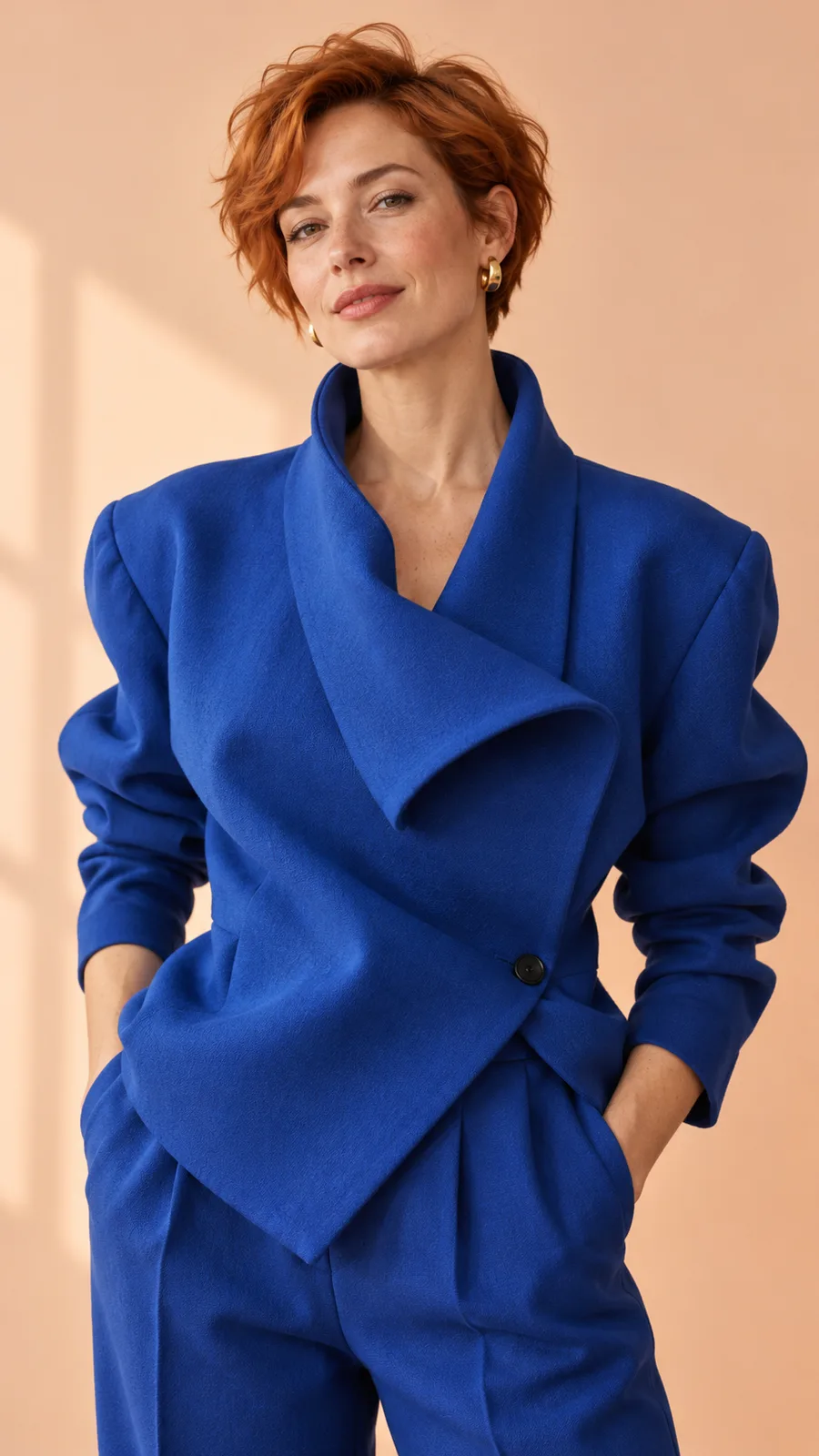
Name the relevant details, such as a sleeve silhouette or the spacing between two lines. Keep the requested change in its own sentence.
Square works for a compact graphic. The 4:3 and 3:4 guides give landscape and portrait alternatives while you assemble the brief.
YVD can prepare and export a MiniMax H3 Image brief. Image generation is currently unavailable here.
MiniMax H3 Image is a still-image model. The MiniMax H3 flow in Vido Grid generates video clips from a prompt or photo.
This editor builds the brief locally. Copy or download the text when it is ready, and keep your reference file for a later render.