01
Fresh product motion
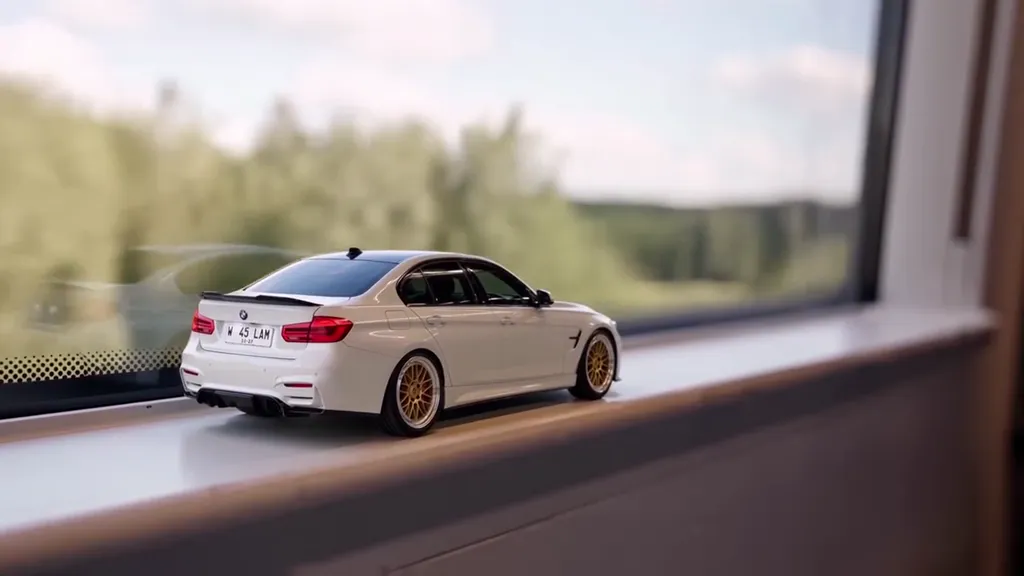
Build a clean product clip around a single reveal.
Start with a shot idea or reference photo. Browse example clips, then set the length, frame and resolution for your own MiniMax H3 video.
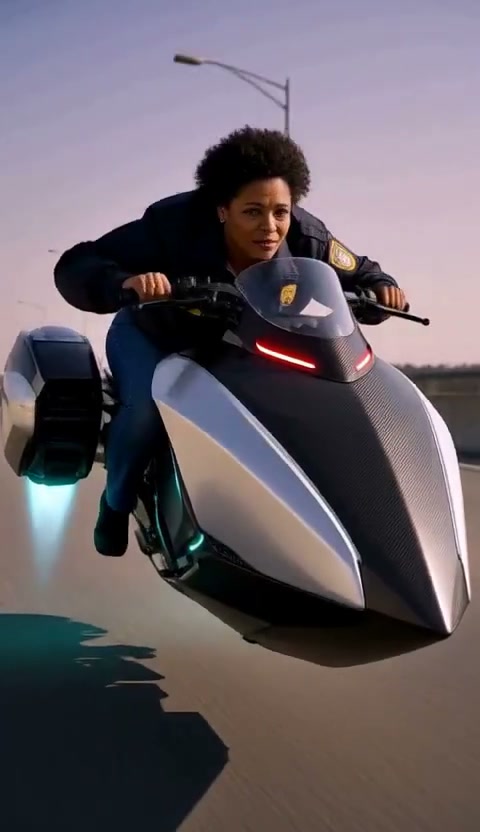
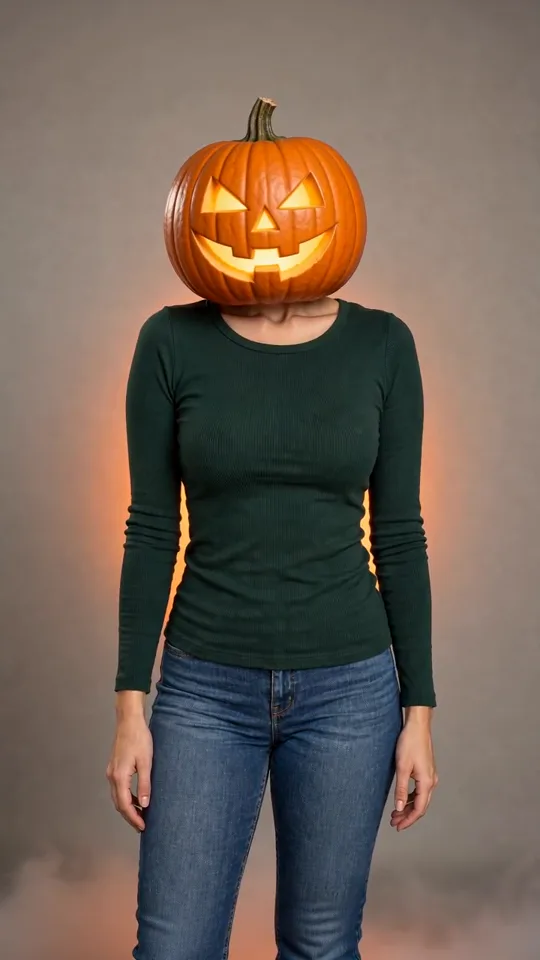
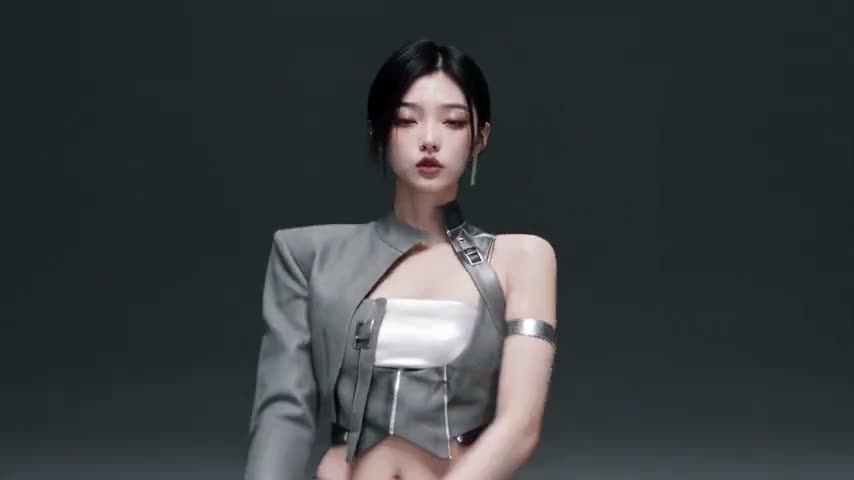
These library clips illustrate framing and motion. Use a scene to load its suggested prompt.
THE SCENE COLLECTION
Start with a shot idea or reference photo. Browse example clips, then set the length, frame and resolution for your own MiniMax H3 video.
Build a clean product clip around a single reveal.
Use one wide camera move to introduce a location.
Keep motion and highlights simple enough to read in a short clip.
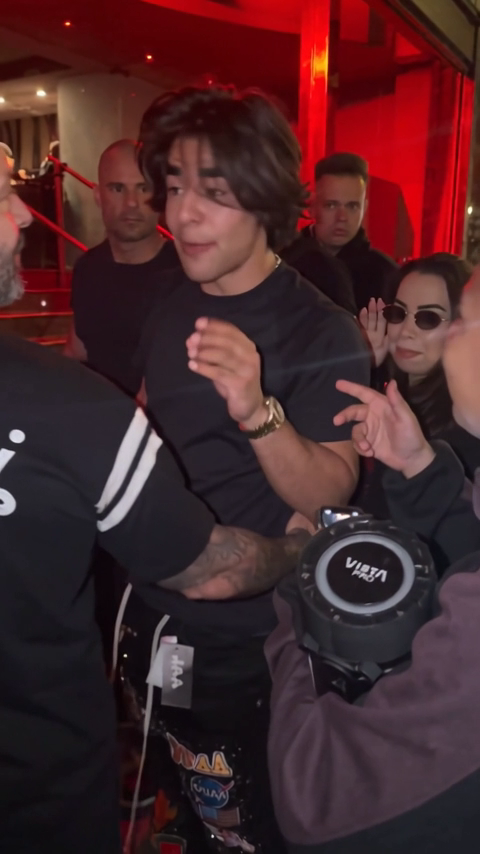
Introduce a street with a steady, readable movement.
Give a simple material one movement in a quiet set.
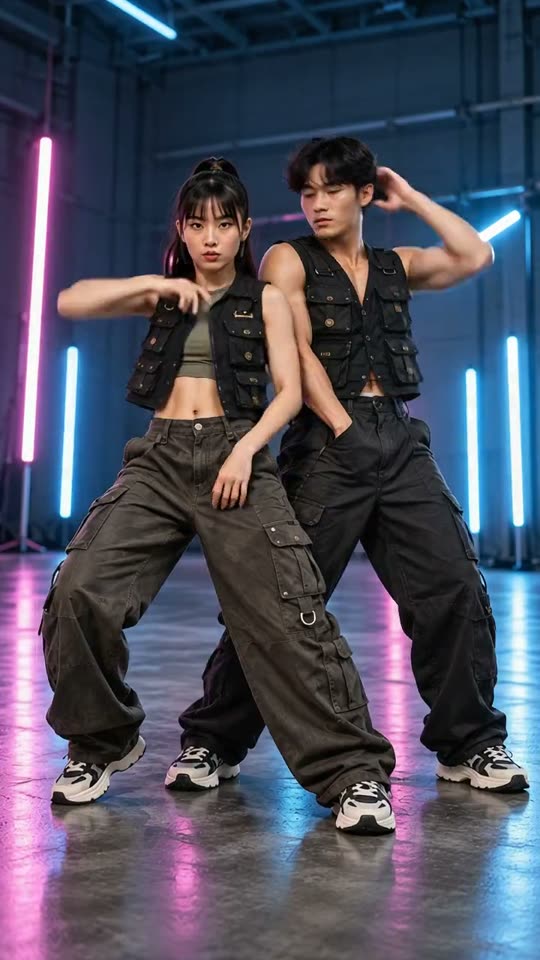
Leave room for the subject to move through the portrait frame.
These library clips illustrate framing and motion. Use a scene to load its suggested prompt.
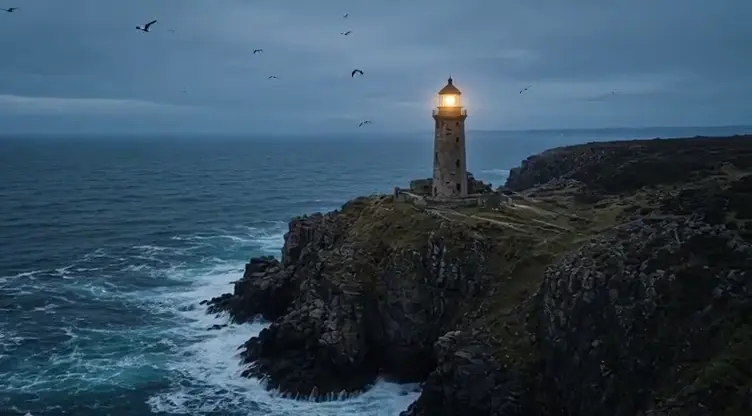 YVD / Vido Grid
BEHIND THE IDEA
Vido Grid pairs an editable brief with a library of short production examples. Start in text mode to choose a landscape, portrait or square composition. For image-to-video, attach an opening frame and an optional ending frame. The images determine the aspect ratio.
CreateDescribe a single movement and where it ends. For a slower reveal, spend the extra seconds on one continuous camera move rather than several unrelated actions.
YOUR NEXT TAKE
Start with a text brief or choose image to video and attach an opening frame.
Set the resolution and length to update the credit quote. Choose the aspect ratio in text mode. In image mode the aspect ratio comes from the frames.
Check the quote in the review panel, then sign in with a verified email. Completed video is available from your creations.
CLEAR BEFORE YOU CREATE
Your quote reflects the selected video length, resolution and audio setting. Check the total before confirming.
MiniMax H3 · 5s
MiniMax H3 · 5s
MiniMax H3 · 5s
MiniMax H3 · 5s
This video editor uses MiniMax H3. For a static image, use one of the linked prompt workbenches to prepare an image brief.
Choose 4–30 whole seconds at 480P, 768P or 1080P. At 2K, choose 4–15 seconds.
Five seconds at 768P starts at 10 YVD credits. Resolution and length affect the total. For 16–30 seconds the full clip receives the long-duration multiplier. Check your quote before submitting.
Attach an opening frame first, then add an optional ending frame. MiniMax H3 receives them as the clip boundaries and derives the aspect ratio from the input images.
The editor tracks the active task. Sign in to the same YVD account to find completed videos in My Creations and download the result.
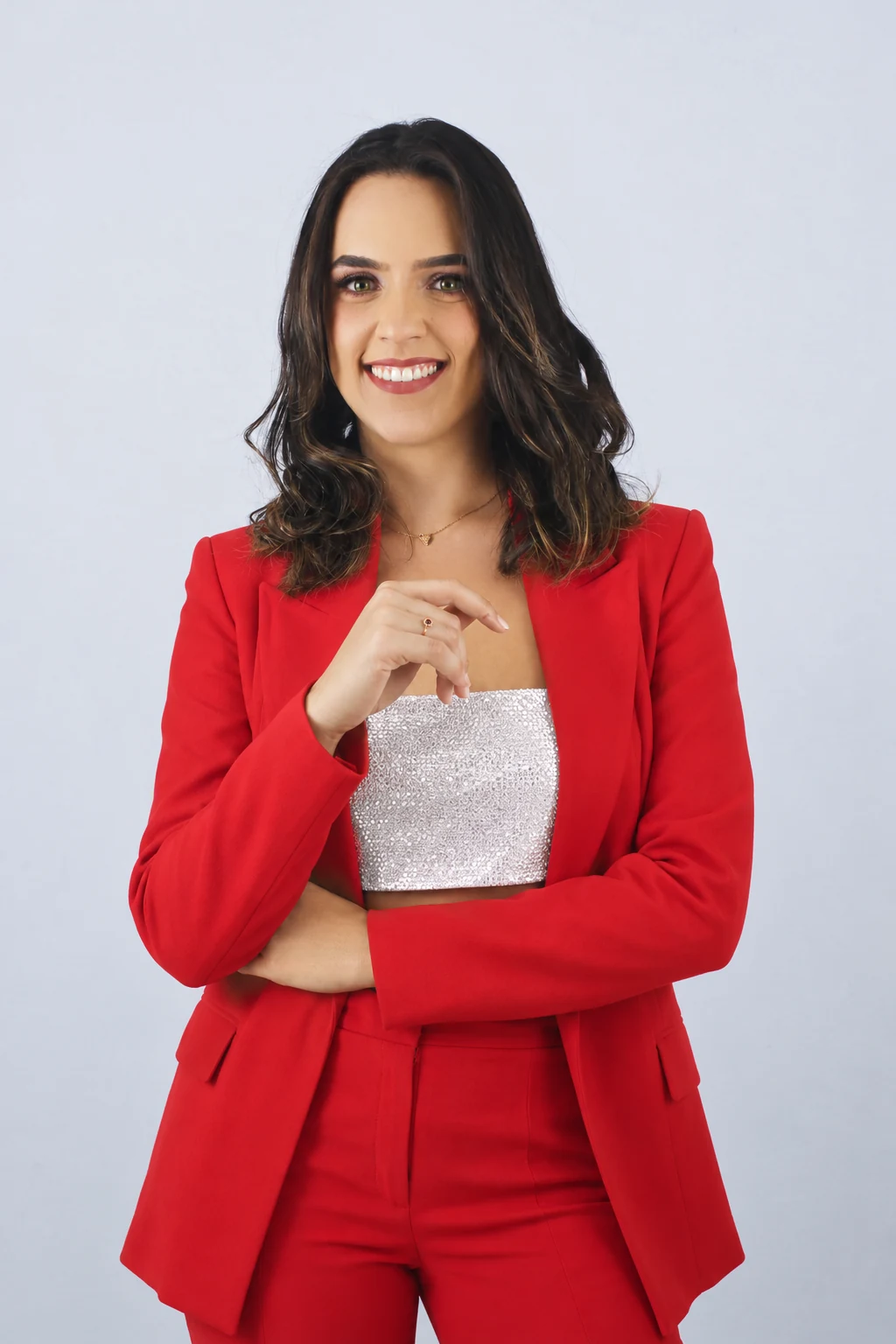
Photos guide the subject’s appearance. AI can change facial details, hands, clothing and backgrounds. Inspect the result before sharing; examples are a style reference.
No. Choosing files and reviewing a brief does not start a task. The confirmation button sends the generation request and uses the credit quote shown.
Sign in to the same YVD account and open My creations. Download files you want to keep. Check YVD’s terms and privacy pages for the service rules.
KEEP EXPLORING
Explore more photo and video scenes in the same YVD studio.