01
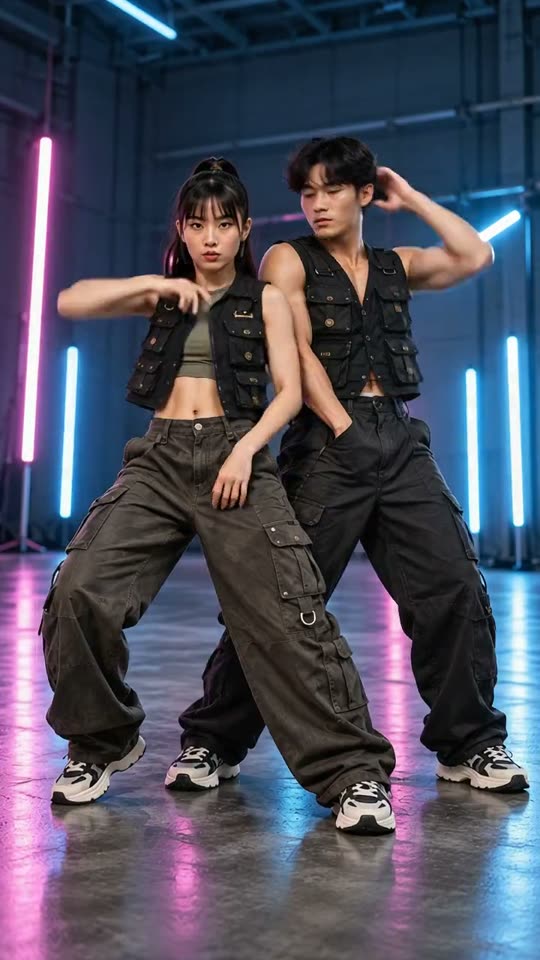
White studio
Clean space. The whole routine in view.
A2O Lite Neon AIYVD STUDIO
Cast two familiar faces in a 15-second dance scene. Choose a setting, add your photos, and give your duo its own entrance.
Sample from the reference site. Your result will vary.
View sample sourceTHE SCENE COLLECTION
Cast two familiar faces in a 15-second dance scene. Choose a setting, add your photos, and give your duo its own entrance.
Clean space. The whole routine in view.
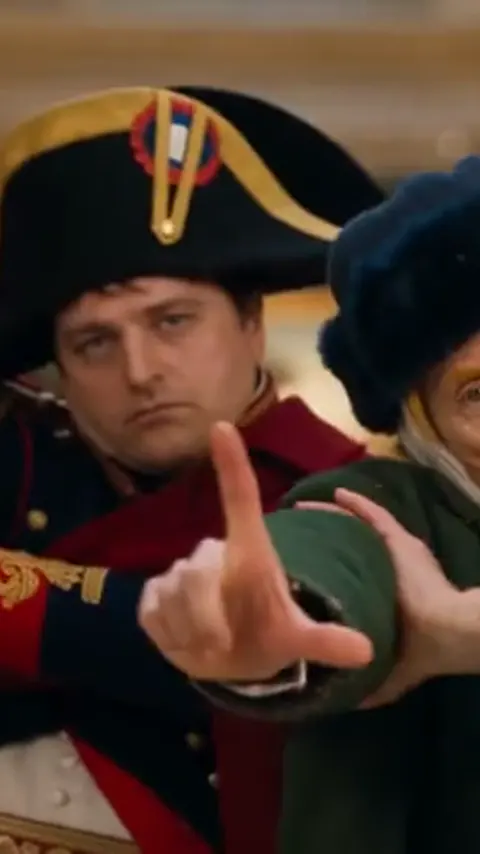
Gold frames meet a very different performance.
 03
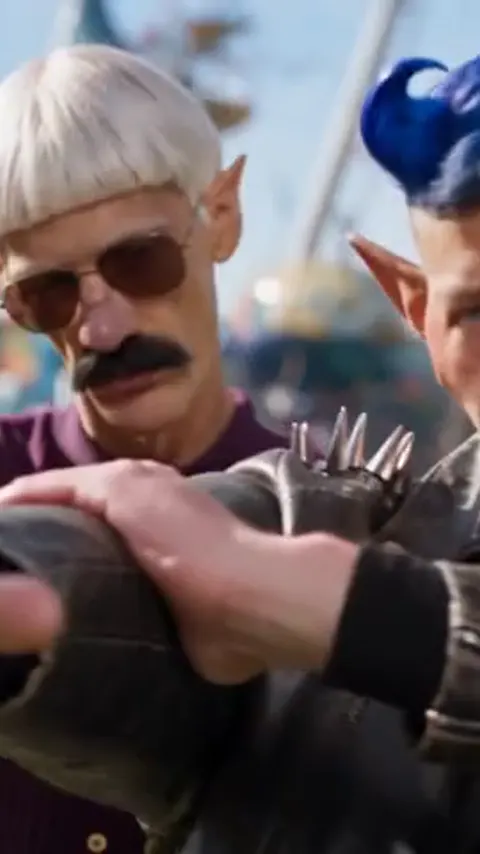
A little surreal, a lot of movement.
Big wigs. A completely straight face.
One portrait is all this take needs.
A stage for your four-legged duo.
Sample from the reference site. Your result will vary. View sample source ↗
 YVD / A2O Lite Neon AI
BEHIND THE IDEA
Separate photos let the first reference guide the left dancer and the second guide the right. If both subjects share one image, choose One photo together. The scene sets the stage; solo and pet presets change the cast, so check the photo slots before continuing.
CreateUse evenly lit photos with shoulders and clothing visible. Leave room around hair and hands. Different camera angles in the two photos can make a coordinated shot harder to keep consistent.
YOUR NEXT TAKE
Add the photos requested by your scene. Check their order and framing.
Choose your scene or adjustment settings. For AI generation, review the total credit quote before confirming.
Inspect the finished details and download the version you want to keep.
CLEAR BEFORE YOU CREATE
Your quote reflects the selected video length, resolution and audio setting. Check the total before confirming.
Seedance 2.0 Face · 15s
Seedance 2.0 Face · 15s
The scene directs a new AI performance. It does not include a licensed NEON recording or promise frame-for-frame choreography. Add music you have permission to use in your editor.
Photos guide the subject’s appearance. AI can change facial details, hands, clothing and backgrounds. Inspect the result before sharing; examples are a style reference.
No. Choosing files and reviewing a brief does not start a task. The confirmation button sends the generation request and uses the credit quote shown.
Sign in to the same YVD account and open My creations. Download files you want to keep. Check YVD’s terms and privacy pages for the service rules.
KEEP EXPLORING
Explore more photo and video scenes in the same YVD studio.
 Dame Hombro AI
 Neon Dance AI
 AI Clothes Changer
 Bby Wow AI
 Crazy Frog AI
 PumpkinMorph
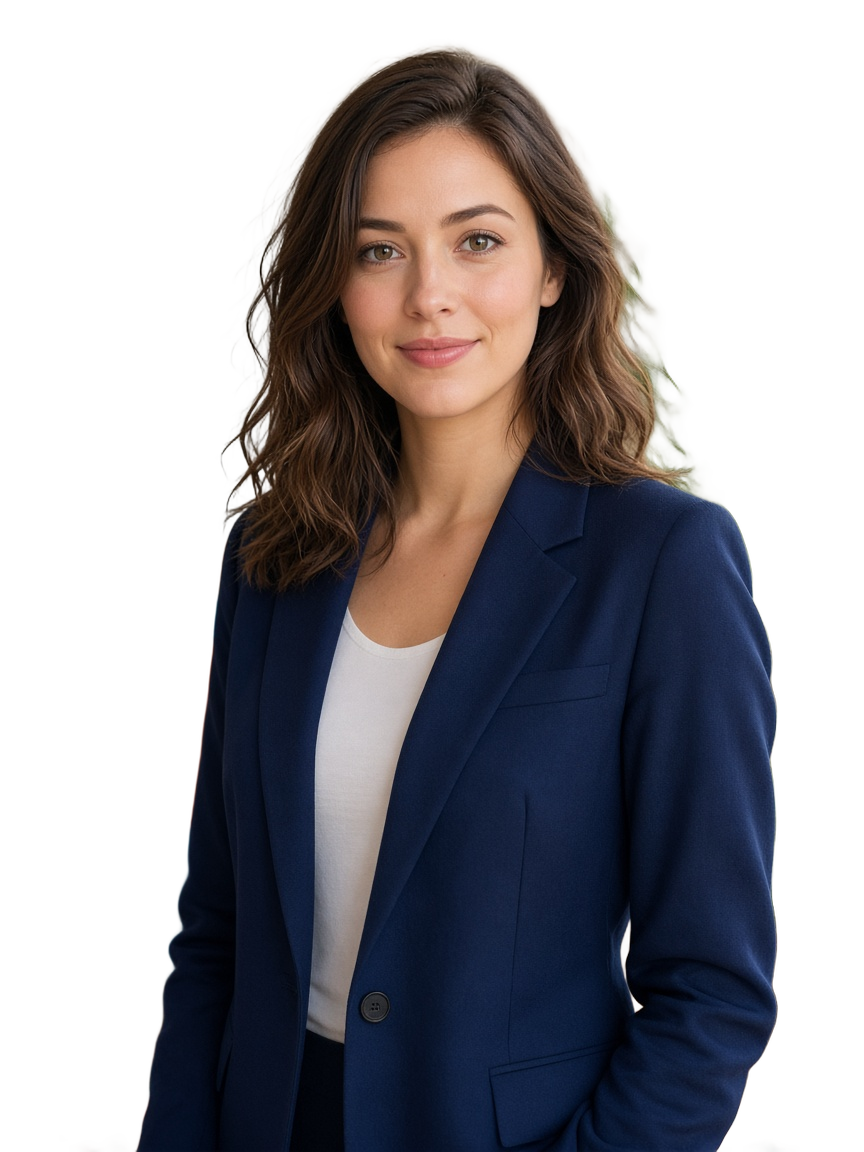 Make PNG BG
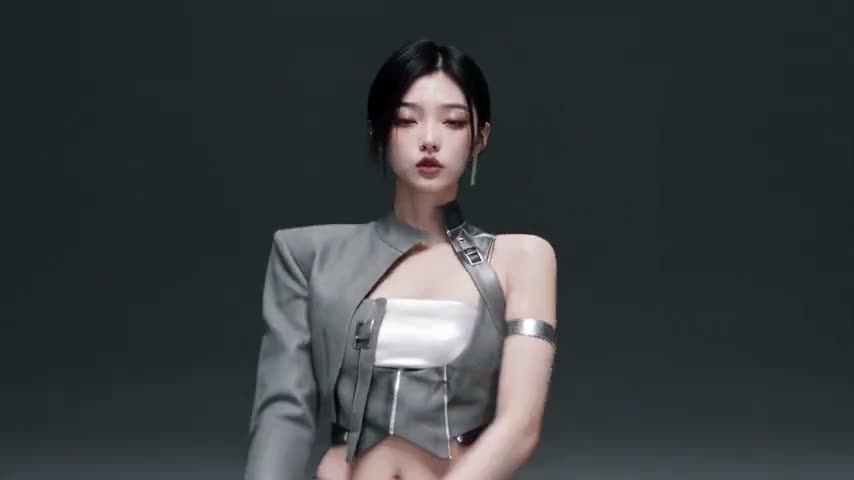 KDA Firestarter AI
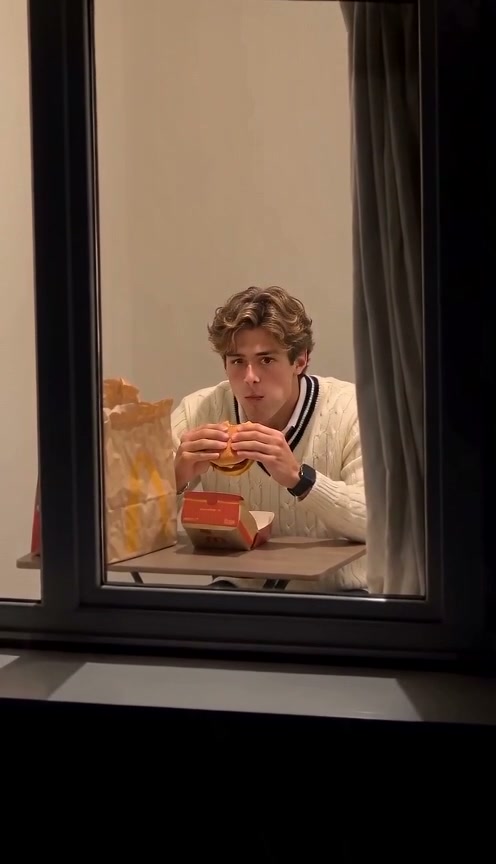 Window Peeper AI
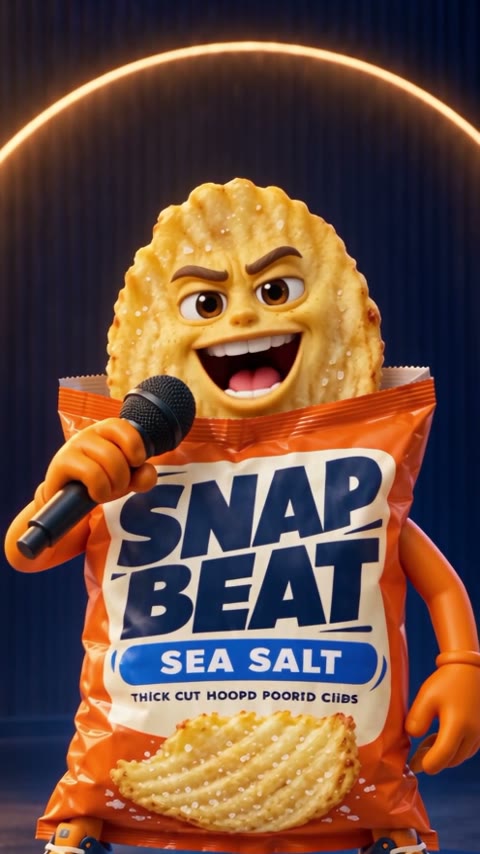 RapAd Studio
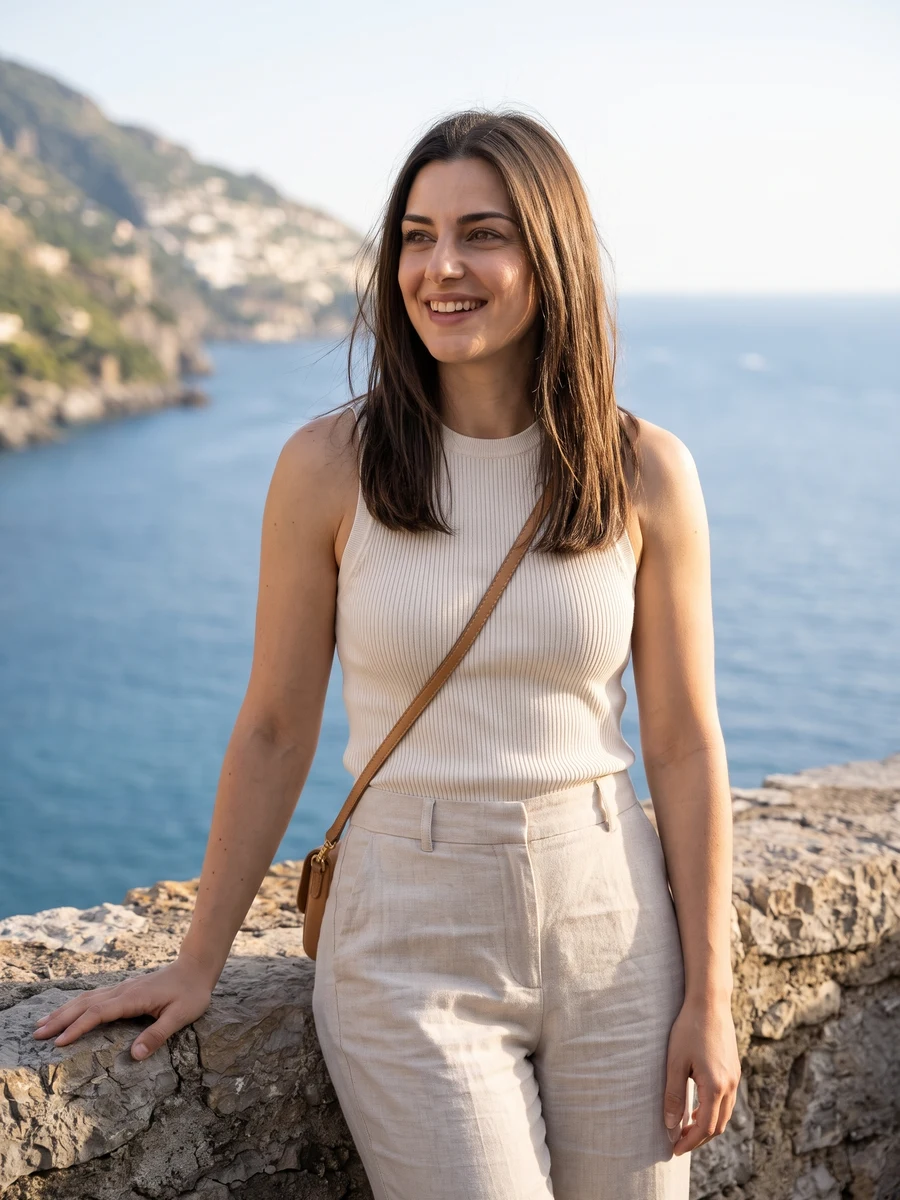 Heretake AI Photoshoot
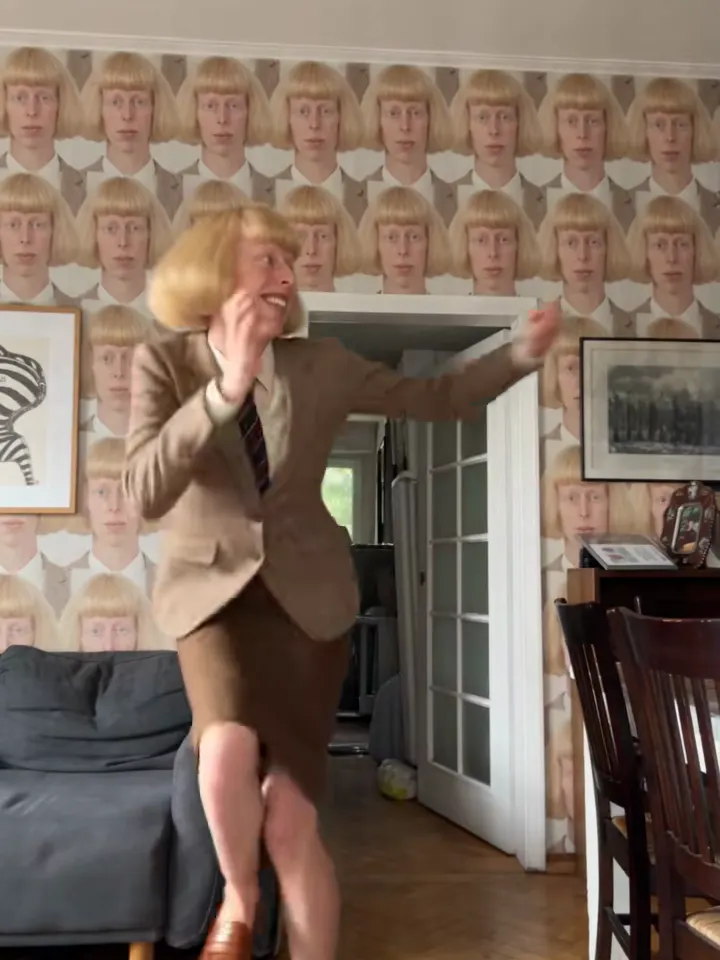 Toc Toc Dance AI
 Halloween AI
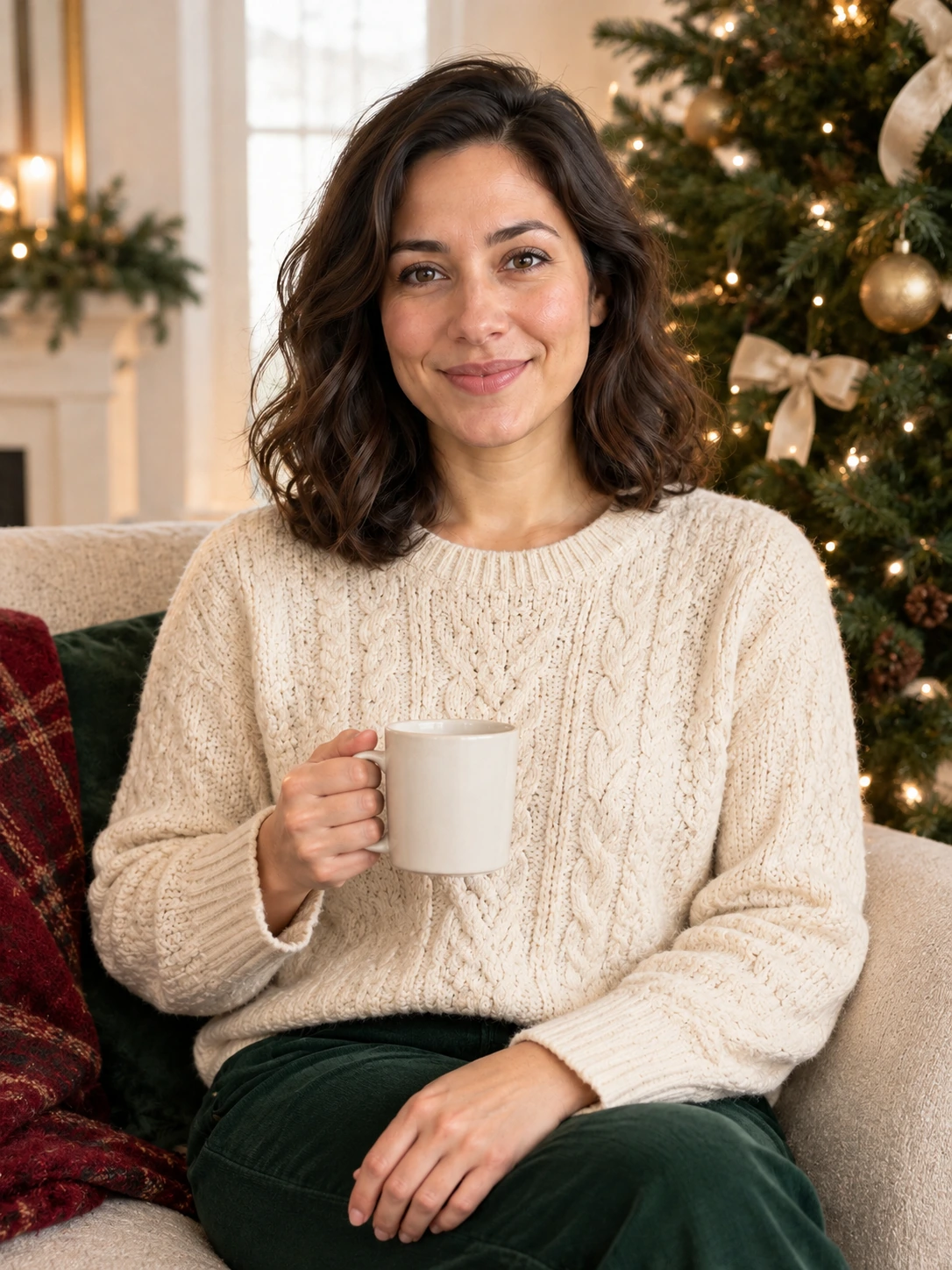 Christmas AI
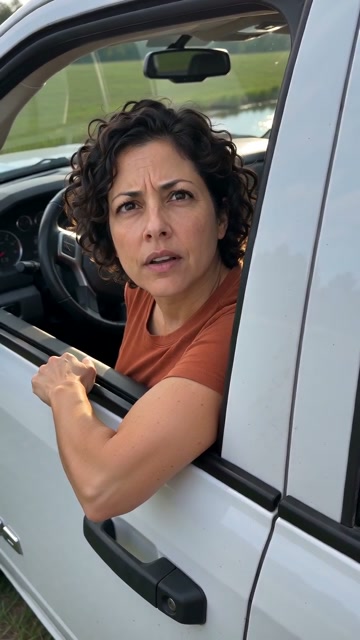 Hit the Road Dude AI
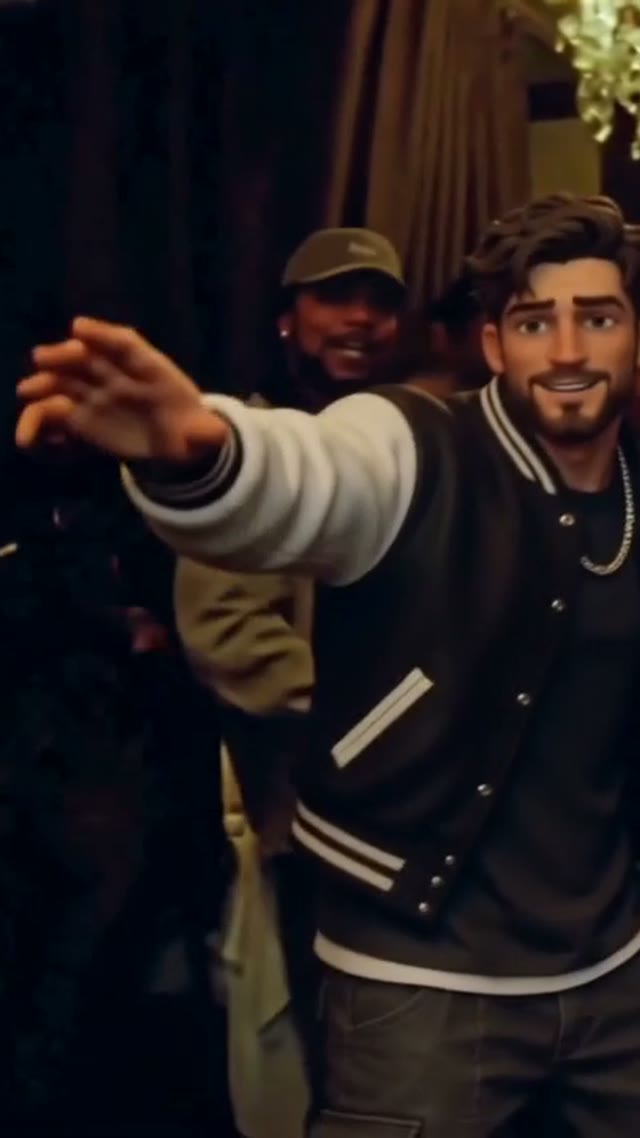 AI Rap Video
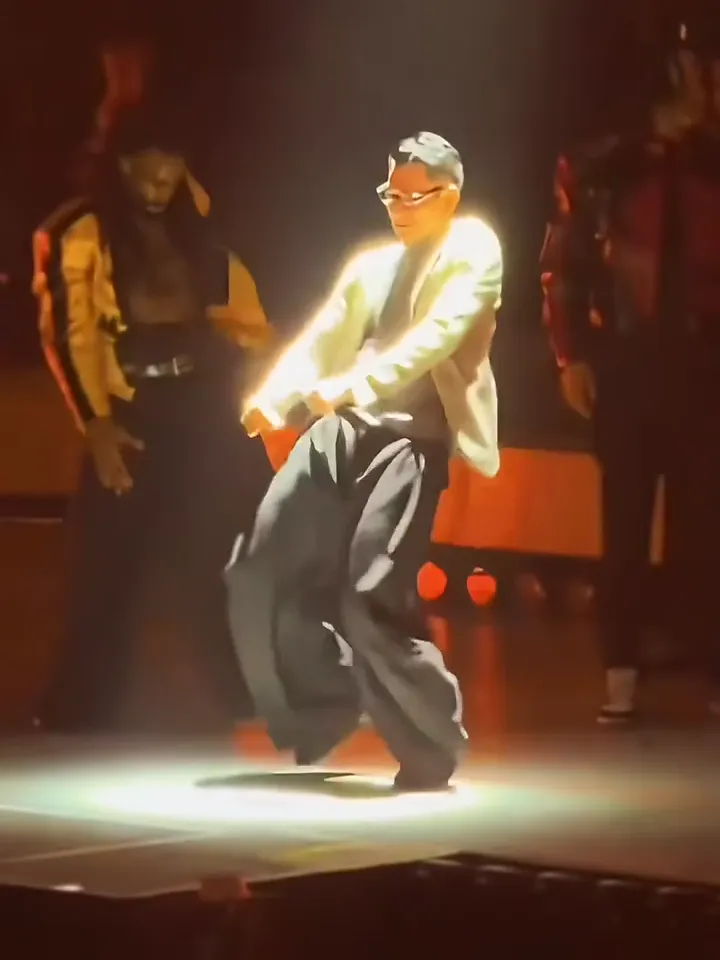 Talk Dirty AI Dance
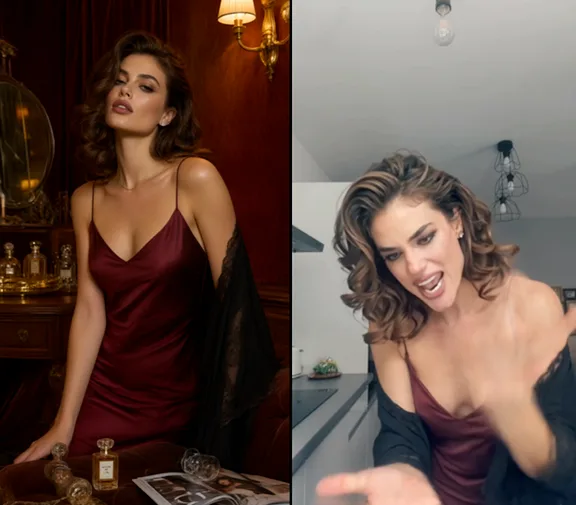 Angry Dance Filter
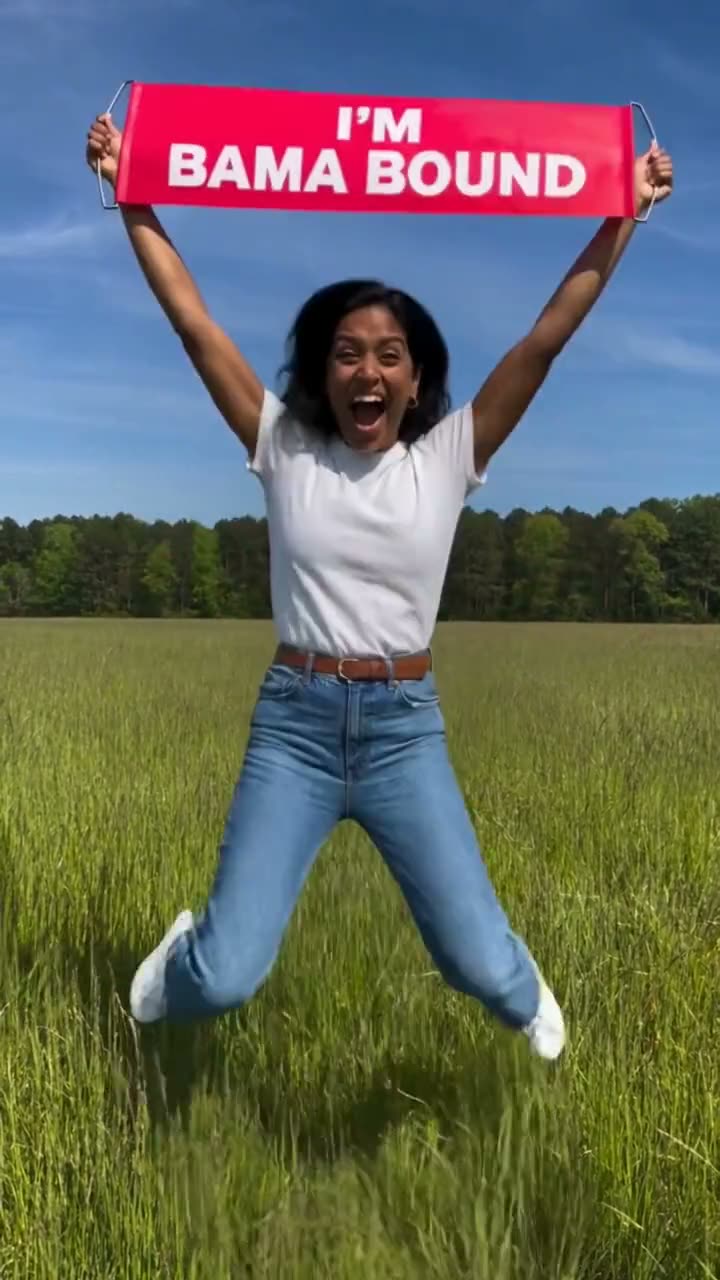 Bama Bound AI
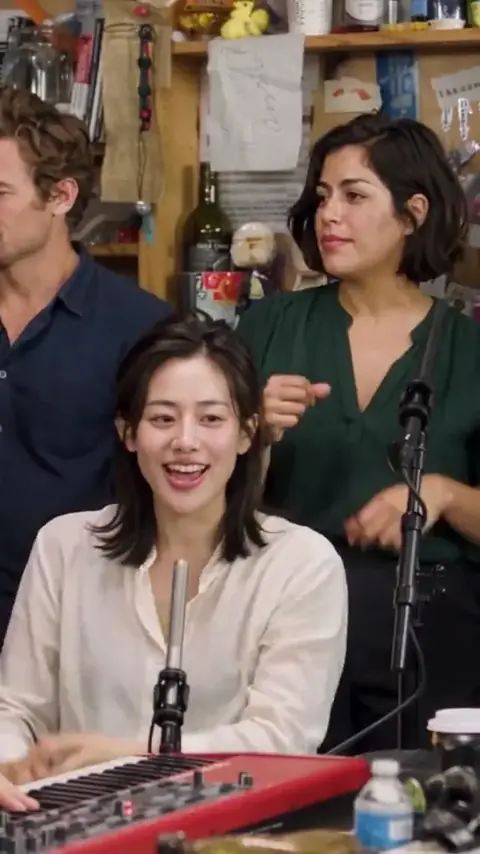 Tiny Desk Outstanding AI
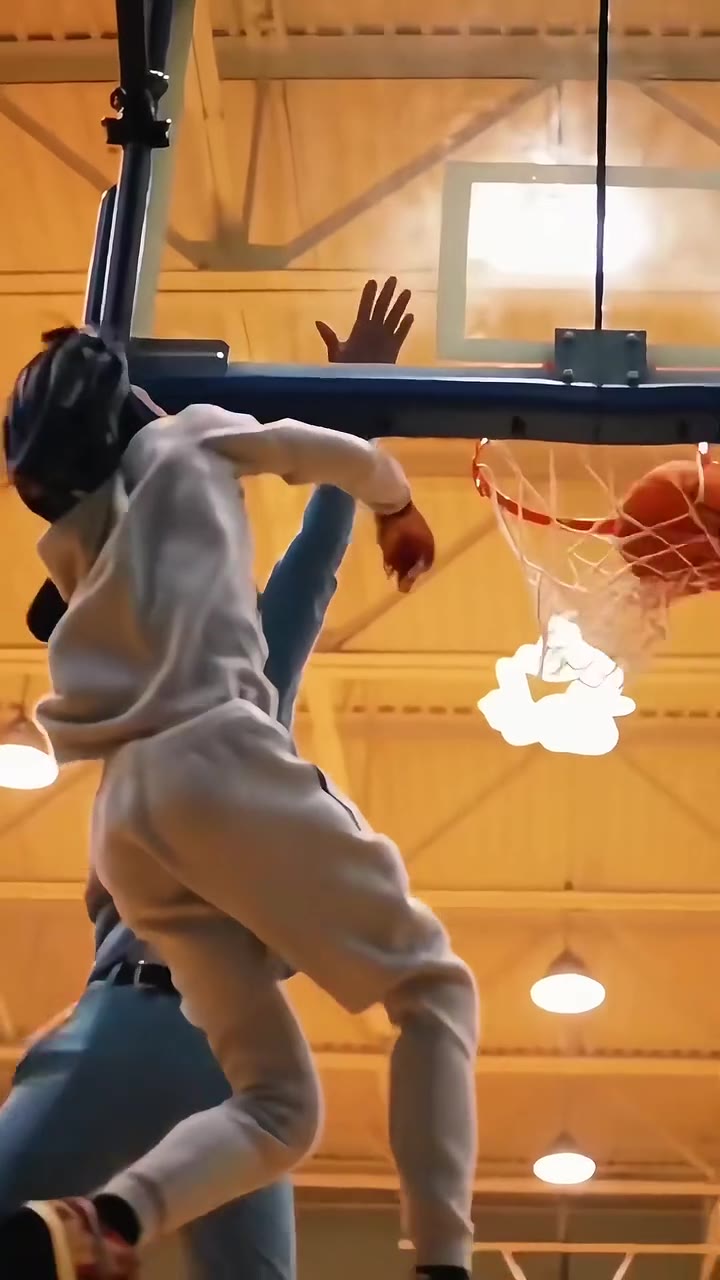 Basketball Dunk AI
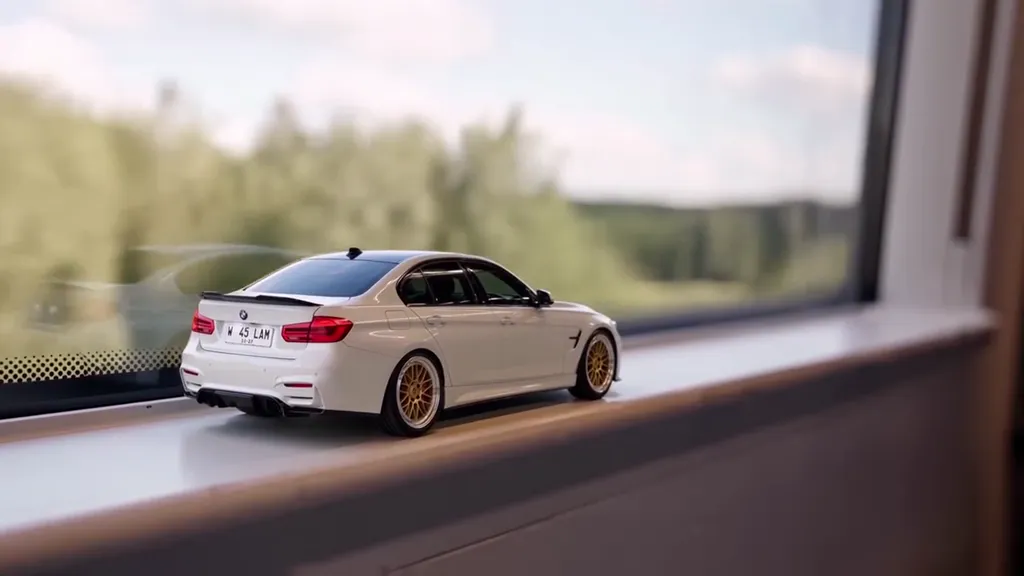 Toy Car to Real Car AI
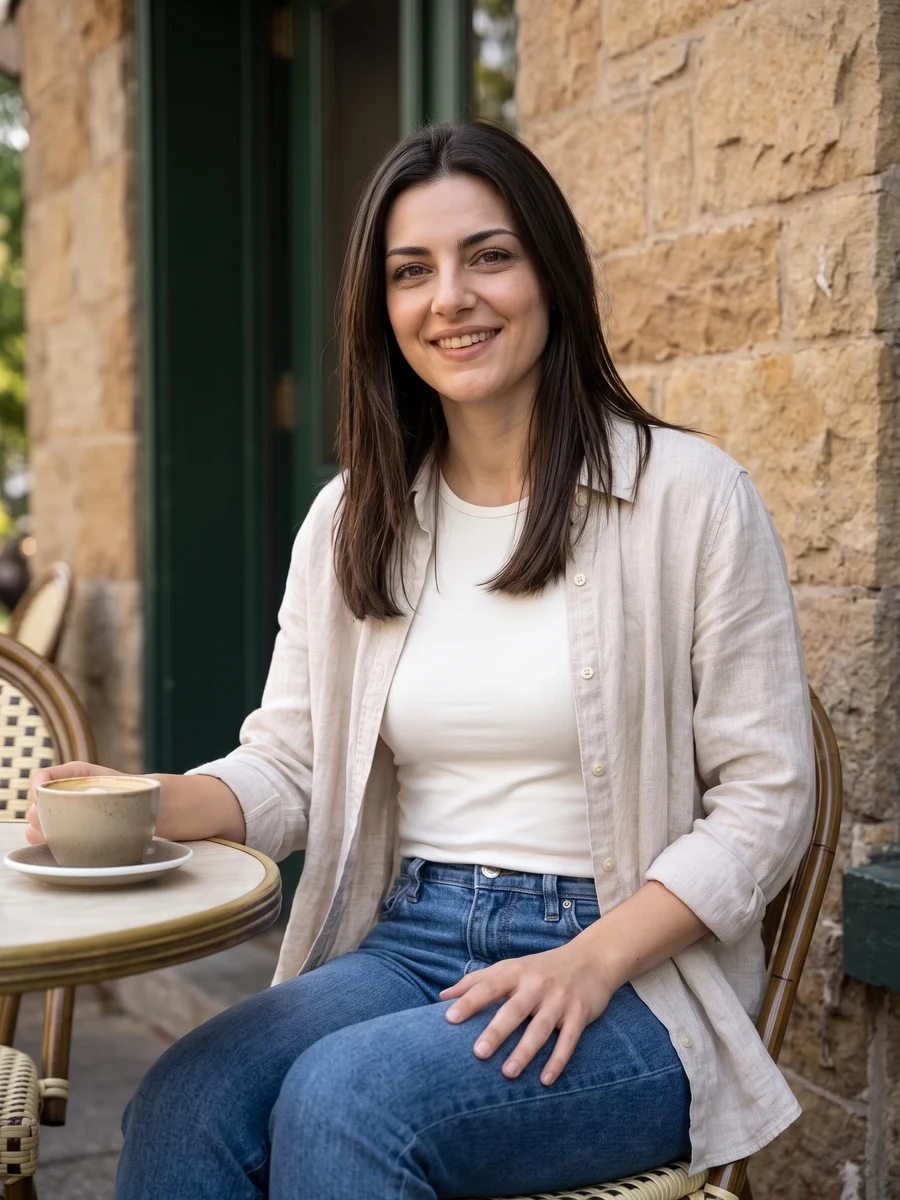 Lifestyle Portraits
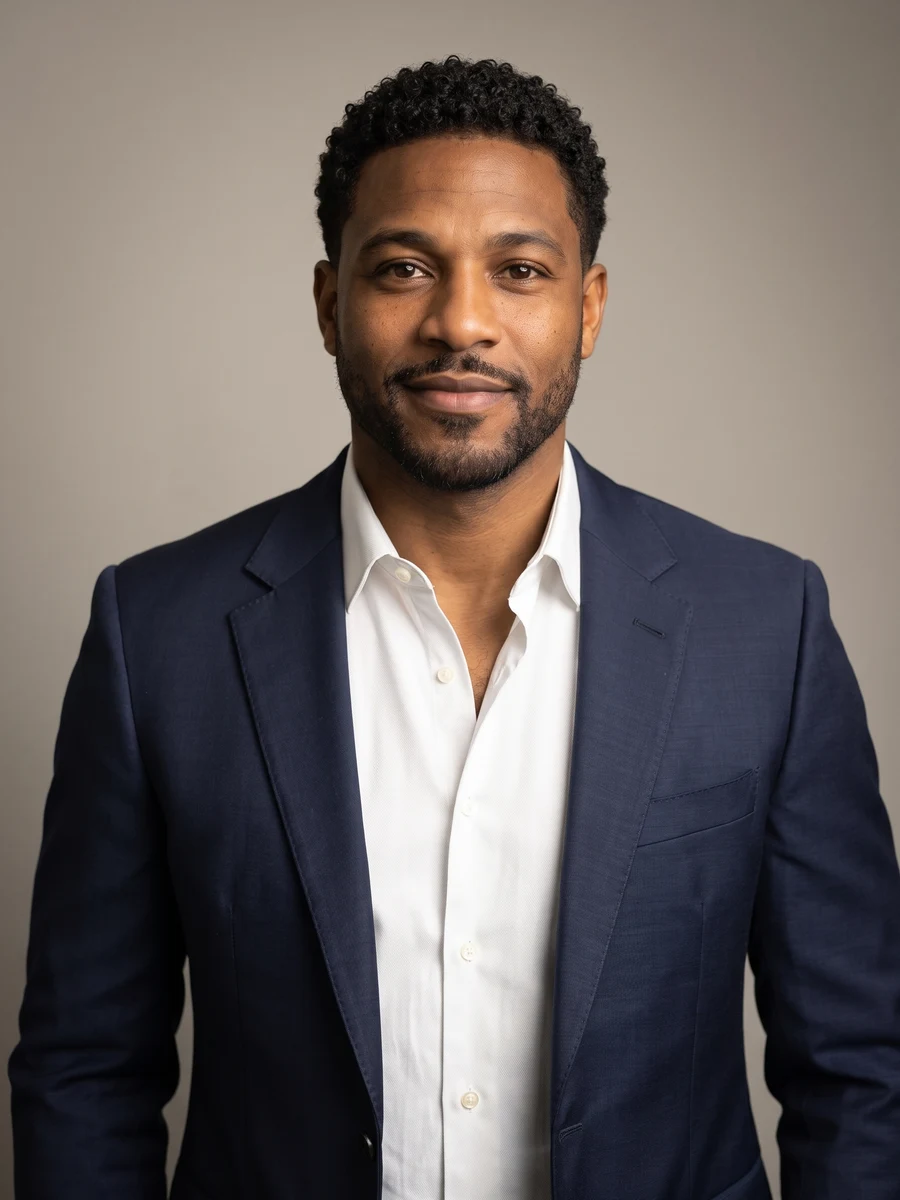 Professional Headshots
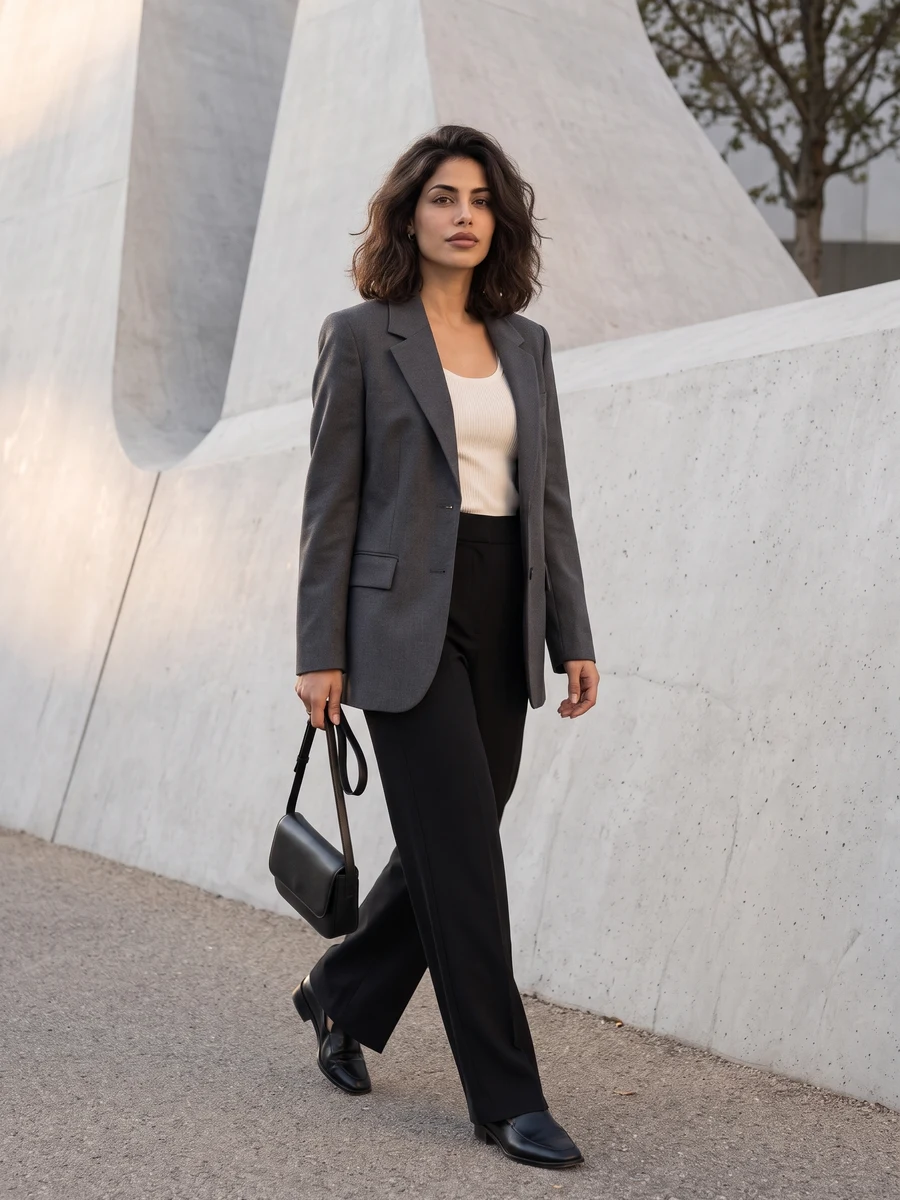 City Editorial Portraits
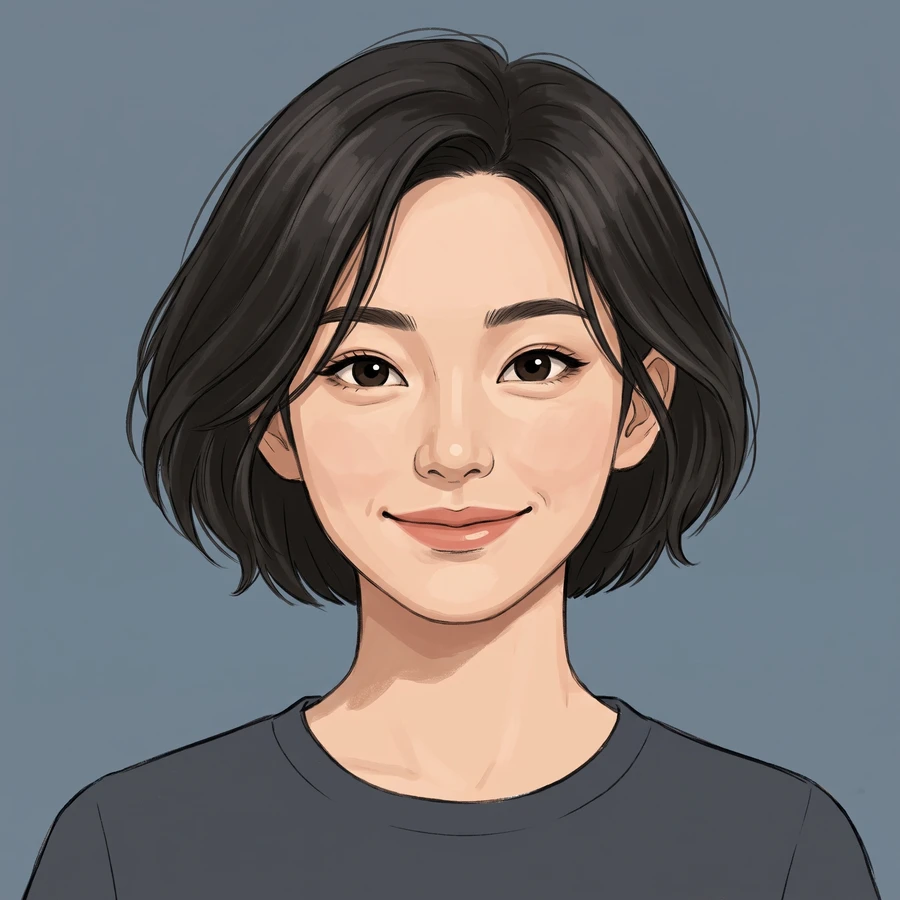 AI Illustrated Avatars
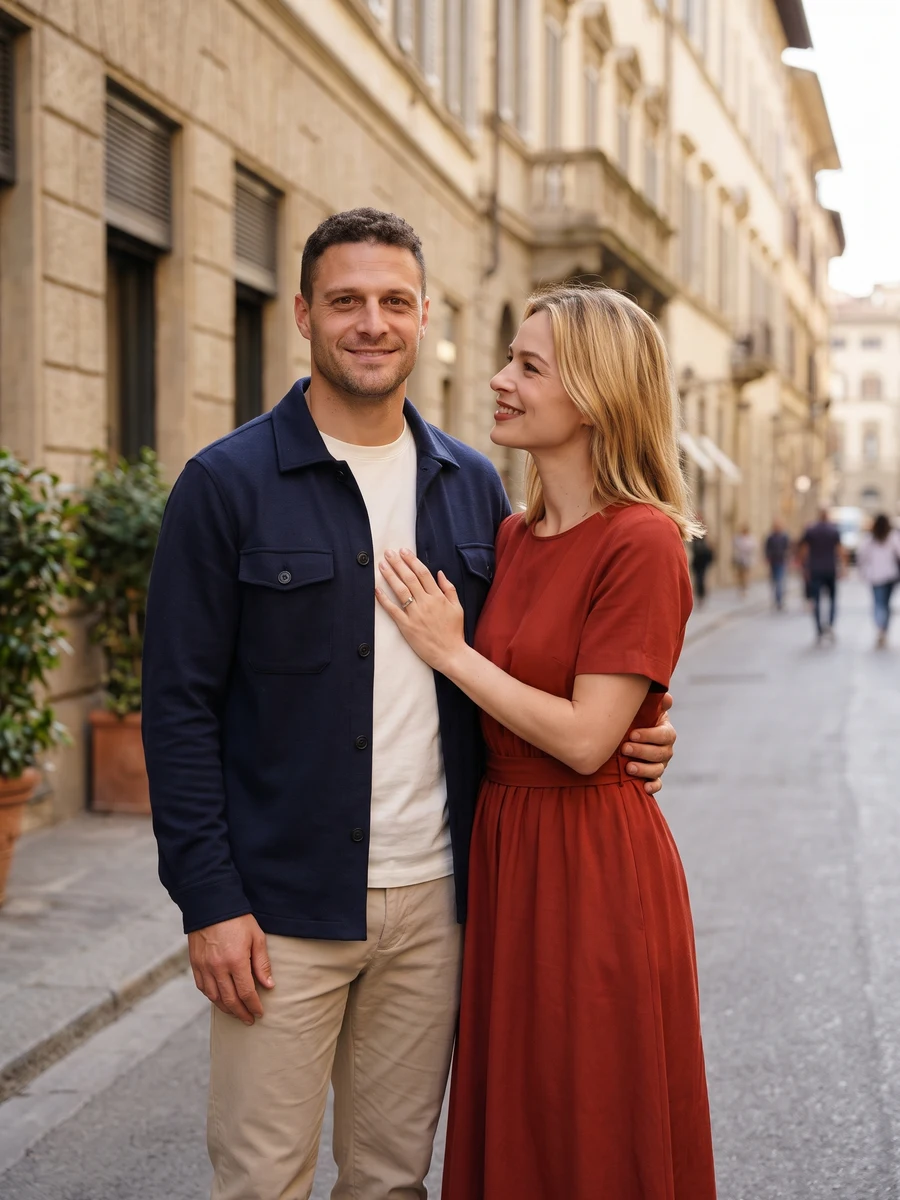 AI Couple Portraits
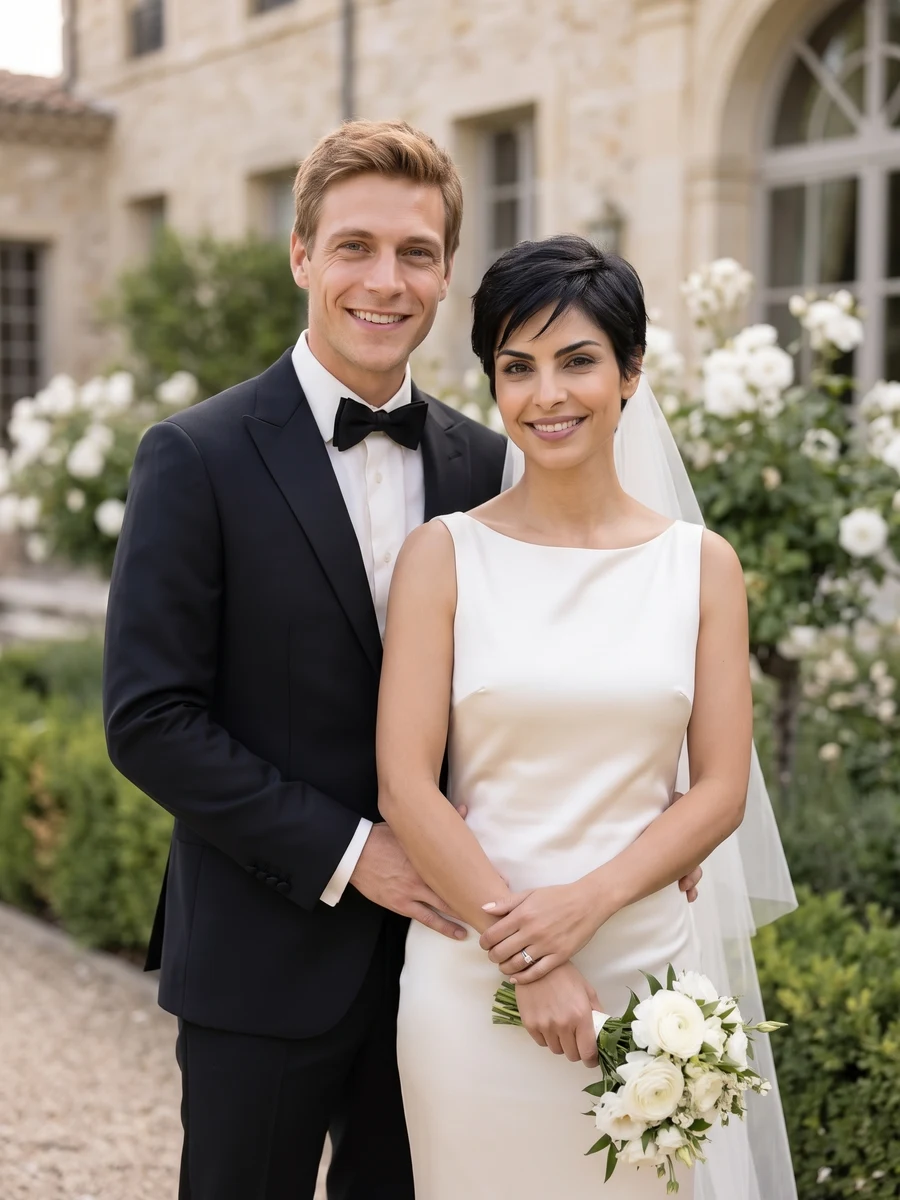 AI Wedding Portraits
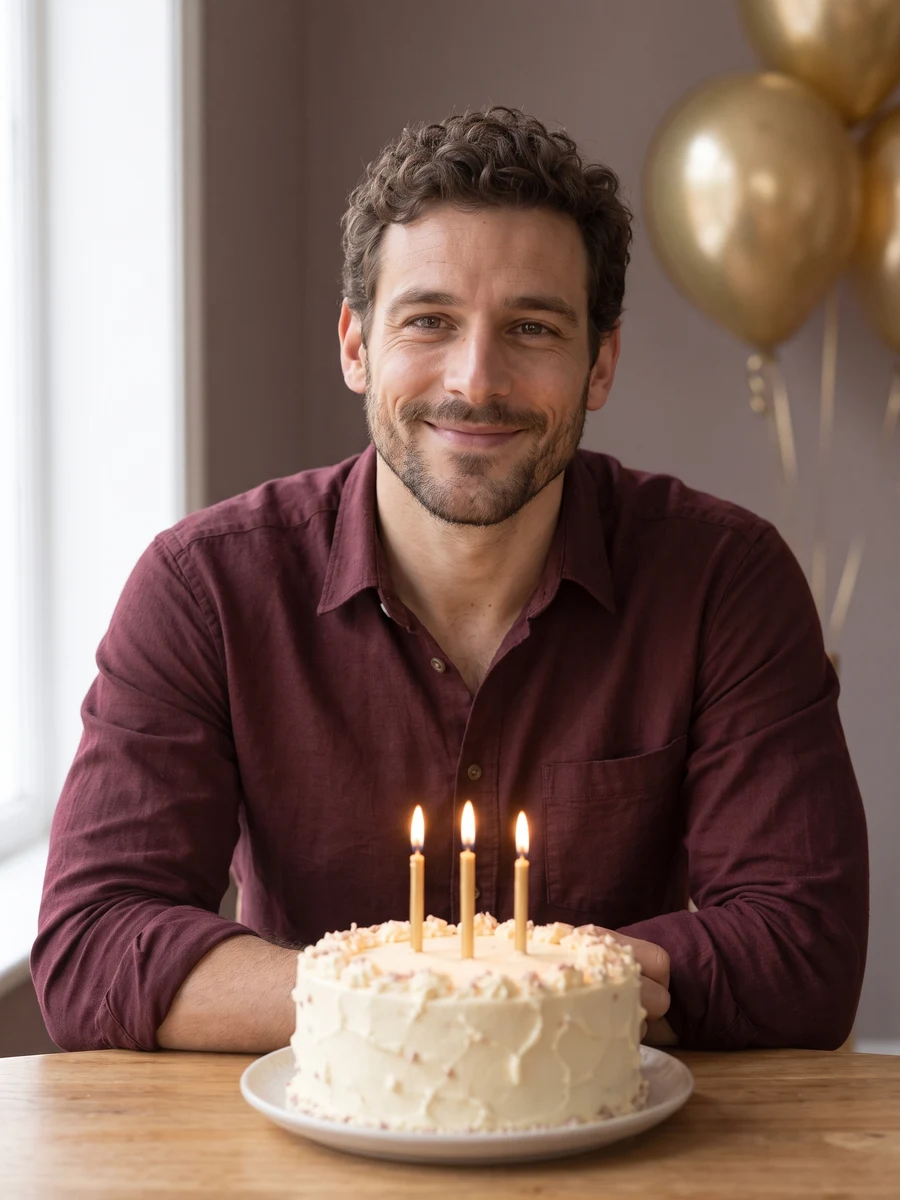 AI Birthday Photoshoot
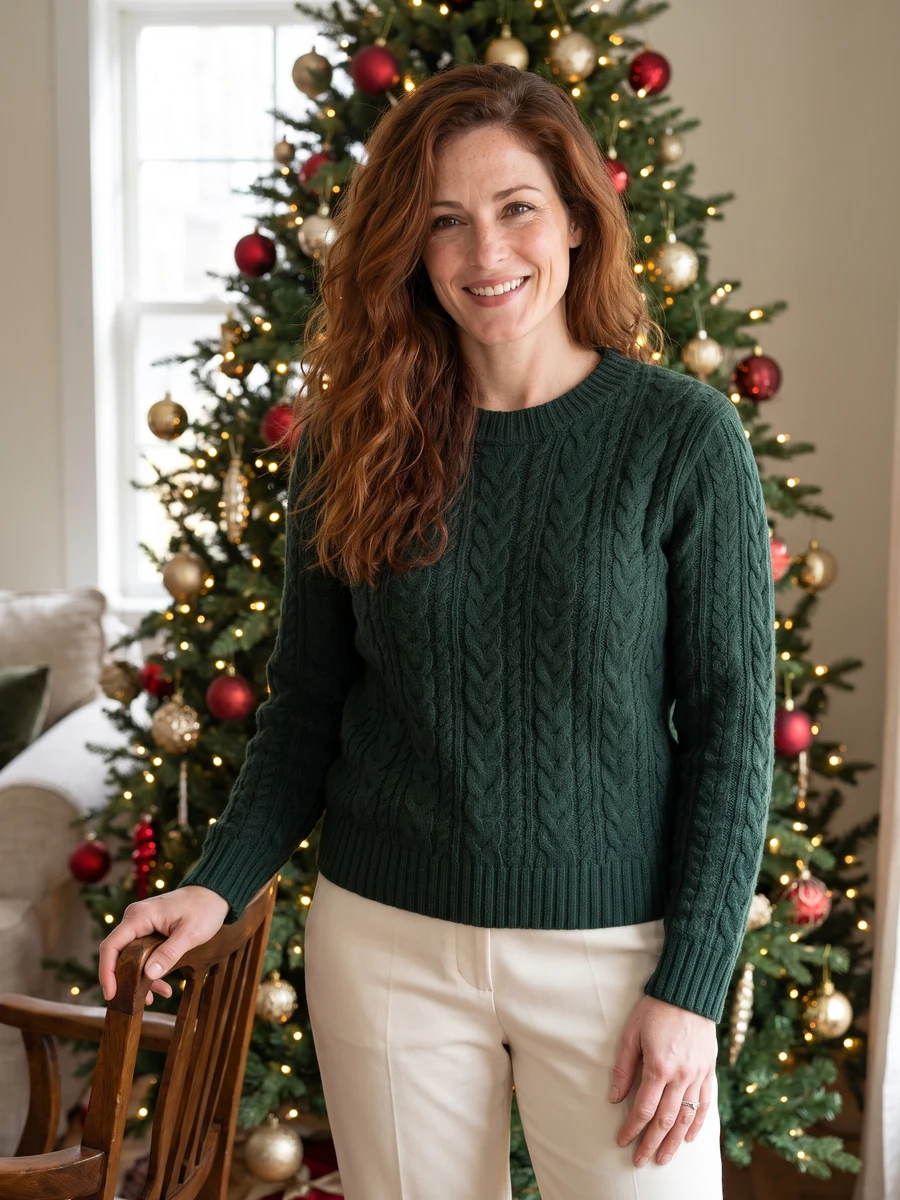 Christmas PhotoshootAI Portrait Studio