01
Pickup conversation
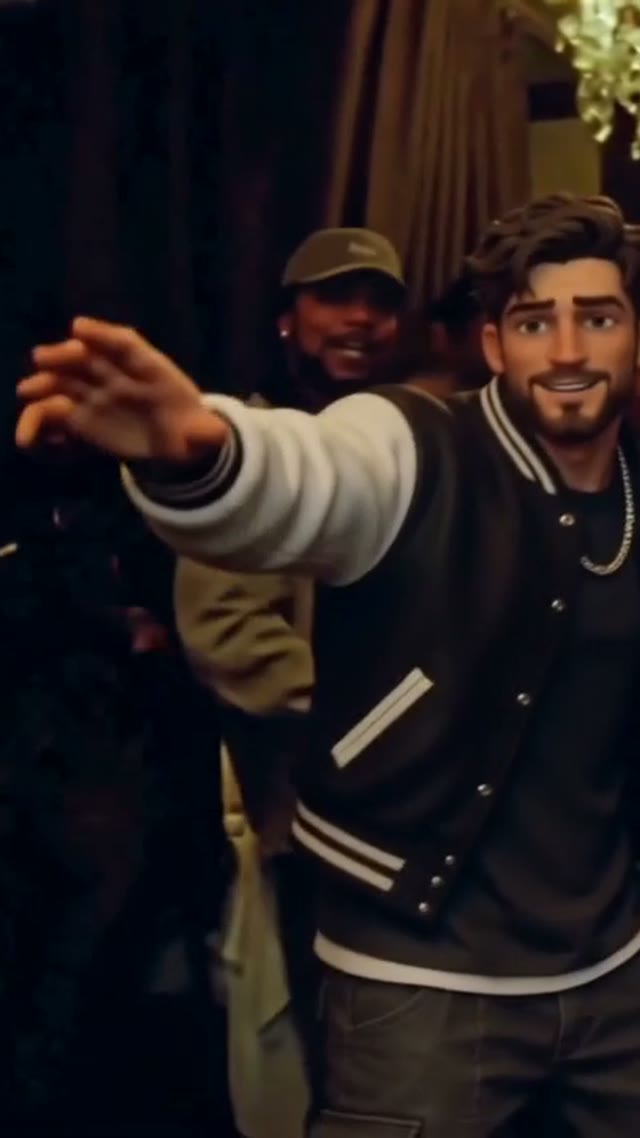
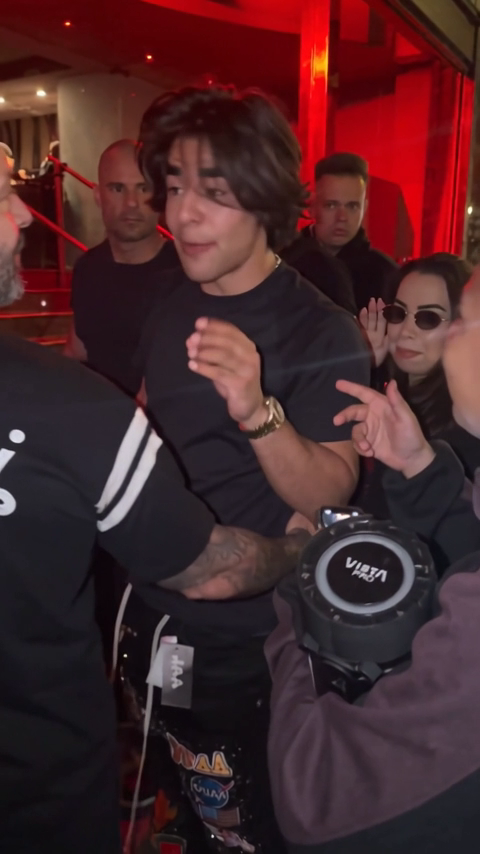
A person, a parked truck and the final stare.
Hit the Road Dude AIYVD STUDIO
Put a person or pet in a 15-second pickup or toy-car comedy. Choose the lead, review the scene and check your YVD credit quote.
 Your portrait
Sample from the reference site. Your result will vary.
View sample sourceTHE SCENE COLLECTION
Put a person or pet in a 15-second pickup or toy-car comedy. Choose the lead, review the scene and check your YVD credit quote.
A person, a parked truck and the final stare.
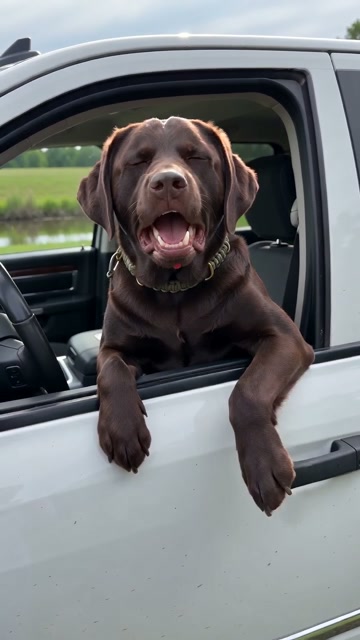
A deadpan pet-led reaction.
The same attitude at a smaller scale.
A toy-car scene with your pet.
Sample from the reference site. Your result will vary. View sample source ↗
 YVD / Hit the Road Dude AI
BEHIND THE IDEA
The joke lives in the pause: a puzzled look, a wave and a final stare beside a parked vehicle. Pick a white-pickup conversation or a smaller toy-car setting, with person and pet examples to compare. The preset supplies the visual direction for a new clip. Generated words, gestures and sound can differ from the reference performance.
CreateUse one clear subject. For pets, show the ears and distinctive markings. Watch the whole clip with sound before sharing, especially the last expression and any spoken words.
YOUR NEXT TAKE
Add the photos requested by your scene. Check their order and framing.
Choose your scene or adjustment settings. For AI generation, review the total credit quote before confirming.
Inspect the finished details and download the version you want to keep.
CLEAR BEFORE YOU CREATE
Your quote reflects the selected video length, resolution and audio setting. Check the total before confirming.
Seedance 2.0 Face · 15s
Seedance 2.0 Face · 15s
The audio setting requests new model-generated sound. It does not copy a recording or clone the source voice. You can leave audio off or add a track you are allowed to use in your own editor.
Photos guide the subject’s appearance. AI can change facial details, hands, clothing and backgrounds. Inspect the result before sharing; examples are a style reference.
No. Choosing files and reviewing a brief does not start a task. The confirmation button sends the generation request and uses the credit quote shown.
Sign in to the same YVD account and open My creations. Download files you want to keep. Check YVD’s terms and privacy pages for the service rules.
KEEP EXPLORING
Explore more photo and video scenes in the same YVD studio.