01
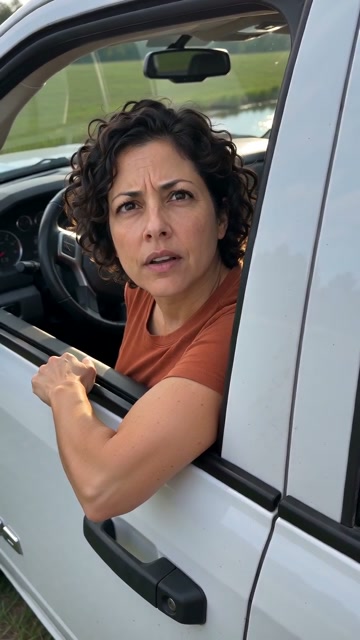
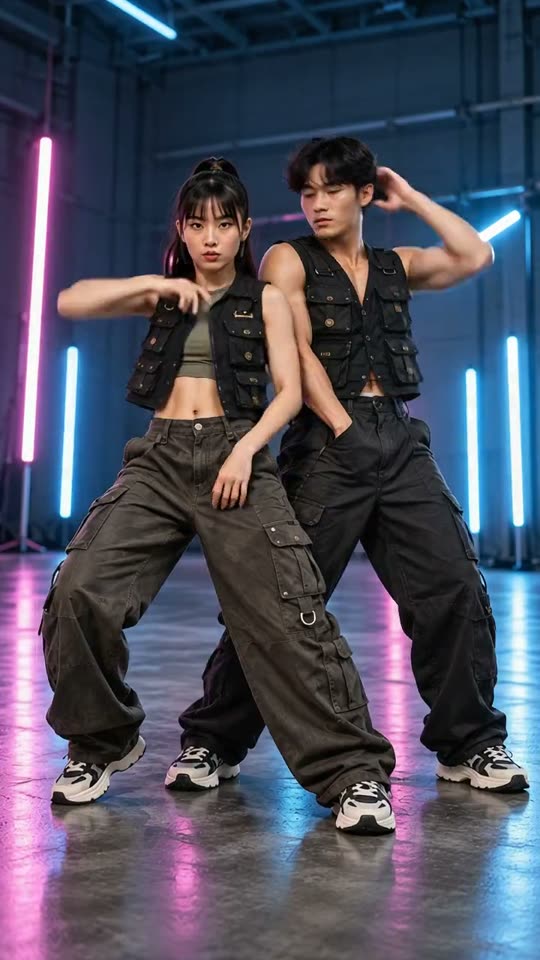
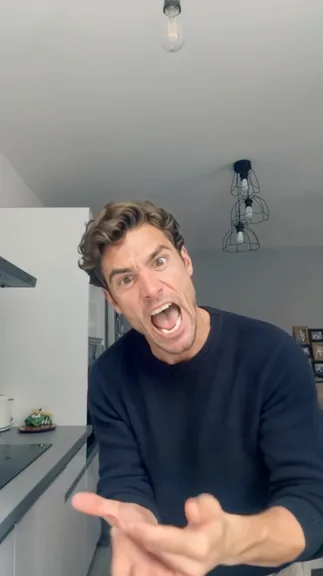
Deadpan stomp
Sharp steps and an exaggerated serious face.
Angry Dance FilterYVD STUDIO
Turn one clear photo into a 15-second angry-dance concept. Try sharp steps, broad arm accents and a deliberately deadpan finish.
Sample from the reference site. Your result will vary.
View sample sourceTHE SCENE COLLECTION
Turn one clear photo into a 15-second angry-dance concept. Try sharp steps, broad arm accents and a deliberately deadpan finish.
Sharp steps and an exaggerated serious face.
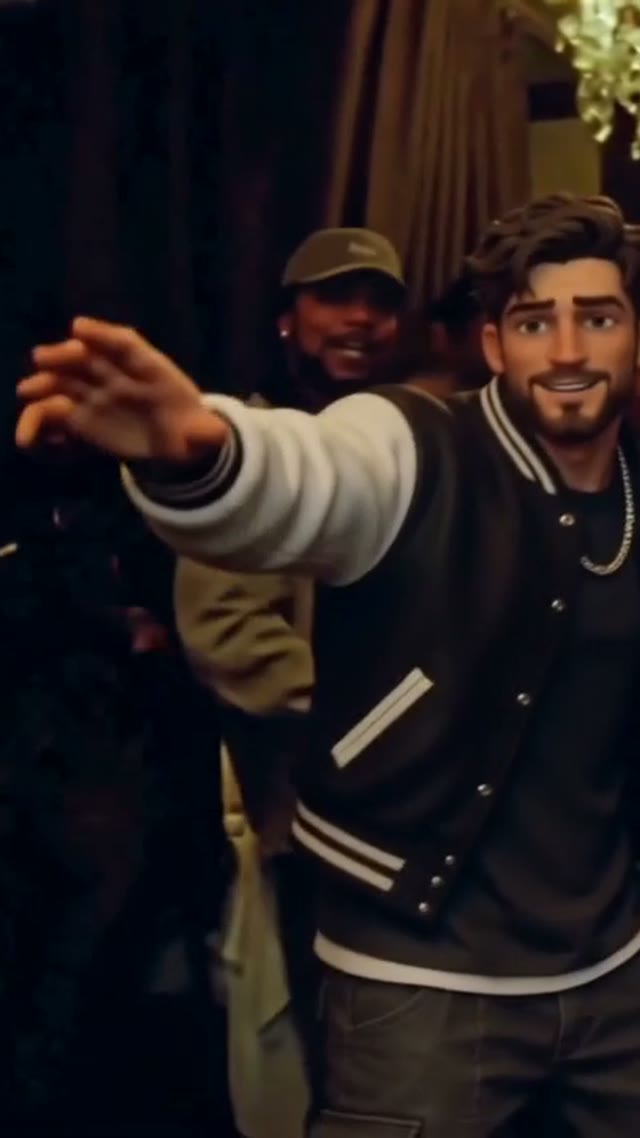
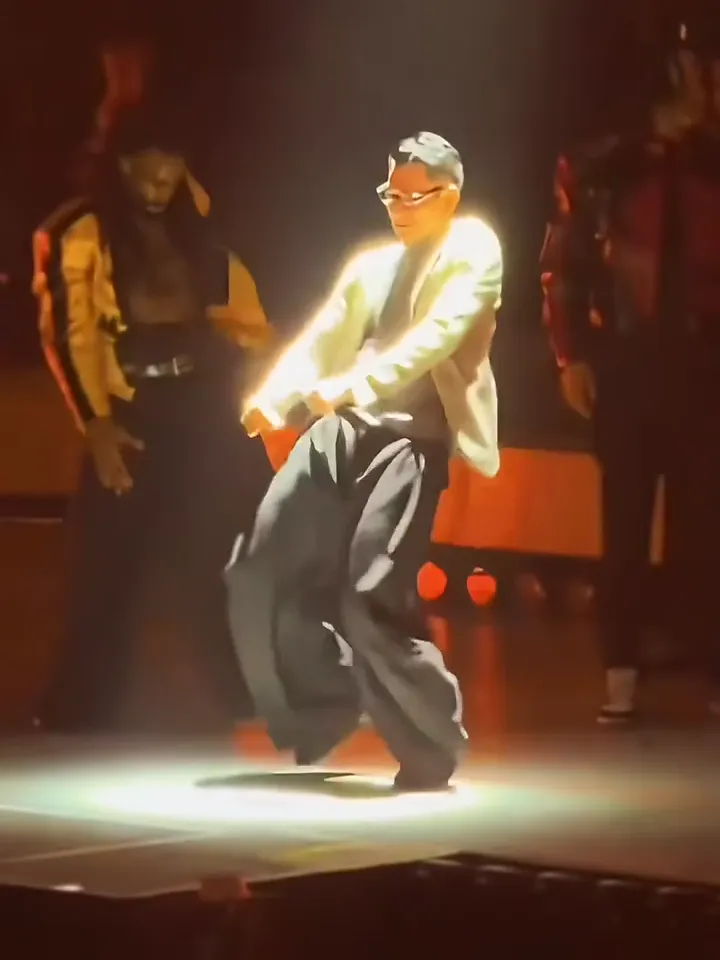
A different reference performance.
Sample from the reference site. Your result will vary. View sample source ↗
 YVD / Angry Dance Filter
BEHIND THE IDEA
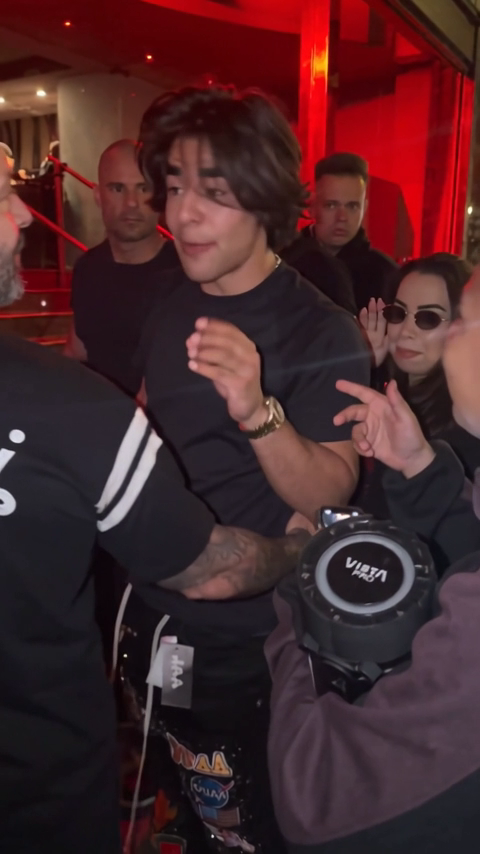
This routine gets its humor from the mismatch between an unsmiling face and exaggerated movement. Two references show different takes on the idea. Choose a direction and the preset describes an original sequence of stomps, shoulder accents and a held final pose. You can adjust the format and request new background audio before reviewing the quote.
CreateGive the model room to read your body: a clear waist-up or full-length image is more useful than a tiny face in a crowd. Review feet and hands during fast movement.
YOUR NEXT TAKE
Add the photos requested by your scene. Check their order and framing.
Choose your scene or adjustment settings. For AI generation, review the total credit quote before confirming.
Inspect the finished details and download the version you want to keep.
CLEAR BEFORE YOU CREATE
Your quote reflects the selected video length, resolution and audio setting. Check the total before confirming.
Seedance 2.0 Face · 15s
Seedance 2.0 Face · 15s
The preset describes the attitude and movement of the scene. It does not transfer the source video frame by frame or include its recording. Treat the result as a new comic dance and inspect the whole clip.
Photos guide the subject’s appearance. AI can change facial details, hands, clothing and backgrounds. Inspect the result before sharing; examples are a style reference.
No. Choosing files and reviewing a brief does not start a task. The confirmation button sends the generation request and uses the credit quote shown.
Sign in to the same YVD account and open My creations. Download files you want to keep. Check YVD’s terms and privacy pages for the service rules.
KEEP EXPLORING
Explore more photo and video scenes in the same YVD studio.