01
Your own look
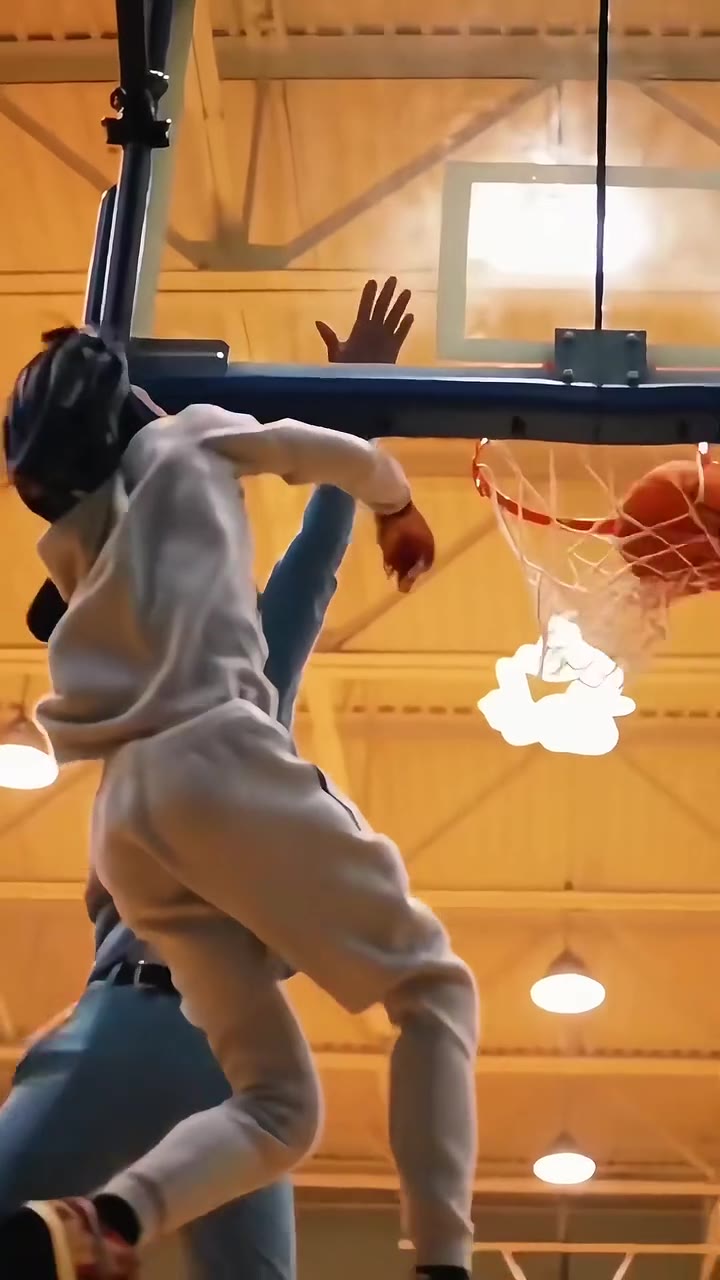
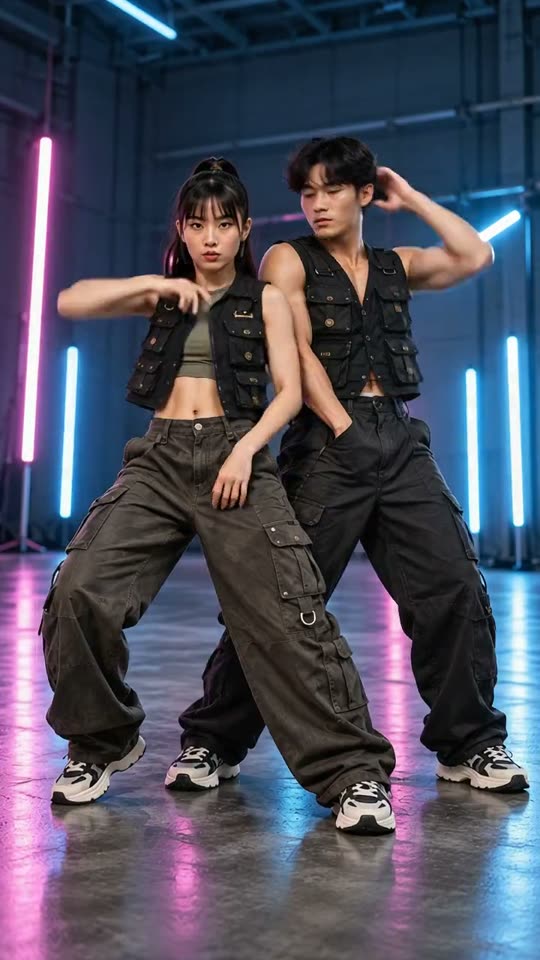
A fully clothed concert-stage dance.
Talk Dirty AI DanceYVD STUDIO
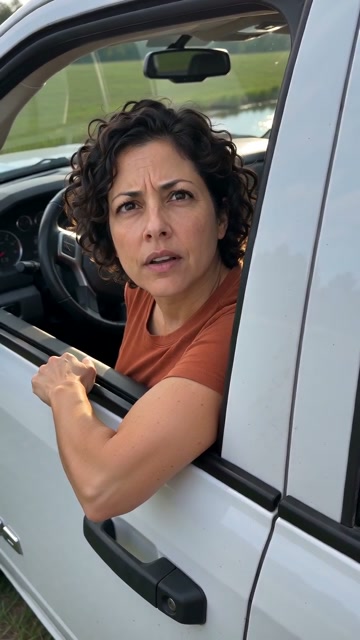
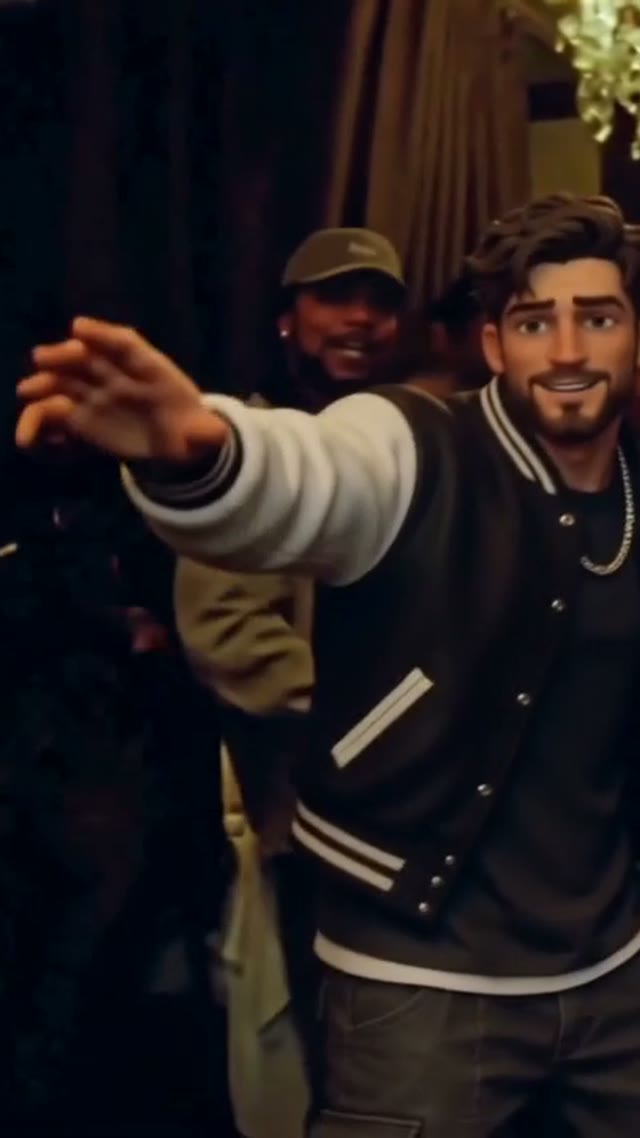
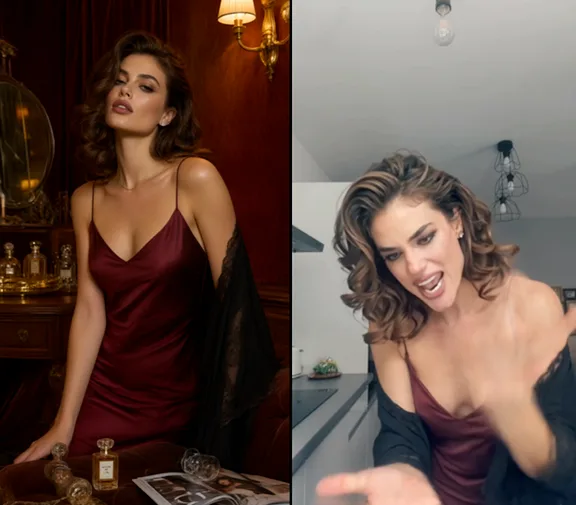
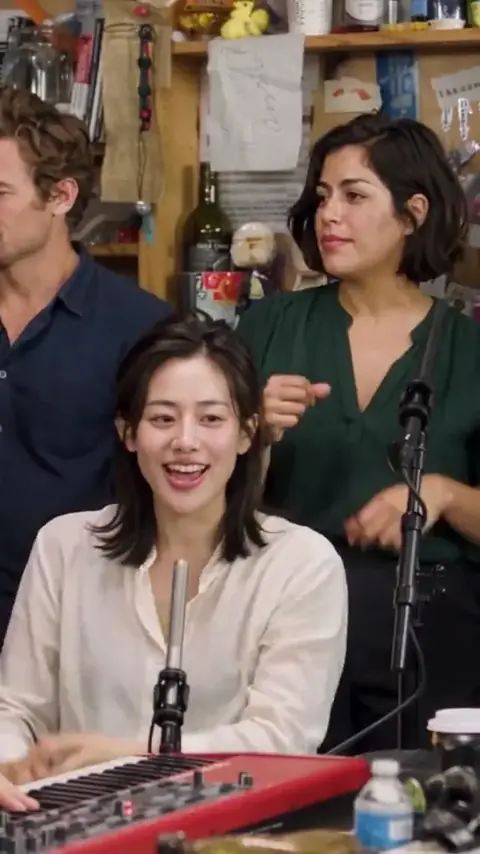
Create a fully clothed, 15-second concert dance from one adult photo. Explore six wardrobe directions with a crew, spotlight and theatrical flames.
Sample from the reference site. Your result will vary.
View sample sourceTHE SCENE COLLECTION
Create a fully clothed, 15-second concert dance from one adult photo. Explore six wardrobe directions with a crew, spotlight and theatrical flames.
A fully clothed concert-stage dance.
A fully clothed concert-stage dance.
A fully clothed concert-stage dance.
A fully clothed concert-stage dance.
A fully clothed concert-stage dance.
A fully clothed concert-stage dance.
Sample from the reference site. Your result will vary. View sample source ↗
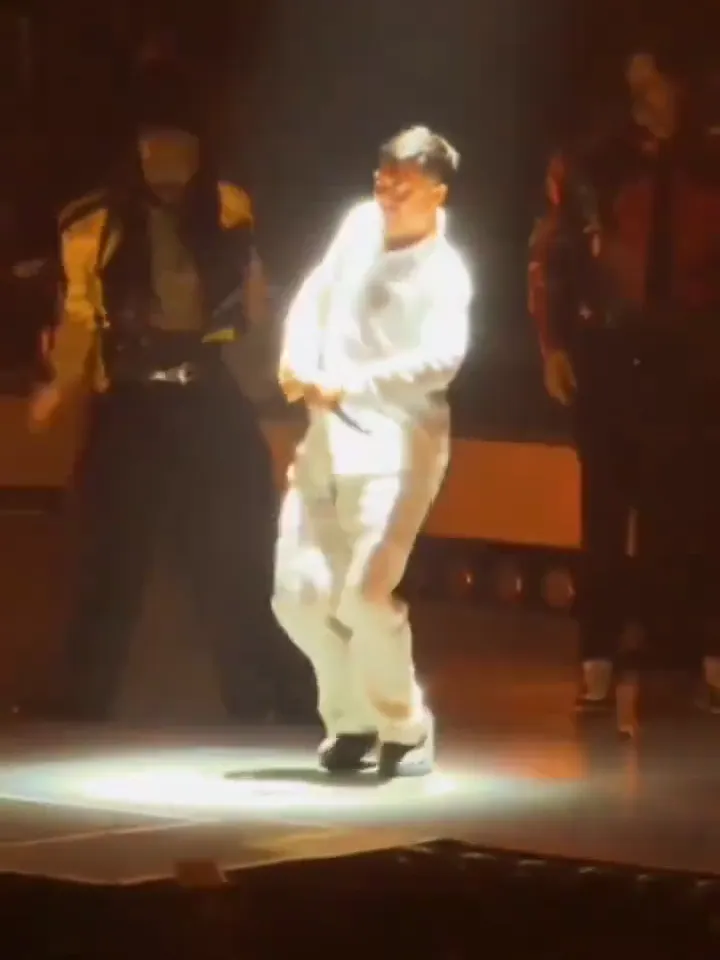 YVD / Talk Dirty AI Dance
BEHIND THE IDEA
Start with your everyday outfit or choose a white suit, loose streetwear, waistcoat or statement coat. The scene builds toward a grounded stage routine with fictional backing dancers and controlled theatrical lighting. This is a concert-dance concept: the title refers to the dance trend. Your result is a new interpretation, with original generated audio if enabled.
CreateAn unobstructed, waist-up or full-length photo helps describe both face and outfit. Watch hands, the crowded background and the final pose; complex group shots can change small details.
YOUR NEXT TAKE
Add the photos requested by your scene. Check their order and framing.
Choose your scene or adjustment settings. For AI generation, review the total credit quote before confirming.
Inspect the finished details and download the version you want to keep.
CLEAR BEFORE YOU CREATE
Your quote reflects the selected video length, resolution and audio setting. Check the total before confirming.
Seedance 2.0 Face · 15s
Seedance 2.0 Face · 15s
The audio switch requests a new rhythmic soundtrack. The original song and concert recording are not included. Add music you have permission to use after downloading if you want a particular track.
Photos guide the subject’s appearance. AI can change facial details, hands, clothing and backgrounds. Inspect the result before sharing; examples are a style reference.
No. Choosing files and reviewing a brief does not start a task. The confirmation button sends the generation request and uses the credit quote shown.
Sign in to the same YVD account and open My creations. Download files you want to keep. Check YVD’s terms and privacy pages for the service rules.
KEEP EXPLORING
Explore more photo and video scenes in the same YVD studio.