01
Two voices
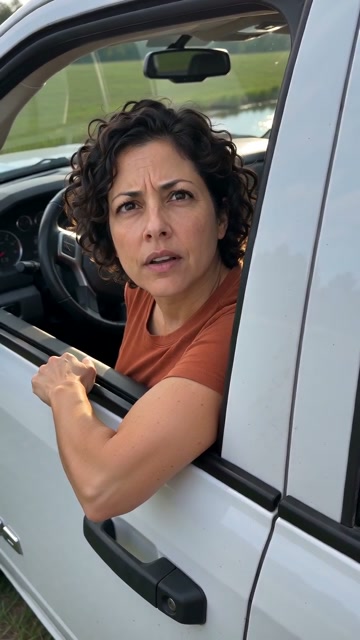
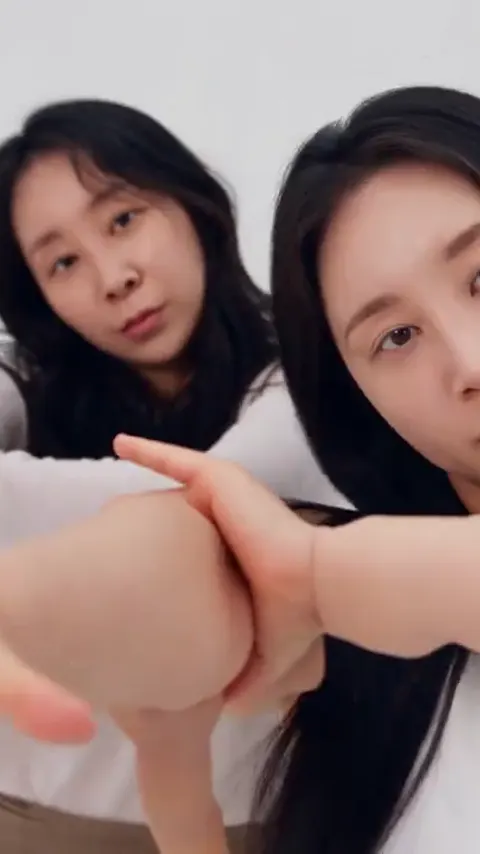
One portrait per performer, in order.
AI Rap VideoYVD STUDIO
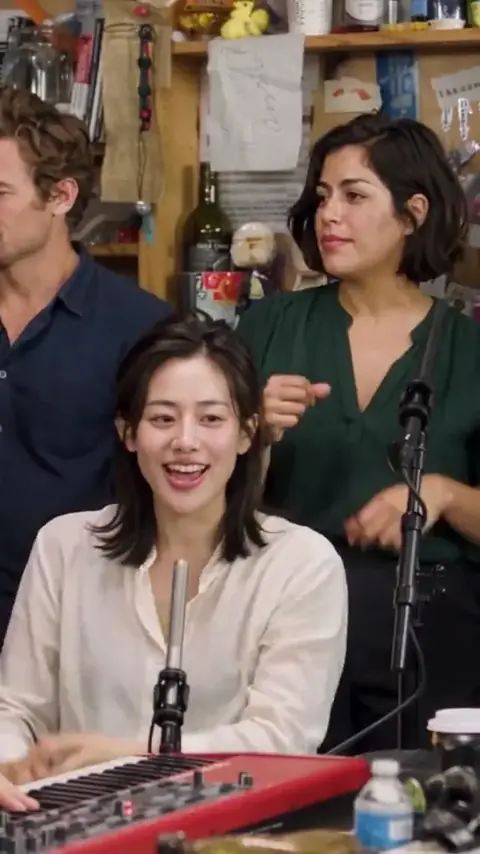
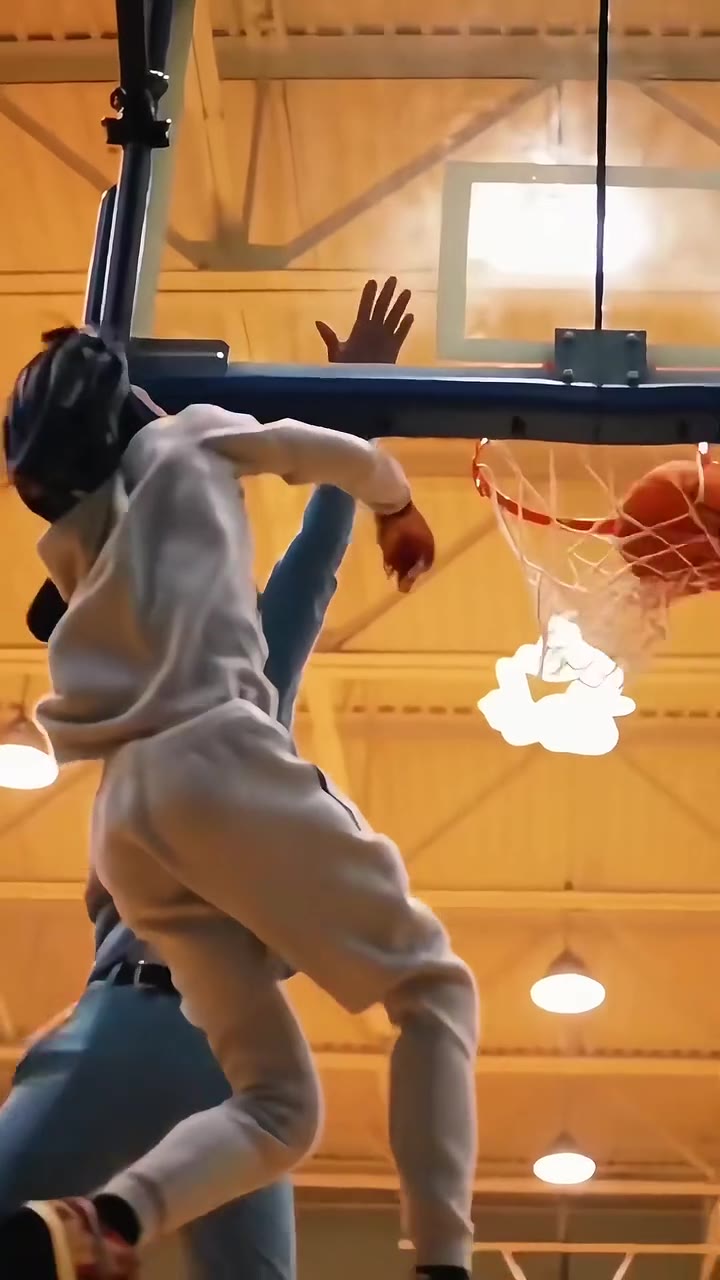
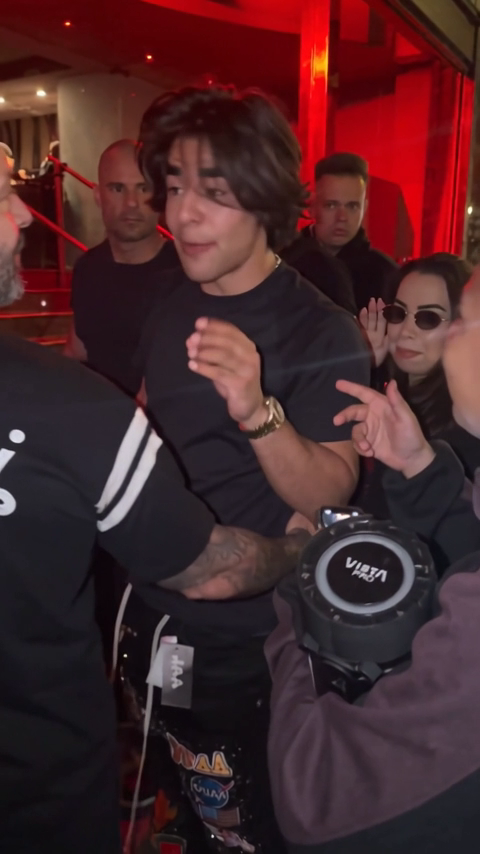
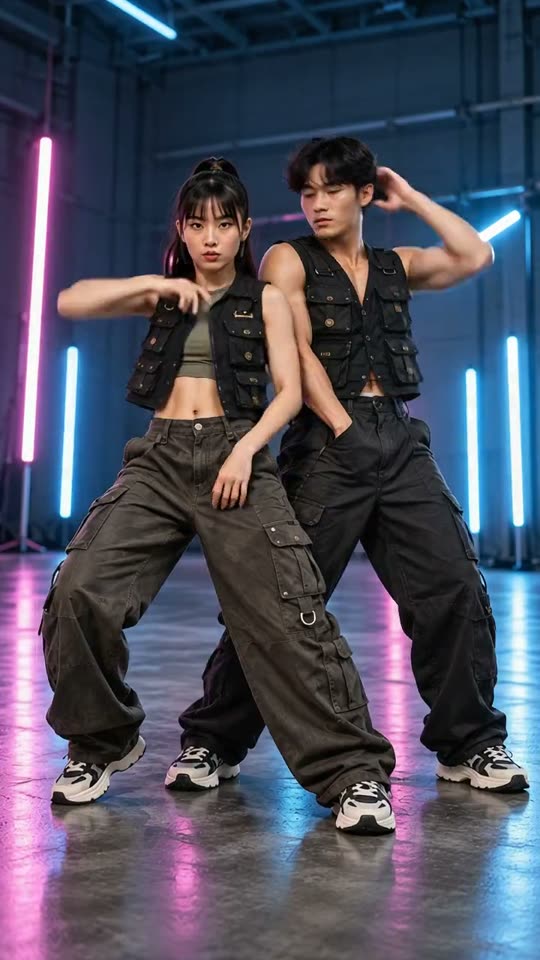
Make a solo or duo rap concept from photos. Pick a stage, music direction, vocal language and a 5-, 10- or 15-second length.
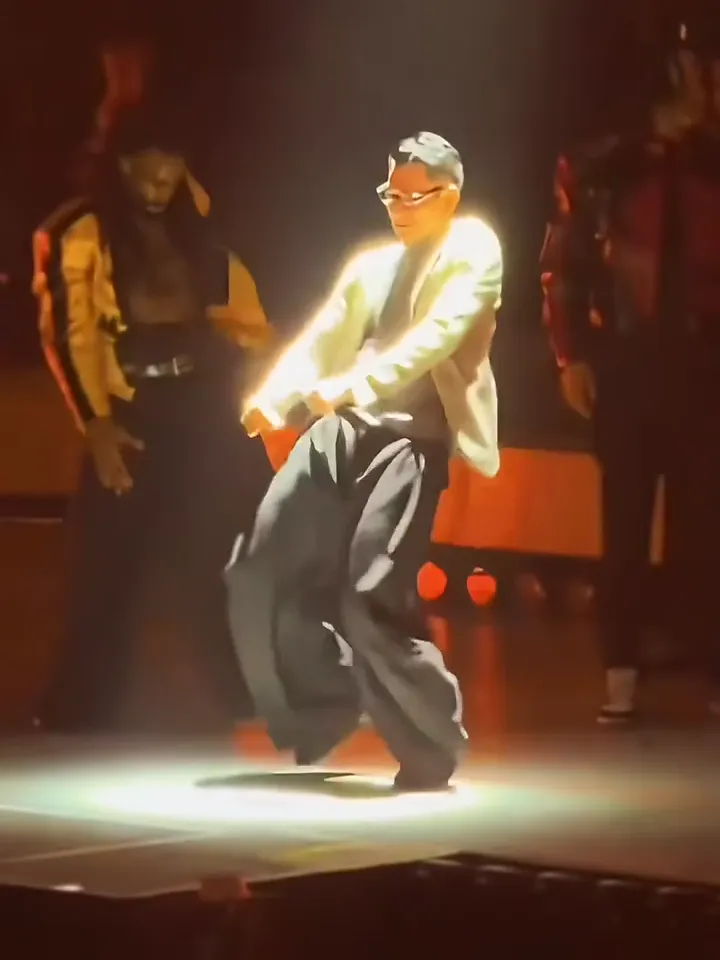
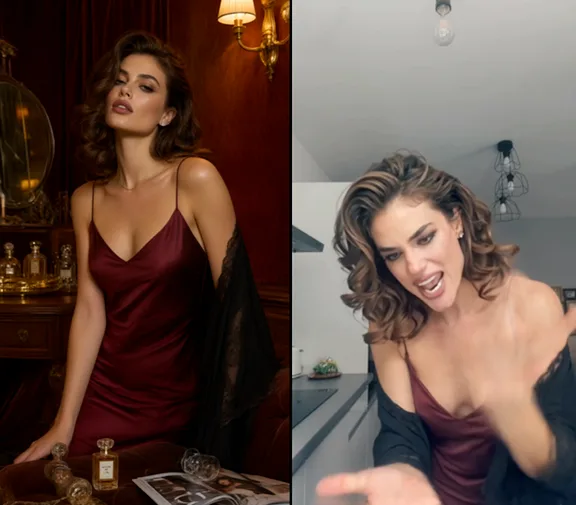
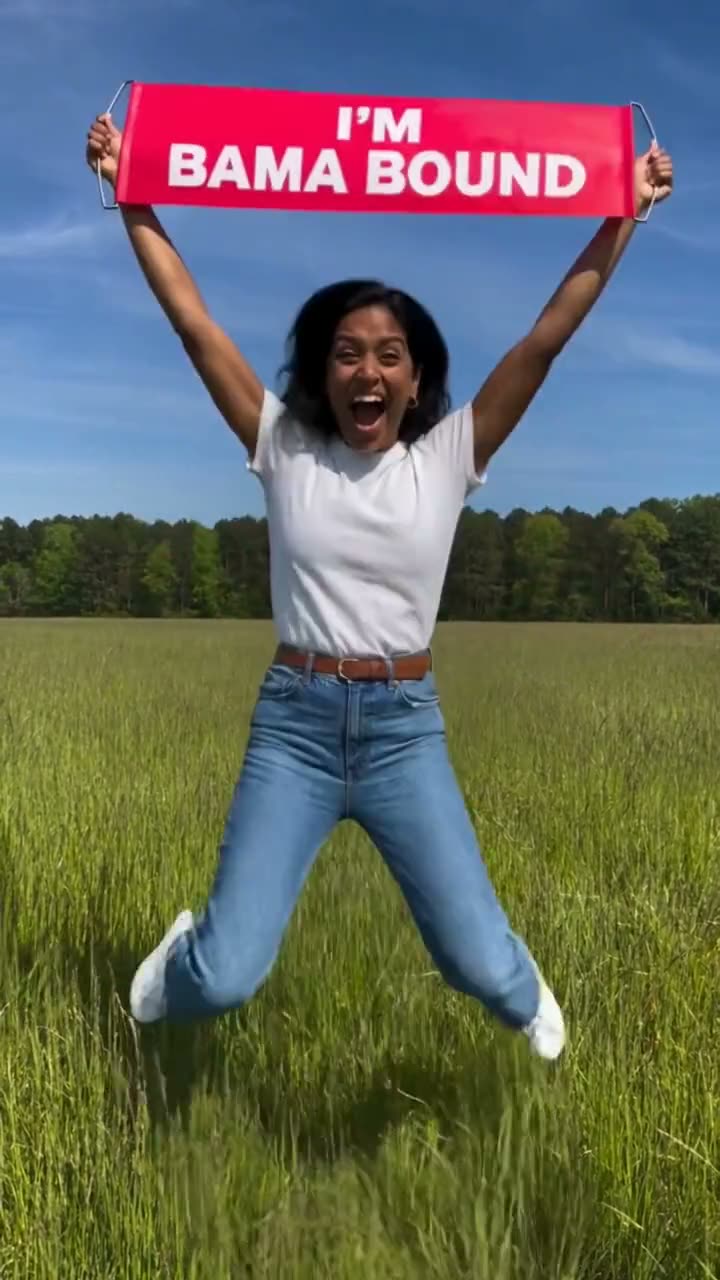
Sample from the reference site. Your result will vary.
View sample sourceTHE SCENE COLLECTION
Make a solo or duo rap concept from photos. Pick a stage, music direction, vocal language and a 5-, 10- or 15-second length.
One portrait per performer, in order.
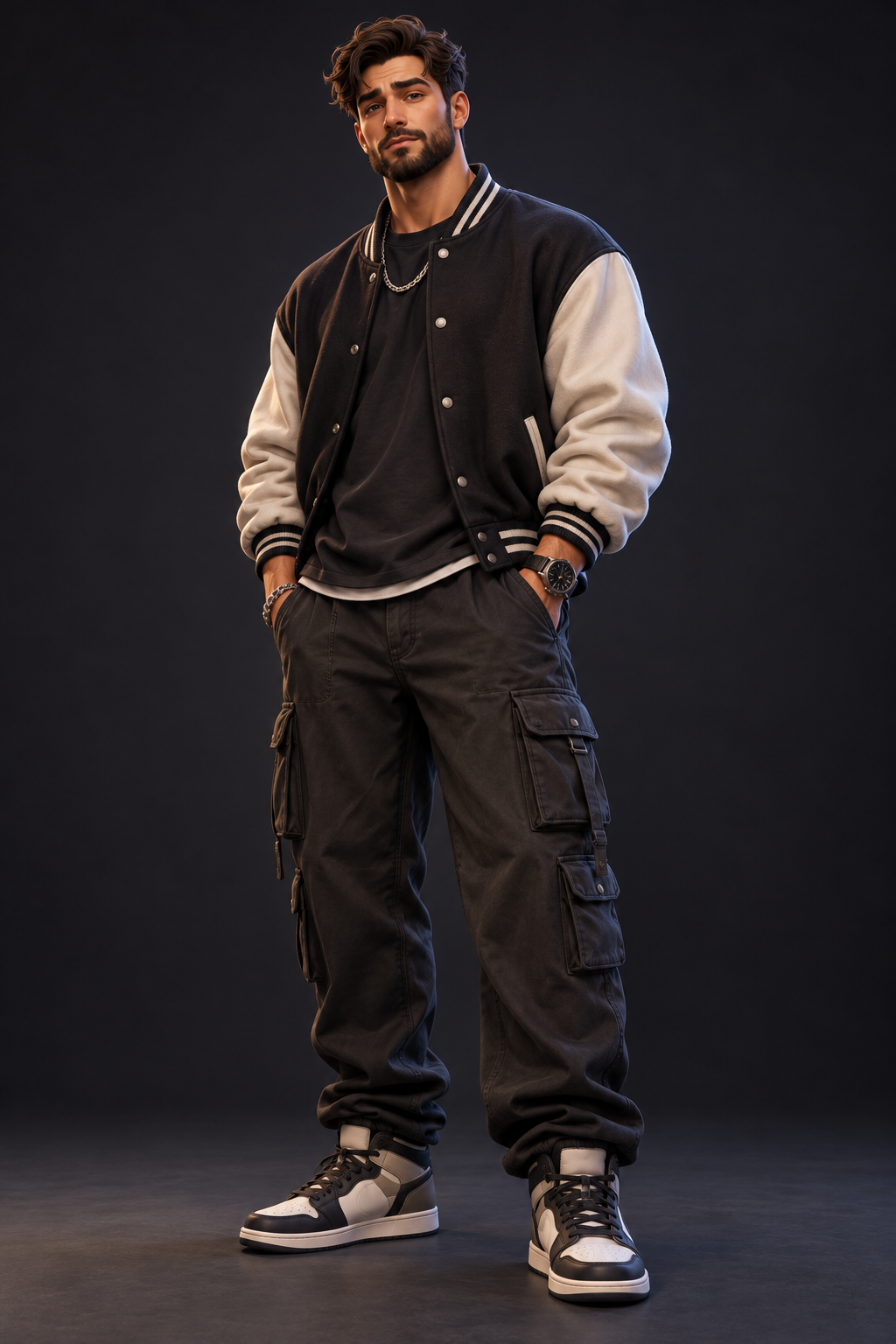
One lead and a close camera.
Sample from the reference site. Your result will vary. View sample source ↗
 YVD / AI Rap Video
BEHIND THE IDEA
A birthday message, a shared memory or a short line you wrote can become the starting point for a performance. Choose one or two adults, place them in a lounge, studio, street, rooftop or orange set, then choose the rap direction. Your words and language choice guide original generated vocals and music alongside the video.
CreateKeep a short clip focused on one idea. A few simple lines are easier to fit than a full song. For a duo, upload separate clear portraits in performer order and check both faces in the result.
YOUR NEXT TAKE
Add the photos requested by your scene. Check their order and framing.
Choose your scene or adjustment settings. For AI generation, review the total credit quote before confirming.
Inspect the finished details and download the version you want to keep.
CLEAR BEFORE YOU CREATE
Your quote reflects the selected video length, resolution and audio setting. Check the total before confirming.
Seedance 2.0 Face · 10s
Seedance 2.0 Face · 10s
Your story or lyrics enter the generation request, but exact wording, pronunciation and lip timing are not guaranteed. Review the sound before posting. The tool requests original music and does not imitate a named artist.
This studio accepts photos and a story or lyrics; it does not have an audio-file upload control. Your text guides an original short performance. Exact wording, pronunciation and lip timing are not guaranteed. To keep an existing master recording, use a workflow that explicitly accepts that audio file.
Photos guide the subject’s appearance. AI can change facial details, hands, clothing and backgrounds. Inspect the result before sharing; examples are a style reference.
No. Choosing files and reviewing a brief does not start a task. The confirmation button sends the generation request and uses the credit quote shown.
Sign in to the same YVD account and open My creations. Download files you want to keep. Check YVD’s terms and privacy pages for the service rules.
KEEP EXPLORING
Explore more photo and video scenes in the same YVD studio.