01
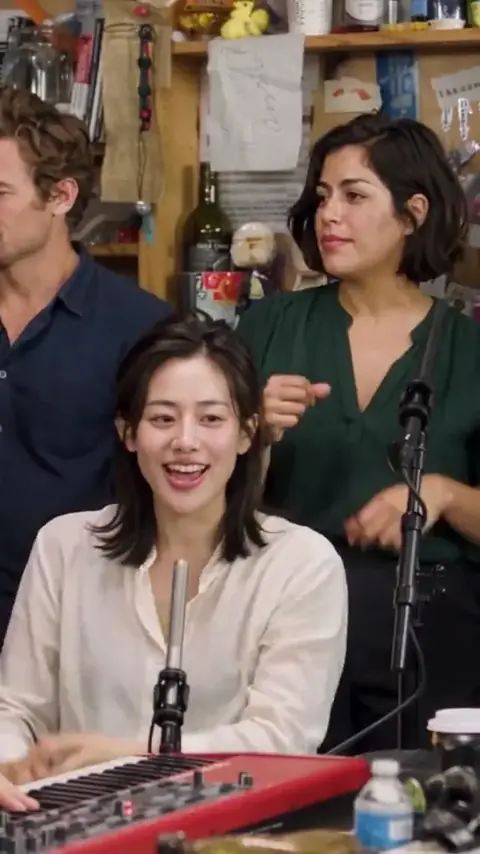
Five-piece desk session
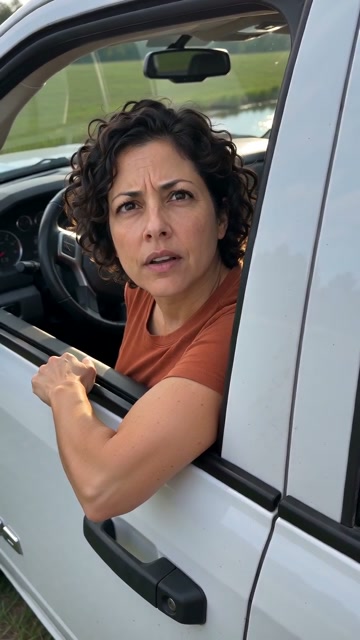
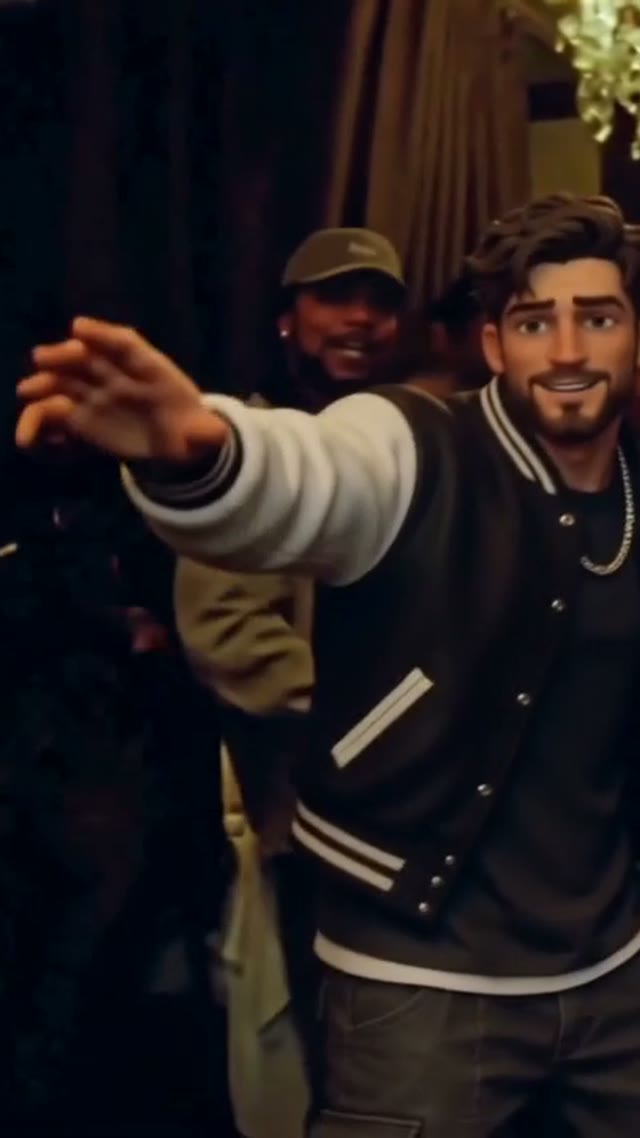
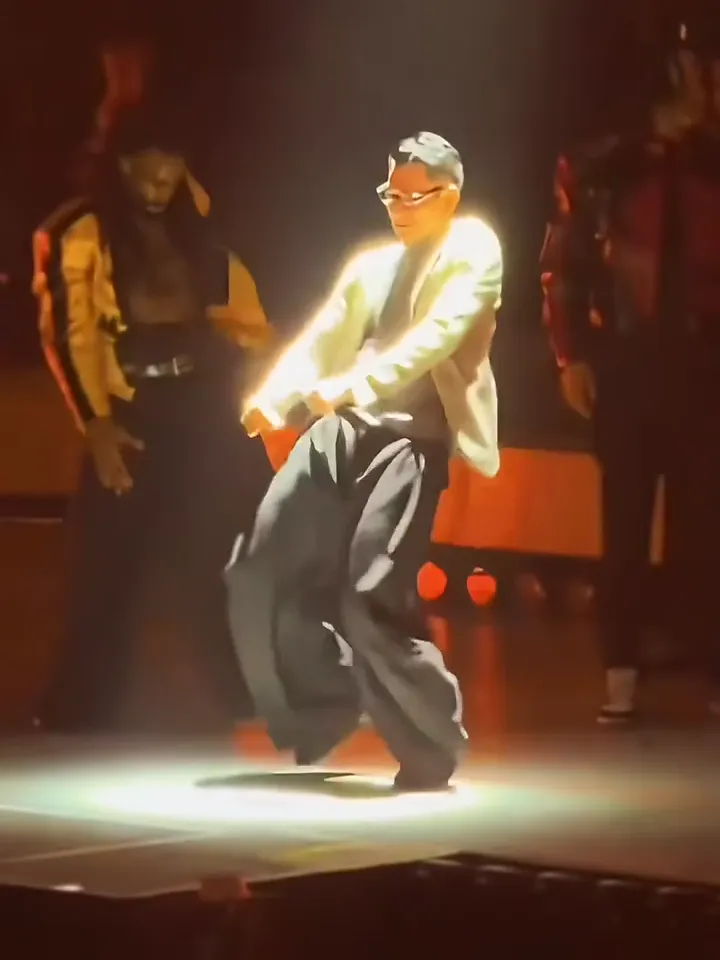
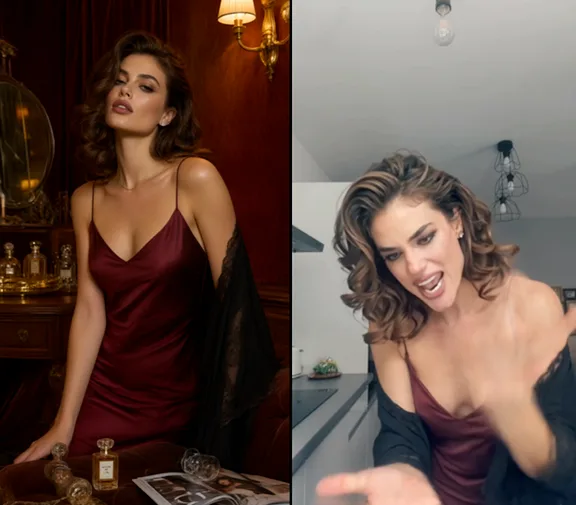
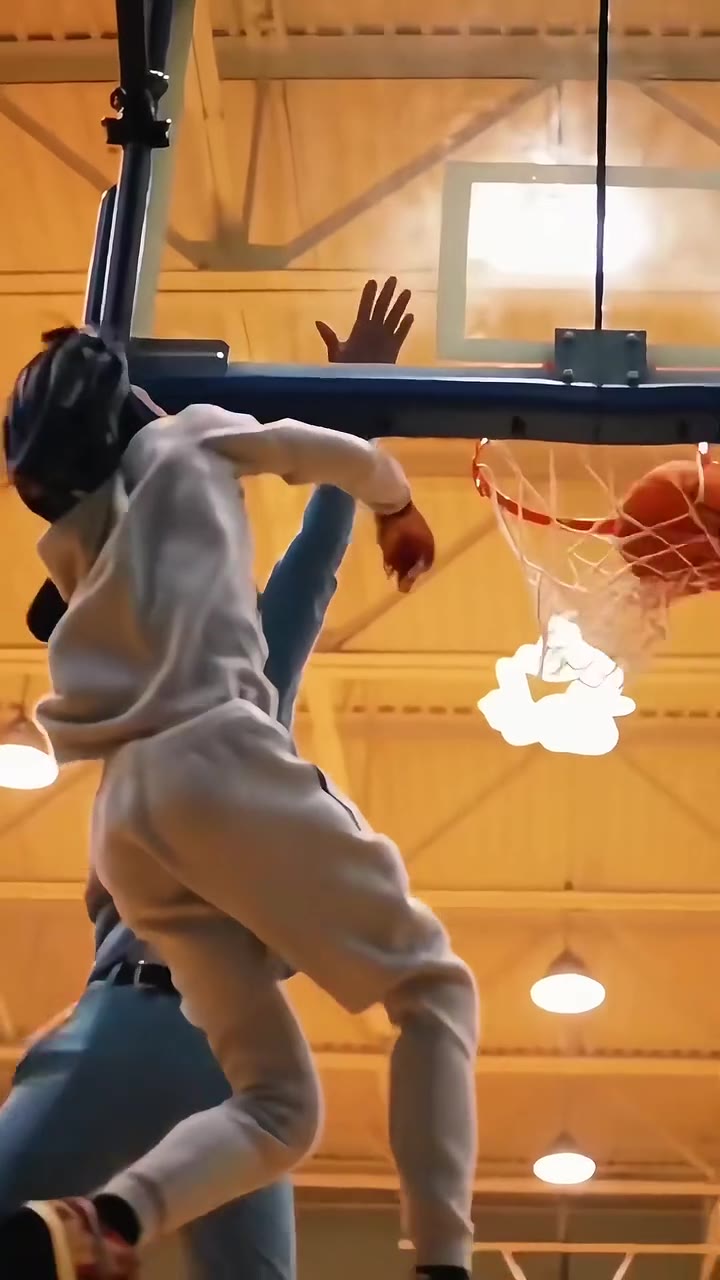
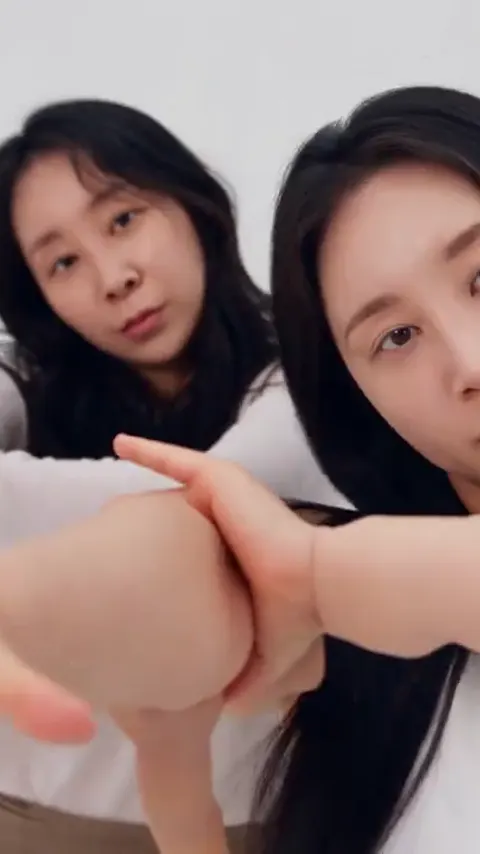
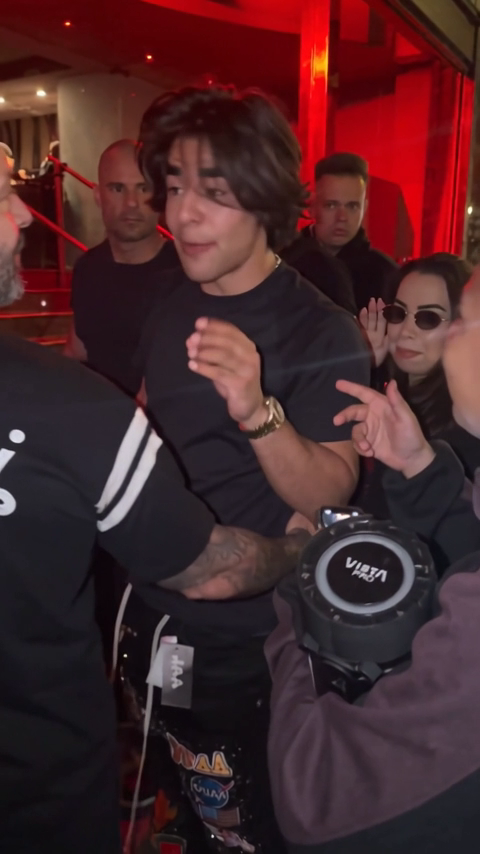
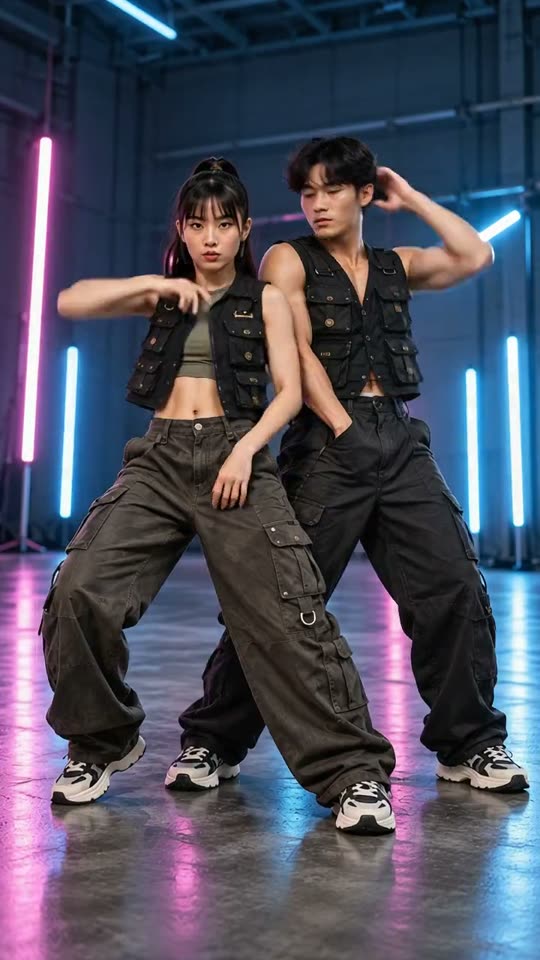
Five portraits, five distinct performers.
Tiny Desk Outstanding AIYVD STUDIO
Cast five adults in a new 15-second desk-concert concept. Upload each role in order and choose original generated audio or a silent video.
Sample from the reference site. Your result will vary.
View sample sourceTHE SCENE COLLECTION
Cast five adults in a new 15-second desk-concert concept. Upload each role in order and choose original generated audio or a silent video.
Five portraits, five distinct performers.
Sample from the reference site. Your result will vary. View sample source ↗
 YVD / Tiny Desk Outstanding AI
BEHIND THE IDEA
The opening shot gives three people a place: left singer, keys in the center and right singer. Later shots introduce the lead and saxophone player. Five ordered portraits guide those identities through an intimate room performance. The reference runs about 14.5 seconds; this studio requests a new 15-second video using the current model catalog, rather than an exact concert or recording replica.
CreateUse a separate, clear adult portrait for each slot. Match the order before reviewing. Five smaller, sharp images work better than large files that exceed the combined 20 MB limit.
YOUR NEXT TAKE
Add the photos requested by your scene. Check their order and framing.
Choose your scene or adjustment settings. For AI generation, review the total credit quote before confirming.
Inspect the finished details and download the version you want to keep.
CLEAR BEFORE YOU CREATE
Your quote reflects the selected video length, resolution and audio setting. Check the total before confirming.
Seedance 2.5 · 15s
Seedance 2.5 · 15s
No exact plate match or existing recording is promised. The request describes the room, role order and camera direction. Audio asks for an original groove; switch it off for a silent result.
Photos guide the subject’s appearance. AI can change facial details, hands, clothing and backgrounds. Inspect the result before sharing; examples are a style reference.
No. Choosing files and reviewing a brief does not start a task. The confirmation button sends the generation request and uses the credit quote shown.
Sign in to the same YVD account and open My creations. Download files you want to keep. Check YVD’s terms and privacy pages for the service rules.
KEEP EXPLORING
Explore more photo and video scenes in the same YVD studio.