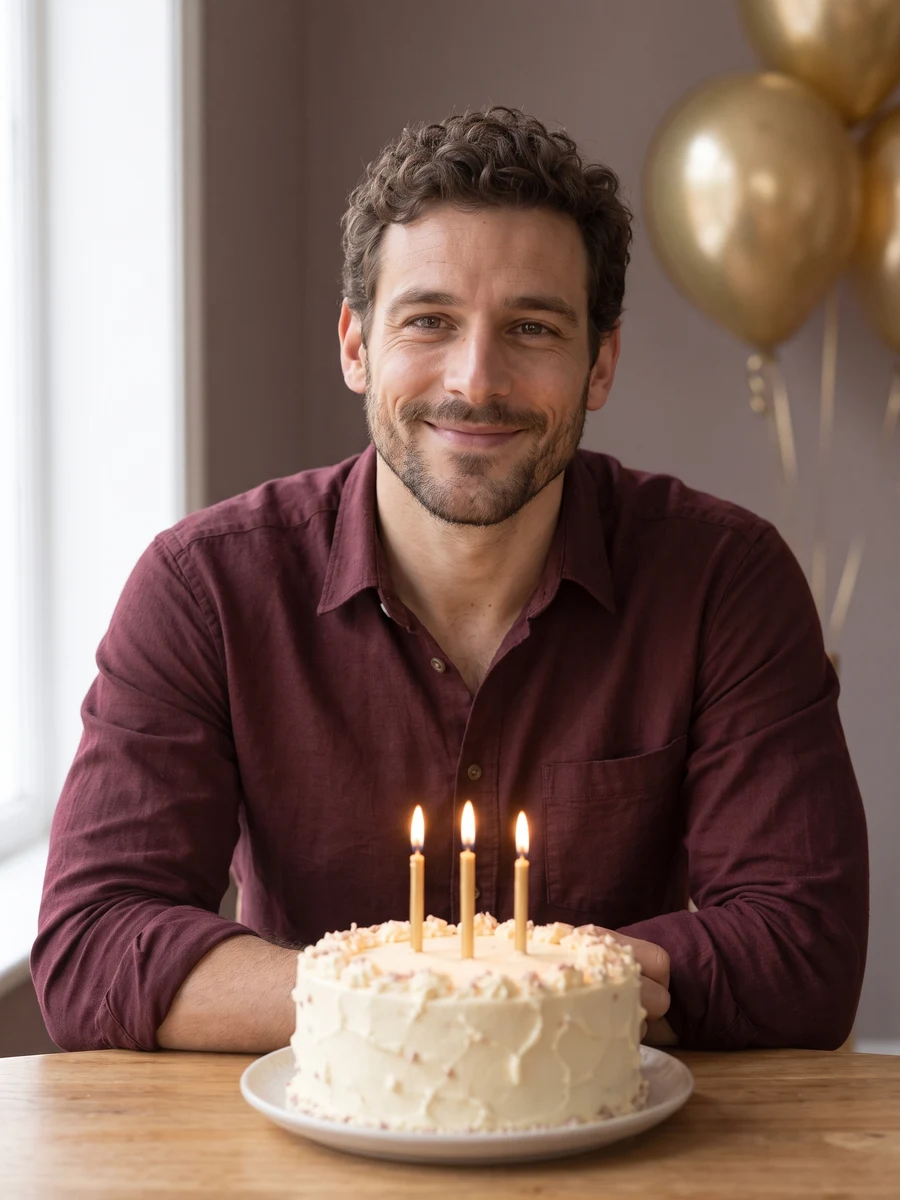
 01
The birthday seat
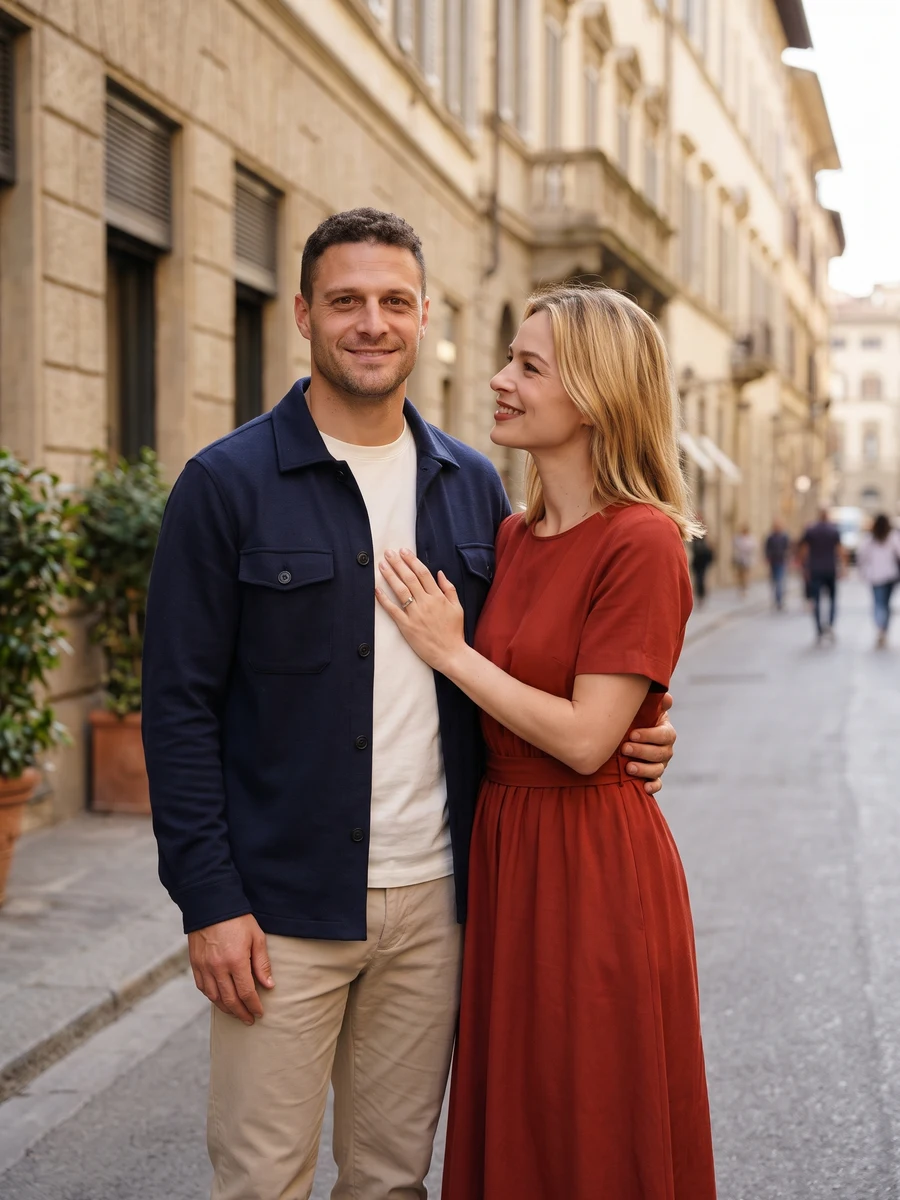
Composition 1 · choose a style for your result.
AI Birthday PhotoshootYVD STUDIO
Make a birthday portrait from one adult selfie. Choose a simple celebration, evening party, cozy room or garden picnic, with one image or a six-shot set.
Sample from the reference site. Your result will vary.
View sample sourceTHE SCENE COLLECTION
Make a birthday portrait from one adult selfie. Choose a simple celebration, evening party, cozy room or garden picnic, with one image or a six-shot set.
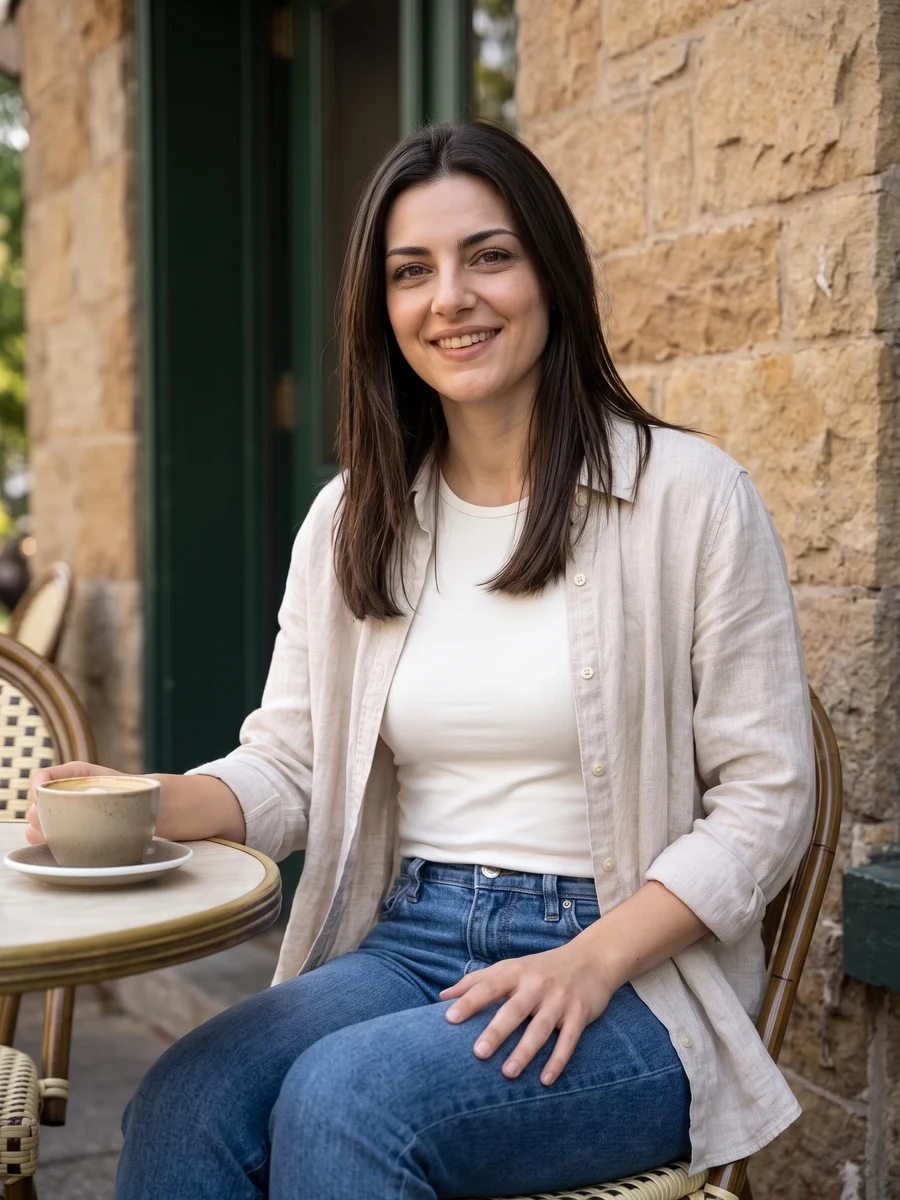
01Composition 1 · choose a style for your result.
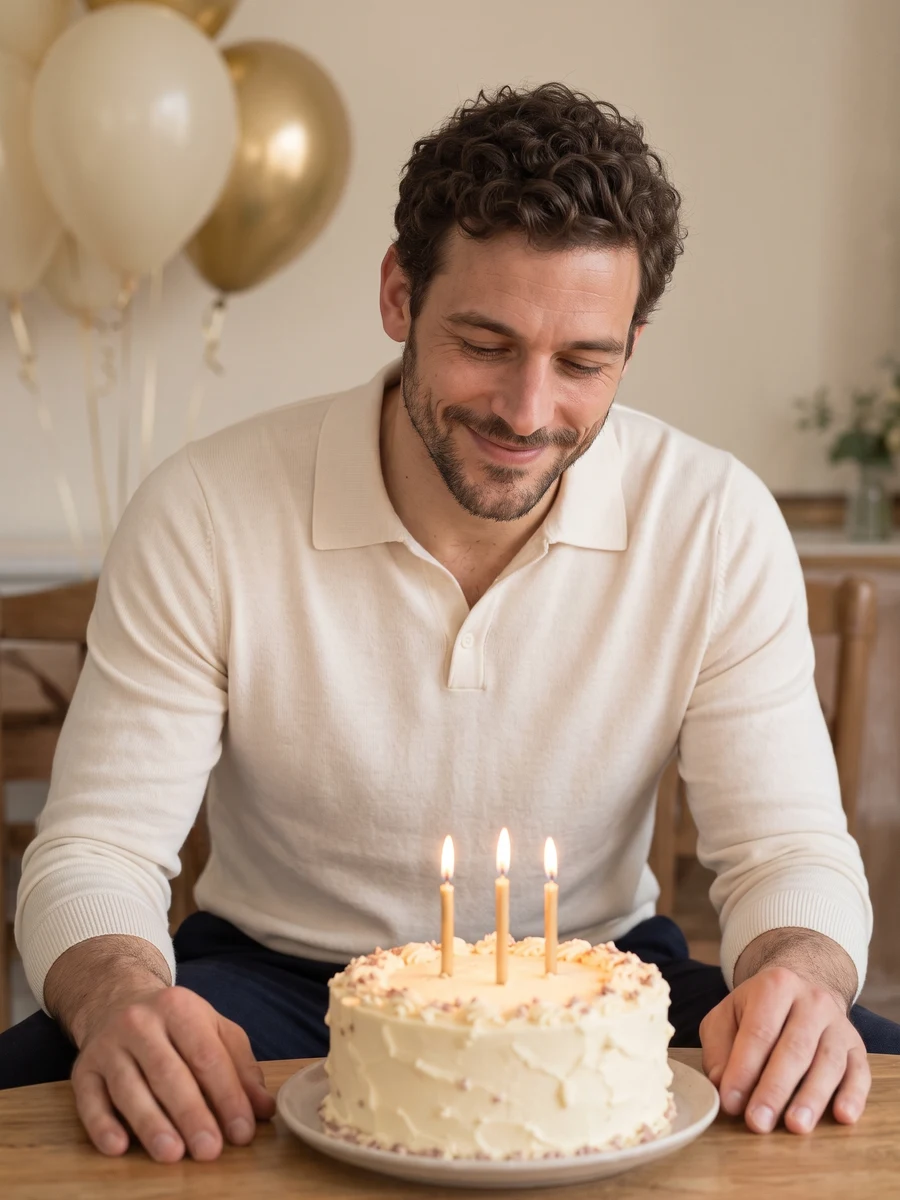 02
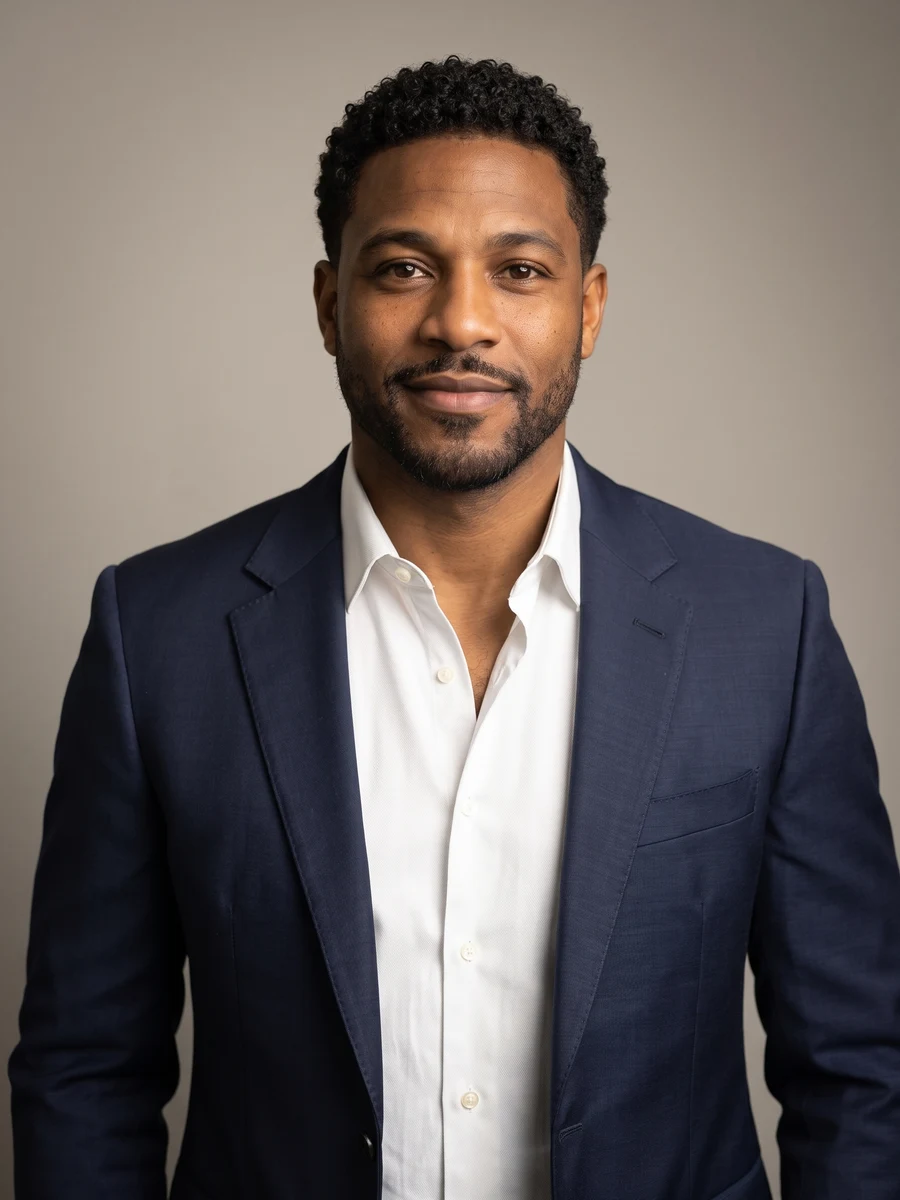
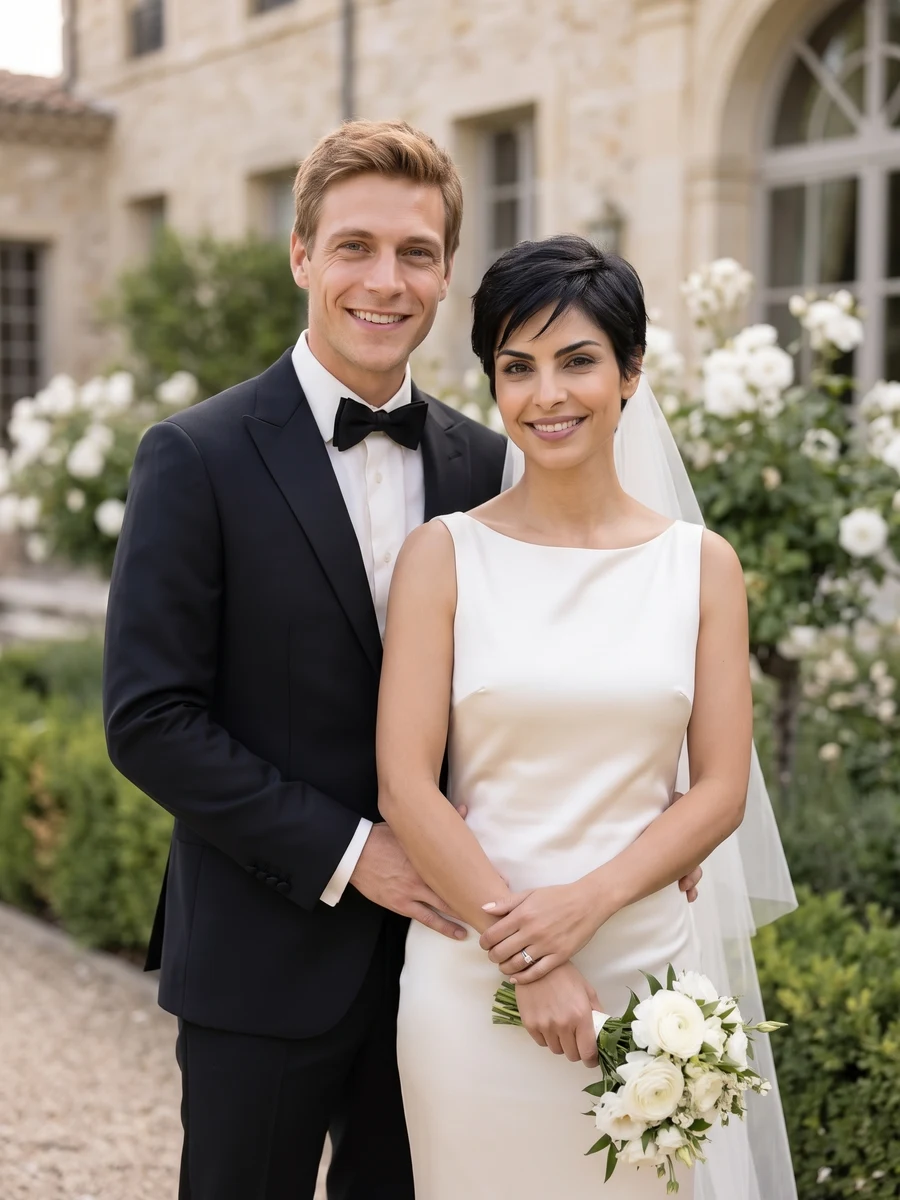
Composition 2 · choose a style for your result.
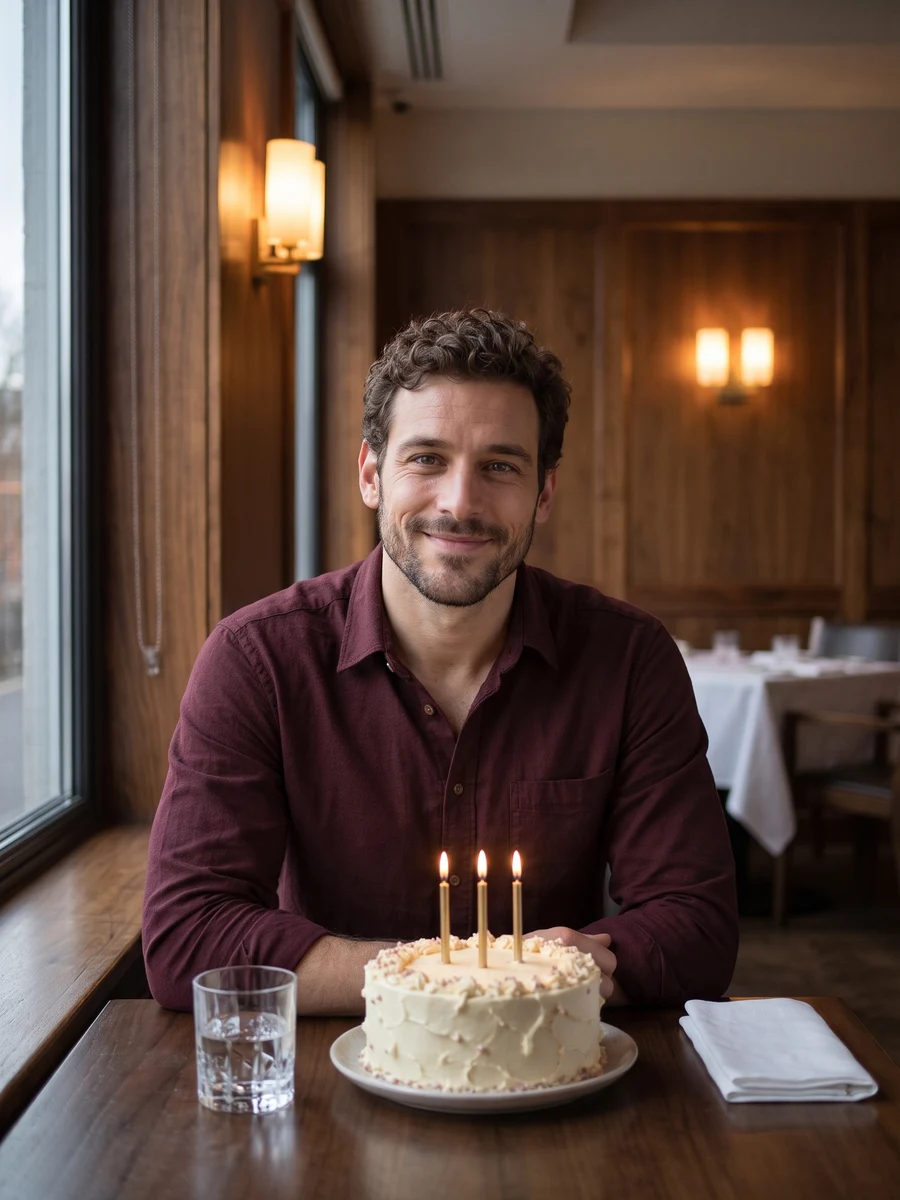 03
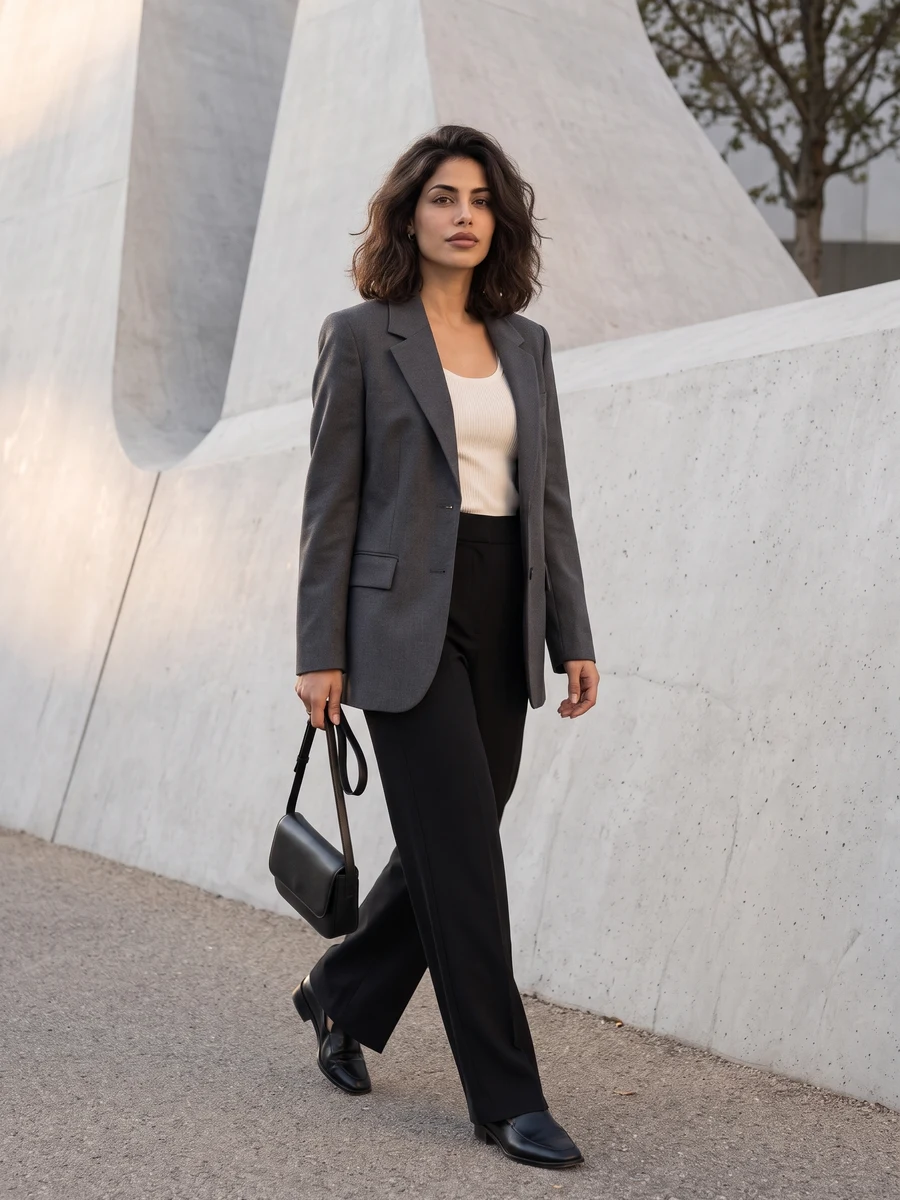
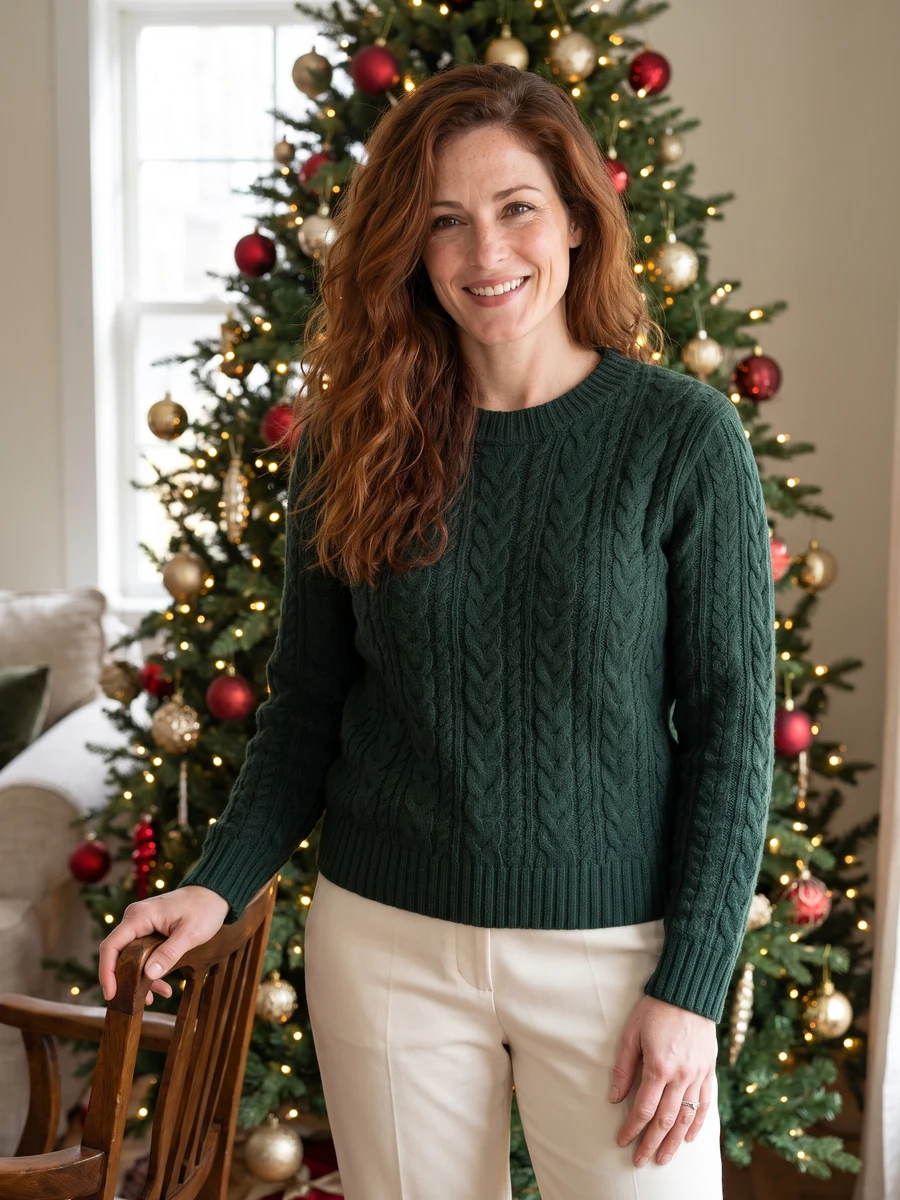
Composition 3 · choose a style for your result.
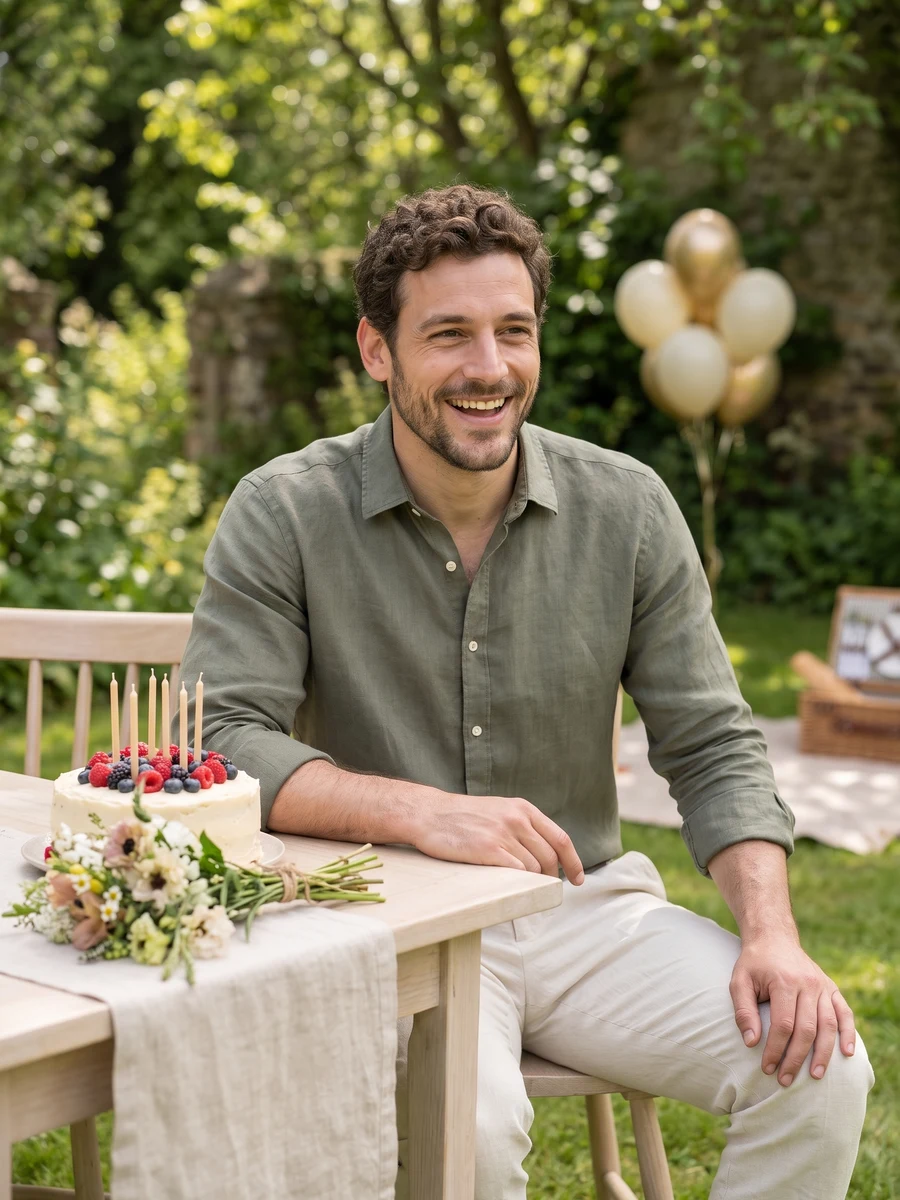 04
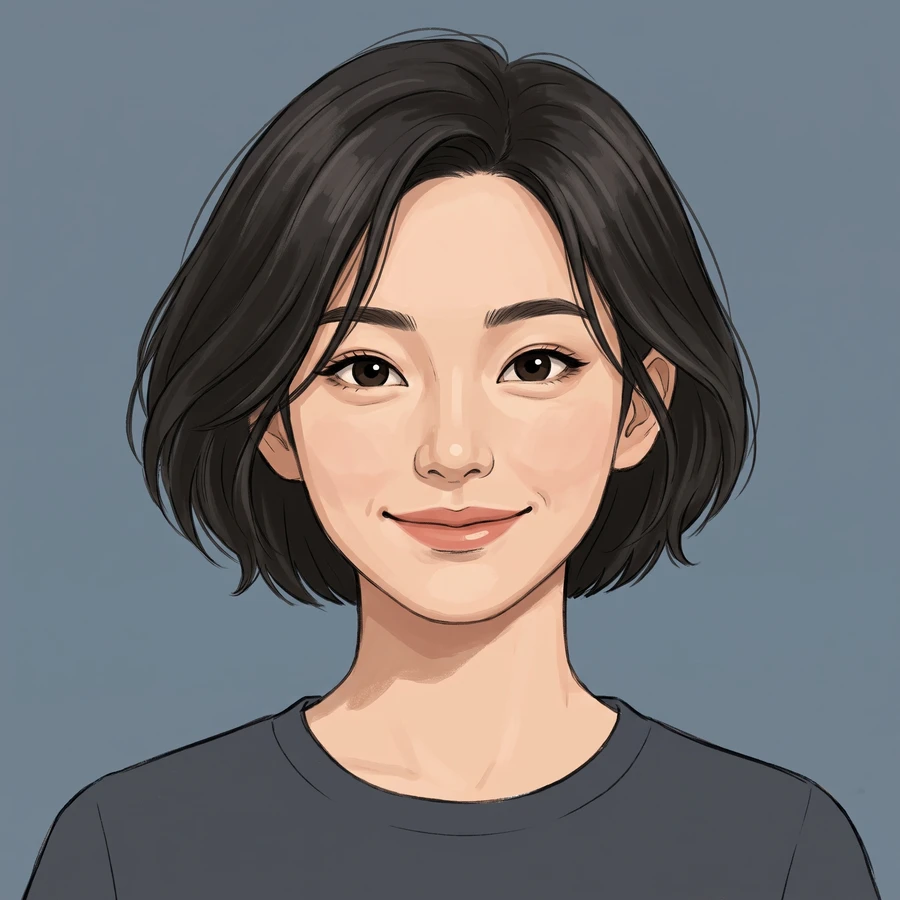
Composition 4 · choose a style for your result.
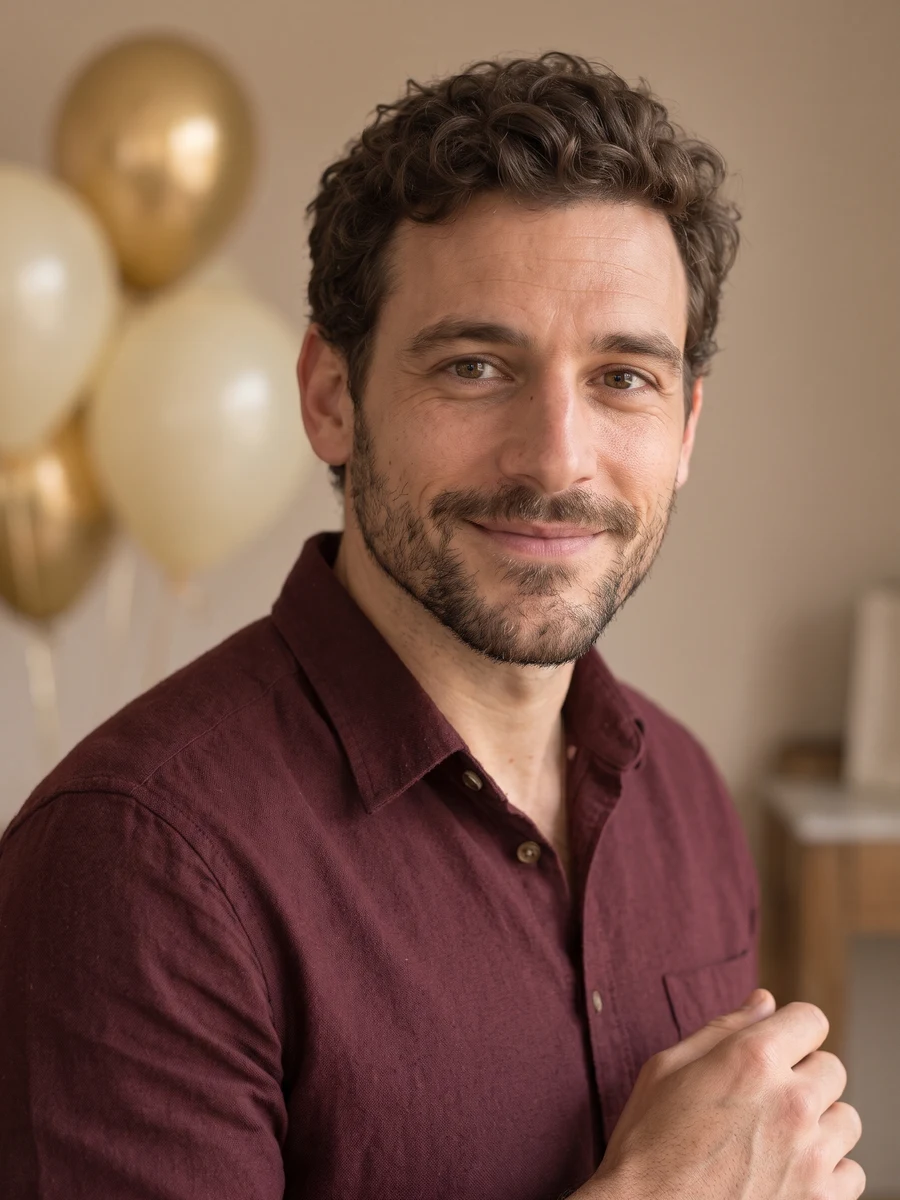 05
Composition 5 · choose a style for your result.
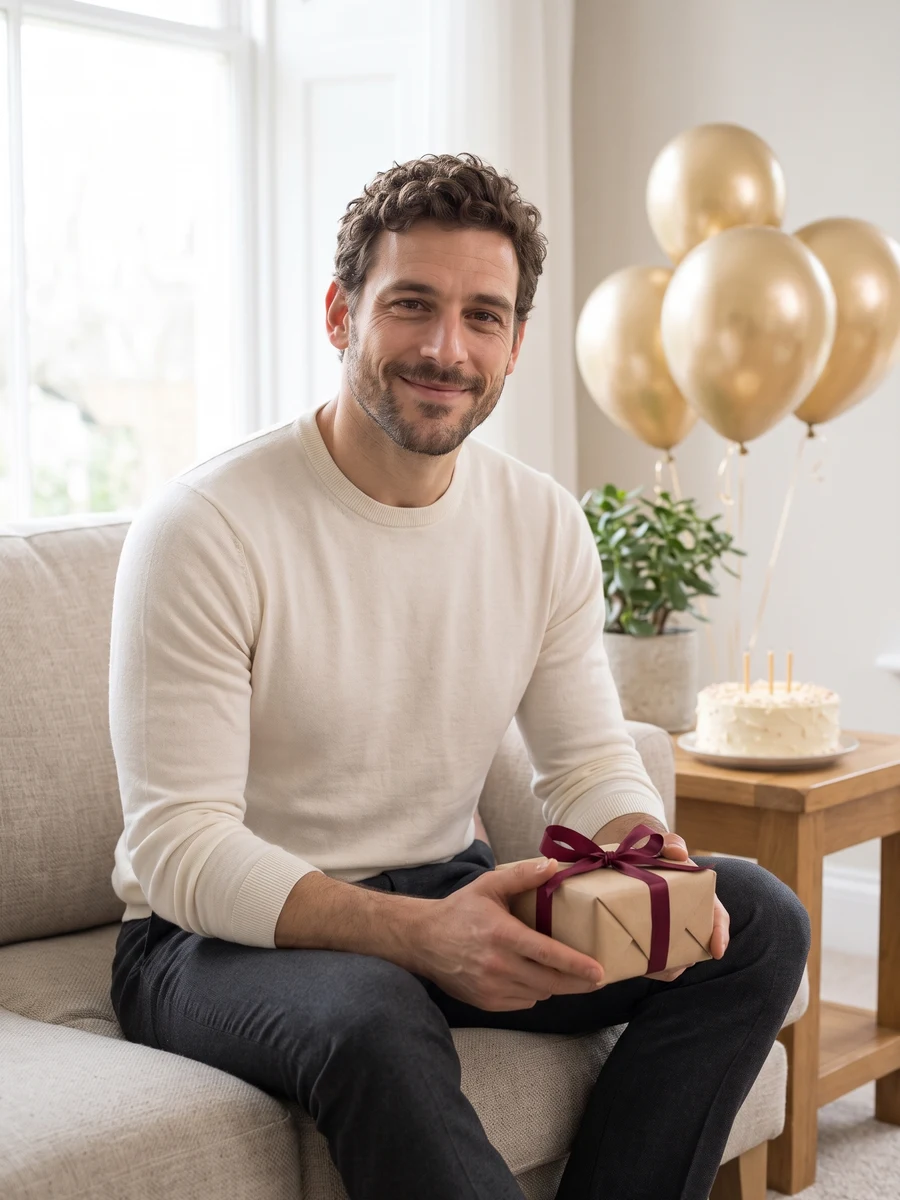 06
Composition 6 · choose a style for your result.
Sample from the reference site. Your result will vary. View sample source ↗
YVD / AI Birthday PhotoshootBEHIND THE IDEA
Bring the face; the scene supplies the cake, light and decorations. Six compositions include a portrait at the table, a candle moment, a laugh, a relaxed pose, a close-up and a wider view. You can make a concept before or after the date itself, without arranging a real party shoot. Choose the style that fits how you want the day to feel.
CreateUse a recent selfie in even light. Keep hands or a cup away from the face. Add a name, age or message in a layout editor after downloading if the exact lettering matters.
YOUR NEXT TAKE
Add the photos requested by your scene. Check their order and framing.
Choose your scene or adjustment settings. For AI generation, review the total credit quote before confirming.
Inspect the finished details and download the version you want to keep.
CLEAR BEFORE YOU CREATE
The quote covers the selected image count and resolution. Choose a single shot or the complete set in the creator before confirming.
GPT Image 2.5 · 6 × 1K
GPT Image 2.5 · 6 × 1K
GPT Image 2.5 · 6 × 1K
You can describe a preference, but generated lettering and numbers are unreliable. For a precise birthday message, use a clean portrait and add your text afterward. This scene is for one adult.
Select an individual composition or the full set. The quote updates with the image count, model and settings shown. Choosing photos and reviewing the brief does not start a generation task. One-time credit packs are available without a subscription.
Selecting photos keeps them on this device until you confirm generation. Confirmation uploads the references for processing. Your creation records are scoped to your account, but provider-hosted media may use unlisted URLs that can expire. Deleting a creation from your library may not delete a provider-hosted file. Read YVD’s Privacy Policy before uploading sensitive material.
Photos guide the subject’s appearance. AI can change facial details, hands, clothing and backgrounds. Inspect the result before sharing; examples are a style reference.
No. Choosing files and reviewing a brief does not start a task. The confirmation button sends the generation request and uses the credit quote shown.
Sign in to the same YVD account and open My creations. Download files you want to keep. Check YVD’s terms and privacy pages for the service rules.
KEEP EXPLORING
Explore more photo and video scenes in the same YVD studio.