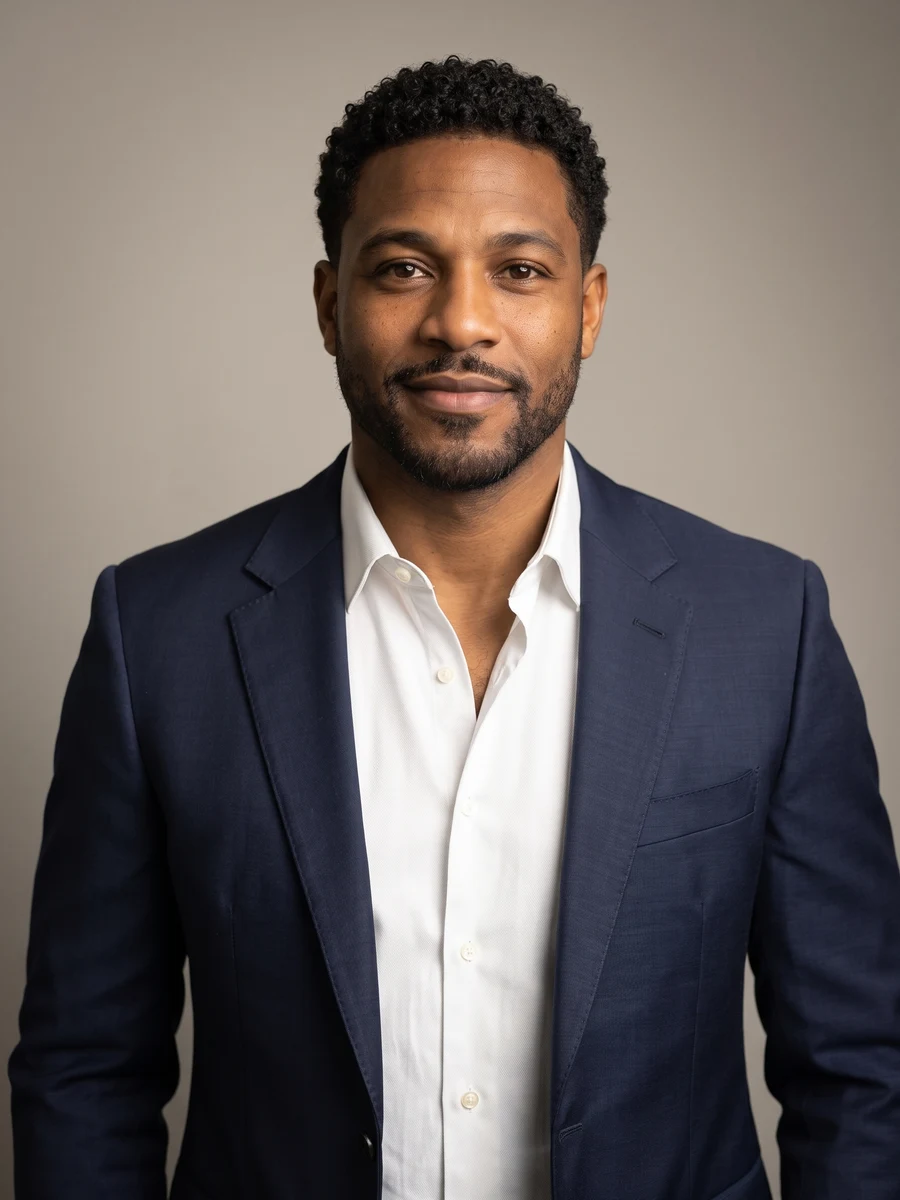
 01
An approachable introduction
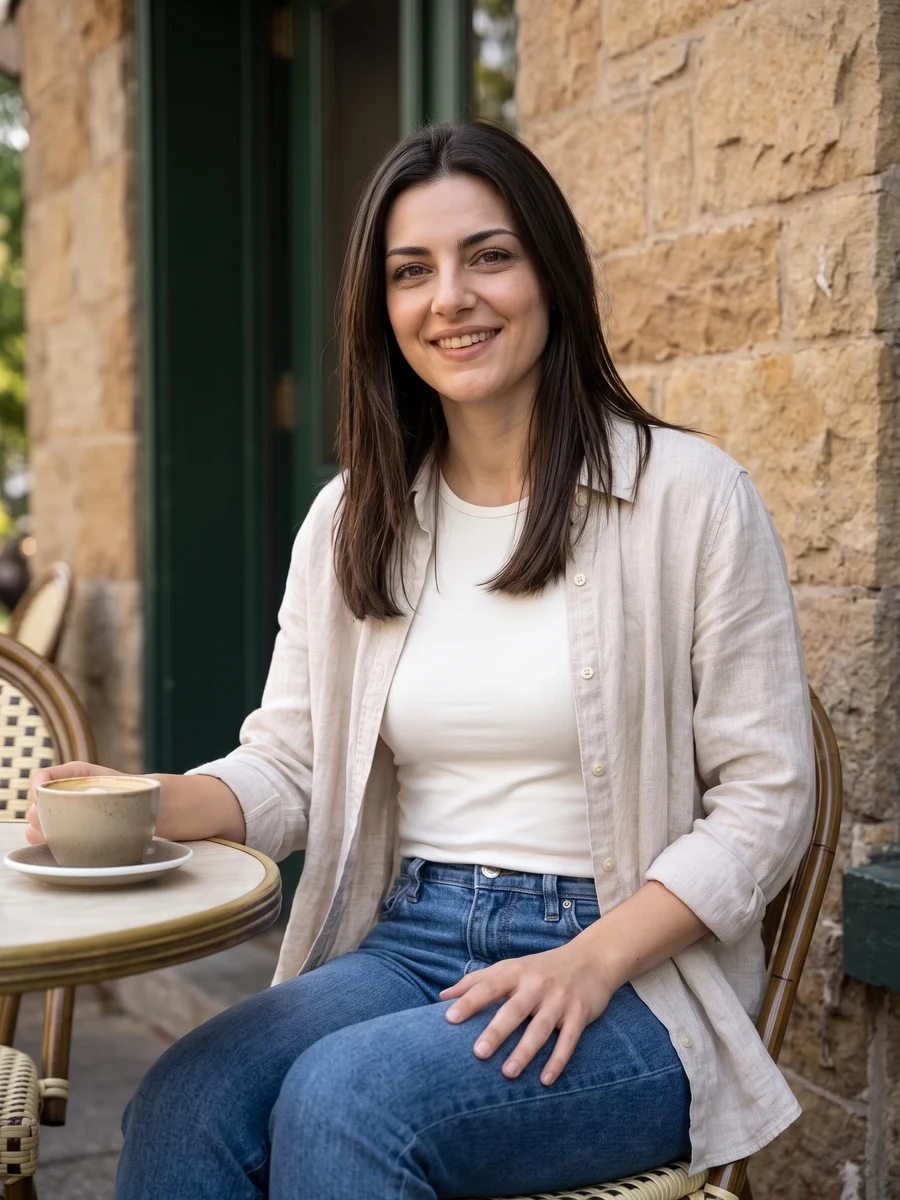
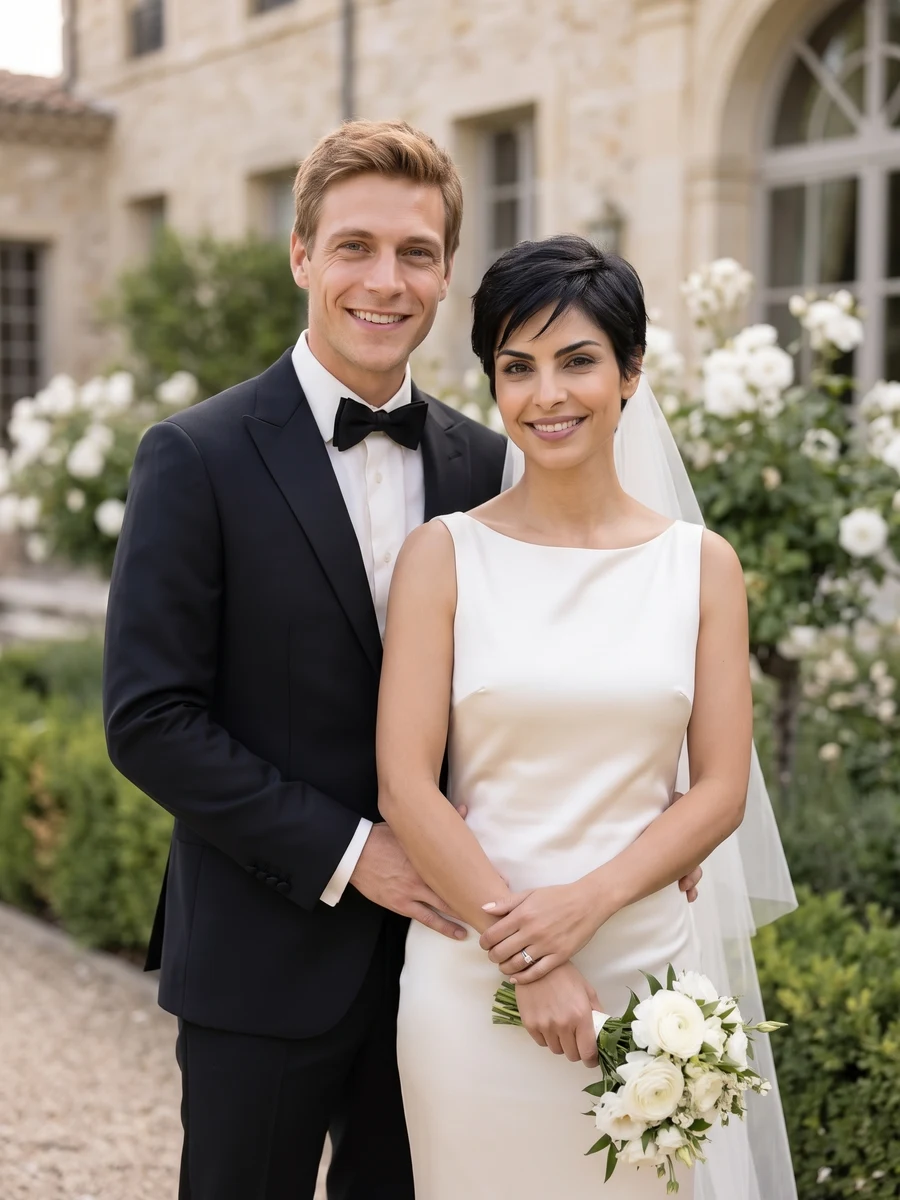
Composition 1 · choose a style for your result.
Professional HeadshotsYVD STUDIO
Create AI headshots for a work profile from one clear selfie. Choose formal, smart casual or creative styling, with one shot or six compositions.
Sample from the reference site. Your result will vary.
View sample sourceTHE SCENE COLLECTION
Create AI headshots for a work profile from one clear selfie. Choose formal, smart casual or creative styling, with one shot or six compositions.
01Composition 1 · choose a style for your result.
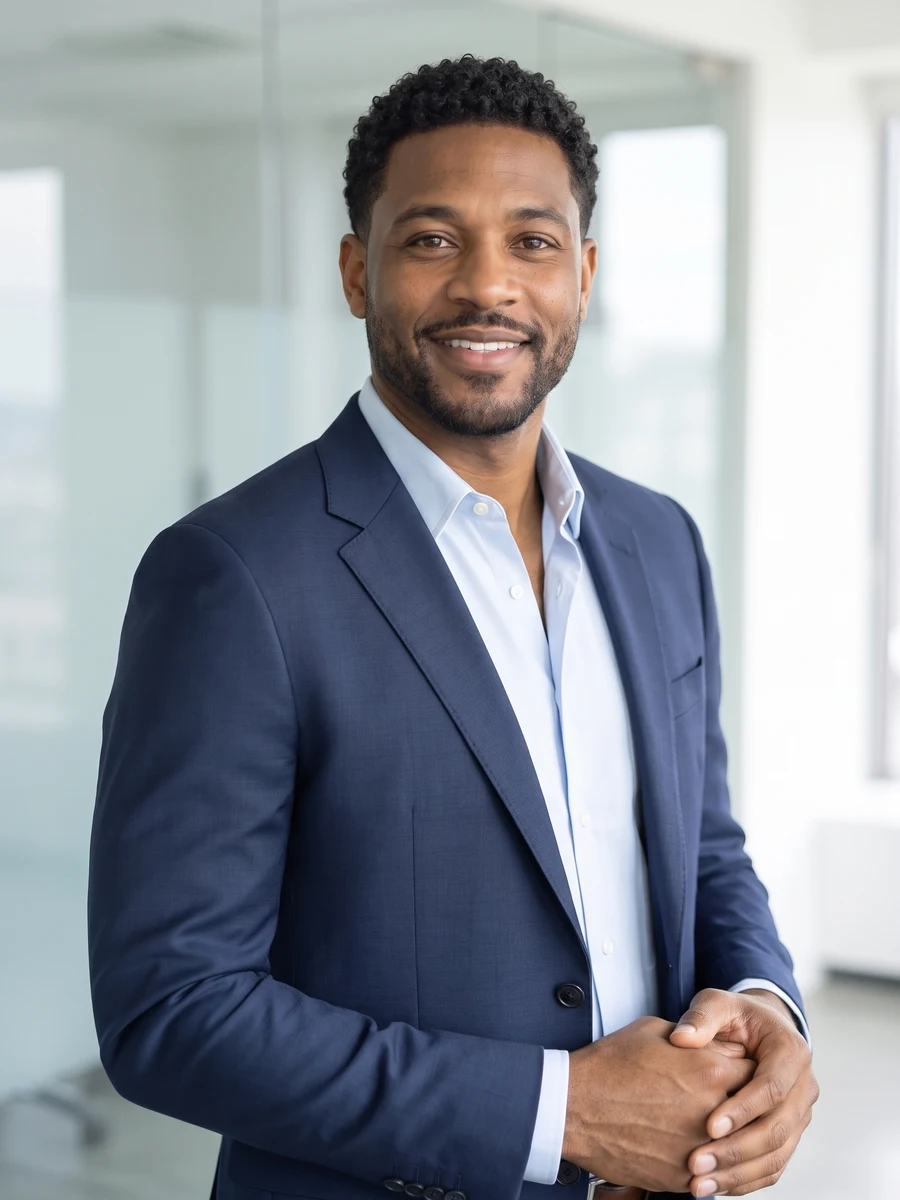 02
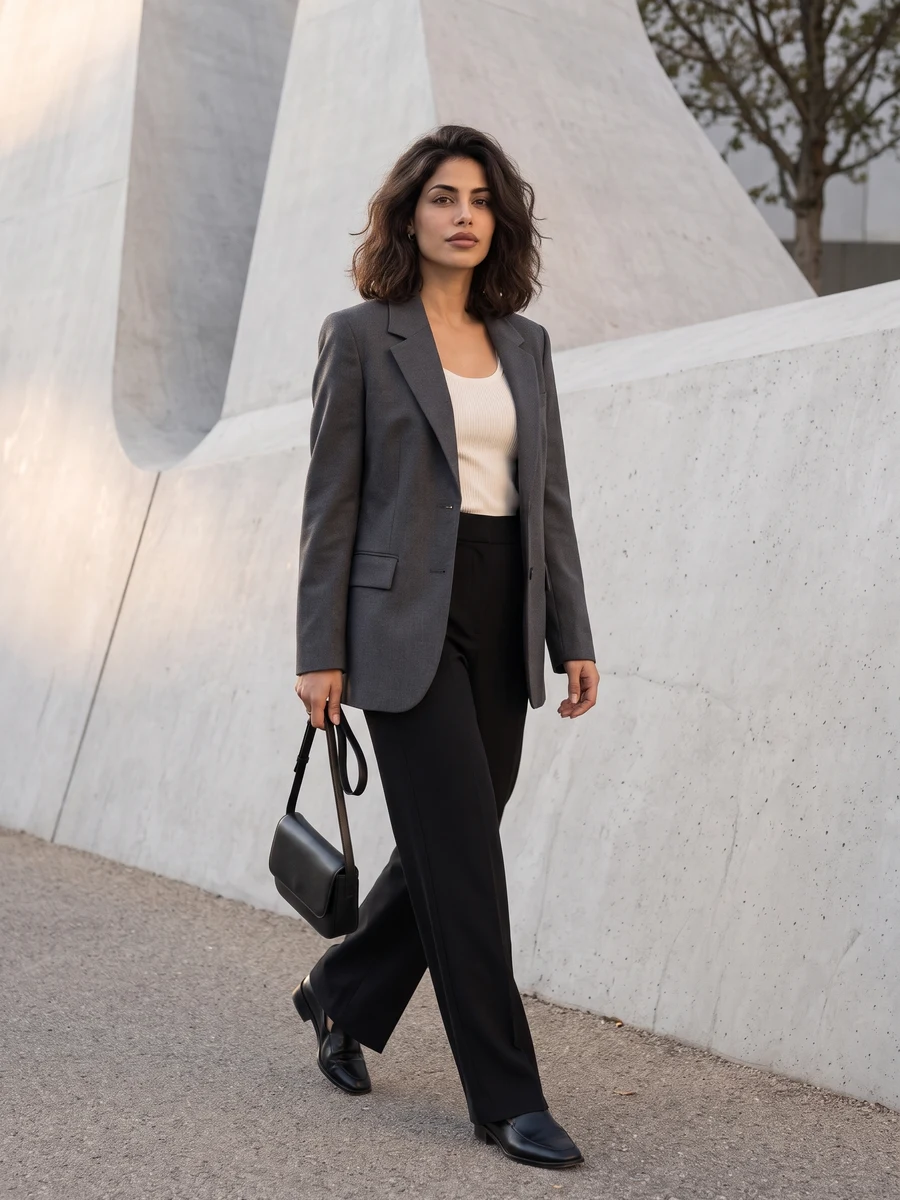
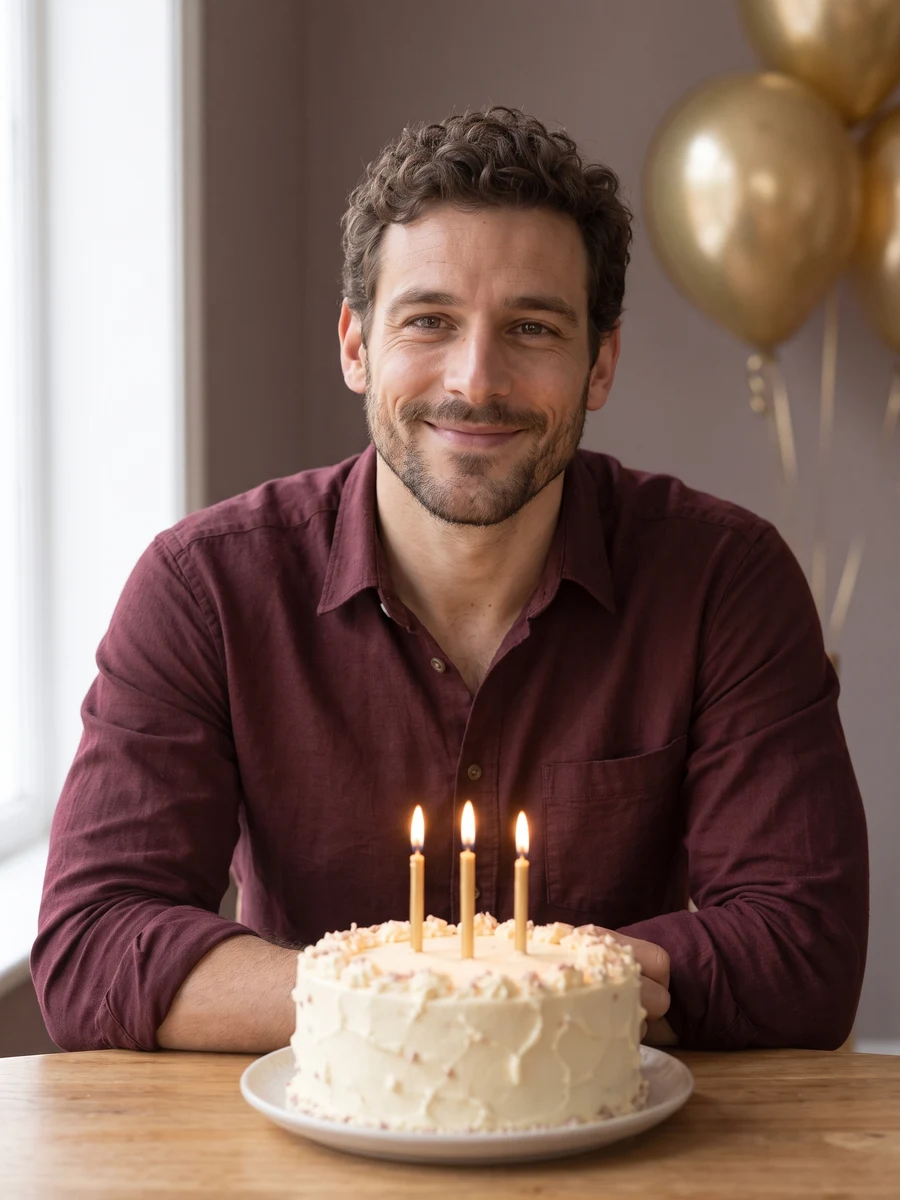
Composition 2 · choose a style for your result.
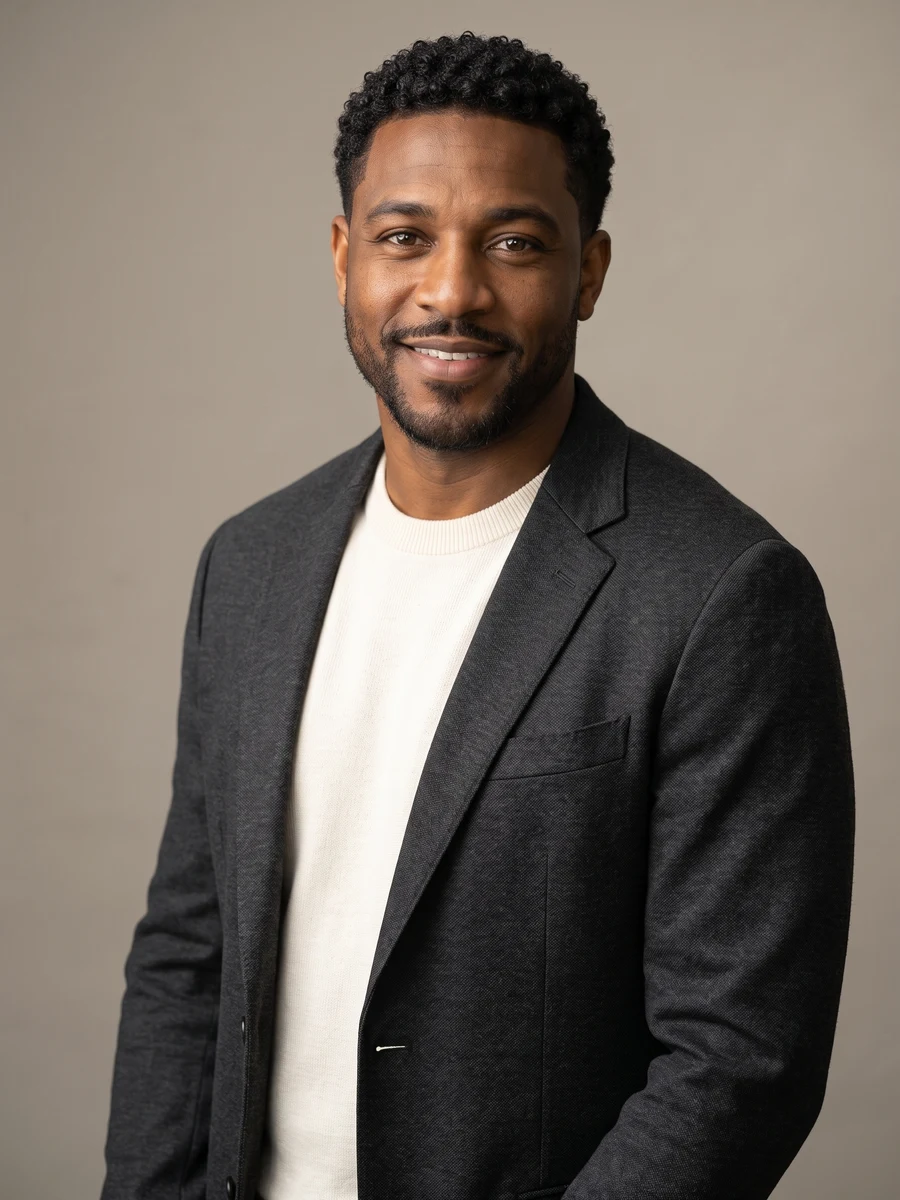 03
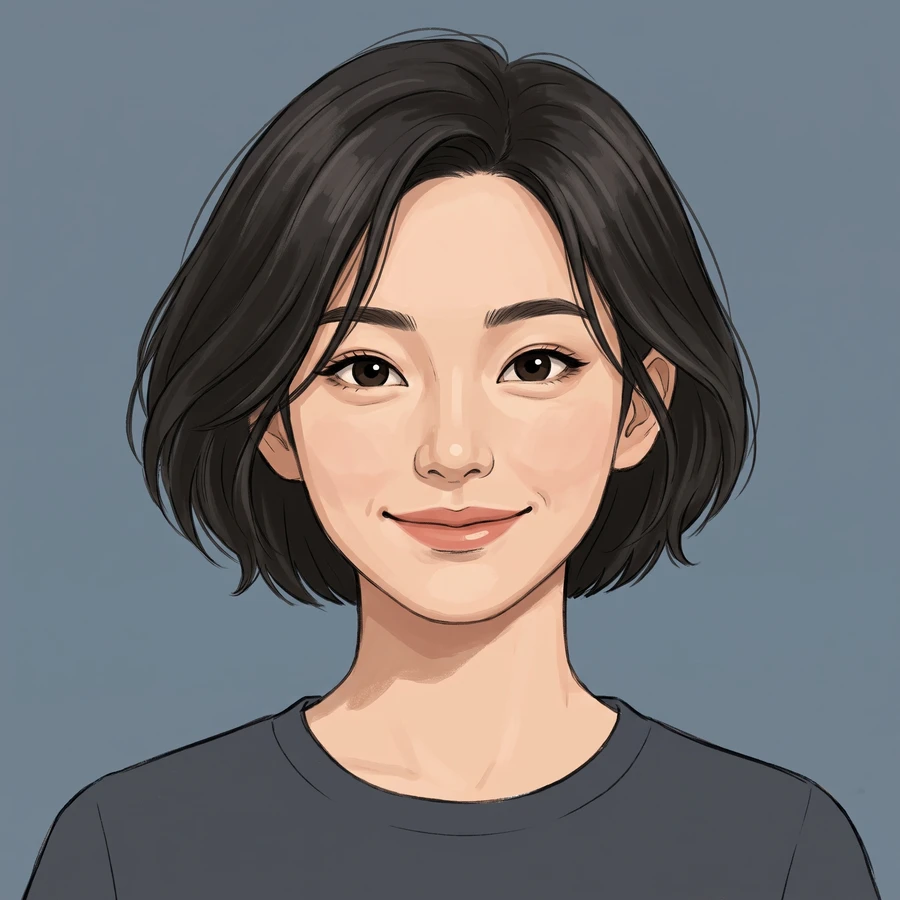
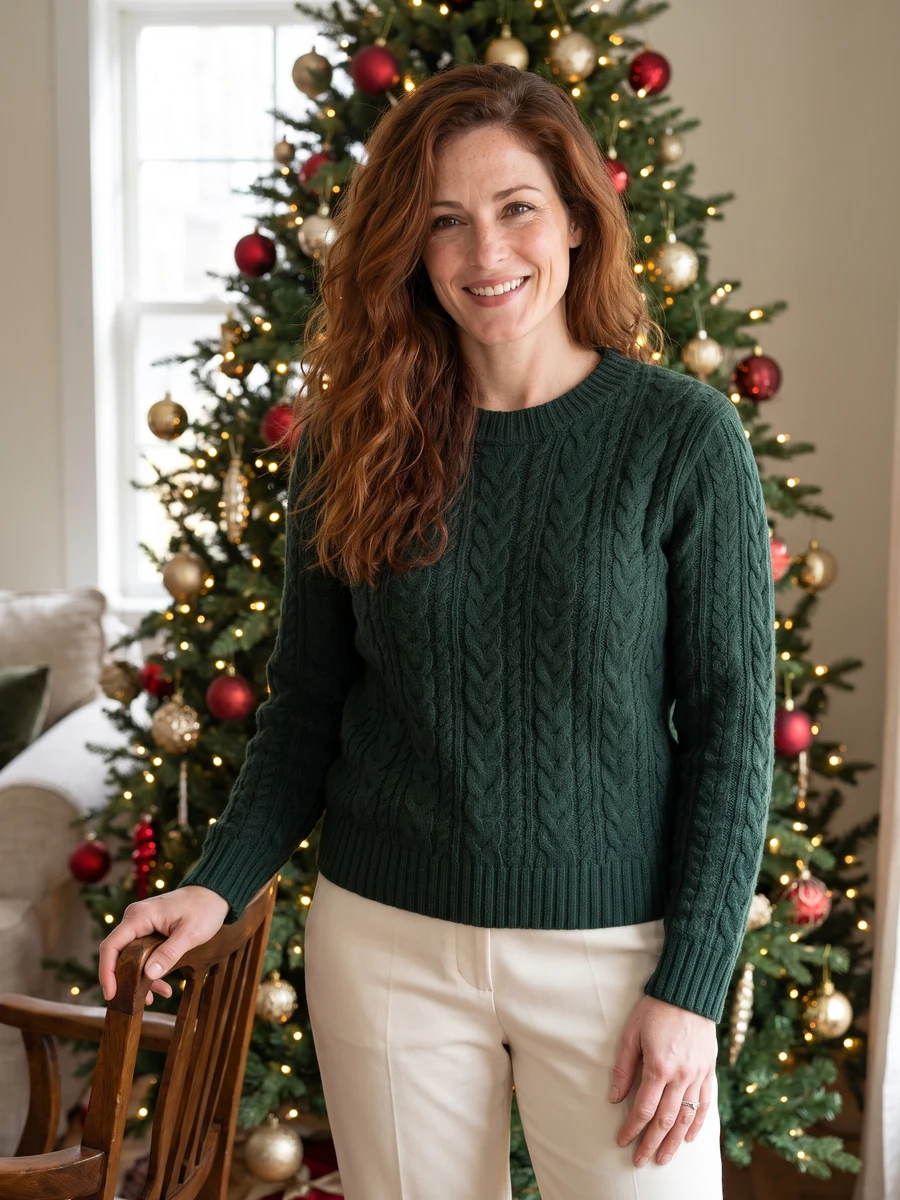
Composition 3 · choose a style for your result.
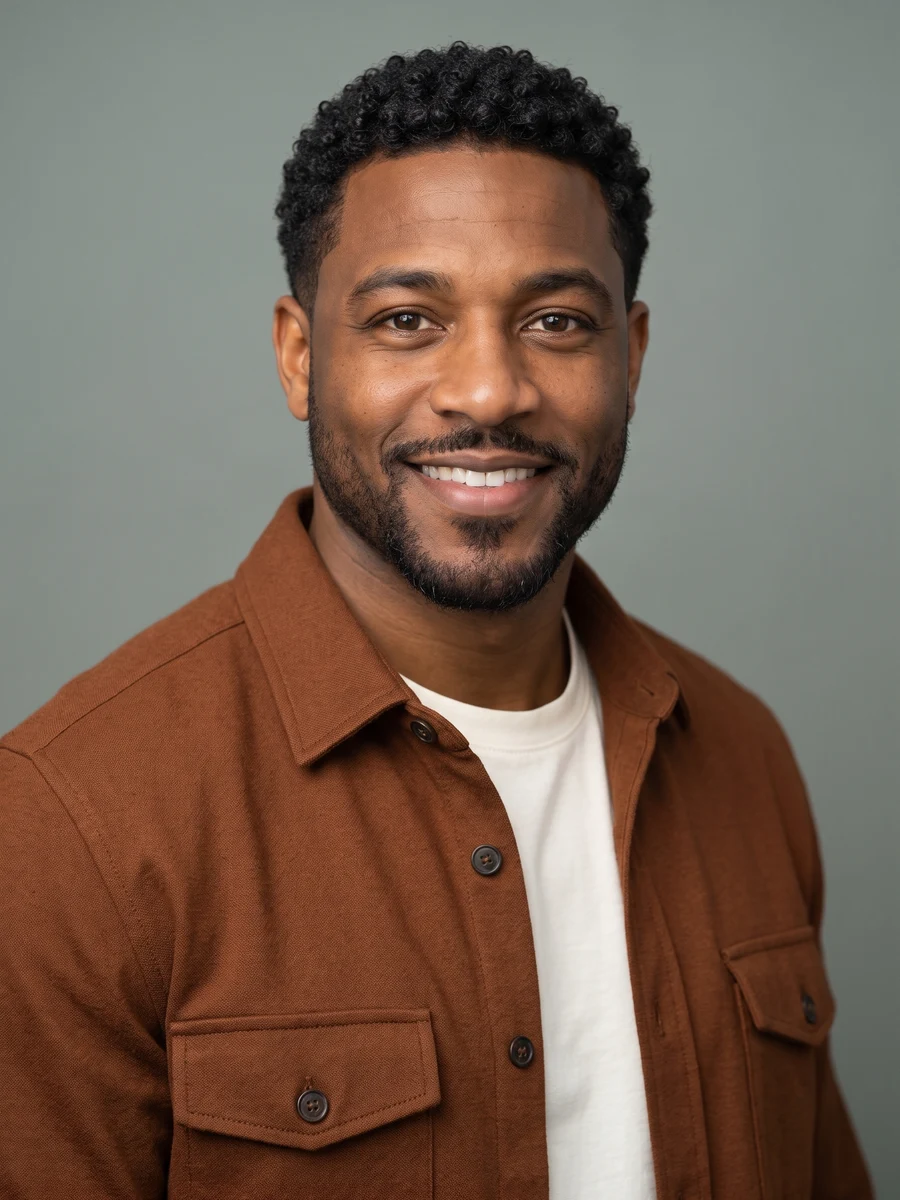 04
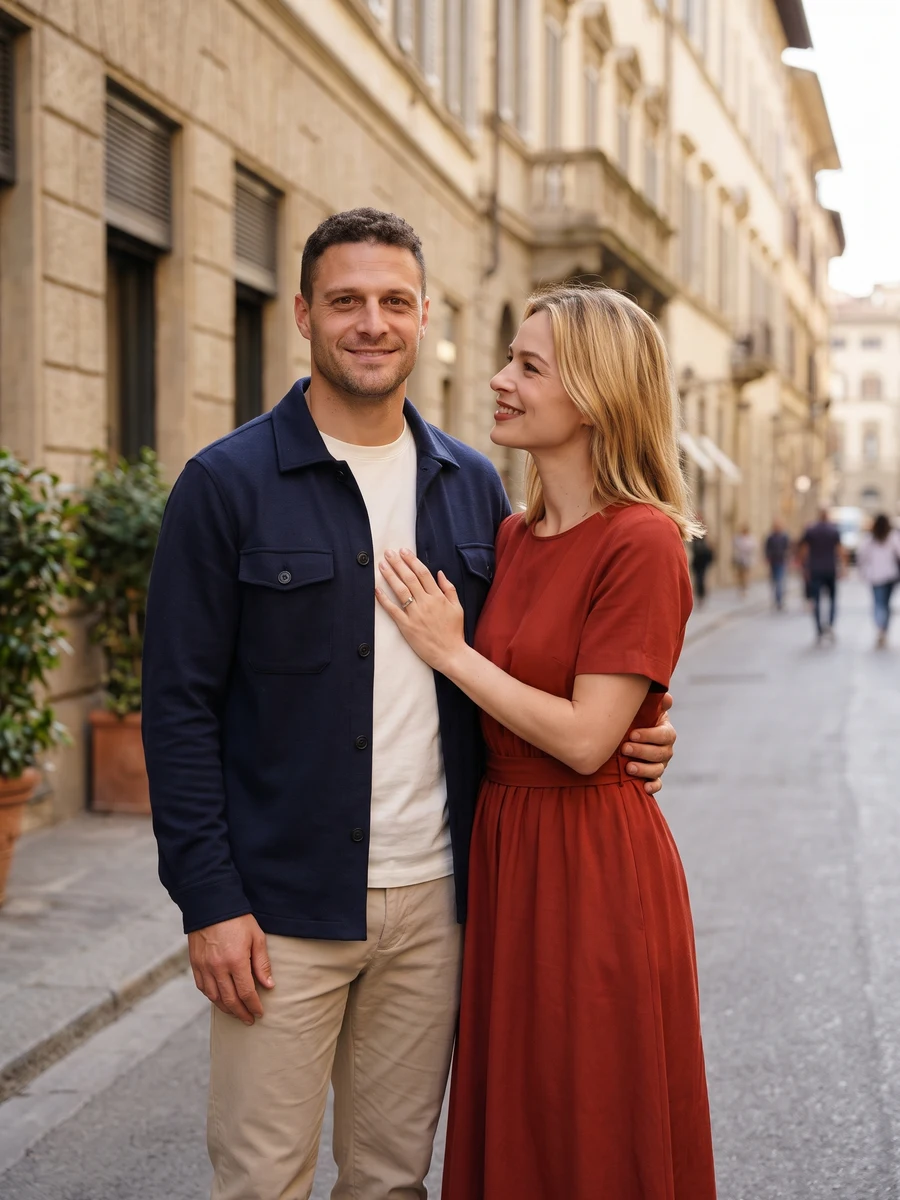
Composition 4 · choose a style for your result.
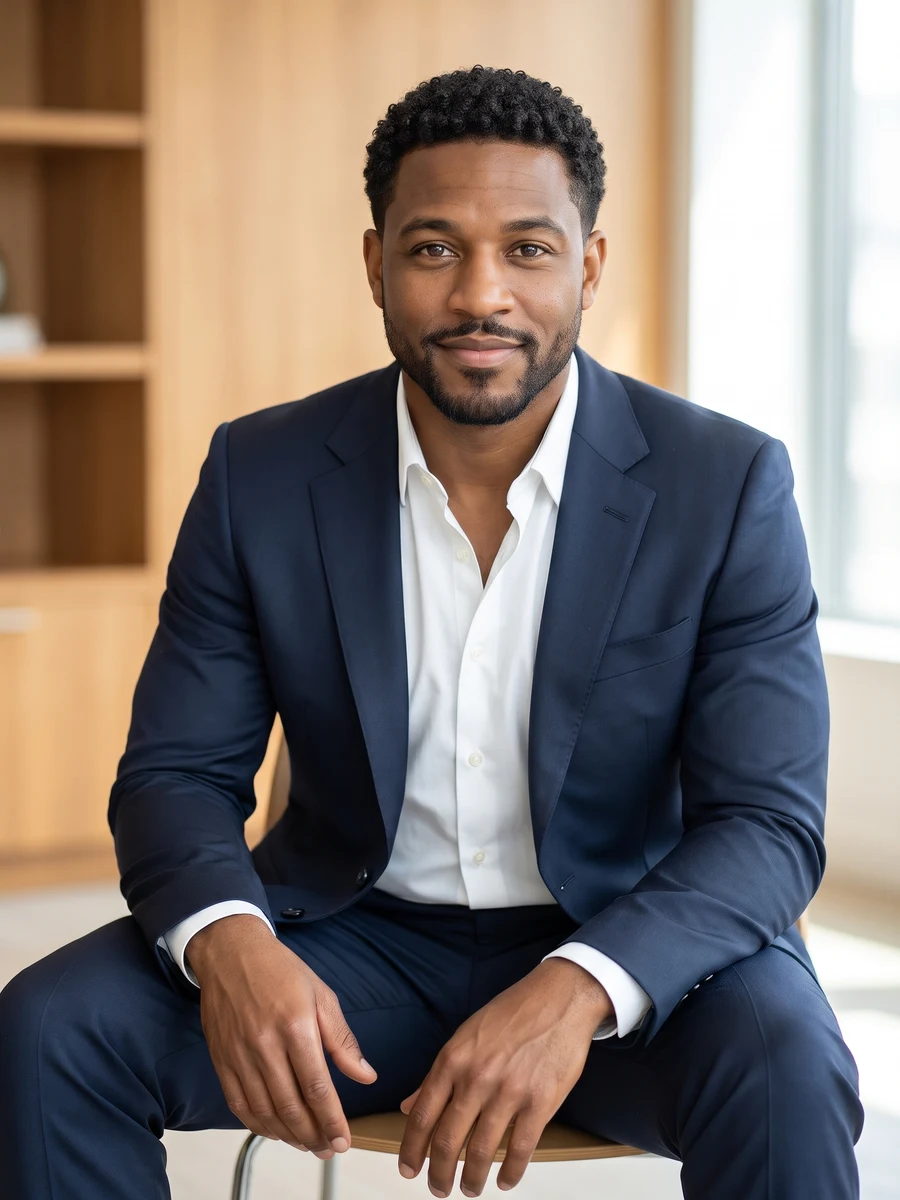 05
Composition 5 · choose a style for your result.
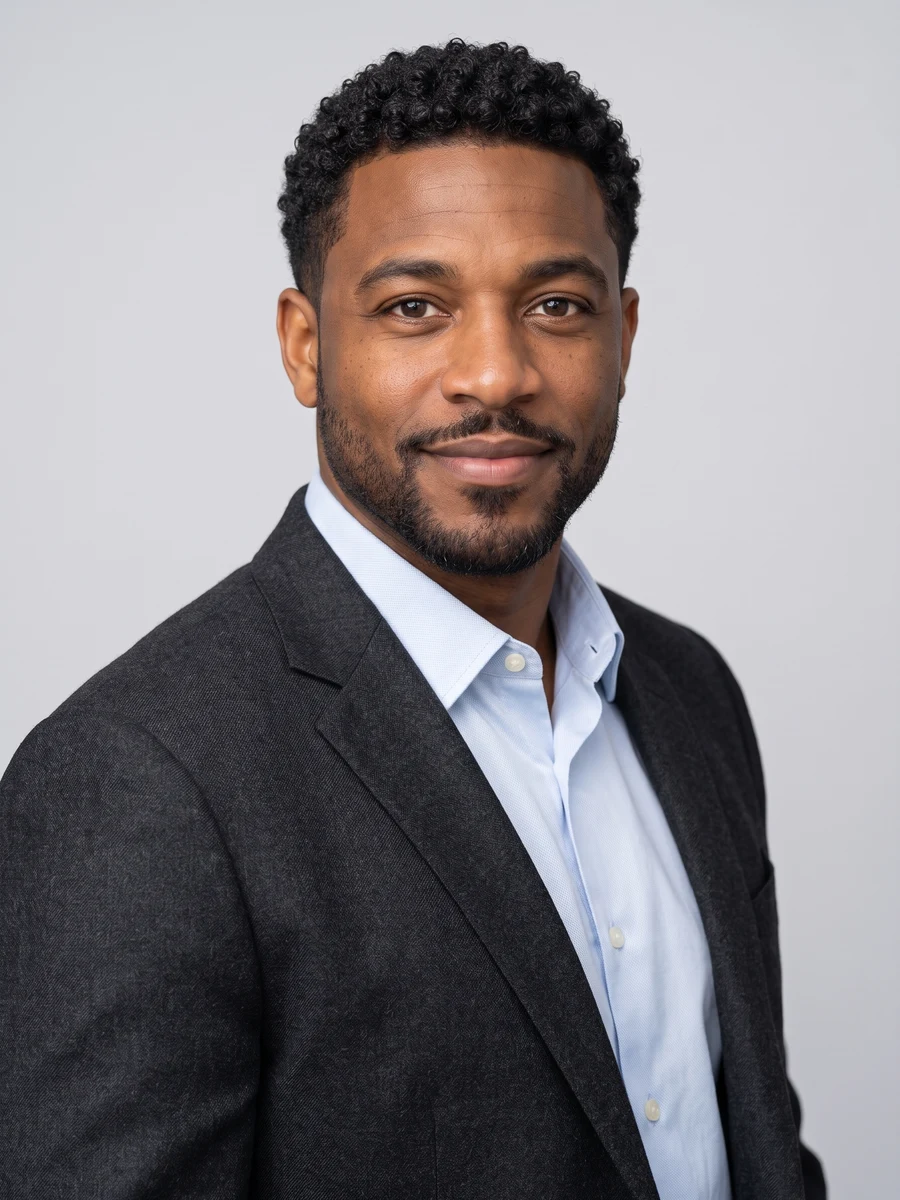 06
Composition 6 · choose a style for your result.
Sample from the reference site. Your result will vary. View sample source ↗
YVD / Professional HeadshotsBEHIND THE IDEA
Keep attention on the person introducing themselves. Business formal uses tailoring and a quiet background; smart casual softens the look; creative work allows a little more character. Six compositions vary shoulder angle, framing and expression. Pick one for a specific profile, or request the complete set to compare how each reads beside your name.
CreateChoose a recent eye-level photo without strong filters. Check glasses, teeth, hairline and skin texture at full size. For a company profile, match the crop and background conventions used by your colleagues.
YOUR NEXT TAKE
Add the photos requested by your scene. Check their order and framing.
Choose your scene or adjustment settings. For AI generation, review the total credit quote before confirming.
Inspect the finished details and download the version you want to keep.
CLEAR BEFORE YOU CREATE
The quote covers the selected image count and resolution. Choose a single shot or the complete set in the creator before confirming.
GPT Image 2.5 · 6 × 1K
GPT Image 2.5 · 6 × 1K
GPT Image 2.5 · 6 × 1K
This studio creates profile and presentation images. It does not certify identity, document accuracy or compliance with passport specifications. Follow the rules of the service or organization where you plan to use the portrait.
Select an individual composition or the full set. The quote updates with the image count, model and settings shown. Choosing photos and reviewing the brief does not start a generation task. One-time credit packs are available without a subscription.
Selecting photos keeps them on this device until you confirm generation. Confirmation uploads the references for processing. Your creation records are scoped to your account, but provider-hosted media may use unlisted URLs that can expire. Deleting a creation from your library may not delete a provider-hosted file. Read YVD’s Privacy Policy before uploading sensitive material.
Photos guide the subject’s appearance. AI can change facial details, hands, clothing and backgrounds. Inspect the result before sharing; examples are a style reference.
No. Choosing files and reviewing a brief does not start a task. The confirmation button sends the generation request and uses the credit quote shown.
Sign in to the same YVD account and open My creations. Download files you want to keep. Check YVD’s terms and privacy pages for the service rules.
KEEP EXPLORING
Explore more photo and video scenes in the same YVD studio.