 01
AI Portrait StudioYVD STUDIO
A different portrait. Still your starting point.
Explore eight photo studios for work profiles, everyday portraits, illustrated avatars and occasions. Choose a scene, then bring your own photos.
Reference previewIMAGEBack to create
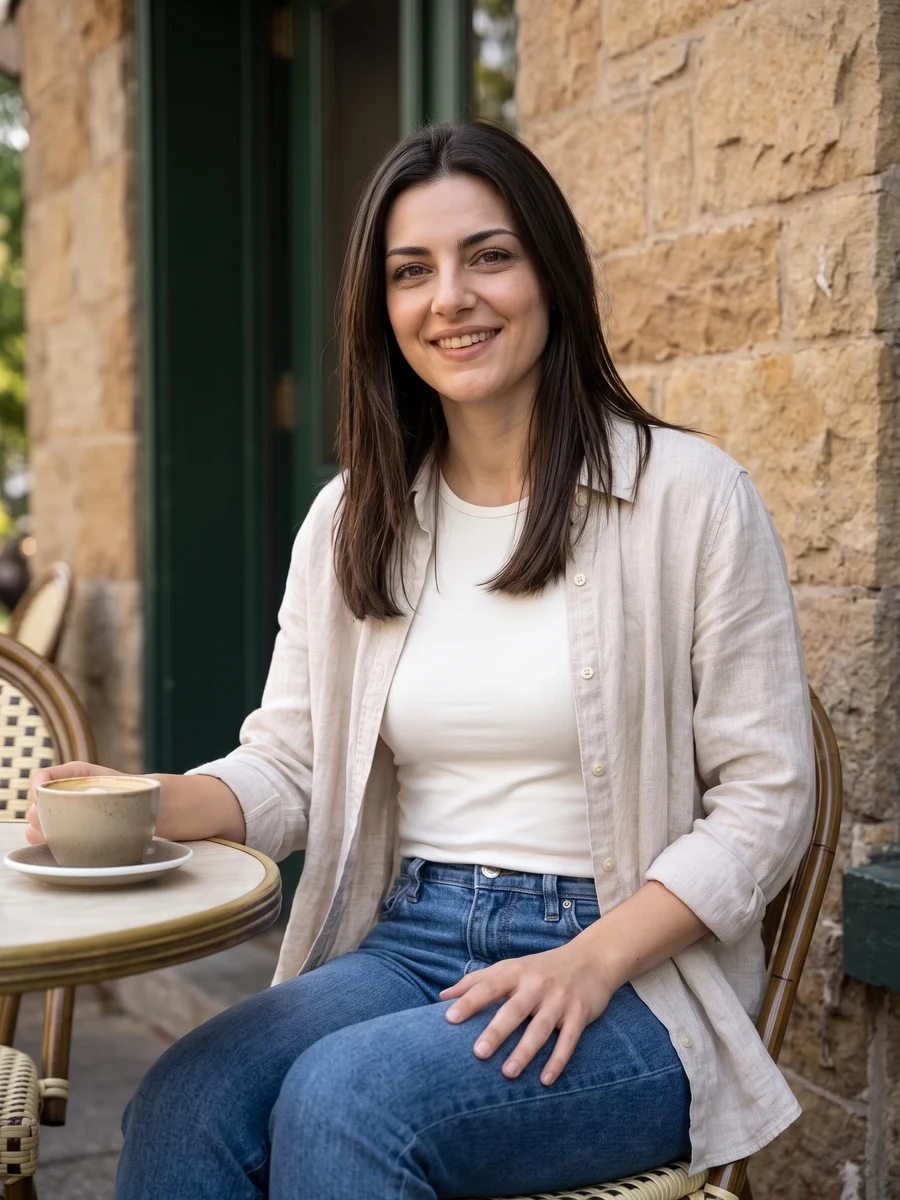
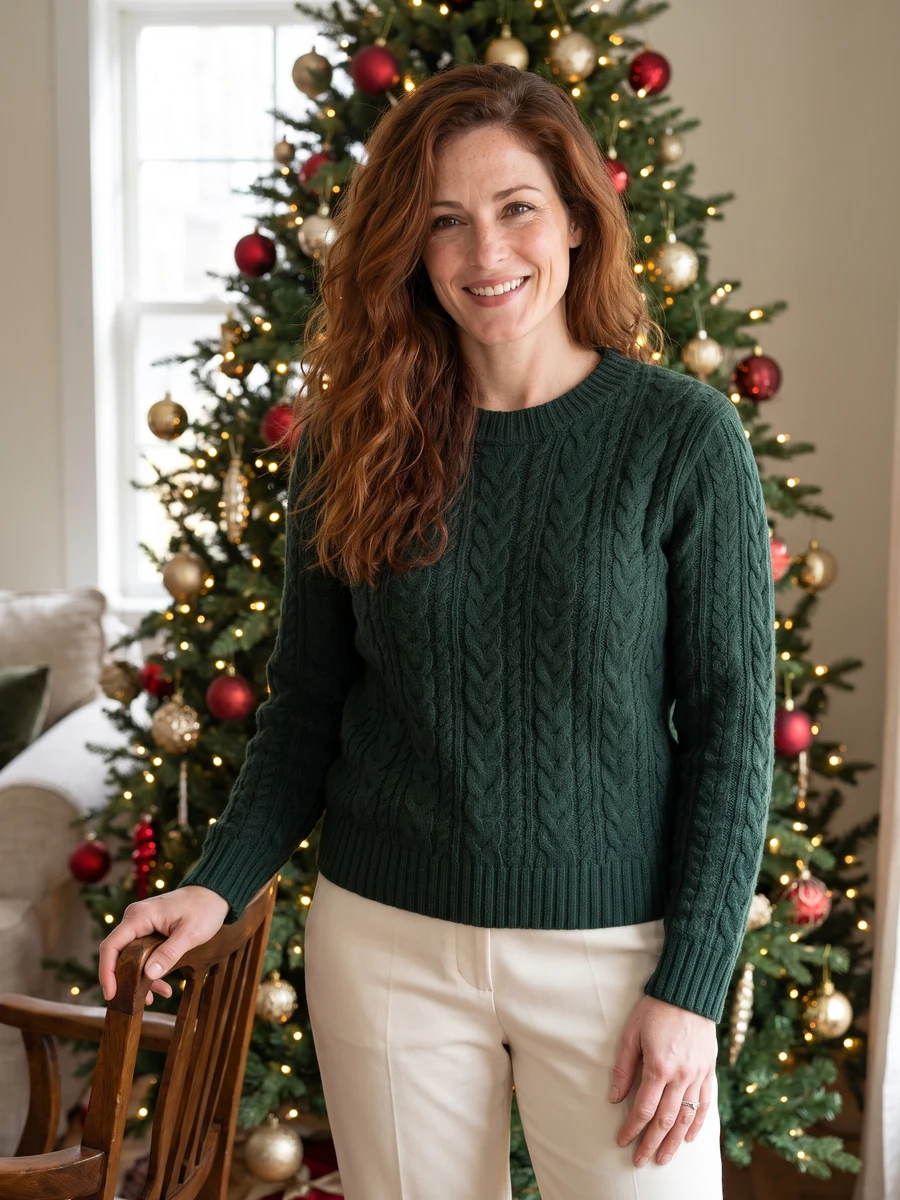
Lifestyle portraits01 / 08
Sample from the reference site. Your result will vary.
View sample sourceThe quote uses YVD’s current model settings. Check it before confirming.Scenes
THE SCENE COLLECTION
Choose your sceneAI Portrait Studio
Explore eight photo studios for work profiles, everyday portraits, illustrated avatars and occasions. Choose a scene, then bring your own photos.
01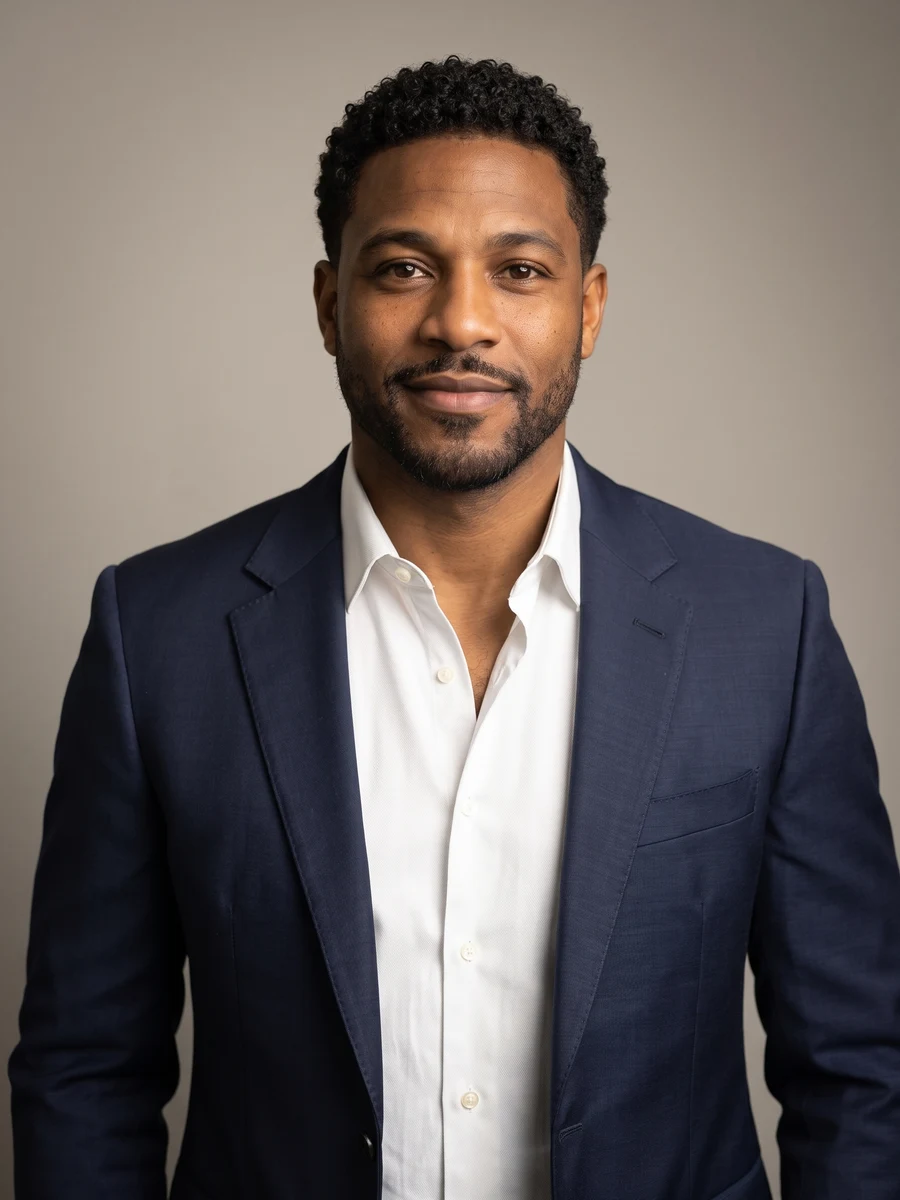 02
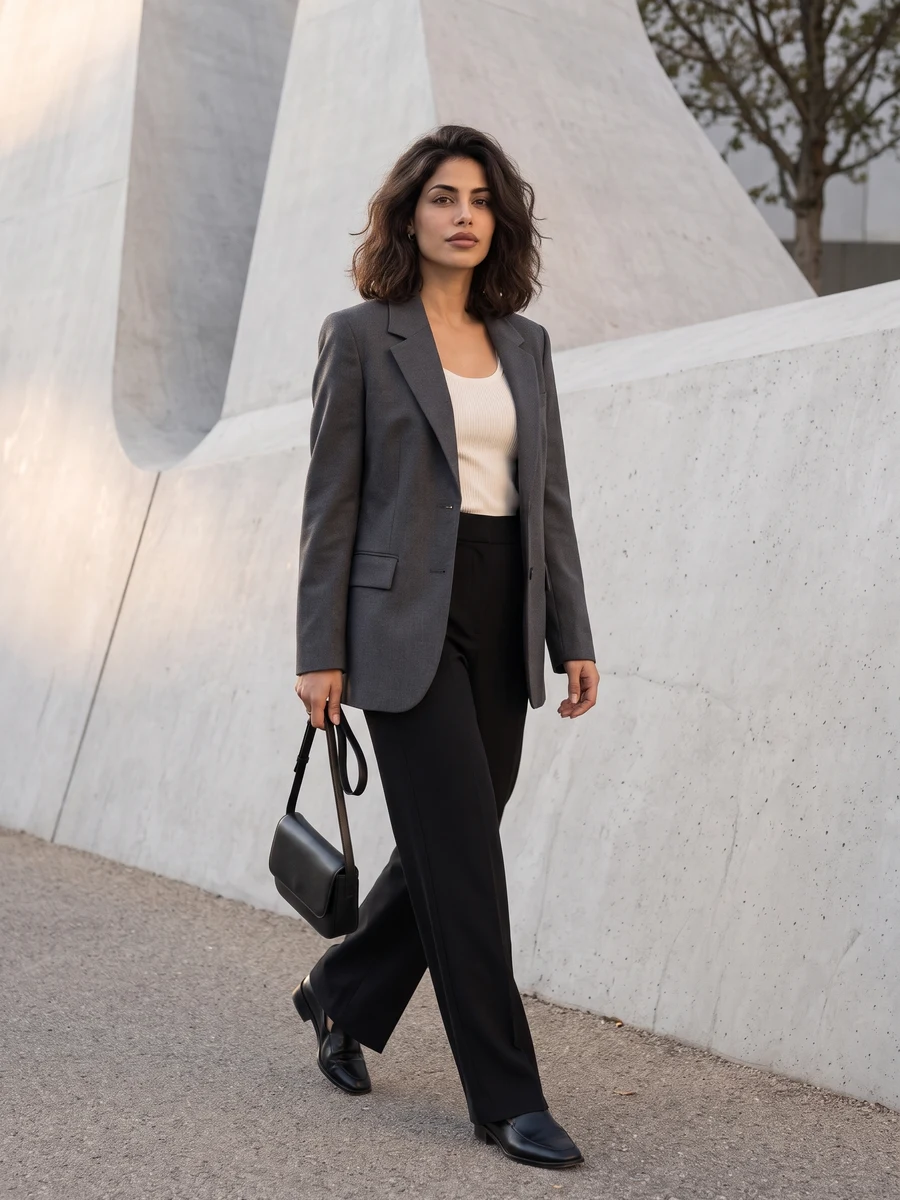 03
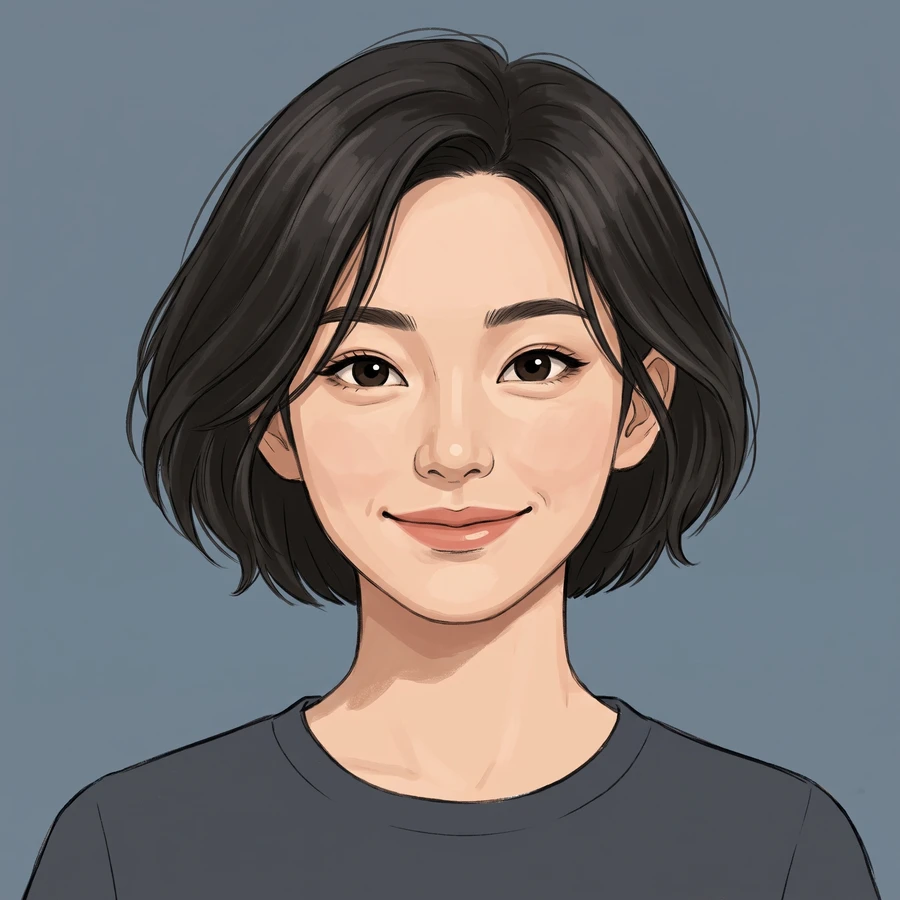 04
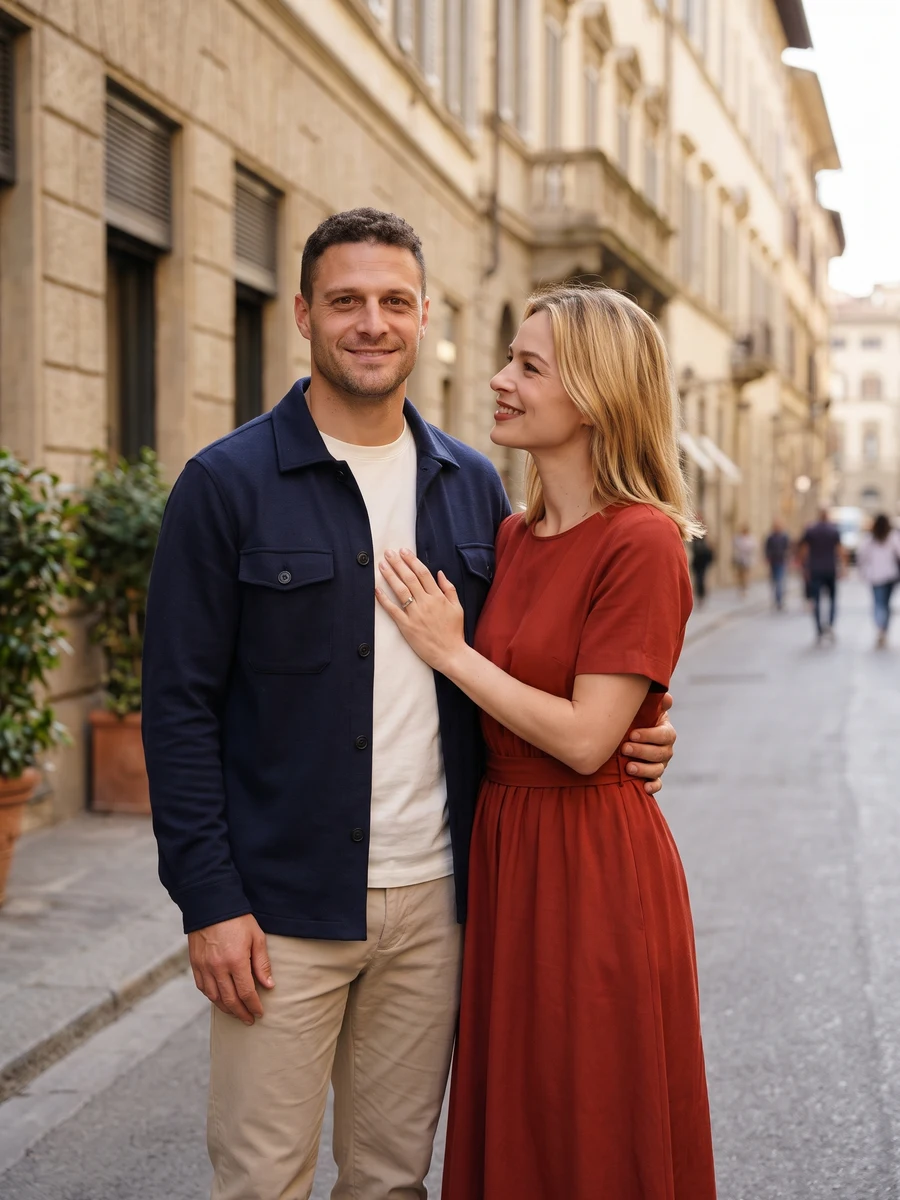 05
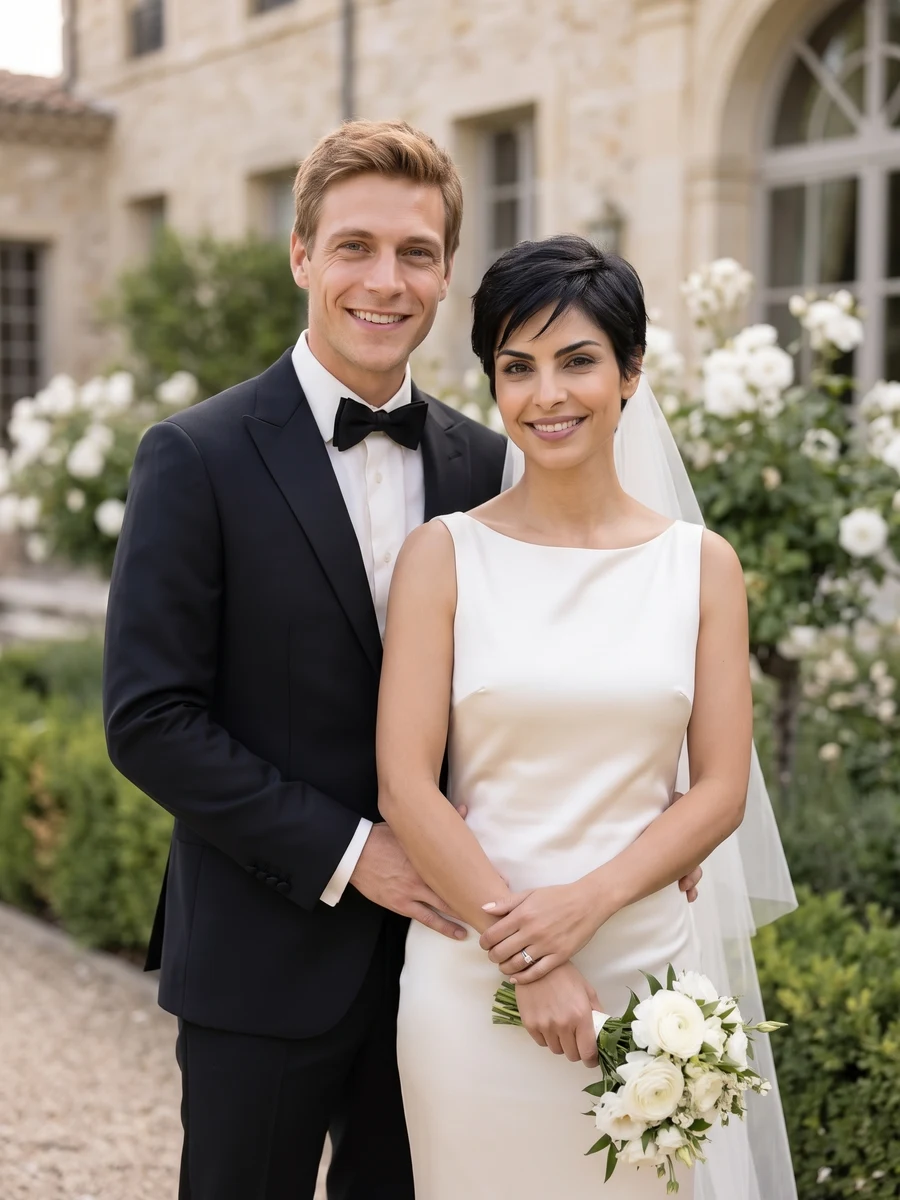 06
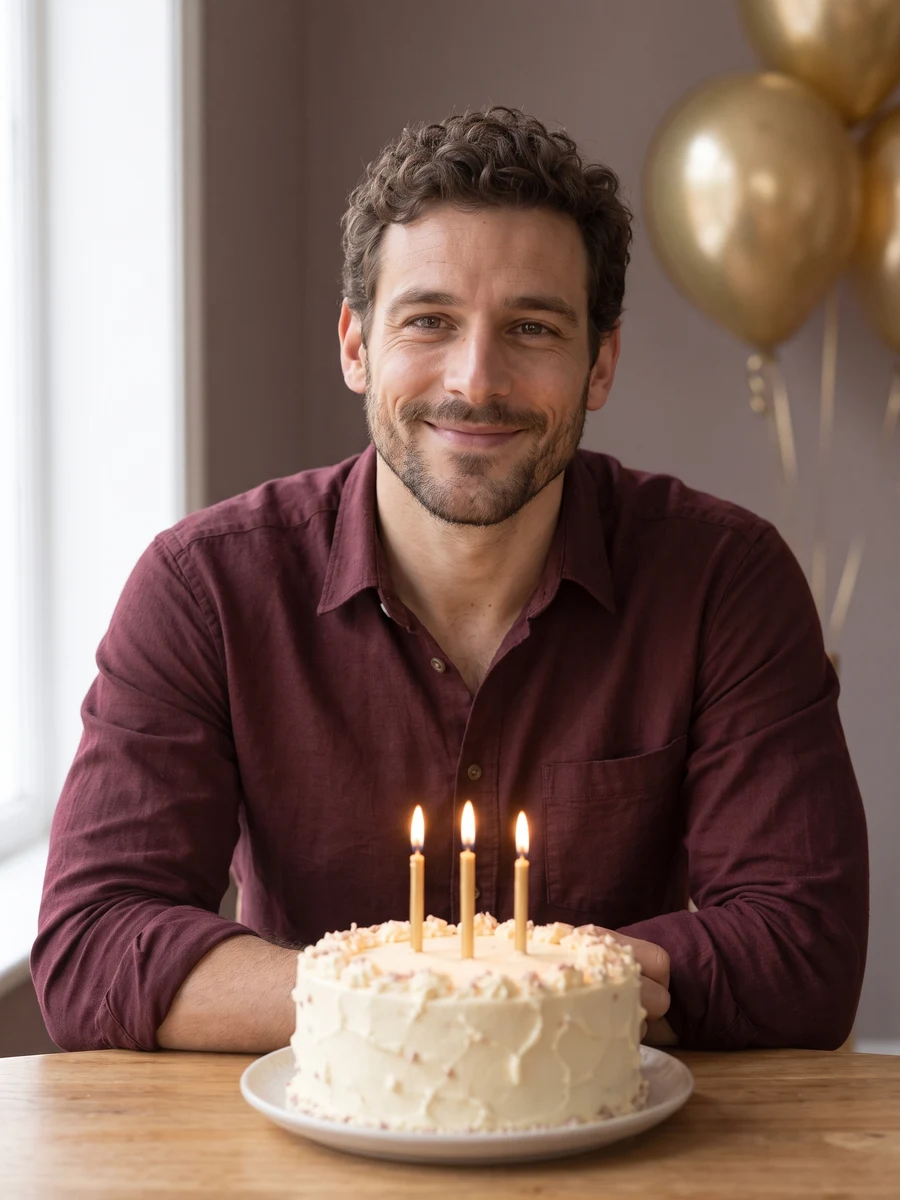 07
 08
Sample from the reference site. Your result will vary. View sample source ↗
YVD / AI Portrait StudioBEHIND THE IDEA
Choose where your portrait belongs.
Choose the context before the camera angle. A work profile needs a readable face; an editorial portrait makes more room for the outfit; a couple or wedding concept gives two adults equal attention. This collection links to eight dedicated studios with their own shot sets and style controls. You can also try a single scene direction in the workbench above.
CreateBetter references. A clearer direction.
Pick a recent photo that looks like you today. Heavy retouching, hidden eyes and a distant face give the model less useful information. After generating, check the image at the size you plan to use it.
YOUR NEXT TAKE
From a photo to your next take.
Choose the cast
Add the photos requested by your scene. Check their order and framing.
Make it your version
Choose your scene or adjustment settings. For AI generation, review the total credit quote before confirming.
Watch, check, keep
Inspect the finished details and download the version you want to keep.
CLEAR BEFORE YOU CREATE
Know the quote before the take.
Your quote reflects the selected image count, resolution and detail level. Check the total before confirming.
Draft4credits
GPT Image 2.5 · 1 × 1K
Balanced4credits
GPT Image 2.5 · 1 × 1K
High detail8credits
GPT Image 2.5 · 1 × 1K
Where should I start for a LinkedIn photo?
Open Professional Headshots for business formal, smart casual or creative work styling. Select one composition or a six-image set. For a casual social profile, Lifestyle Portraits is a better starting direction.
What happens to my photos and results?
Selecting photos keeps them on this device until you confirm generation. Confirmation uploads the references for processing. Your creation records are scoped to your account, but provider-hosted media may use unlisted URLs that can expire. Deleting a creation from your library may not delete a provider-hosted file. Read YVD’s Privacy Policy before uploading sensitive material.
How closely will it follow my photos?
Photos guide the subject’s appearance. AI can change facial details, hands, clothing and backgrounds. Inspect the result before sharing; examples are a style reference.
Do I pay just to choose photos or scenes?
No. Choosing files and reviewing a brief does not start a task. The confirmation button sends the generation request and uses the credit quote shown.
Where can I find my result later?
Sign in to the same YVD account and open My creations. Download files you want to keep. Check YVD’s terms and privacy pages for the service rules.
KEEP EXPLORING
A different idea for your next photo.
Explore more photo and video scenes in the same YVD studio.