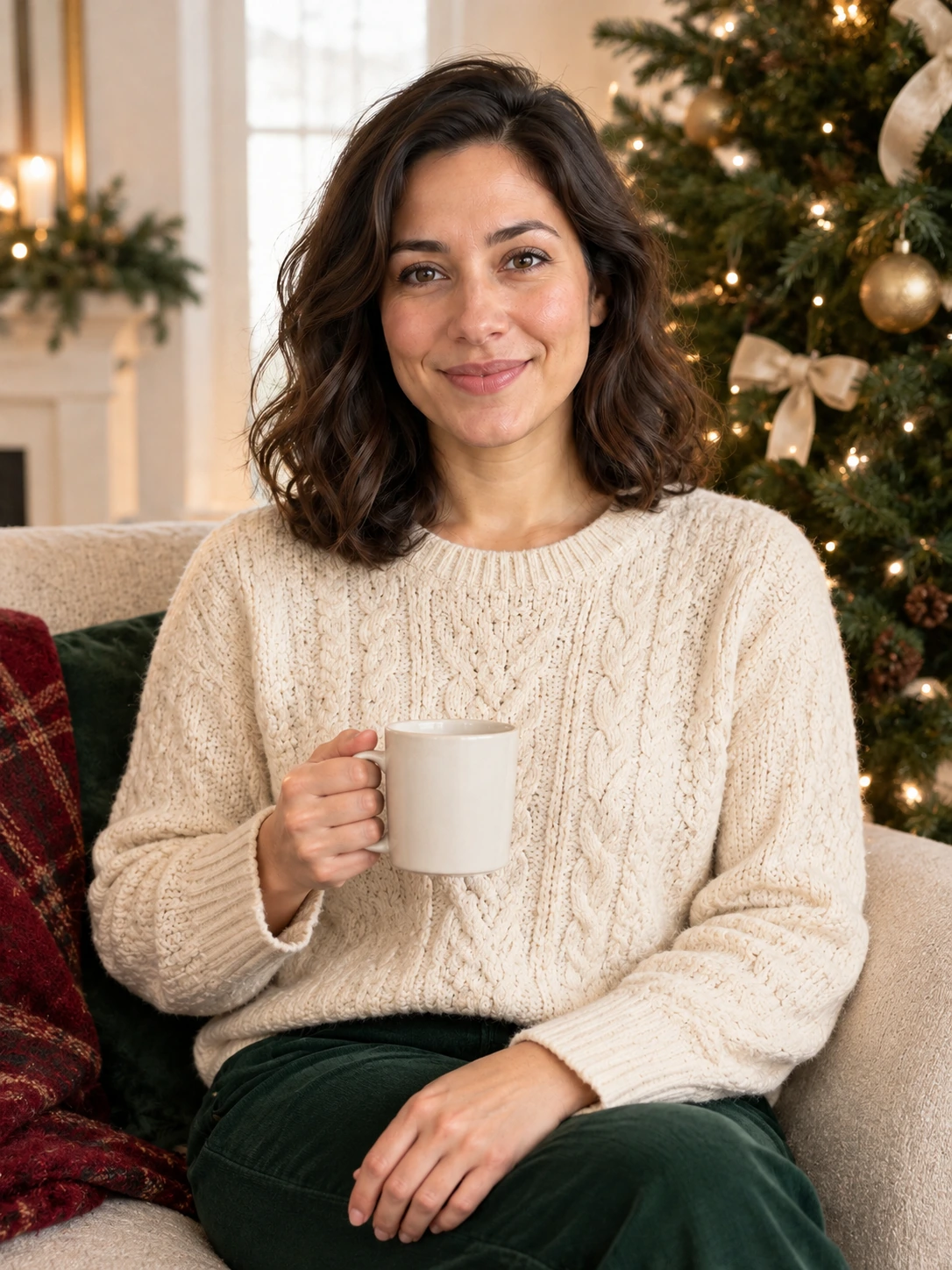
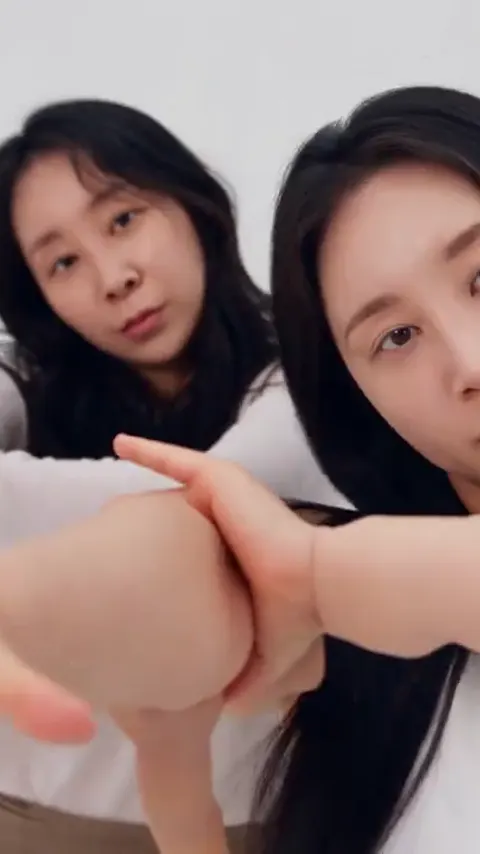
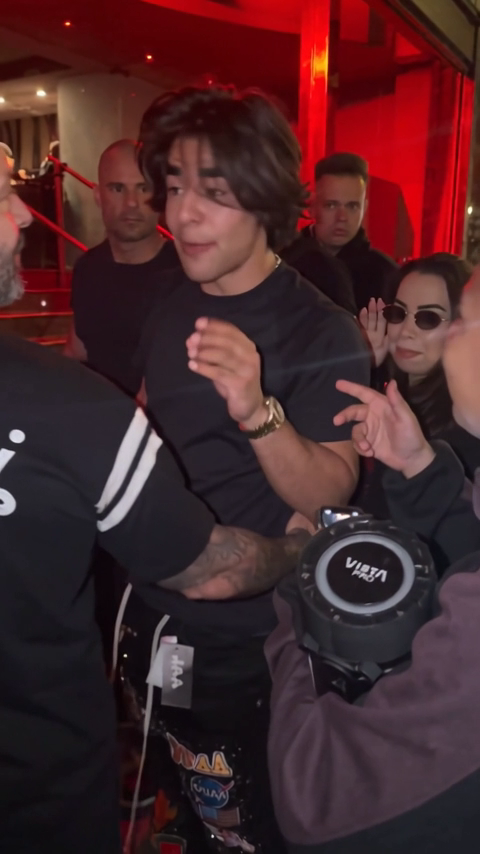
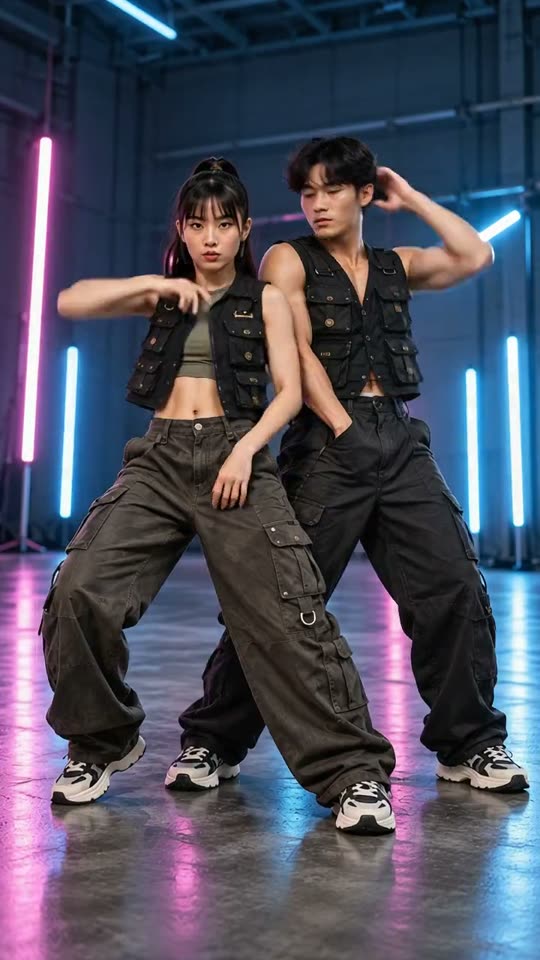
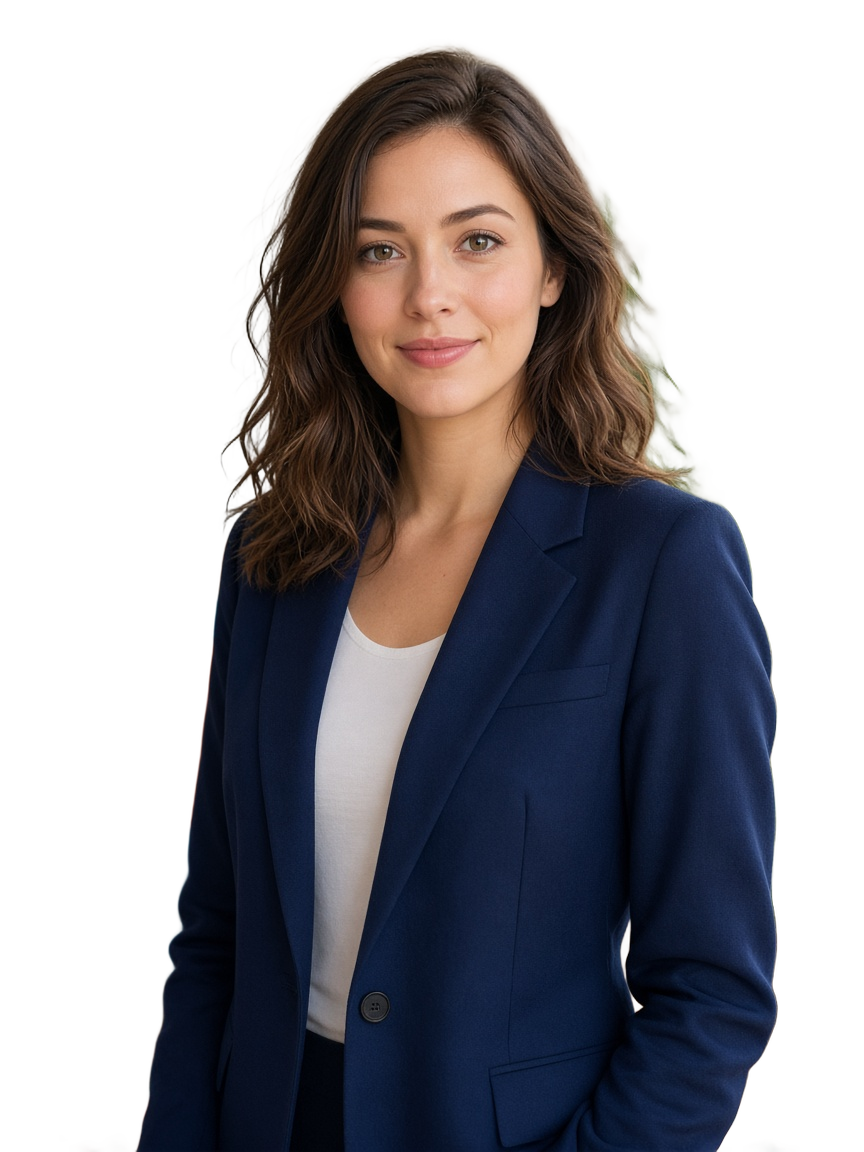
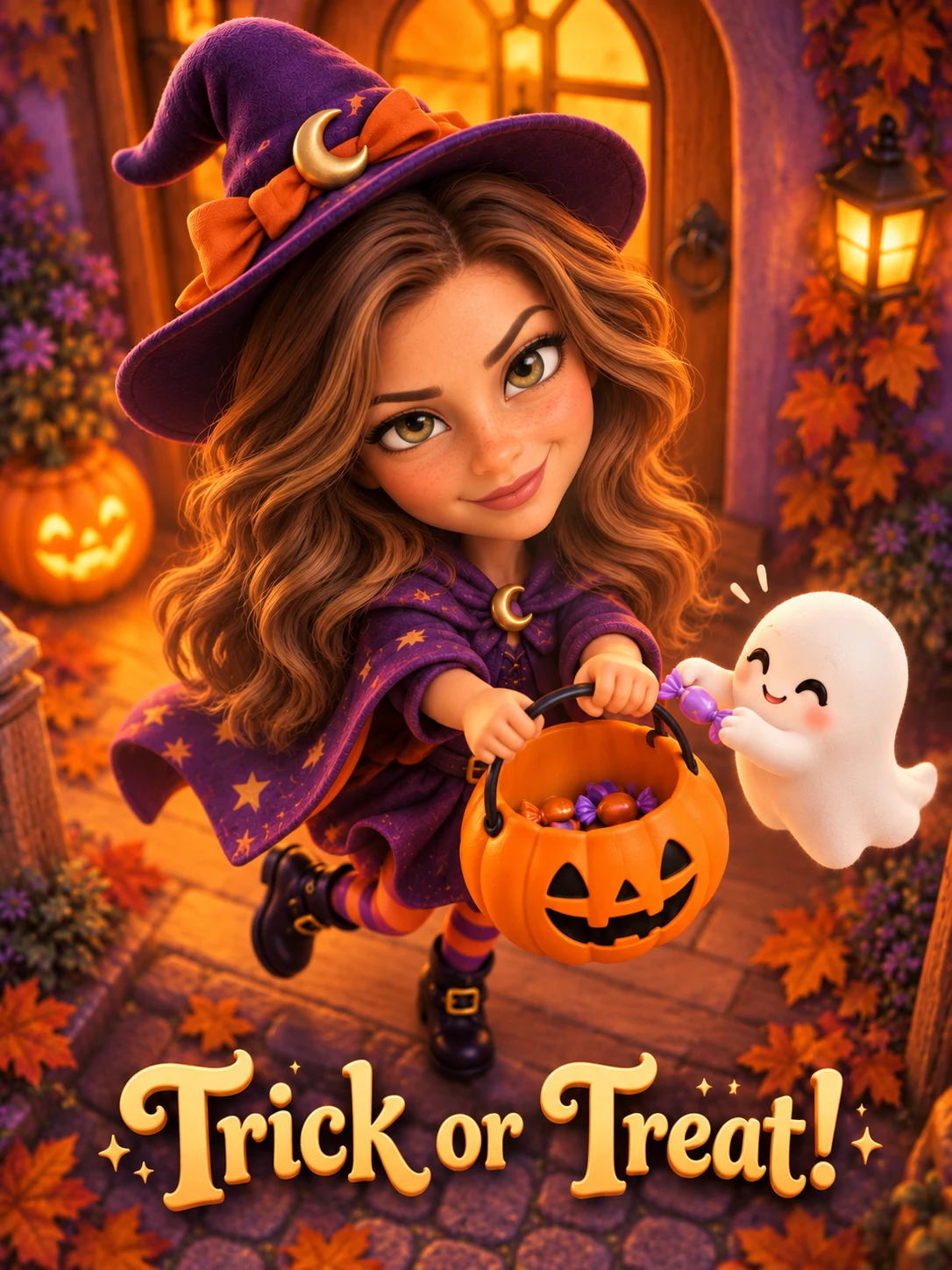
 01
Candy at the door
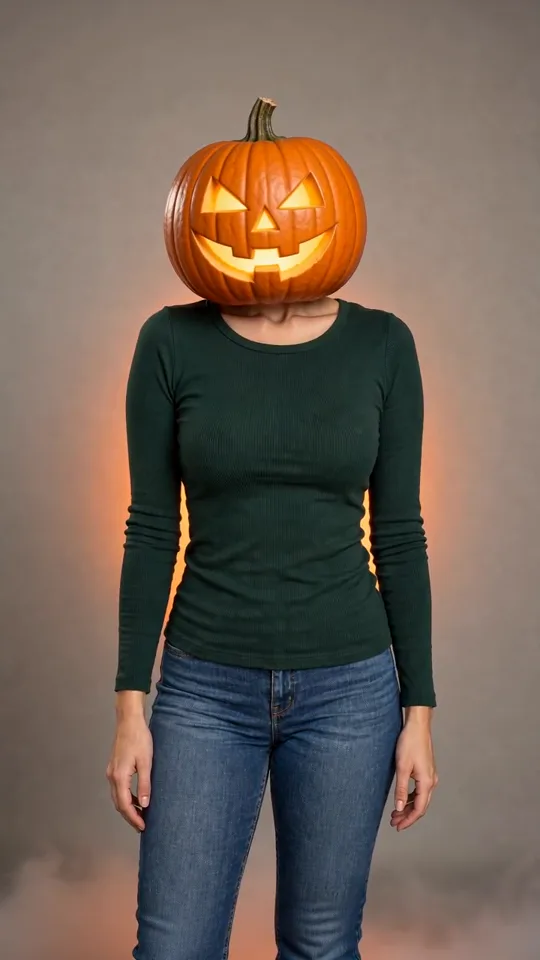
A pumpkin pail and one curious ghost.
Halloween AIYVD STUDIO
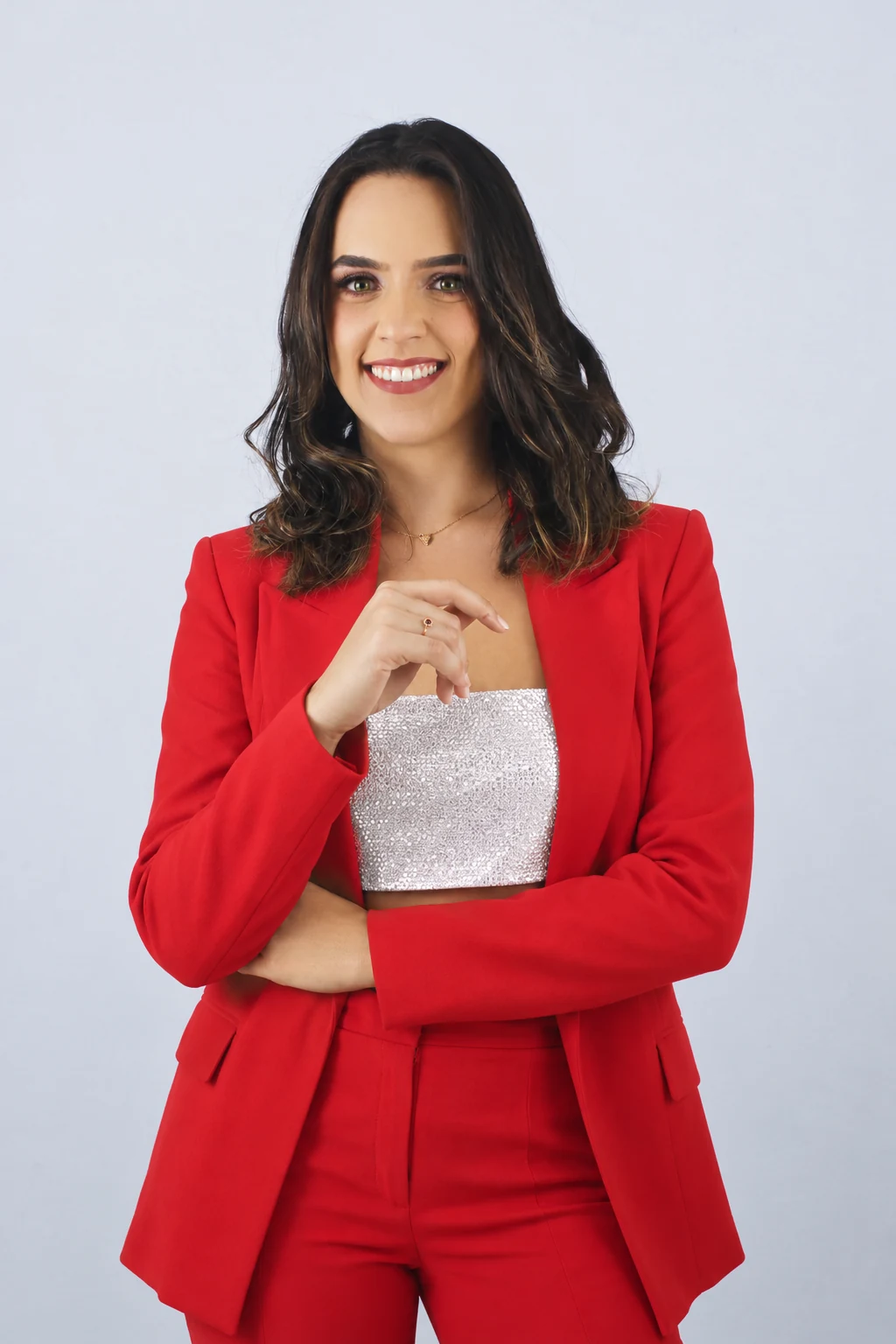
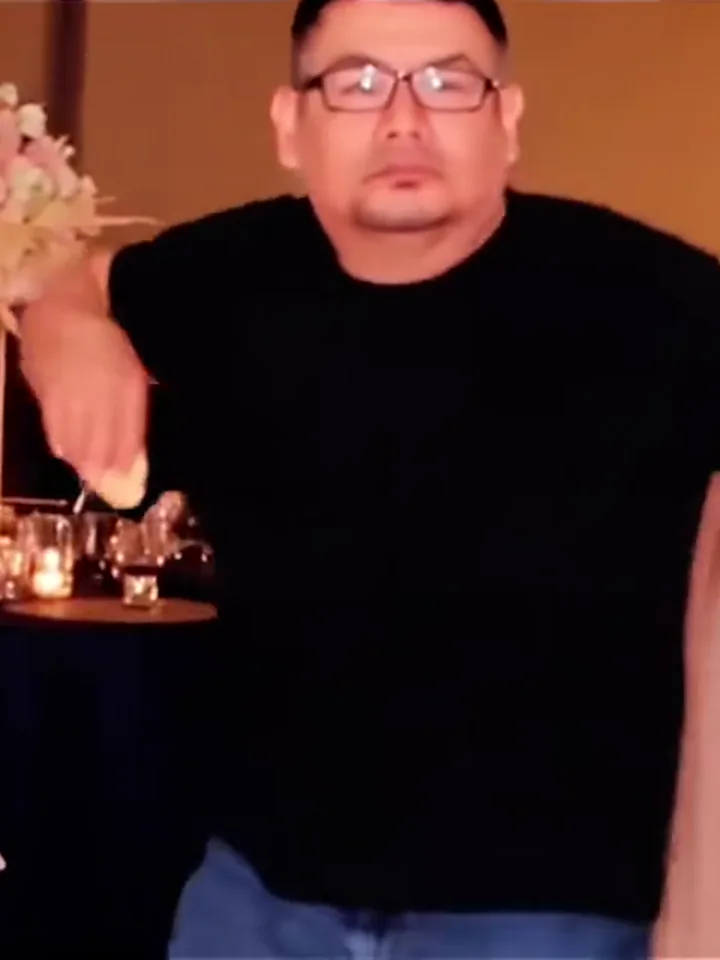
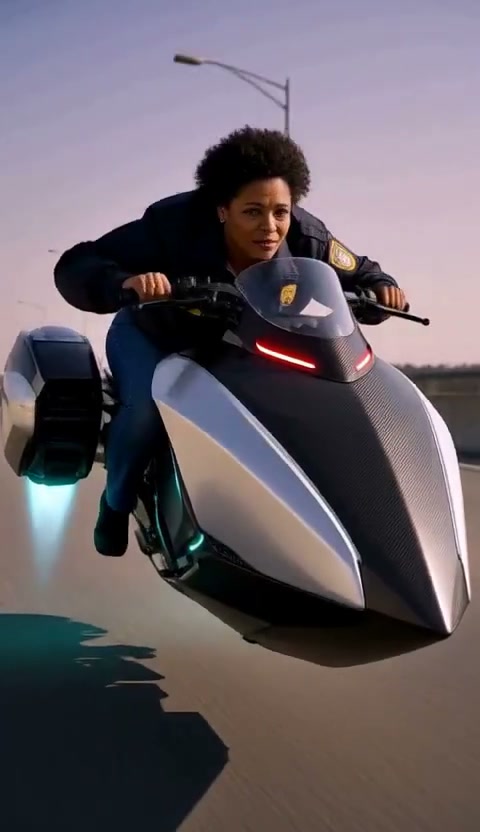
Try eight Halloween portrait ideas, from a candy-bucket witch to a friendly ghost crew. Start with one photo and choose your scene.
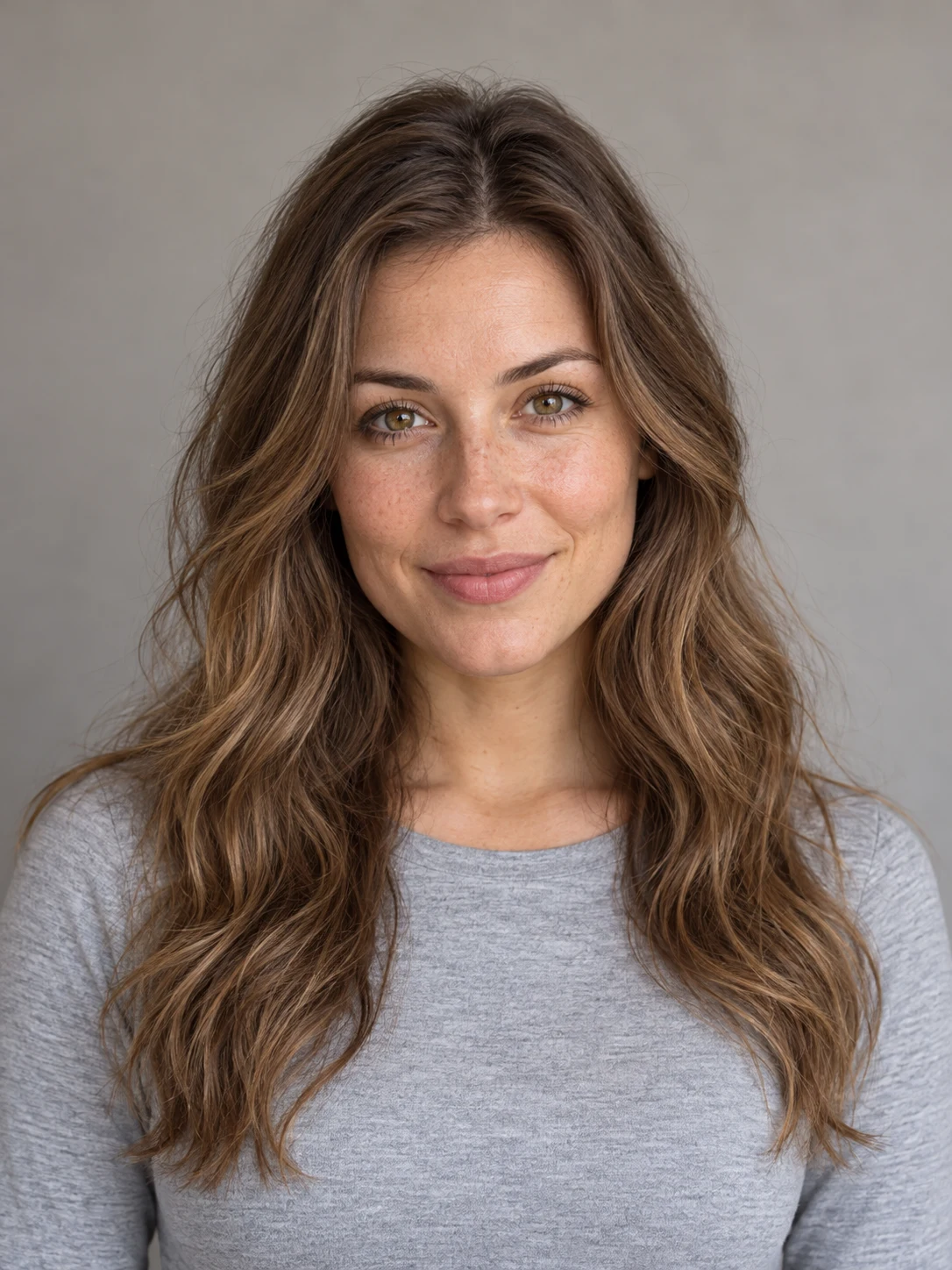
Sample from the reference site. Your result will vary.
View sample sourceTHE SCENE COLLECTION
Try eight Halloween portrait ideas, from a candy-bucket witch to a friendly ghost crew. Start with one photo and choose your scene.
01A pumpkin pail and one curious ghost.
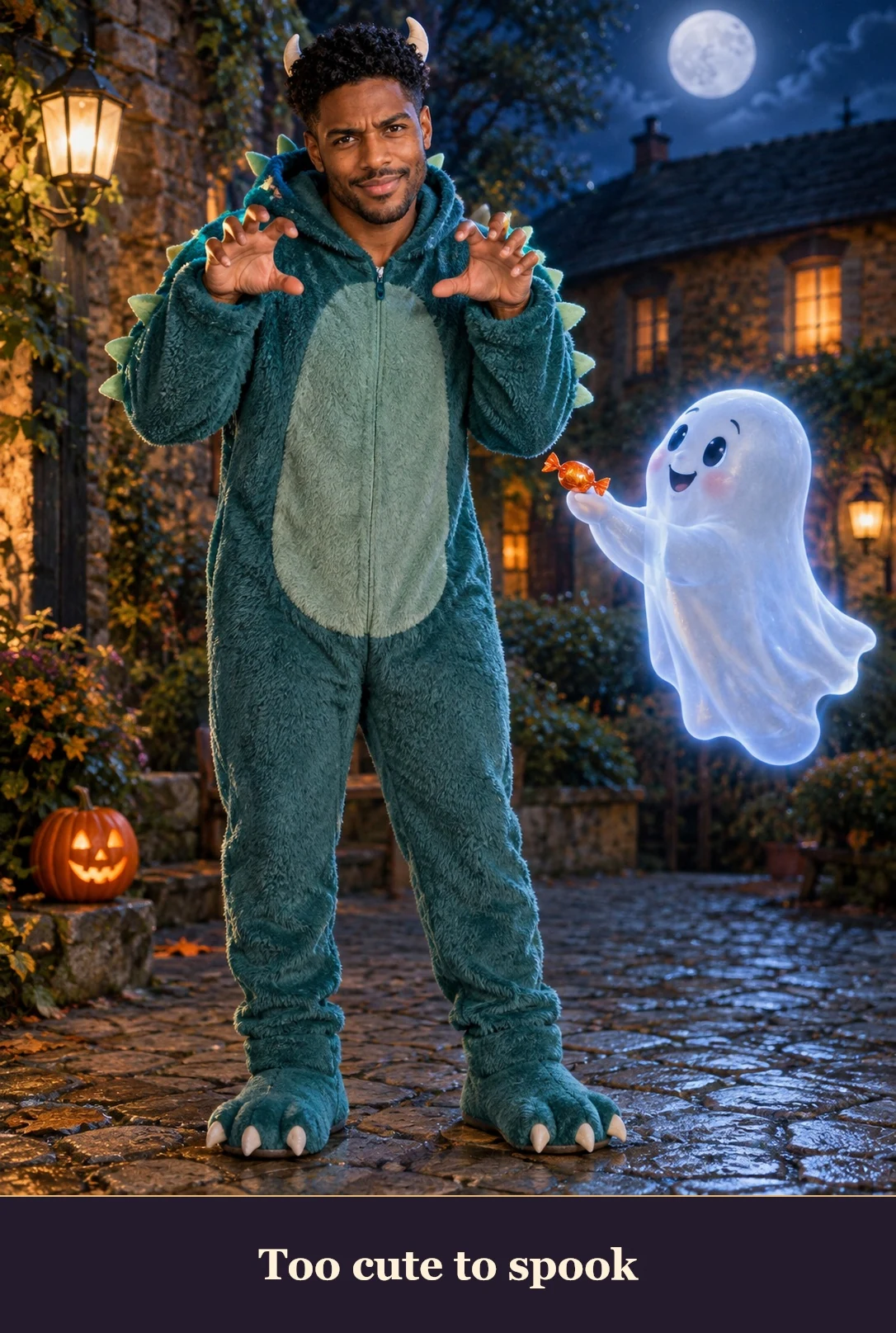 02
A cozy costume with a playful expression.
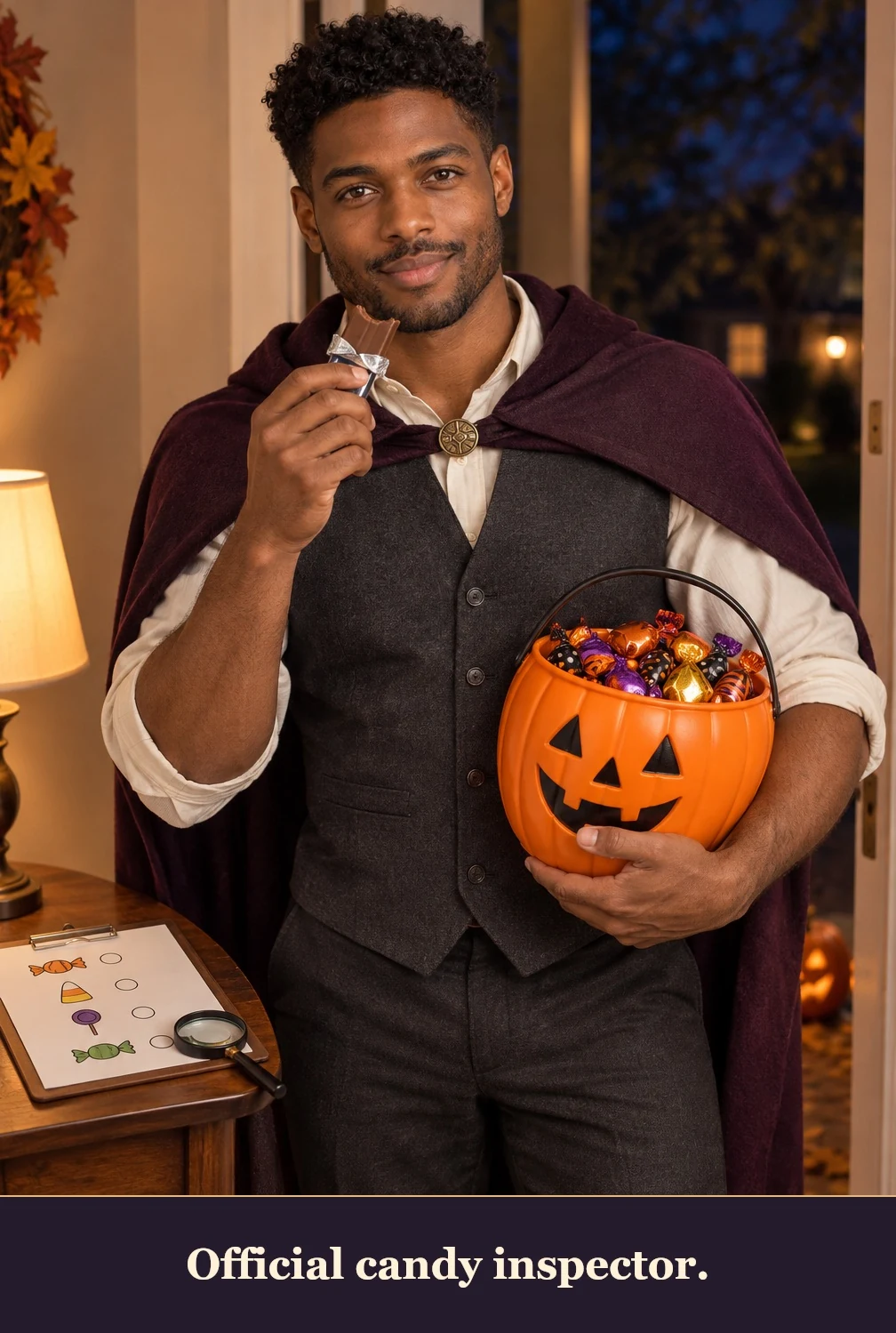 03
A serious face and a very full bucket.
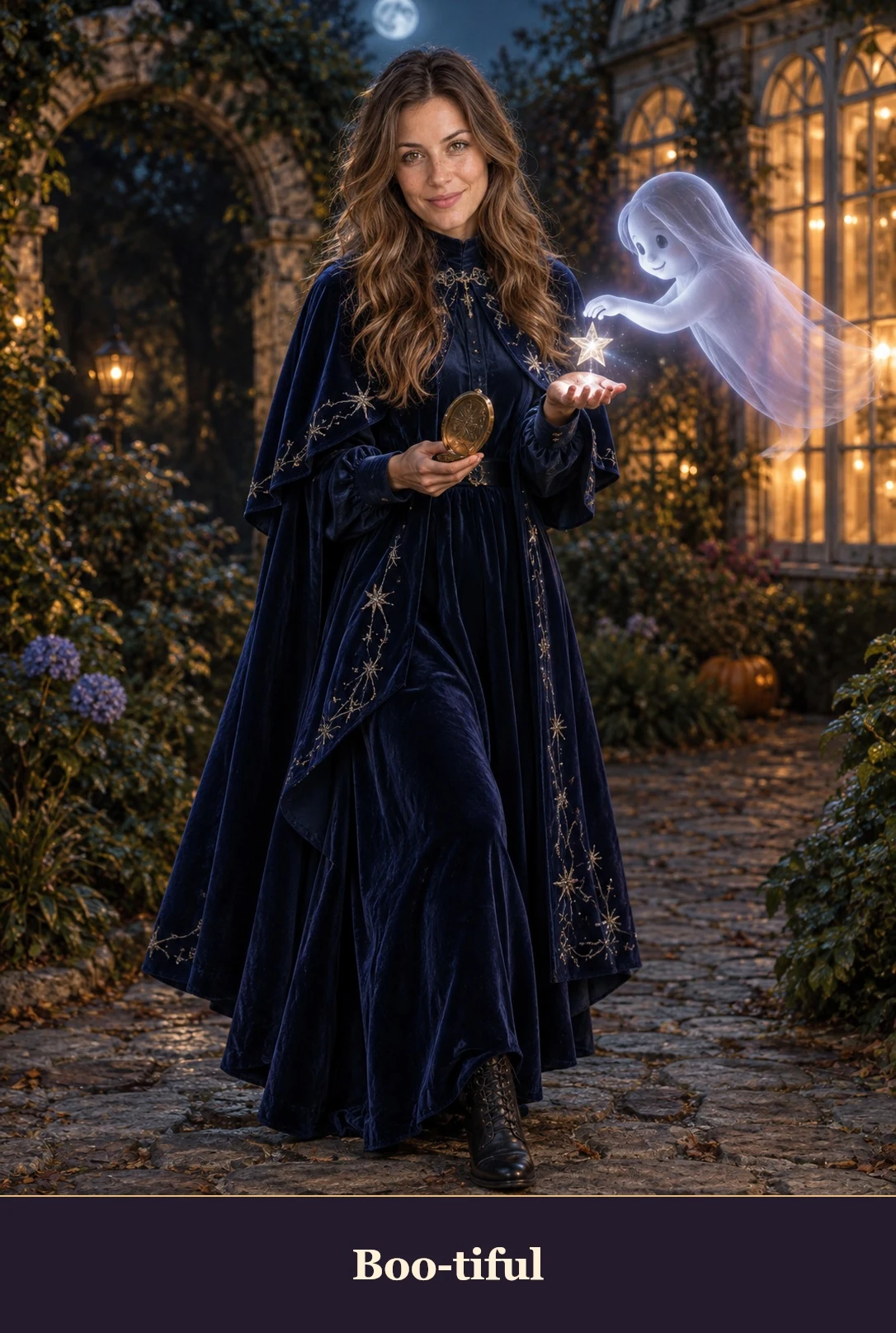 04
A gentle portrait with friendly spirits.
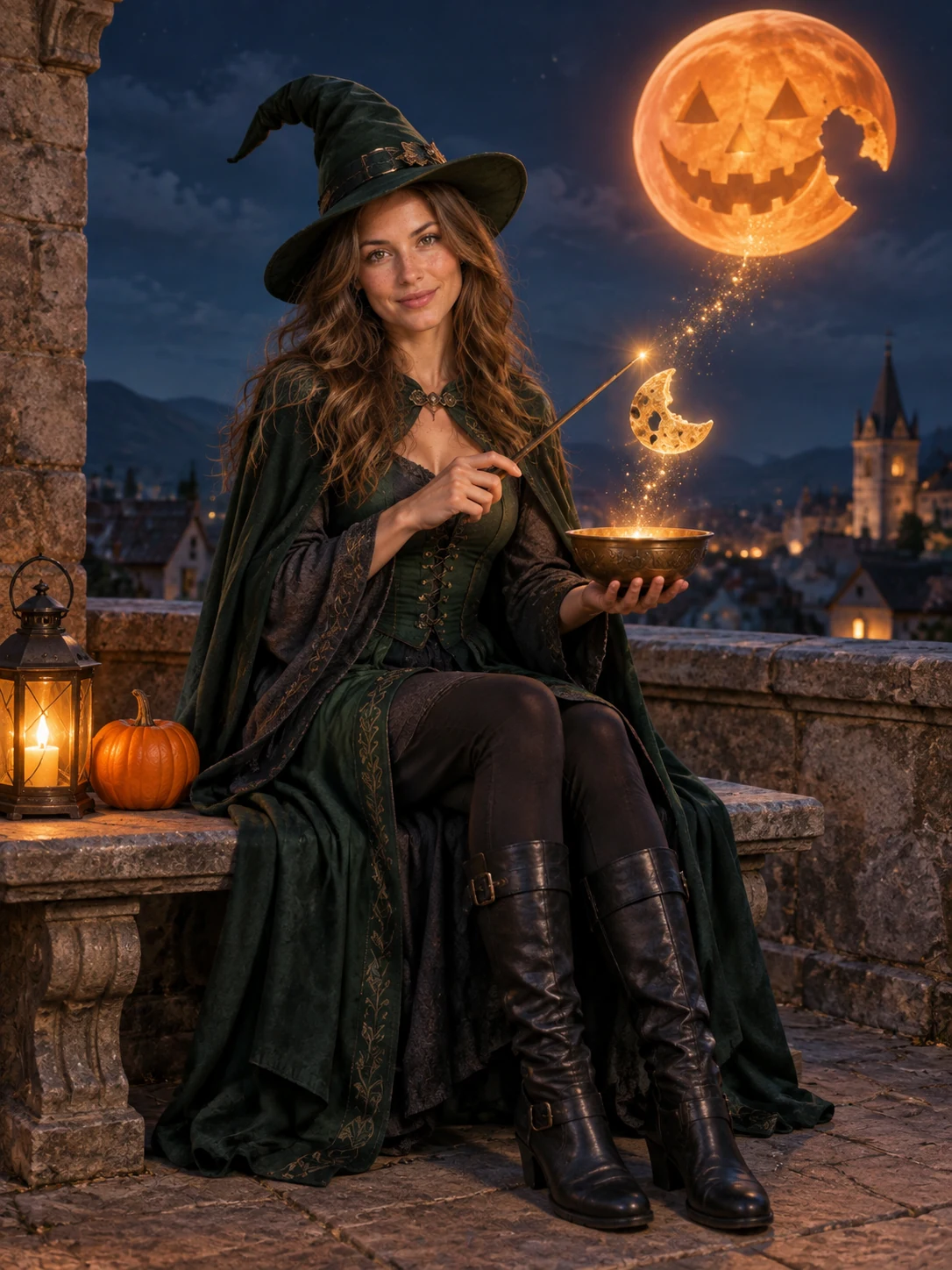 05
A witch silhouette under an orange moon.
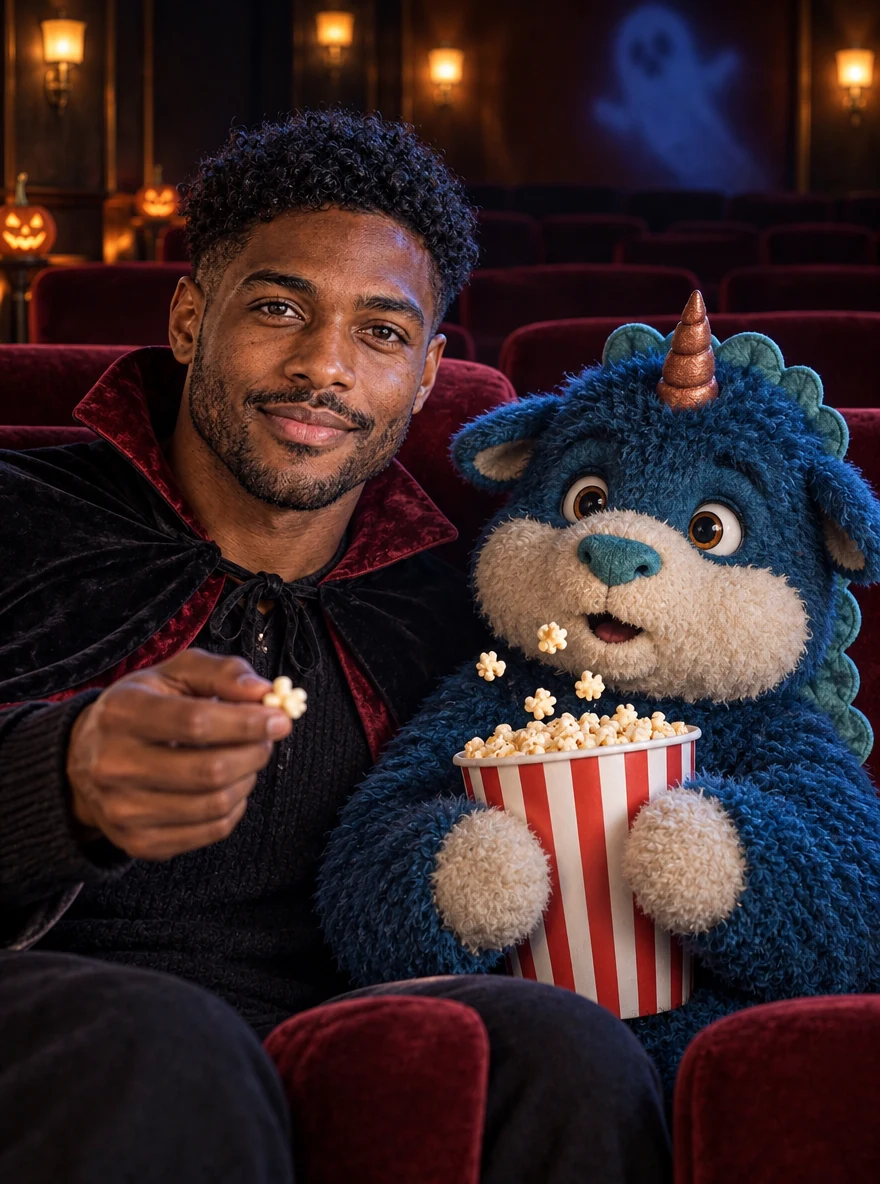 06
A whimsical cinema companion.
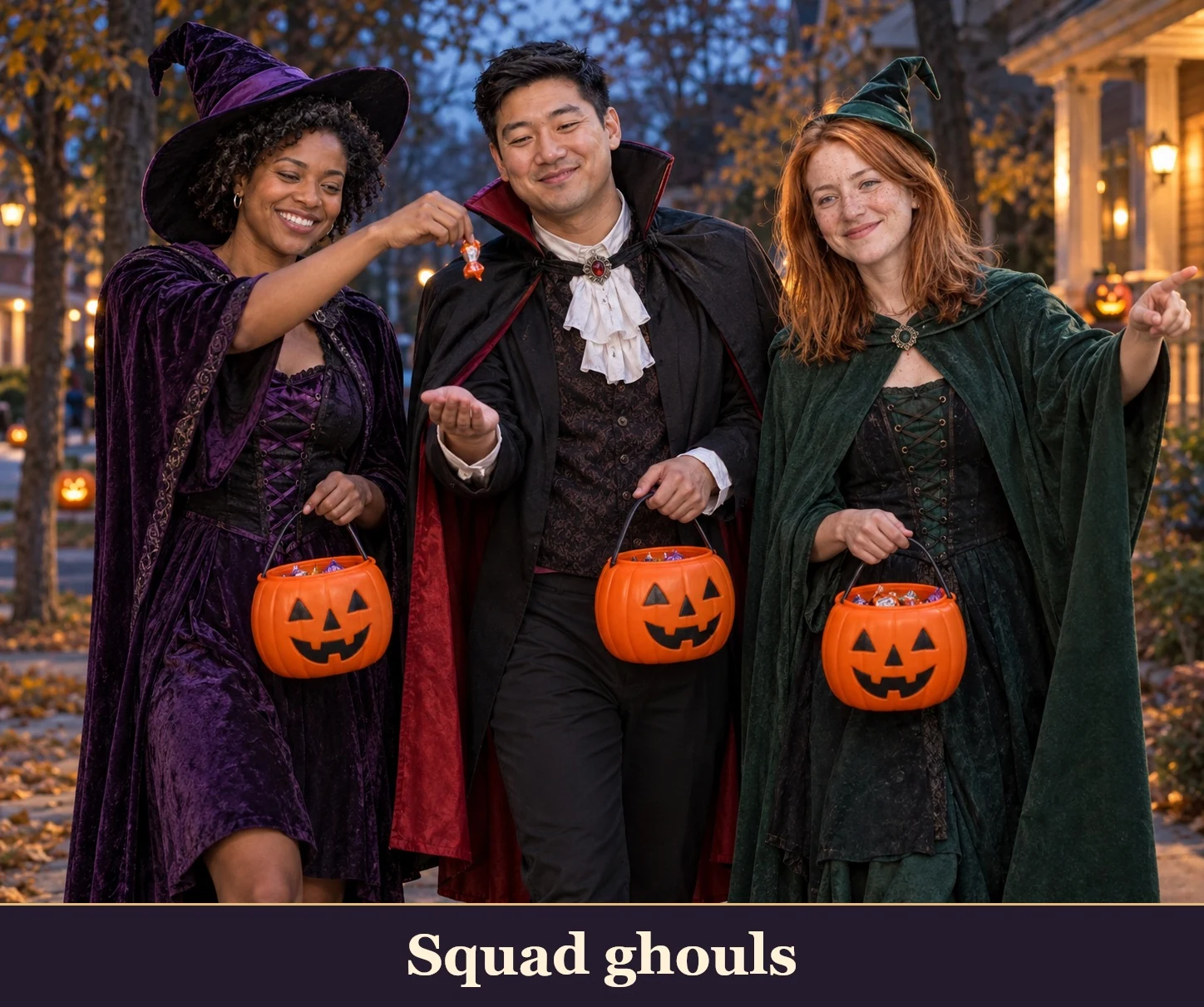 07
One existing group photo, coordinated costumes.
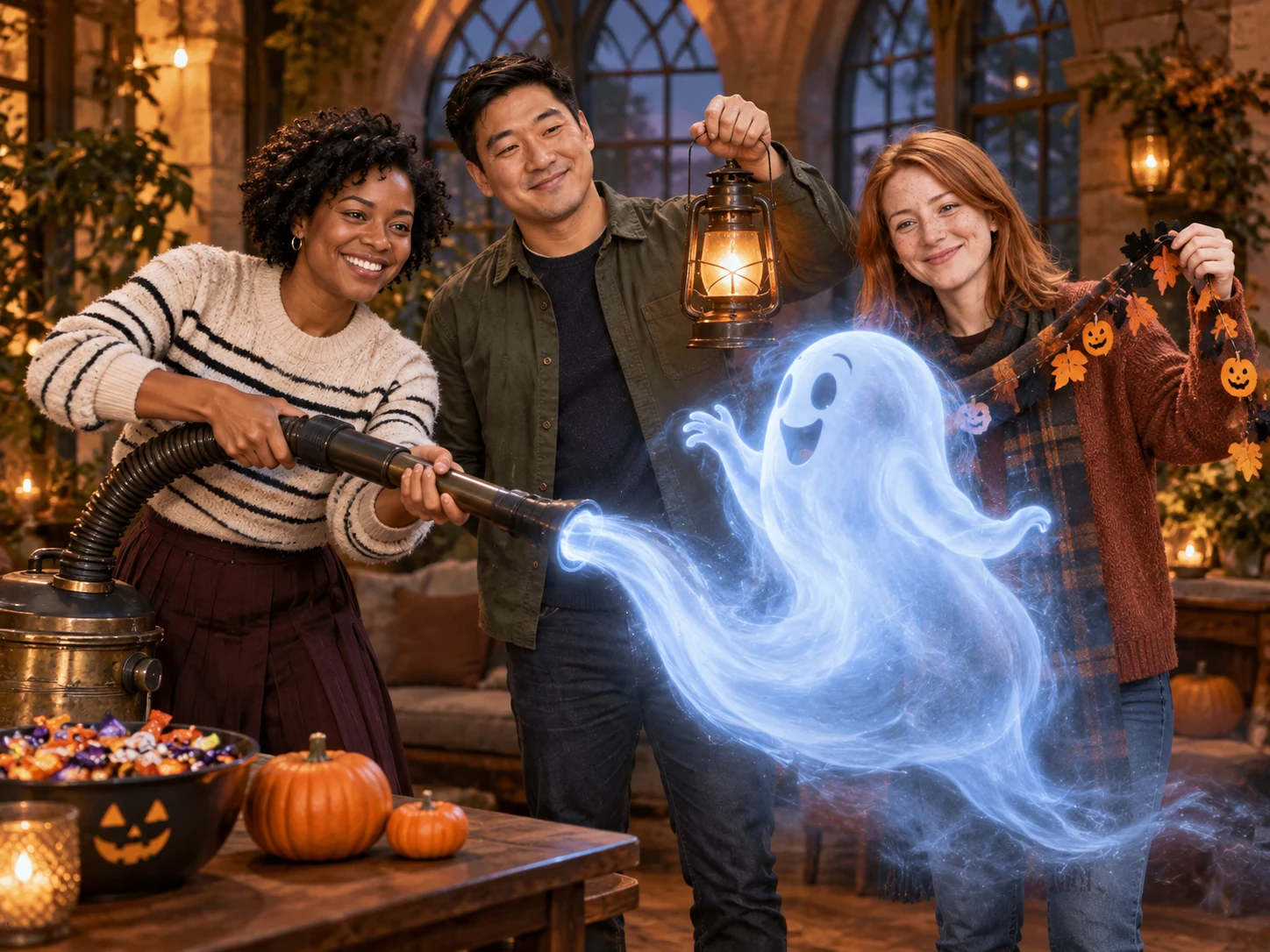 08
A shared Halloween adventure.
Sample from the reference site. Your result will vary. View sample source ↗
YVD / Halloween AIBEHIND THE IDEA
Choose the kind of Halloween story you want to tell: a cozy creature, a moonlit portrait or a candy mission with friends. Solo scenes use one adult portrait; the crew looks use one existing group photo. The reference gallery shows the mood. Your photo and selected scene guide a new image, with image count, size and credit cost available before you create.
CreateFor costume scenes, keep your whole face visible rather than hiding it behind a mask. For a crew portrait, use a small group with clear faces and check that nobody disappears or gets duplicated in the result.
YOUR NEXT TAKE
Add the photos requested by your scene. Check their order and framing.
Choose your scene or adjustment settings. For AI generation, review the total credit quote before confirming.
Inspect the finished details and download the version you want to keep.
CLEAR BEFORE YOU CREATE
Your quote reflects the selected image count, resolution and detail level. Check the total before confirming.
GPT Image 2.5 · 1 × 1K
GPT Image 2.5 · 1 × 1K
GPT Image 2.5 · 1 × 1K
This page takes one reference image. Choose an existing group photo for either crew scene. If you need two separate adult portraits, open Couple Portraits instead.
Photos guide the subject’s appearance. AI can change facial details, hands, clothing and backgrounds. Inspect the result before sharing; examples are a style reference.
No. Choosing files and reviewing a brief does not start a task. The confirmation button sends the generation request and uses the credit quote shown.
Sign in to the same YVD account and open My creations. Download files you want to keep. Check YVD’s terms and privacy pages for the service rules.
KEEP EXPLORING
Explore more photo and video scenes in the same YVD studio.