Put literal wording in quotes
For a menu or poster, give the exact headline as well as the intended line breaks and location. Review spelling and punctuation on the finished image.
Export a Seedream 5.5 text brief for poster lettering or a targeted edit. Specify exact wording and details to preserve. Image rendering is currently unavailable here.
Preview and export your brief here. Image generation and editing are currently unavailable.
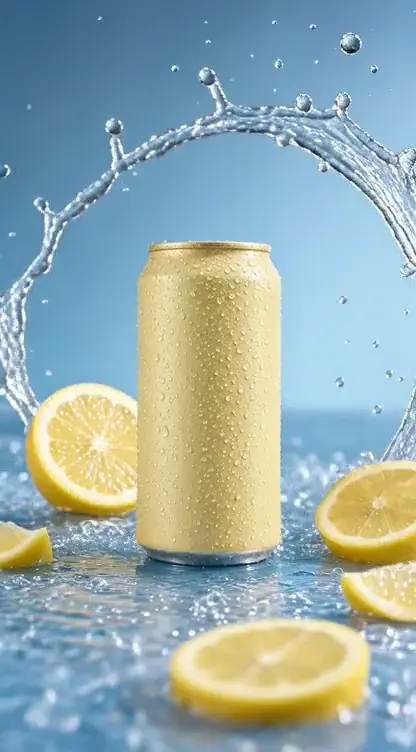
Add a prompt to preview your brief. Reference edit also needs an image.
For a menu or poster, give the exact headline as well as the intended line breaks and location. Review spelling and punctuation on the finished image.
For a product refresh, call out the label, cap and bottle shape as details to preserve before describing the new background.
When testing a different headline size, keep the copy and layout instructions consistent. Export each brief so you can connect a later result to the right revision.
The workbench prepares prompts for new images and reference-led edits. Seedream 5.5 rendering is currently unavailable on this page.
This workbench previews up to 10 JPG, PNG or WebP references. Specify each role and check your rendering service for its own upload limits.
The export is a text file with your prompt, framing and reference names and notes. Attach the image files separately when using a rendering service.