01
Wet Night Expressway
Wet asphalt and streaked tunnel lights.
Toy Car to Real AI VideoYVD STUDIO
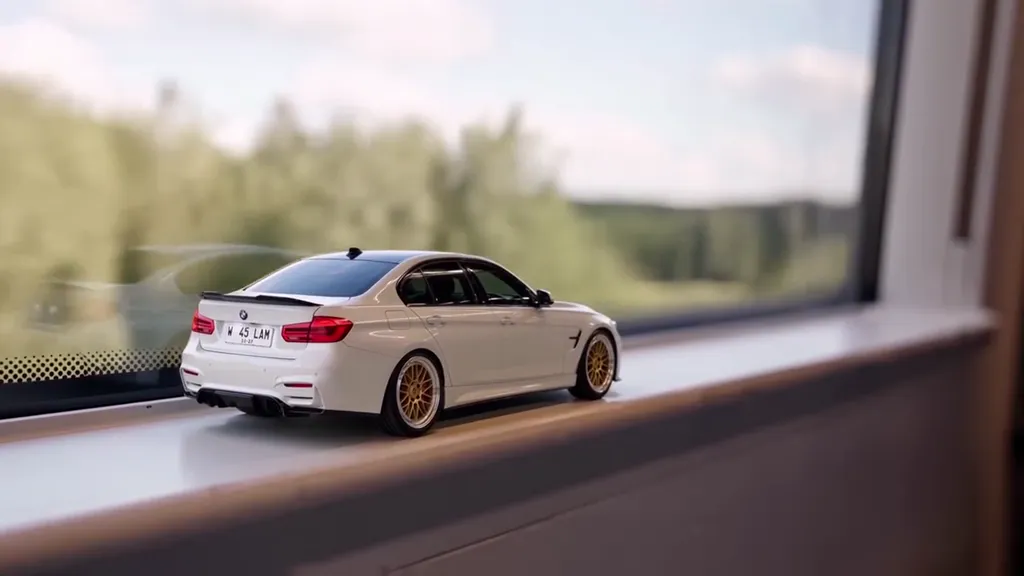
Use one car photo to plan a train-window miniature, a tunnel match cut and a full-size road reveal. Choose a 10- or 15-second vertical clip.
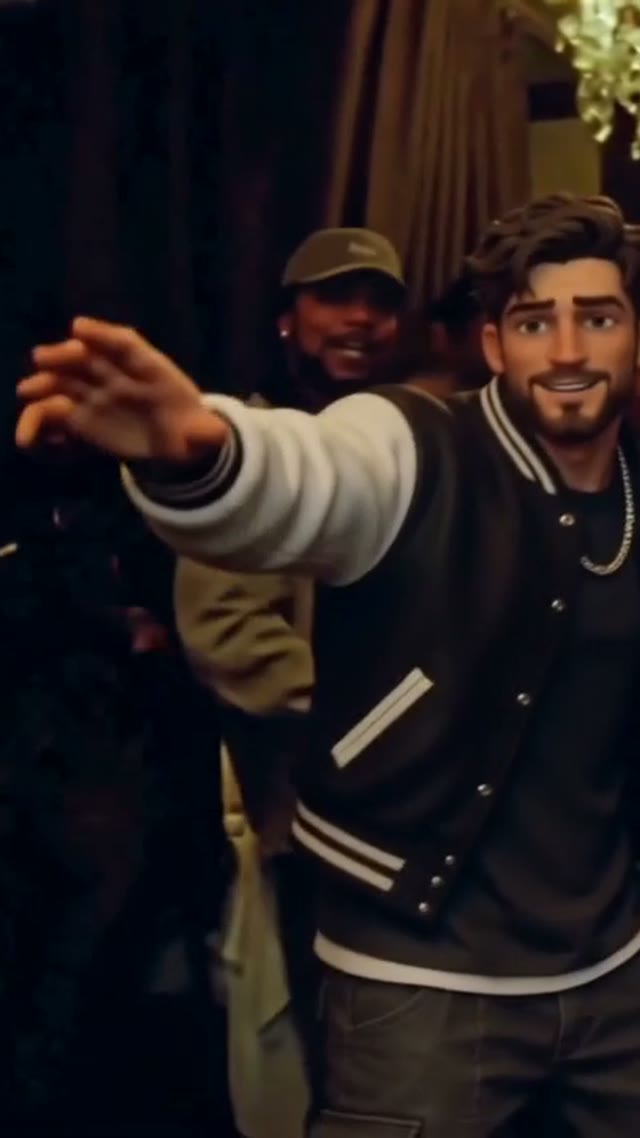
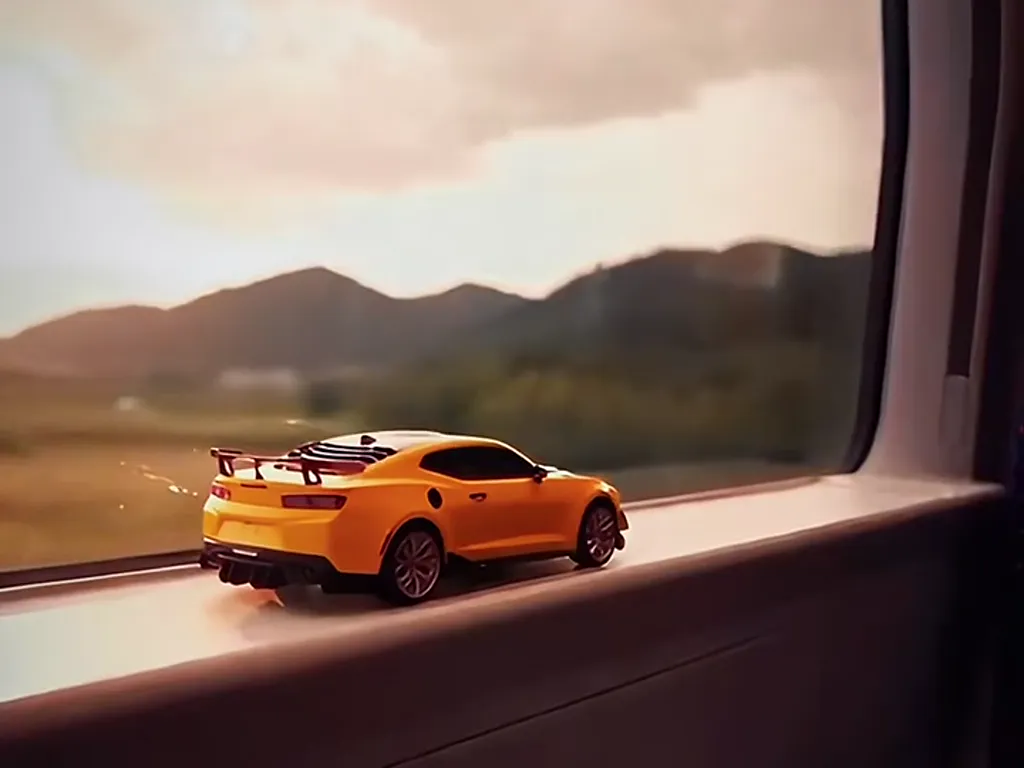
Related toy-to-road footage from the YVD collection. It illustrates the transition, not a render from your chosen settings.
View sample sourceTHE SCENE COLLECTION
Use one car photo to plan a train-window miniature, a tunnel match cut and a full-size road reveal. Choose a 10- or 15-second vertical clip.
Wet asphalt and streaked tunnel lights.
A fast train gives way to a golden-hour track.
A rocky passage opens out to a blue coastal road.
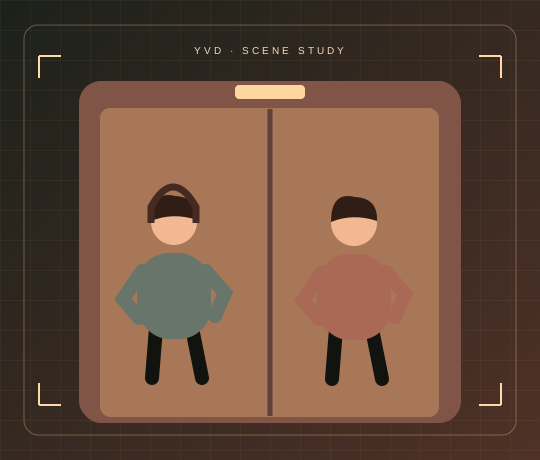
Scene illustrations and labeled reference clips show the idea. Your render can look different. View sample source ↗
 YVD / Toy Car to Real AI Video
BEHIND THE IDEA
Use the dark stretch in the tunnel to hide the change in scale. The reveal works best when the full-size car picks up the silhouette, paint and direction of travel from the miniature.
CreateStart with one complete vehicle at a side or three-quarter angle. Keep both visible wheels and the roofline in frame. Review badges and plates before sharing.
YOUR NEXT TAKE
Add the photos requested by your scene. Check their order and framing.
Choose your scene or adjustment settings. For AI generation, review the total credit quote before confirming.
Inspect the finished details and download the version you want to keep.
CLEAR BEFORE YOU CREATE
Your quote reflects the selected video length, resolution and audio setting. Check the total before confirming.
Seedance 2.0 Mini · 15s
MiniMax H3 · 15s
Yes. Use a well-lit photo of the model or the full-size vehicle. The render asks for consistent design, but trim, wheel and plate details can change.
Photos guide the subject’s appearance. AI can change facial details, hands, clothing and backgrounds. Inspect the result before sharing; examples are a style reference.
No. Choosing files and reviewing a brief does not start a task. The confirmation button sends the generation request and uses the credit quote shown.
Sign in to the same YVD account and open My creations. Download files you want to keep. Check YVD’s terms and privacy pages for the service rules.
KEEP EXPLORING
Explore more photo and video scenes in the same YVD studio.