01
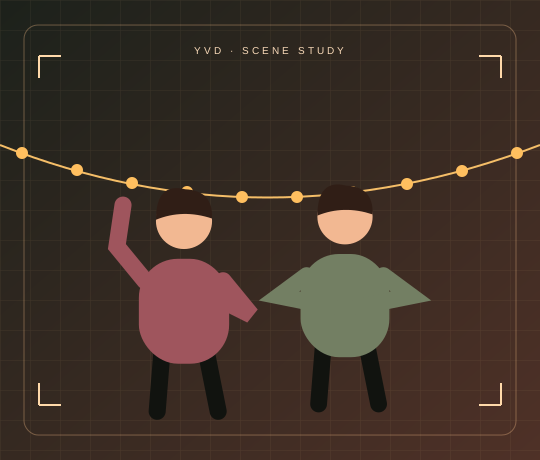
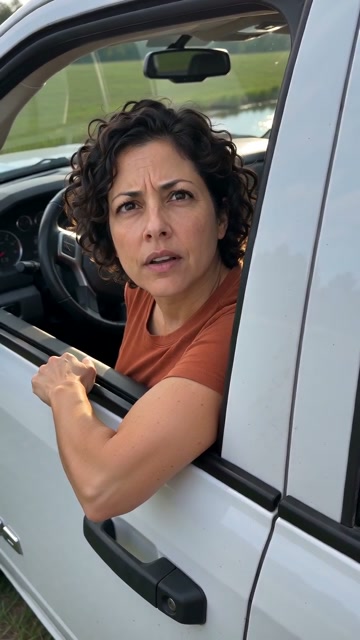
Soft smile
A quick glance at the camera before the heart pose.
Bicep Heart AI VideoYVD STUDIO
Animate one portrait or pet photo into a seven-second bicep heart clip. The effect works best when both arms or front paws are visible.
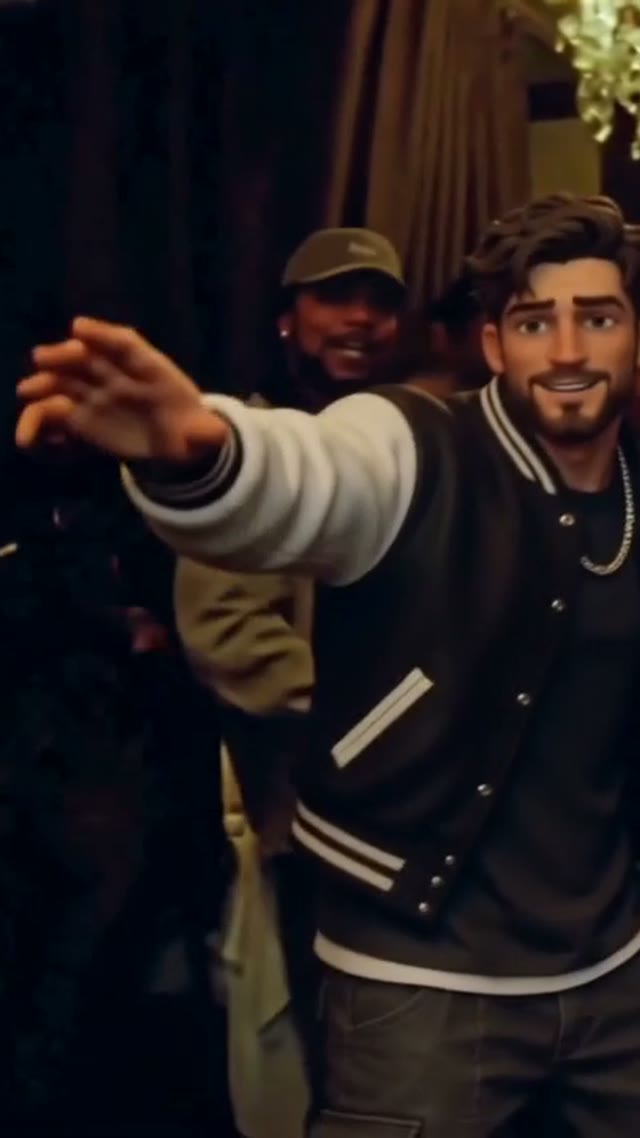
This is an existing YVD reference clip. It can differ from the seven-second render offered here.
View sample sourceTHE SCENE COLLECTION
Animate one portrait or pet photo into a seven-second bicep heart clip. The effect works best when both arms or front paws are visible.
A quick glance at the camera before the heart pose.
 02
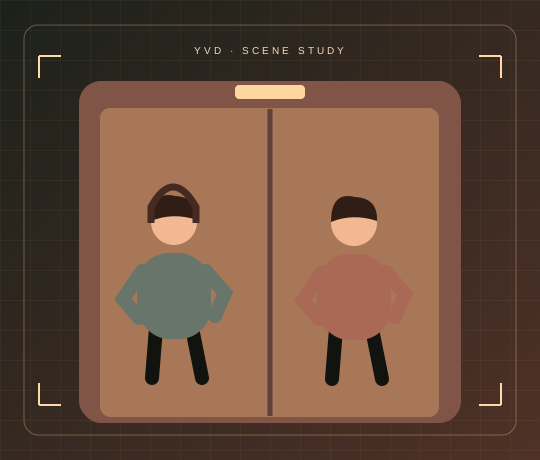
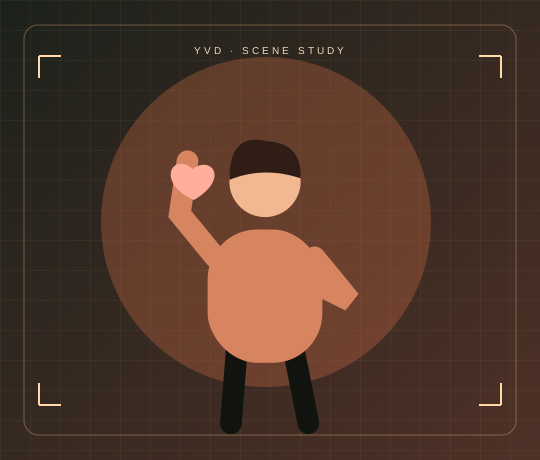
Start relaxed, then hold the small heart for a beat.
 03
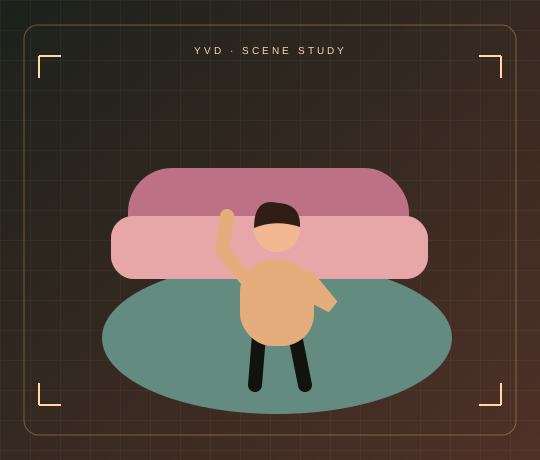
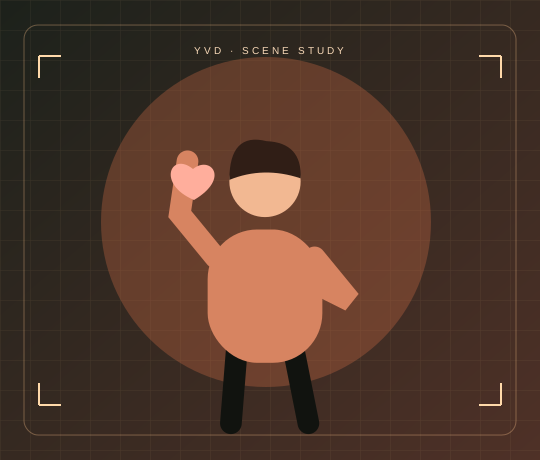
Ask for a front-paw version of the gesture.
Scene illustrations and labeled reference clips show the idea. Your render can look different. View sample source ↗
YVD / Bicep Heart AI VideoBEHIND THE IDEA
One arm flexes. The other hand makes half a heart against it. Give the pose a brief pause so the shape is readable before the clip ends.
CreateUse a waist-up photo with elbows inside the frame. Leave some space at either side so the animation can lift both arms.
YOUR NEXT TAKE
Add the photos requested by your scene. Check their order and framing.
Choose your scene or adjustment settings. For AI generation, review the total credit quote before confirming.
Inspect the finished details and download the version you want to keep.
CLEAR BEFORE YOU CREATE
Your quote reflects the selected video length, resolution and audio setting. Check the total before confirming.
Seedance 2.0 Face · 7s
Yes. Choose the pet scene and use a sharp photo that shows the front paws. The template requests a playful pose; paw and finger shapes can vary.
Photos guide the subject’s appearance. AI can change facial details, hands, clothing and backgrounds. Inspect the result before sharing; examples are a style reference.
No. Choosing files and reviewing a brief does not start a task. The confirmation button sends the generation request and uses the credit quote shown.
Sign in to the same YVD account and open My creations. Download files you want to keep. Check YVD’s terms and privacy pages for the service rules.
KEEP EXPLORING
Explore more photo and video scenes in the same YVD studio.