 01
Pink sofa reveal
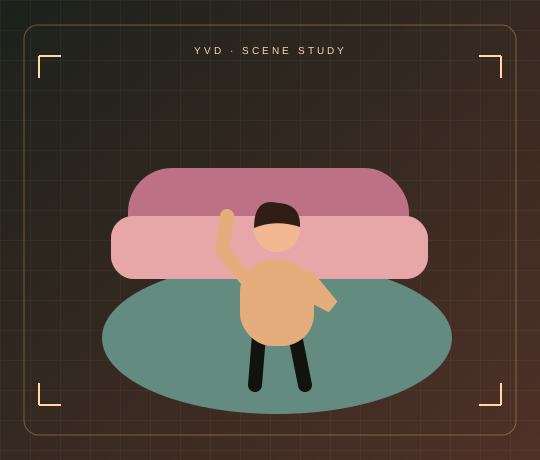
Sofa to floor, ending in a playful top-down pose.
Dress Change AI VideoYVD STUDIO
Put your photo into a 15-second outfit scene that moves from a pink sofa to an overhead pose on a teal rug.
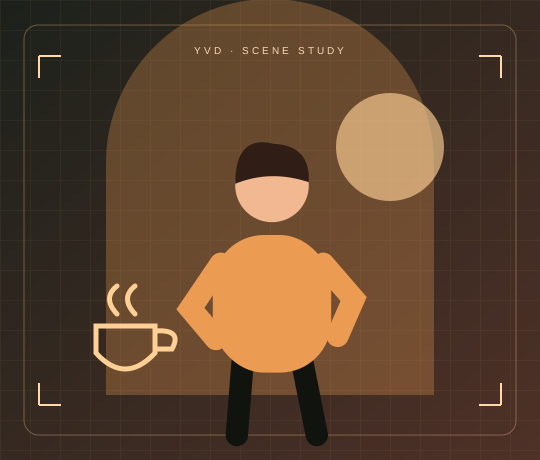
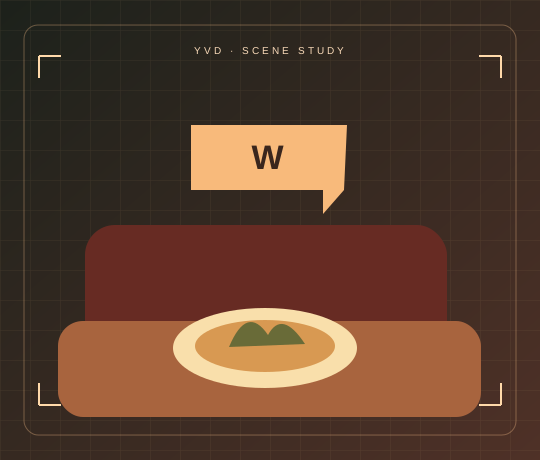
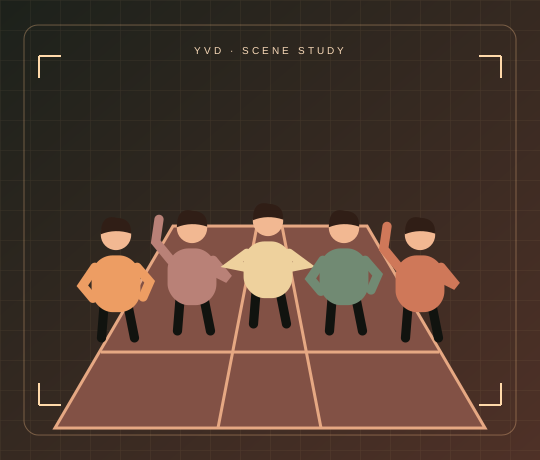
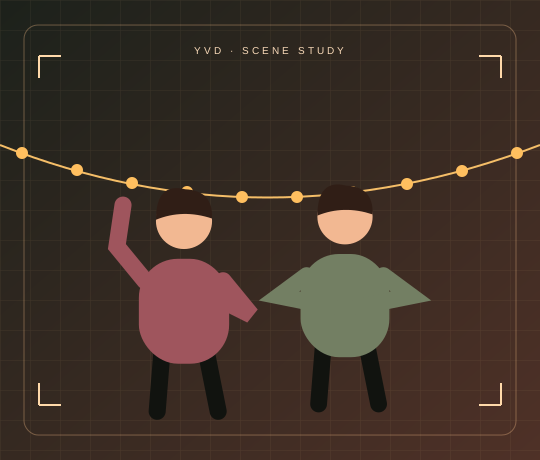
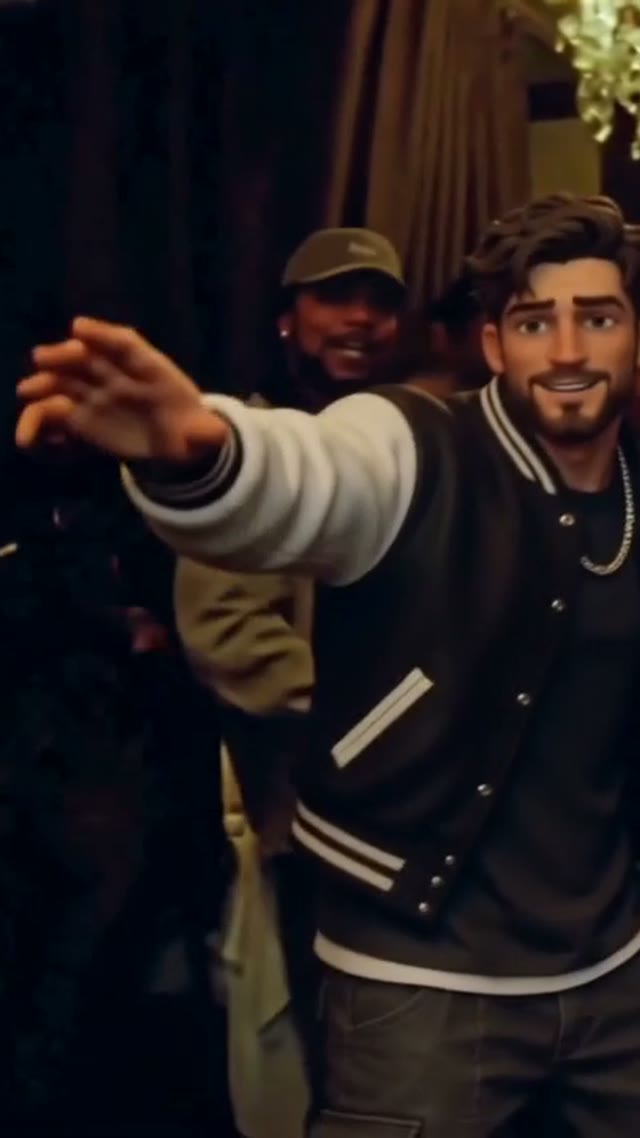
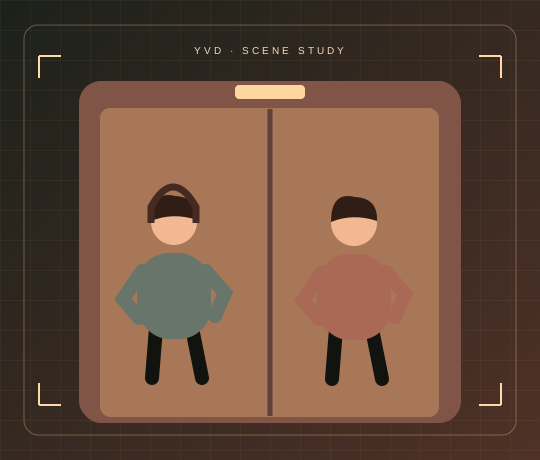
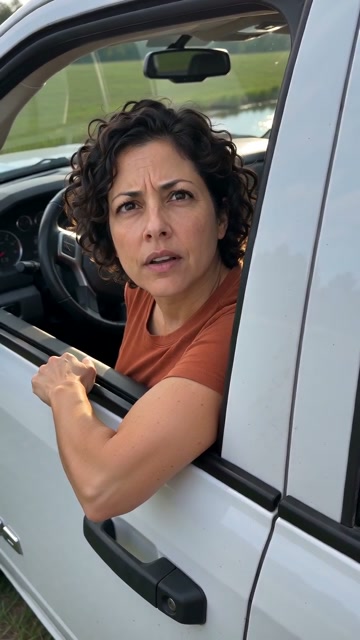
Scene illustration. Open the reference site to see its original video.
View sample sourceTHE SCENE COLLECTION
Put your photo into a 15-second outfit scene that moves from a pink sofa to an overhead pose on a teal rug.
01Sofa to floor, ending in a playful top-down pose.
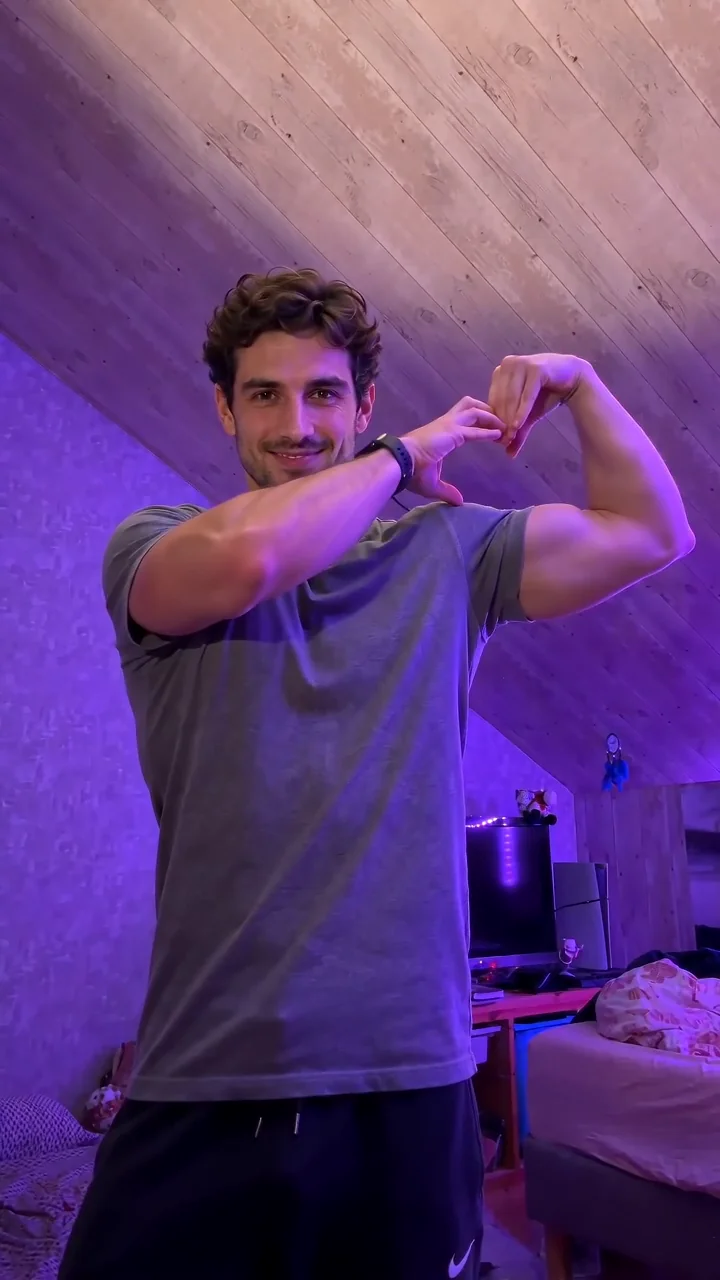
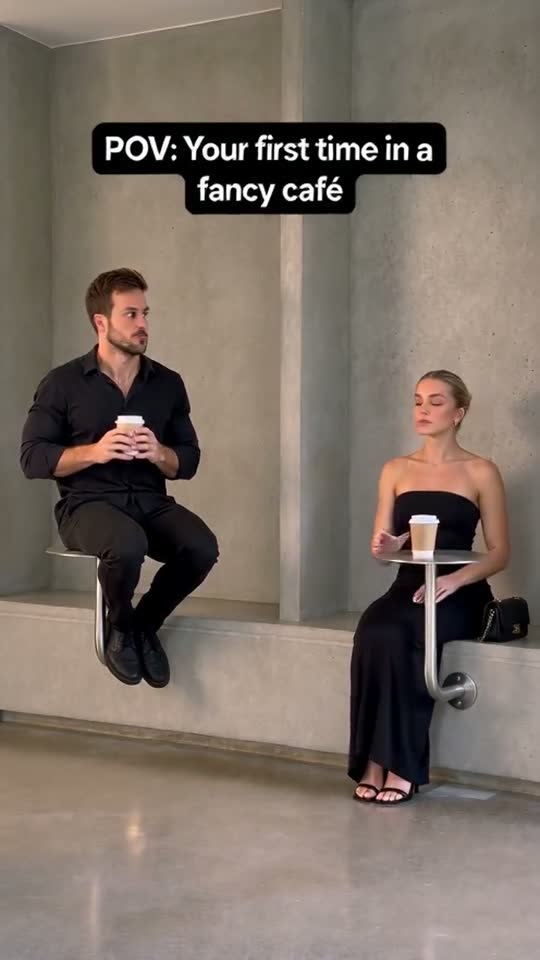
Scene illustrations and labeled reference clips show the idea. Your render can look different. View sample source ↗
YVD / Dress Change AI VideoBEHIND THE IDEA
The room and camera move tell the story. The outfit comes from your reference photo: the scene starts seated, opens into a wider view and ends with the look from above.
CreateUpload a three-quarter or full-body photo with the entire outfit visible. A headshot leaves the model to guess most of what you’re wearing.
YOUR NEXT TAKE
Add the photos requested by your scene. Check their order and framing.
Choose your scene or adjustment settings. For AI generation, review the total credit quote before confirming.
Inspect the finished details and download the version you want to keep.
CLEAR BEFORE YOU CREATE
Your quote reflects the selected video length, resolution and audio setting. Check the total before confirming.
Seedance 2.0 Face · 15s
Seedance 2.0 Face · 15s
One photo is enough. The template uses that outfit as its styling reference throughout and changes the pose and camera view.
Photos guide the subject’s appearance. AI can change facial details, hands, clothing and backgrounds. Inspect the result before sharing; examples are a style reference.
No. Choosing files and reviewing a brief does not start a task. The confirmation button sends the generation request and uses the credit quote shown.
Sign in to the same YVD account and open My creations. Download files you want to keep. Check YVD’s terms and privacy pages for the service rules.
KEEP EXPLORING
Explore more photo and video scenes in the same YVD studio.