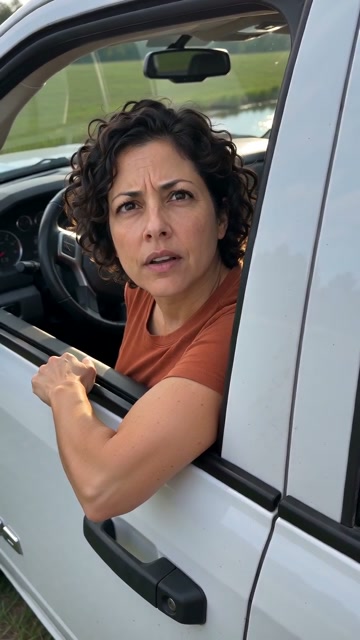
 01
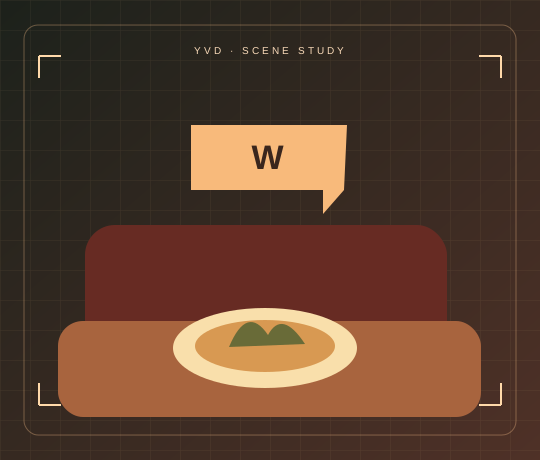
W Chews
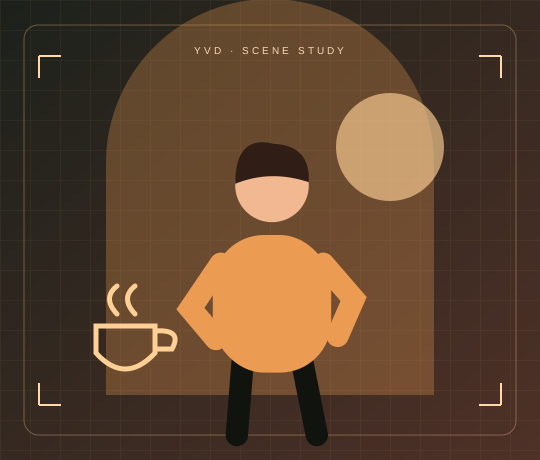
A satisfied nod after a winning bite.
W Chews Video MakerYVD STUDIO
Make a short diner reaction from a food photo. Pick W Chews for a great bite or L Nibbles for a letdown, then choose how the scene ends.
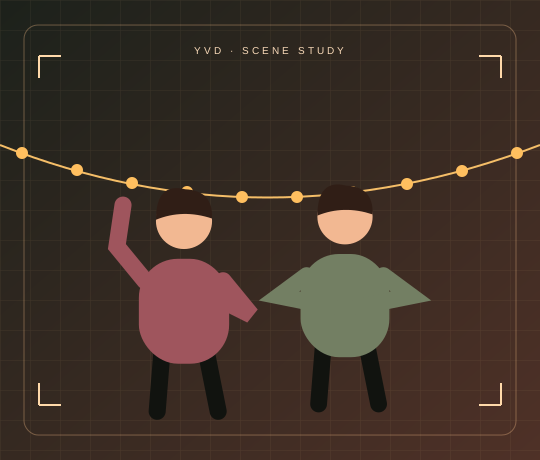
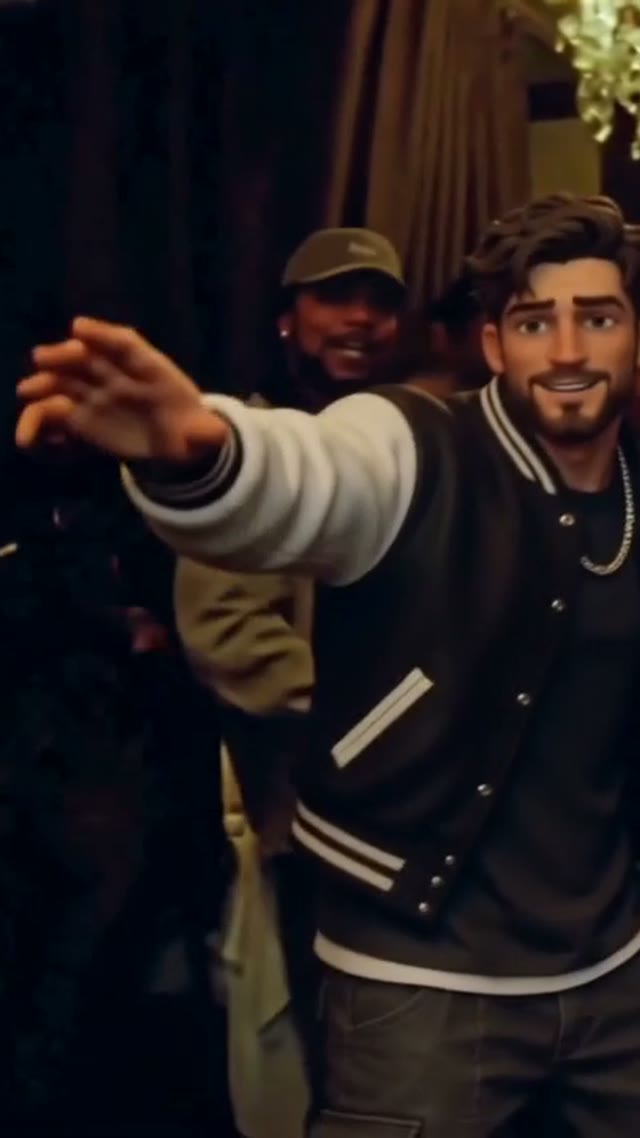
Scene illustration. Open the reference site to see its original video.
View sample sourceTHE SCENE COLLECTION
Make a short diner reaction from a food photo. Pick W Chews for a great bite or L Nibbles for a letdown, then choose how the scene ends.
01A satisfied nod after a winning bite.
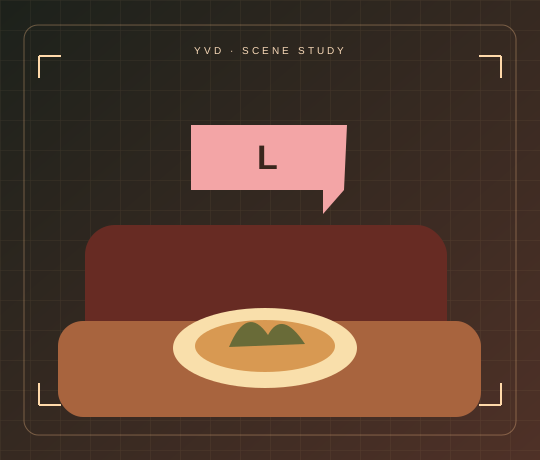 02
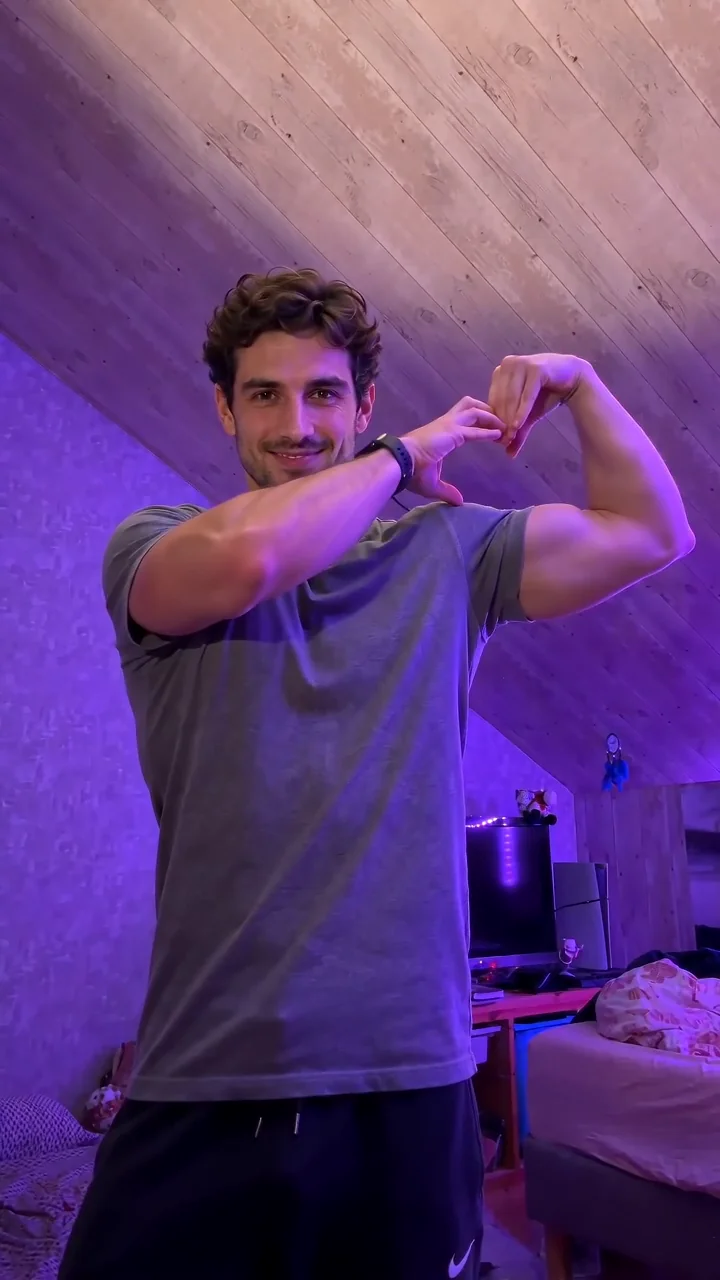
A disappointed double take after a tiny bite.
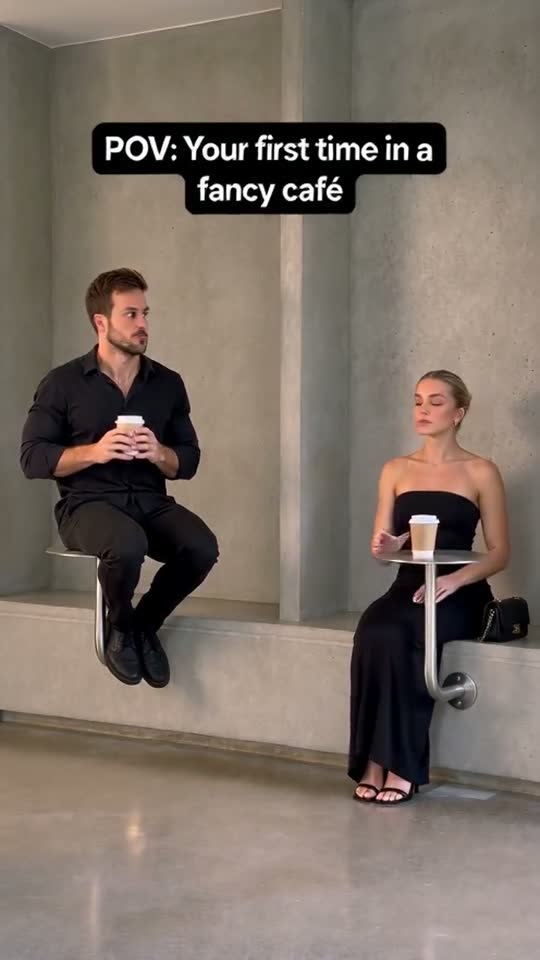
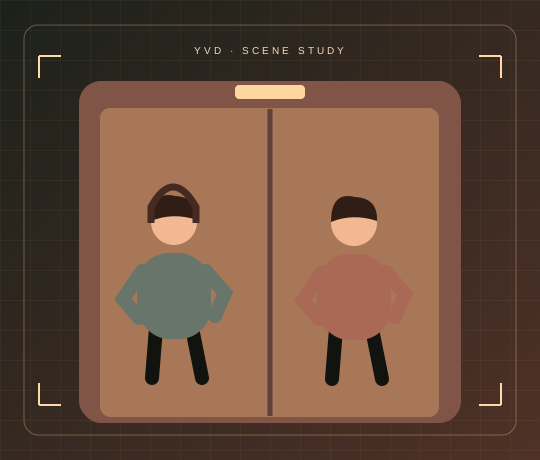
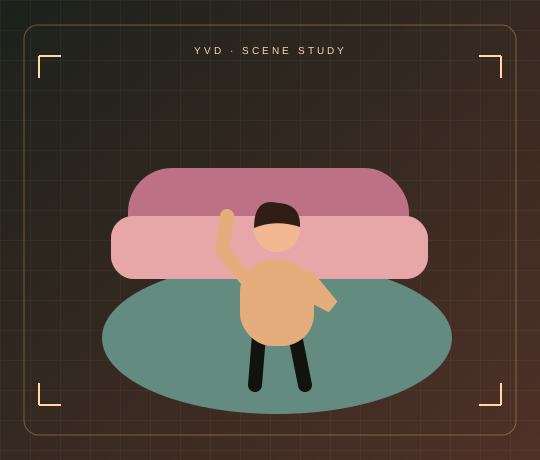
Scene illustrations and labeled reference clips show the idea. Your render can look different. View sample source ↗
YVD / W Chews Video MakerBEHIND THE IDEA
W is short for win and L for loss. The gag is a bite, a pause and a very clear reaction. Use W Sips as a caption if you’re rating a drink instead of a plate.
CreatePhotograph one dish up close with even light. Add an authorized adult portrait if you want a particular diner; leave that slot empty for a fictional character.
YOUR NEXT TAKE
Add the photos requested by your scene. Check their order and framing.
Choose your scene or adjustment settings. For AI generation, review the total credit quote before confirming.
Inspect the finished details and download the version you want to keep.
CLEAR BEFORE YOU CREATE
Your quote reflects the selected video length, resolution and audio setting. Check the total before confirming.
Seedance 2.5 · 8s
No. Only the food photo is required. The verdict and ending still guide the scene if you leave the diner photo empty.
Photos guide the subject’s appearance. AI can change facial details, hands, clothing and backgrounds. Inspect the result before sharing; examples are a style reference.
No. Choosing files and reviewing a brief does not start a task. The confirmation button sends the generation request and uses the credit quote shown.
Sign in to the same YVD account and open My creations. Download files you want to keep. Check YVD’s terms and privacy pages for the service rules.
KEEP EXPLORING
Explore more photo and video scenes in the same YVD studio.