 01
Product light sweep
A restrained studio move around a simple object.
Happy Wan AI Video StudioYVD STUDIO
Write a scene or animate an image with Wan 3.0. Choose a 5- or 10-second clip, set the frame and resolution, then check the YVD credit quote before generating.
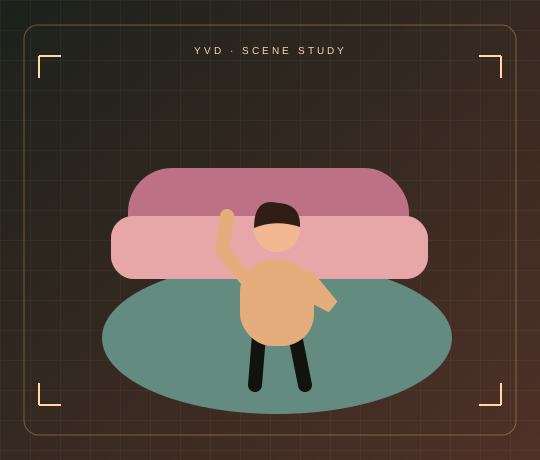
Scene illustration. Open the reference site to see its original video.
View sample sourceTHE SCENE COLLECTION
Write a scene or animate an image with Wan 3.0. Choose a 5- or 10-second clip, set the frame and resolution, then check the YVD credit quote before generating.
01A restrained studio move around a simple object.
 02
One calm camera move through an open landscape.
 03
Subtle animation that leaves the composition readable.
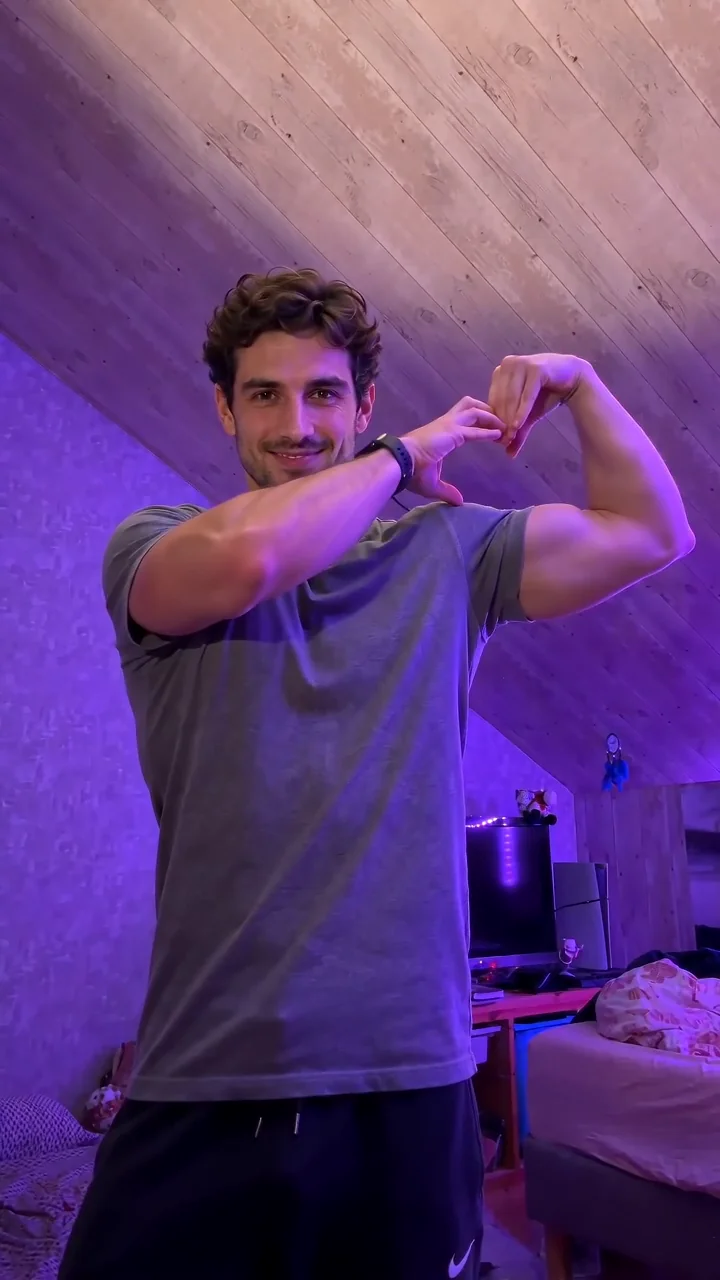
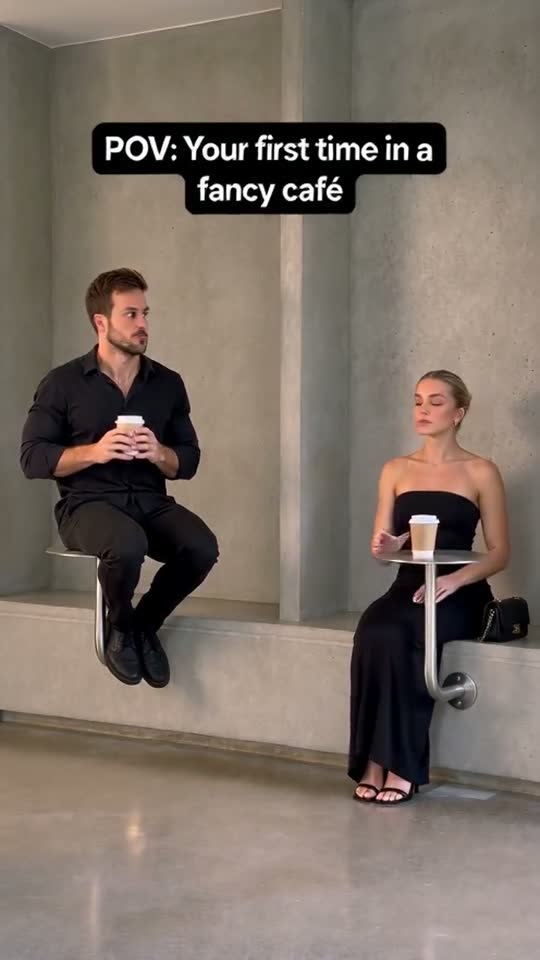
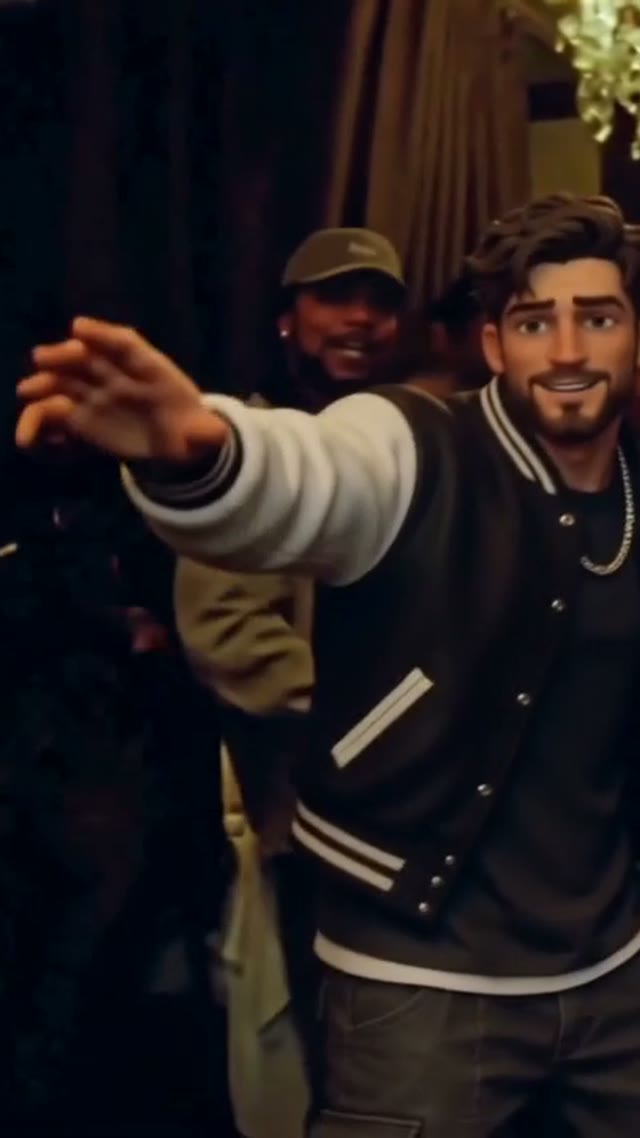
Scene illustrations and labeled reference clips show the idea. Your render can look different. View sample source ↗
YVD / Happy Wan AI Video StudioBEHIND THE IDEA
Text-to-video is useful when you are exploring a new setting. Image-to-video is useful when an opening composition already matters: a product on a plinth, a portrait or an illustration you want to move. Choose the input mode first, then describe one visible action and one camera move. This page starts with Wan 3.0 and shows the output controls it supports. The prompt-study covers are illustrations of ideas, not videos generated by the tool.
CreateName what should move and what should stay still. For a product shot, ask for a light sweep and a slow push-in before trying a rotating camera. In image mode, an optional ending frame can guide where the clip finishes, but exact continuity is not guaranteed.
YOUR NEXT TAKE
Start from a written idea, or add an opening image and optionally an ending frame.
Write one visible action and one camera move. Check duration, resolution, framing and the audio setting.
Check the YVD credit quote, confirm permission and render. Inspect motion and detail changes before downloading.
CLEAR BEFORE YOU CREATE
Your quote reflects the selected video length, resolution and audio setting. Check the total before confirming.
Wan 3.0 · 5s
Wan 3.0 · 5s
Wan 3.0 · 5s
Choose text for a new composition. Choose image mode when you want a supplied opening frame to guide the video, and optionally add an ending frame. A written motion brief is required in both modes.
This page uses Wan 3.0 from the existing YVD catalog. The general YVD workspace offers other available model families; their controls and credit costs can differ.
The source guides the image, but details may change as motion develops. Keep the request simple and inspect faces, product shapes and lettering throughout the clip.
You can request original model-generated audio with the audio control. This page does not upload a soundtrack or guarantee precise speech, music or synchronization.
Photos guide the subject’s appearance. AI can change facial details, hands, clothing and backgrounds. Inspect the result before sharing; examples are a style reference.
No. Choosing files and reviewing a brief does not start a task. The confirmation button sends the generation request and uses the credit quote shown.
Sign in to the same YVD account and open My creations. Download files you want to keep. Check YVD’s terms and privacy pages for the service rules.
KEEP EXPLORING
Explore more photo and video scenes in the same YVD studio.