01
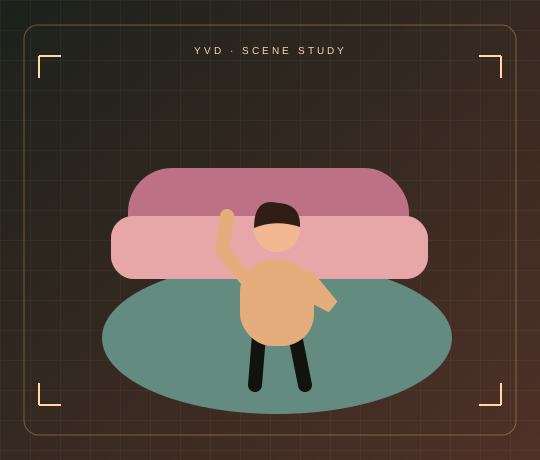
Solo colour-room dance
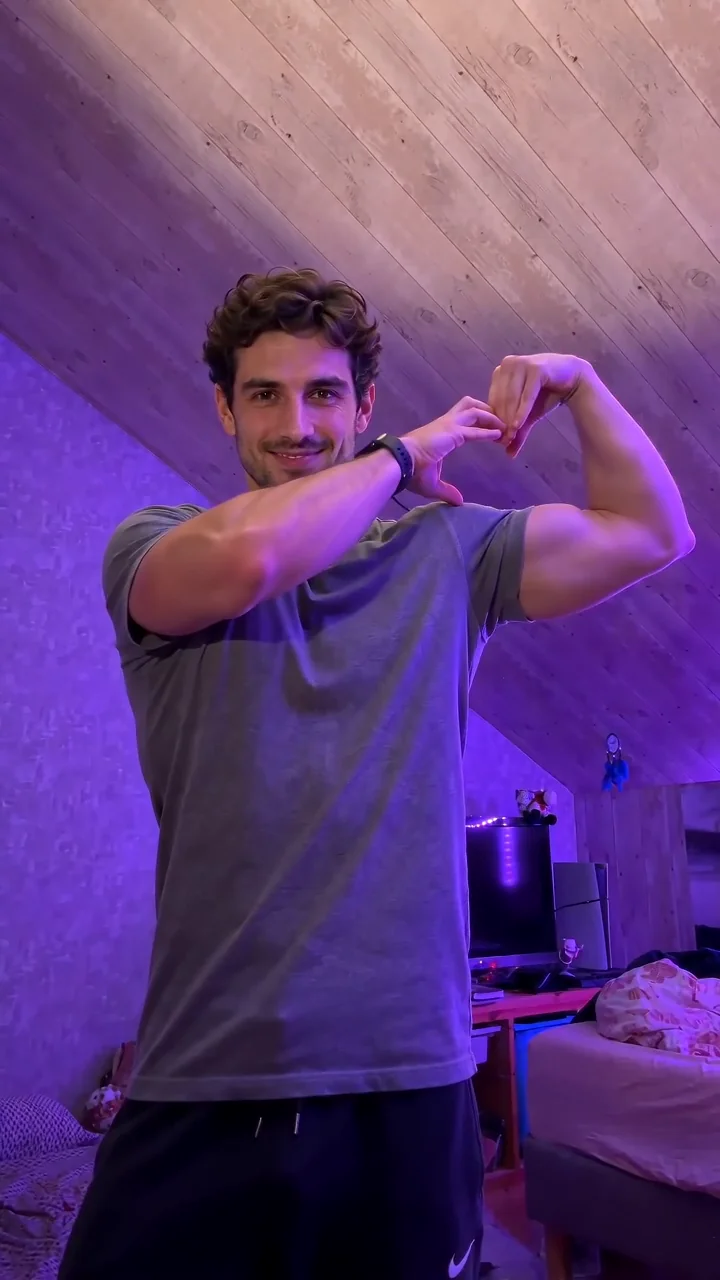
Pink, lilac and green rooms, with the dancers you choose.
Hotline Bling AI DanceYVD STUDIO
Make a 15-second widescreen colour-room dance from one photo, or add a friend and take turns. Choose 480p, 720p or 1080p, with original audio or a silent export request.
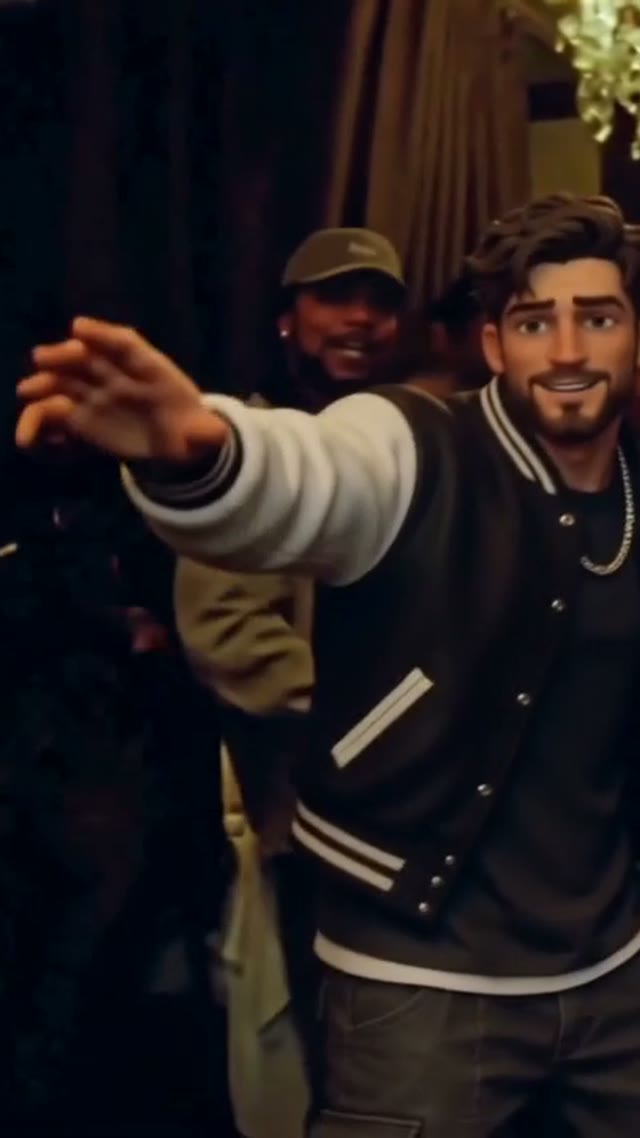
Sample from the reference site. Your result will vary.
View sample sourceTHE SCENE COLLECTION
Make a 15-second widescreen colour-room dance from one photo, or add a friend and take turns. Choose 480p, 720p or 1080p, with original audio or a silent export request.
Pink, lilac and green rooms, with the dancers you choose.
Pink, lilac and green rooms, with the dancers you choose.
Sample from the reference site. Your result will vary. View sample source ↗
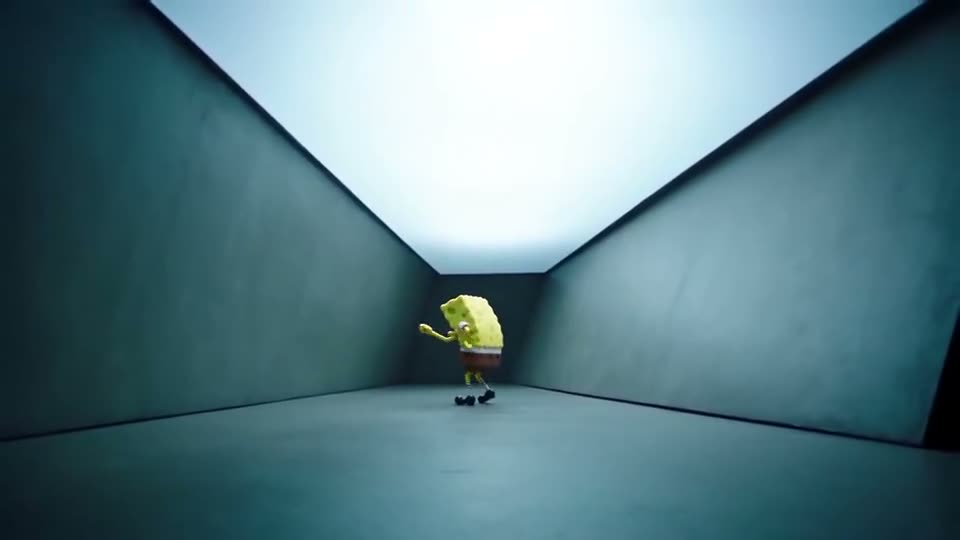 YVD / Hotline Bling AI Dance
BEHIND THE IDEA
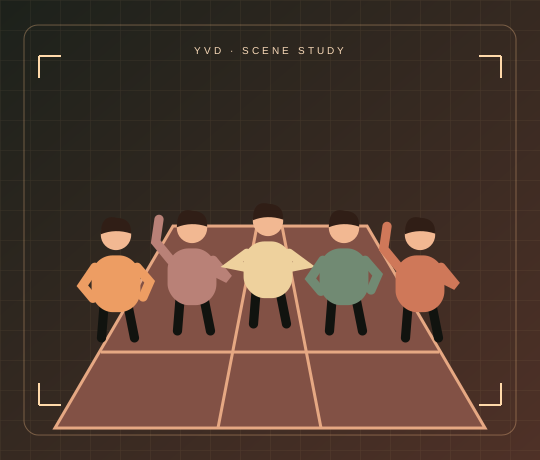
A wide empty room makes a small movement feel big. This tool uses pink, lilac and green lighting, relaxed steps and a few closer gestures to give your dancer a readable short sequence. The solo direction keeps one person throughout; the duo direction alternates two distinct people. The sample is a reference to the trend, while your result is a new model-generated performance. The original song and a celebrity voice are not included.
CreateUse a waist-up or full-body photo with the face visible and the outfit you want to keep. A simple pose gives the model more room to animate. Choose silent output if you plan to edit to a licensed track later.
YOUR NEXT TAKE
Pick a one-person performance or a turn-taking duo, then add a clear photo for each dancer.
The request stays at 15 seconds in widescreen. Choose resolution and original generated audio, or switch audio off.
Confirm credits, render and watch all the way through. Check hands, faces and clothing; add your own licensed music if needed.
CLEAR BEFORE YOU CREATE
Your quote reflects the selected video length, resolution and audio setting. Check the total before confirming.
Seedance 2.5 · 15s
Seedance 2.5 · 15s
Seedance 2.5 · 15s
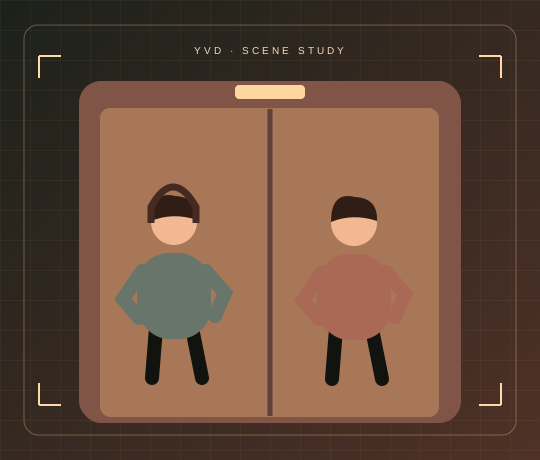
Choose Take turns with a friend and upload one photo for each adult. The request alternates the performers between rooms rather than treating a group photo as two separate roles.
No. This page requests original audio or a silent clip. Add a track through a service or editor where you have the necessary rights.
This template keeps a widescreen 16:9 composition to show the colour rooms. For custom framing, open the general Happy Wan AI video studio.
It requests a larger output frame. It does not guarantee more accurate hands, identity or choreography, and the displayed credit cost changes with resolution.
Photos guide the subject’s appearance. AI can change facial details, hands, clothing and backgrounds. Inspect the result before sharing; examples are a style reference.
No. Choosing files and reviewing a brief does not start a task. The confirmation button sends the generation request and uses the credit quote shown.
Sign in to the same YVD account and open My creations. Download files you want to keep. Check YVD’s terms and privacy pages for the service rules.
KEEP EXPLORING
Explore more photo and video scenes in the same YVD studio.