01
The elevator exchange
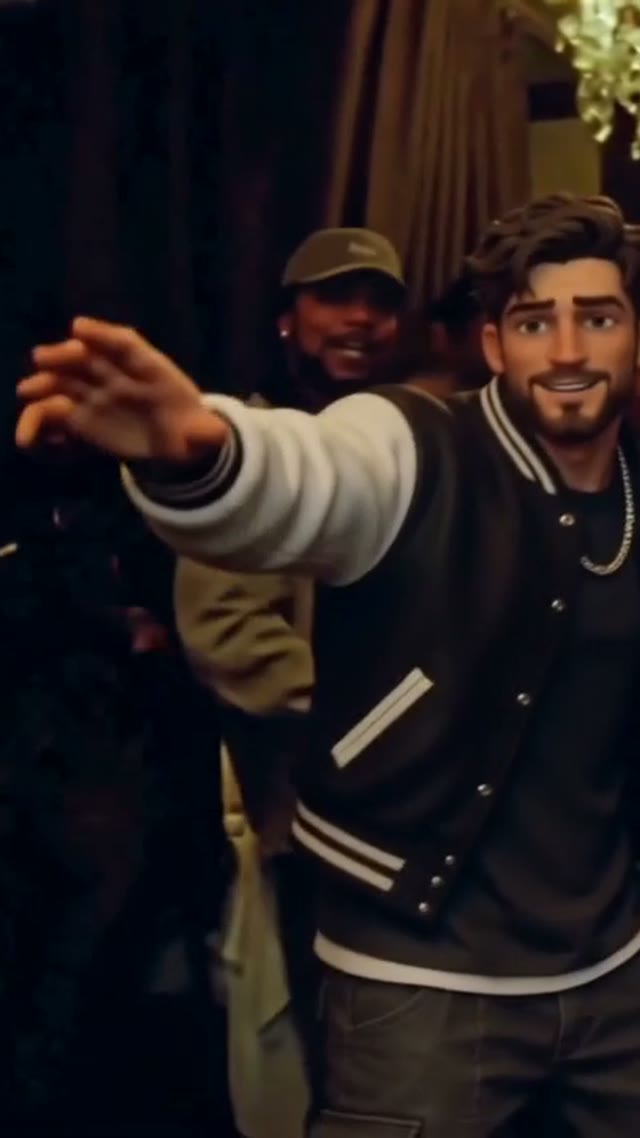
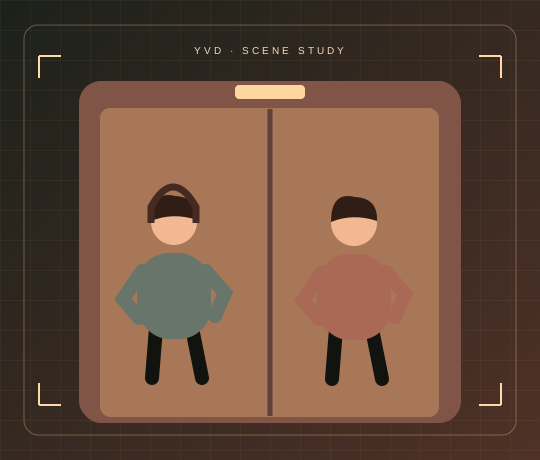
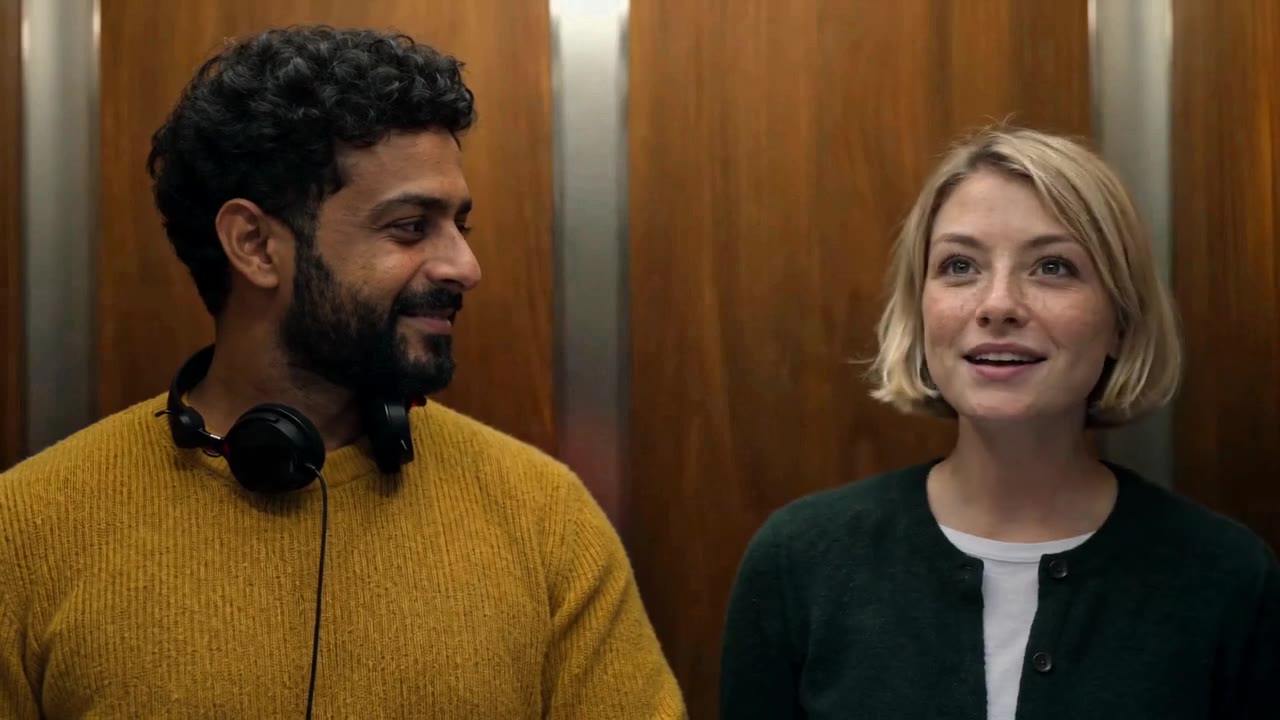
Headphones, a missed greeting and a shared smile.
Smiths Elevator AI VideoYVD STUDIO
Cast either role or both in a 15-second landscape elevator scene. Bring a clear portrait, choose original ambience or silence, and let an awkward pause turn into a shared smile.
Sample from the reference site. Your result will vary.
View sample sourceTHE SCENE COLLECTION
Cast either role or both in a 15-second landscape elevator scene. Bring a clear portrait, choose original ambience or silence, and let an awkward pause turn into a shared smile.
Headphones, a missed greeting and a shared smile.
Sample from the reference site. Your result will vary. View sample source ↗
 YVD / Smiths Elevator AI Video
BEHIND THE IDEA
The elevator trend works because the roles are easy to recognize: one person is absorbed in headphones and the other finds a reason to talk. Upload either portrait and an original fictional adult fills the other role, or supply both photos for a scene with two chosen people. The 16:9 frame gives the interaction space without needing fast cuts.
CreateKeep the two faces similar in size and evenly lit. Avoid headphones in the source photo if they cover the face. The generator supplies the prop; portrait order supplies the roles. Review the whole clip for identity drift before posting.
YOUR NEXT TAKE
Upload one or two adult portraits and choose who wears the headphones.
Request 15 seconds in landscape 16:9. Review resolution, audio and the credit quote.
Confirm permission, then review before submitting through YVD. Watch faces and gestures in the finished MP4 before sharing.
CLEAR BEFORE YOU CREATE
Your quote reflects the selected video length, resolution and audio setting. Check the total before confirming.
Seedance 2.5 · 15s
Seedance 2.5 · 15s
Yes. Put your photo in either the listener or conversation-starter slot. A fictional adult is requested for the empty role. Two photos let you cast both parts.
No licensed film recording or band track is bundled. Audio on requests original ambience and brief conversation; audio off requests a silent clip. Add music only when you have the appropriate rights.
This page focuses on one-or-two-photo landscape casting. The related tools offer different input and timing choices.
The model receives role and scene instructions, but faces, gestures, exact cuts and lip timing may vary. Use sharp, unobstructed adult portraits and check the full output.
Photos guide the subject’s appearance. AI can change facial details, hands, clothing and backgrounds. Inspect the result before sharing; examples are a style reference.
No. Choosing files and reviewing a brief does not start a task. The confirmation button sends the generation request and uses the credit quote shown.
Sign in to the same YVD account and open My creations. Download files you want to keep. Check YVD’s terms and privacy pages for the service rules.
KEEP EXPLORING
Explore more photo and video scenes in the same YVD studio.