 01
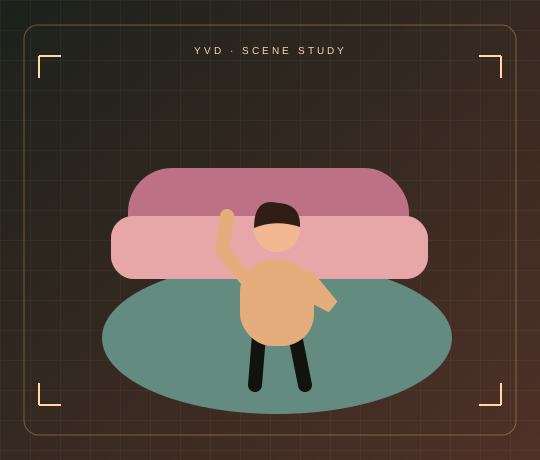
Full-body motion
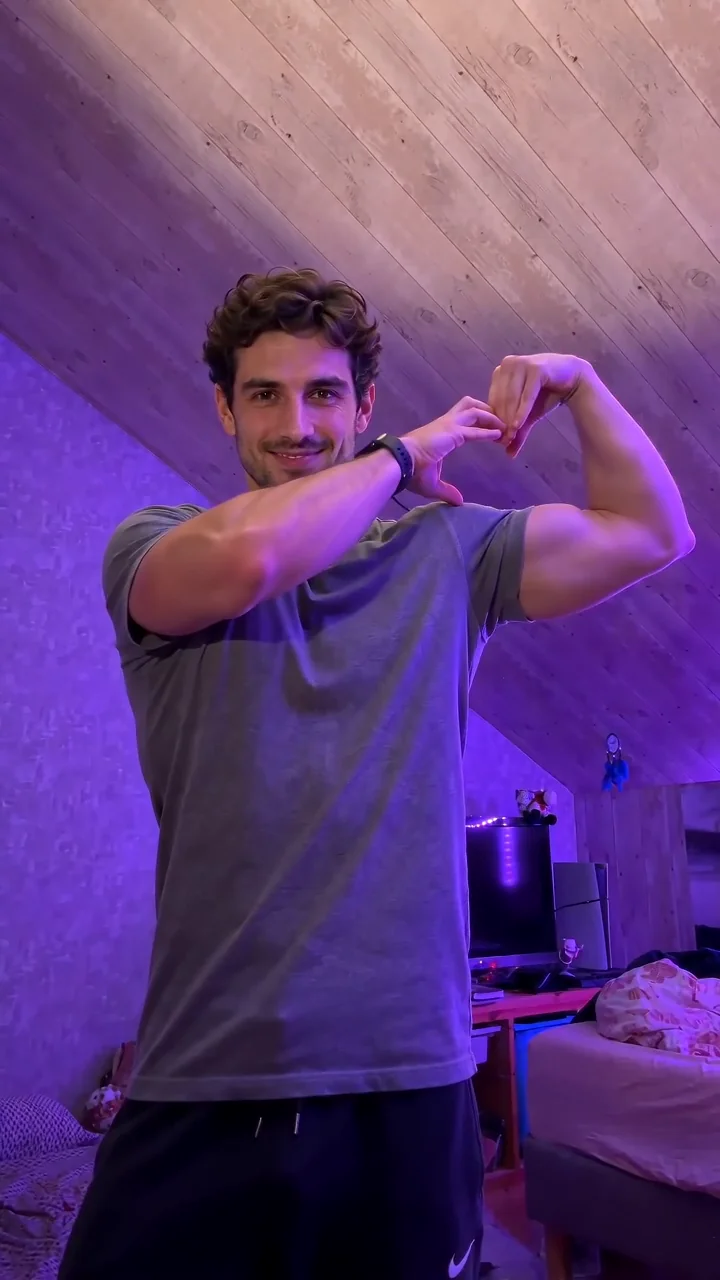
Add your own motion clip and a photo to guide the new performer.
Motion Transfer StudioYVD STUDIO
Pair one photo with your own 2–15 second motion reference. Choose a full-body or gesture-focused direction, then request a 5-, 10- or 15-second video with the displayed model.
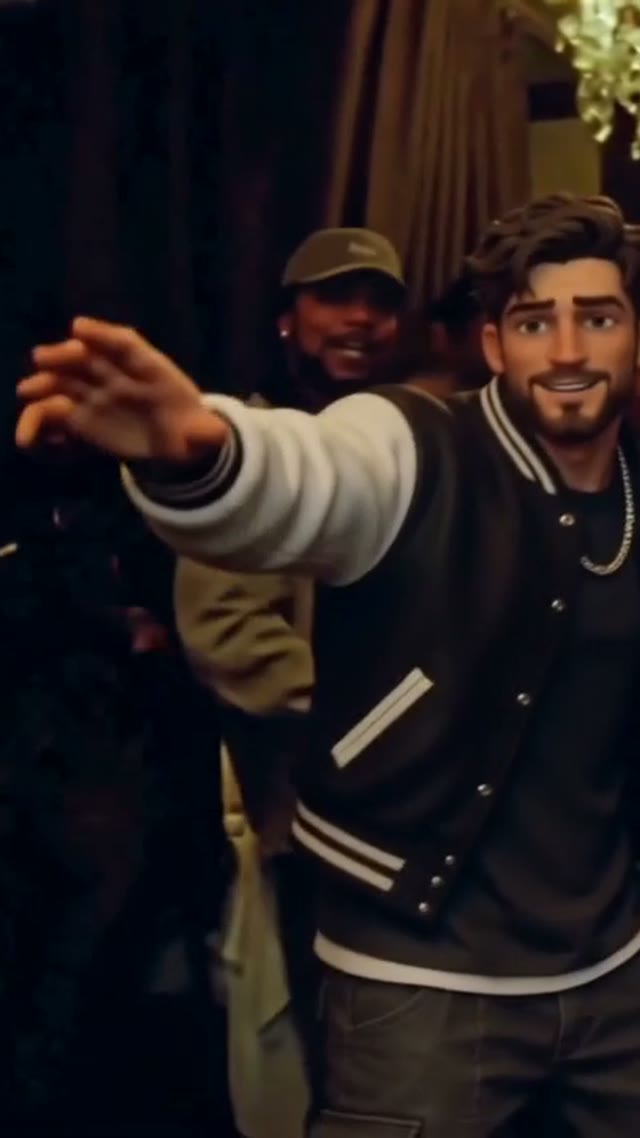
Sample from the reference site. Your result will vary.
View sample sourceTHE SCENE COLLECTION
Pair one photo with your own 2–15 second motion reference. Choose a full-body or gesture-focused direction, then request a 5-, 10- or 15-second video with the displayed model.
01Add your own motion clip and a photo to guide the new performer.
02Add your own motion clip and a photo to guide the new performer.
03Add your own motion clip and a photo to guide the new performer.
Sample from the reference site. Your result will vary. View sample source ↗
YVD / Motion Transfer StudioBEHIND THE IDEA
Motion transfer starts with two different jobs: the photo guides who appears, while the video guides how they move. Use a single visible performer and keep the moving limbs in frame. A full-body source works for stepping or dancing; a closer source is better for a small gesture. YVD sends both inputs to a reference-aware video model. It requests the motion and pacing, rather than promising a frame-for-frame skeletal replacement.
CreateTrim the reference to 2–15 seconds and keep it under 10 MB. Avoid cuts, overlapping people and extreme camera movement. Match the photo crop to the source action: cropped feet cannot reliably guide a full-body dance.
YOUR NEXT TAKE
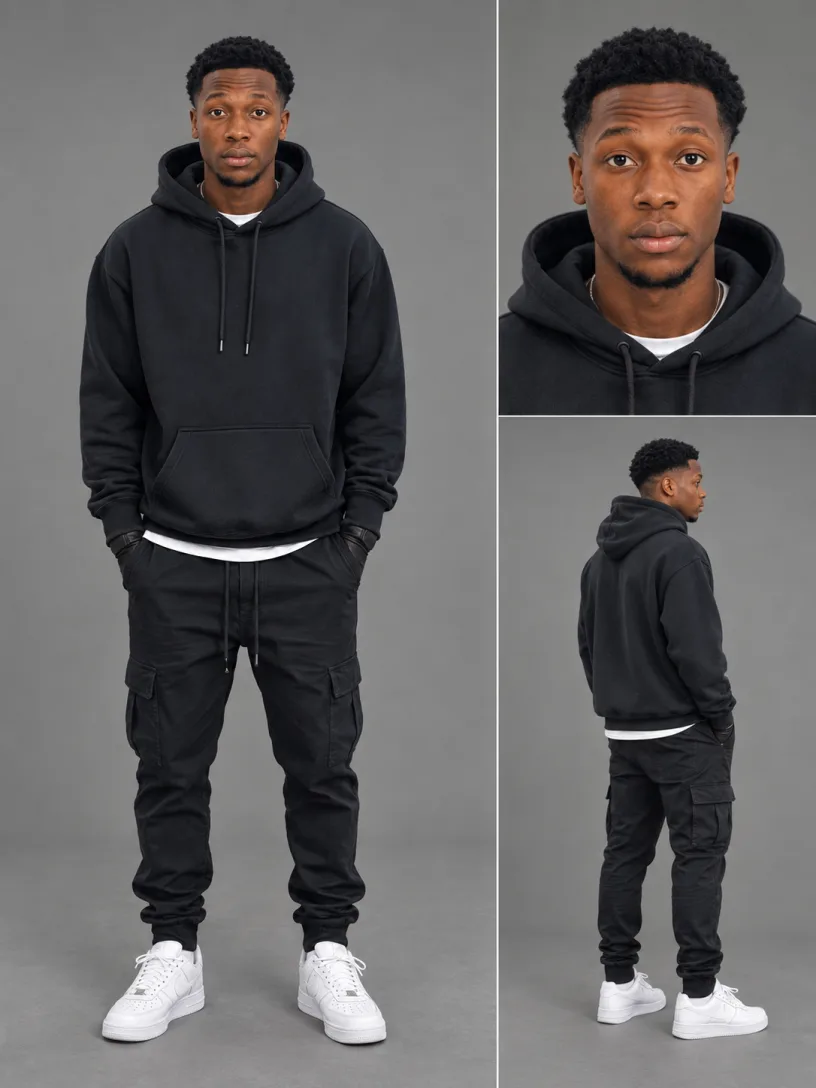
Choose your character photo and a 2–15 second motion clip. Use media you have permission to upload.
Pick full-body movement or a gesture study. The model receives your video as the motion reference and the photo as appearance guidance.
Review duration, resolution and credits. After rendering, inspect the full result for limb, timing and identity changes.
CLEAR BEFORE YOU CREATE
Your quote reflects the selected video length, resolution and audio setting. Check the total before confirming.
Seedance 2.0 Standard · 10s
Seedance 2.0 Standard · 10s
Seedance 2.0 Standard · 10s
Yes. Add an MP4 or WebM between 2 and 15 seconds, up to 10 MB, plus one photo. The combined upload limit is 20 MB. Sign-in and public cloud storage are required when you submit.
The reference guides movement and timing, but this model-based workflow does not guarantee exact pose tracking or identical frames. Keep the action simple and review the whole clip.
The active YVD reference model accepts 2–15 second inputs. The uploader shows this limit so an unsupported long clip is caught before submission.
The samples illustrate visual directions. This page requires your own uploaded motion video, and does not silently send a source site’s demo as your input.
Photos guide the subject’s appearance. AI can change facial details, hands, clothing and backgrounds. Inspect the result before sharing; examples are a style reference.
No. Choosing files and reviewing a brief does not start a task. The confirmation button sends the generation request and uses the credit quote shown.
Sign in to the same YVD account and open My creations. Download files you want to keep. Check YVD’s terms and privacy pages for the service rules.
KEEP EXPLORING
Explore more photo and video scenes in the same YVD studio.