01
Rain-lit arrival
One setting, one action and room for your own story.
Sheru Bhai StoryYVD STUDIO
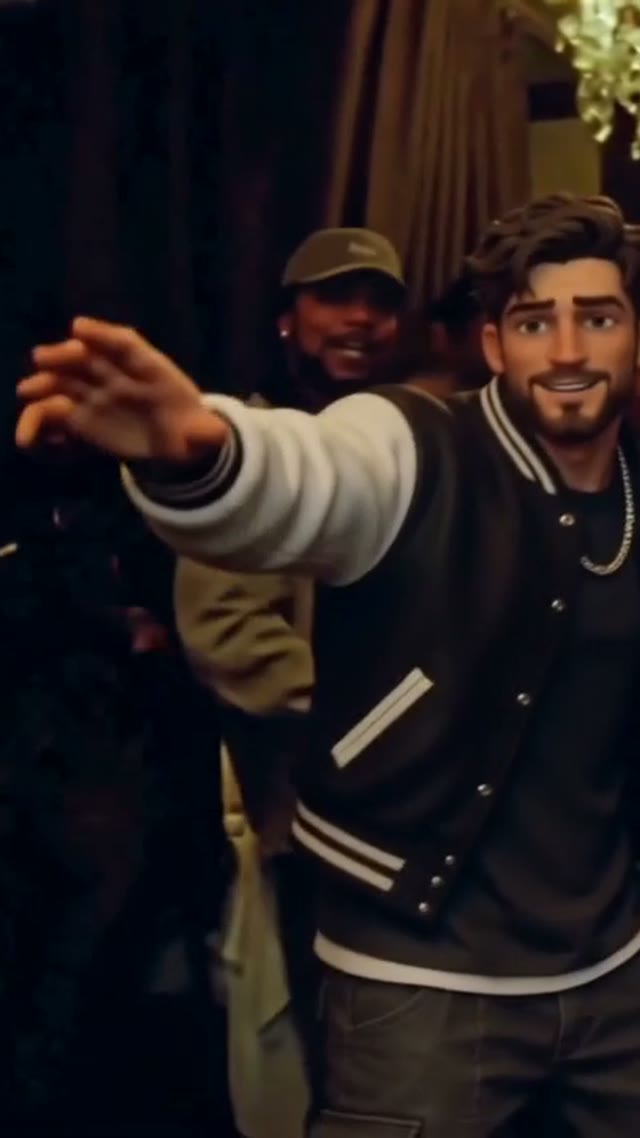
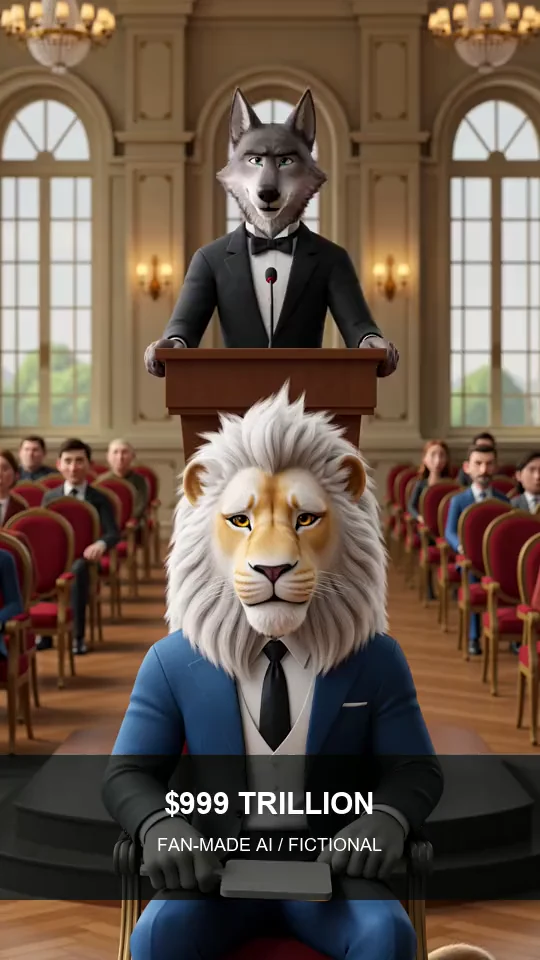
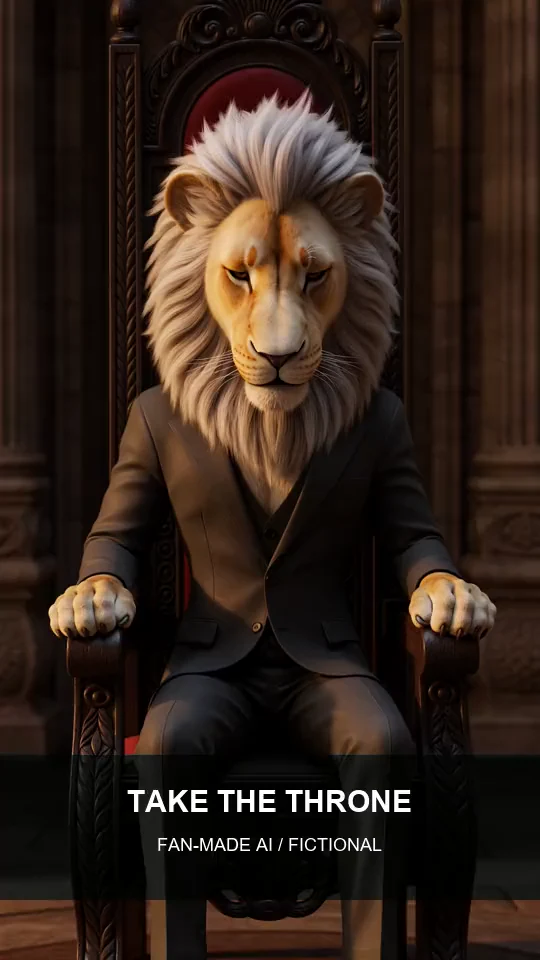
Direct a lion-led arrival, auction, throne portrait or walk together. Write one clear action, add optional frame references and choose a 5-, 10- or 15-second MP4 request.
Sample from the reference site. Your result will vary.
View sample sourceTHE SCENE COLLECTION
Direct a lion-led arrival, auction, throne portrait or walk together. Write one clear action, add optional frame references and choose a 5-, 10- or 15-second MP4 request.
One setting, one action and room for your own story.
 02
One setting, one action and room for your own story.
 03
One setting, one action and room for your own story.
One setting, one action and room for your own story.
Sample from the reference site. Your result will vary. View sample source ↗
YVD / Sheru Bhai StoryBEHIND THE IDEA
A strong short story needs a readable action and a reaction. Start with a quiet arrival, an impossible auction joke or a throne close-up, then add a single detail that makes it yours. The walk scene introduces you beside the fictional lion and requires an opening image. The other scenes can begin from words alone. Opening and ending references guide the composition rather than guaranteeing an exact match; review faces, paws and background details in the final clip.
CreateUse five seconds for a reveal, ten for a short exchange and fifteen for a simple progression. Add text and exact numbers in an editor afterward. A short instruction such as “pause, then smile at the camera” is easier to read than several unrelated events.
YOUR NEXT TAKE
Choose an arrival, auction, throne portrait or walk. Reference samples show atmosphere rather than a promise of your result.
Add a scene brief and any opening or ending frame. Walk together needs an opening photo of the adult participant.
Choose 5, 10 or 15 seconds, check framing and credits, then render through your YVD account.
CLEAR BEFORE YOU CREATE
Your quote reflects the selected video length, resolution and audio setting. Check the total before confirming.
Seedance 2.5 · 5s
Seedance 2.5 · 5s
Walk together requires an opening photo. The arrival, auction and throne scenes can start without one. You can add an optional opening or ending frame to guide the composition.
Generated audio can be requested, but precise dialogue and typography are not guaranteed. Add captions and exact numbers after downloading.
Plan it as separate clips. This page requests one 5-, 10- or 15-second video at a time; it does not automatically stitch episodes.
They describe the beginning and ending composition, not two cast slots. For a two-person elevator scene, choose one of the Smiths tools instead.
Photos guide the subject’s appearance. AI can change facial details, hands, clothing and backgrounds. Inspect the result before sharing; examples are a style reference.
No. Choosing files and reviewing a brief does not start a task. The confirmation button sends the generation request and uses the credit quote shown.
Sign in to the same YVD account and open My creations. Download files you want to keep. Check YVD’s terms and privacy pages for the service rules.
KEEP EXPLORING
Explore more photo and video scenes in the same YVD studio.