01
Silver-stage trio
Center lead, optional left and right friends. 16:9 framing.
No Scrubs AIYVD STUDIO
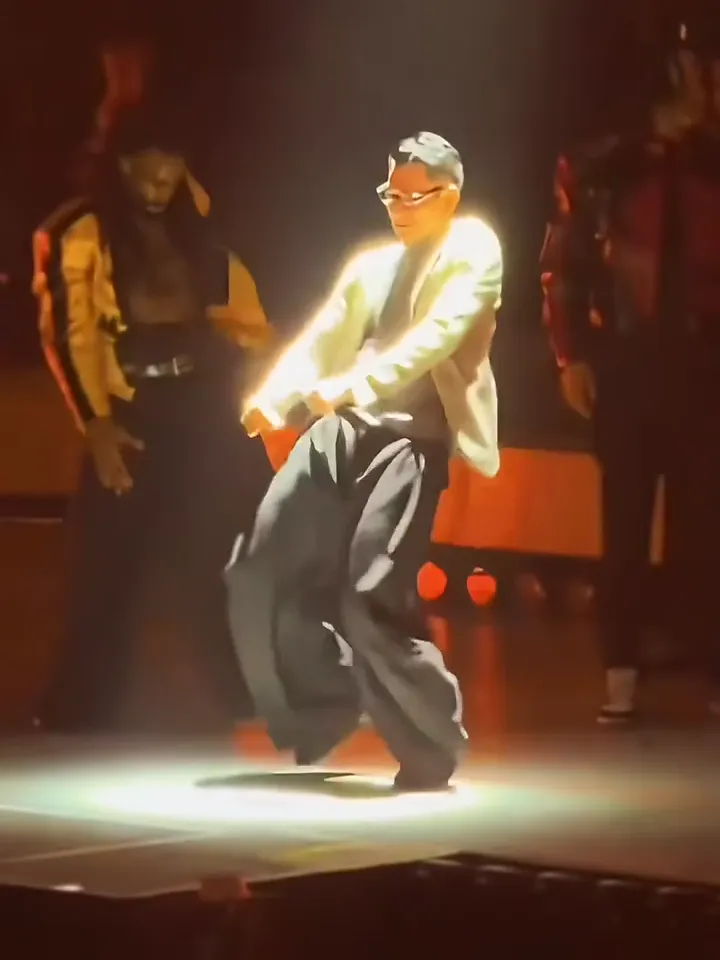
Put yourself at the center of a silver-stage trio. Add one or two friends if you like, then create a short widescreen dance with a clear role for every photo.
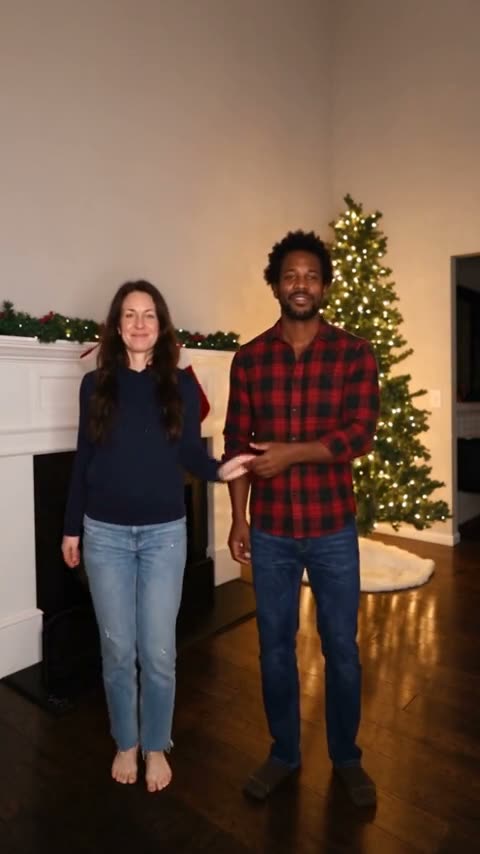
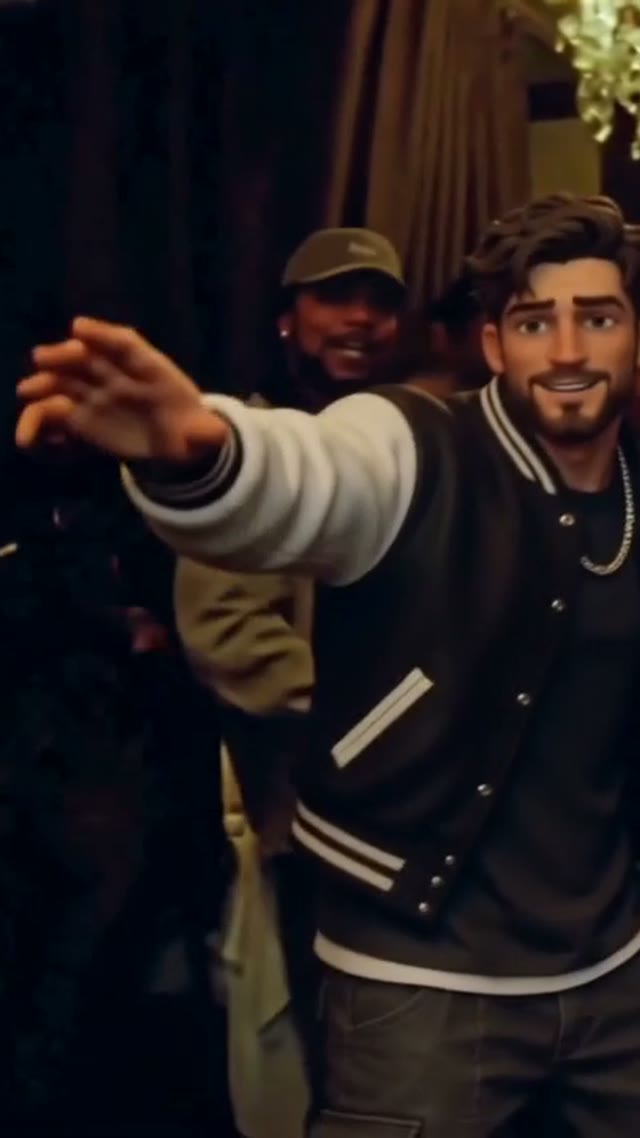
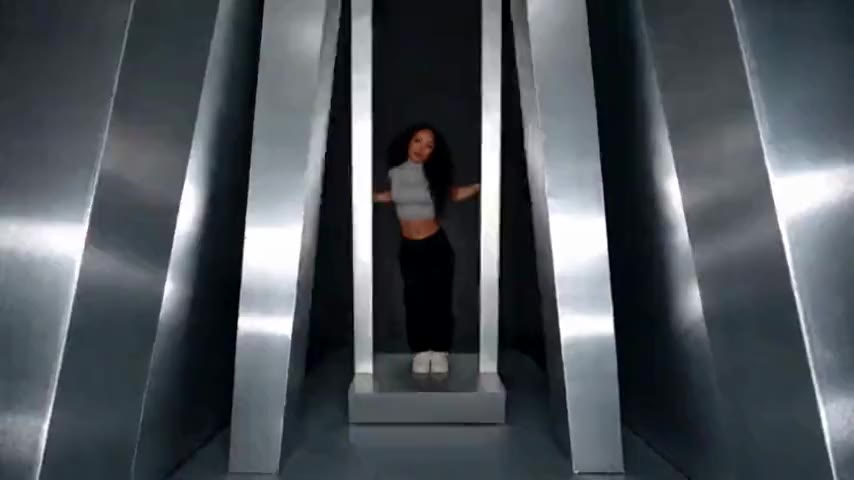
The silver-stage example comes from ZapVid and runs about 14 seconds. It is a visual reference, not a YVD-generated result; your selected output duration may differ.
THE SCENE COLLECTION
Put yourself at the center of a silver-stage trio. Add one or two friends if you like, then create a short widescreen dance with a clear role for every photo.
Center lead, optional left and right friends. 16:9 framing.
The silver-stage example comes from ZapVid and runs about 14 seconds. It is a visual reference, not a YVD-generated result; your selected output duration may differ.
 YVD / No Scrubs AI
BEHIND THE IDEA
This No Scrubs-inspired scene uses an original chrome set and a short coordinated dance. Your main photo guides the center performer. Optional photos guide the friend on the left and the friend on the right; unfilled places go to fictional adult dancers. The wide 16:9 frame leaves room for all three. A new render interprets the movement and appearance, so it can change faces, merge details or miss a gesture. It does not reproduce a complete music video.
CreatePick one adult per photo, facing the camera without sunglasses. Waist-up or full-body framing gives more outfit information than a tight crop. Put your strongest photo in the center slot and check each face in the completed clip.
YOUR NEXT TAKE
Upload your main photo for the center. Add either friend, both friends or neither; their slots stay mapped to the left and right.
The clip uses a short, 16:9 composition with one coordinated gesture sequence. No commercial song is supplied.
Review the 10-credit quote, generate and inspect every face and limb. Download the MP4 and add permitted music in your publishing app.
CLEAR BEFORE YOU CREATE
Your quote reflects the selected video length, resolution and audio setting. Check the total before confirming.
MiniMax H3 · 5s
MiniMax H3 · 5s
MiniMax H3 · 5s
MiniMax H3 · 5s
Yes. Add your photo to the center slot and leave both friend slots empty. The request fills those places with fictional adult dancers. Add only the right friend if you want; their image stays mapped to the right.
You can select a longer output, up to 30 seconds at 480P, 768P or 1080P and 15 seconds at 2K. The result is a new scene; exact choreography and lip sync are not guaranteed.
Yes. The center photo is required. Either friend is optional, and the right slot stays the right performer even when the left slot is empty. A fictional adult fills the remaining place.
No song recording, lyrics or artist voice is included. If you add music later, use a library or service that gives you the rights needed for that post.
480P, 768P and 1080P: 4–30 whole seconds; 2K: 4–15 seconds. Videos of 16–30 seconds use double the rate for the entire clip. Quotes start from 10 YVD credits for 5s at 768P and scale with duration and resolution. Up to five photos and audio add no input fee. Reference video is charged by verified input duration at the selected output rate. Standard channel; priority and Context IR are off. YVD credits and supplier points are separate units.
Photos guide the subject’s appearance. AI can change facial details, hands, clothing and backgrounds. Inspect the result before sharing; examples are a style reference.
No. Choosing files and reviewing a brief does not start a task. The confirmation button sends the generation request and uses the credit quote shown.
Sign in to the same YVD account and open My creations. Download files you want to keep. Check YVD’s terms and privacy pages for the service rules.
KEEP EXPLORING
Explore more photo and video scenes in the same YVD studio.